
AI Influencer Photos
New photos of your AI influencer in any scene — same face every time
4 free credits on signup — no card, no watermark.
- 1Build a creator from 2–8 photos (free) and tick the consent box
- 2Describe the scene, outfit and mood; pick a shape
- 3Render at Standard to explore, Pro to post; animate the winner into a clip


Standard
4 credits
Pro
18 credits
Max
52 credits
An AI influencer is a persona you own: a face built from a few photos of yourself, or of someone who agreed, that you can put in front of the camera whenever you need a post. Building one is free — upload two to eight clear photos, name the creator, describe their look, and the Studio stores reference images and face crops. From then on AI Influencer Photos makes new pictures of that person from a sentence. The same face, hair and skin tone show up on a rooftop, in a gym, at a cafe, holding your product, wearing the outfit you describe.
Each photo is a reference-conditioned render: the engine sends a few of your creator's reference photos alongside your prompt and an identity lock so the result matches them. The tier sets how many references are used — two at Standard, four at Pro, five at Max — and the price follows the multi-photo rule, so Standard is 4 credits, Pro 18 and Max 52. Pick a shape for where it is going: 3:4 or 4:5 for the feed, 9:16 for stories, 1:1 for a profile, 16:9 for a thumbnail. Every input photo and prompt goes through moderation.
Use it like a content calendar. Write seven scene prompts on Sunday, render them at Standard, and pick the best for Pro. Send a result to Photo to Video or AI Influencer Videos and the creator moves and talks. Send it to the thumbnail tool as the face slot and your channel art features them too. The creators you build live in the Studio drawer; delete one and its reference photos are purged while the posts you already made stay in your rail.
What you control
- What are they doing
- Shape3:4 portrait1:1 square4:5 feed9:16 story16:9 wide
Every tool comes with
- The right ratio for the platform, already set
- Standard, Pro and Max tiers per run
- Edit with words, reframe, upscale or animate the result
- Everything saved to your creations rail
Questions
How many photos do I need to build a creator?
Two to eight of the same person. Vary the angle and the expression, keep the face unobstructed, skip heavy filters and sunglasses. Five or six good ones beat eight mediocre ones.
Why do Pro and Max cost more here?
Higher tiers send more reference photos to lock the identity — two at Standard, four at Pro, five at Max — and a multi-photo render is priced per reference. The button shows the exact number.
Can I build a creator from someone else's photos?
Only with their agreement, which you confirm when you build one. Public figures and people who have not consented are off limits, and every upload passes moderation first.
Can I change their outfit or hair?
Outfits, setting, lighting, pose and mood all come from your prompt. Hair color and length can drift if you ask for it; leave hair out of the prompt to keep it as in the references.
Can I try AI Influencer Photos without paying?
Yes — every new account starts with 4 free credits, enough for a Standard run of most tools. Plans start at $15 for 1,000 credits a month and packs at $4.99 for 250.
AI Influencer Videos
Clips of your AI influencer talking, walking, unboxing — from a sentence
Photo to Video
Any still from your rail or your phone becomes a moving clip with sound

 In
InYouTube Thumbnail Maker
Click-worthy 16:9 thumbnails with your face and your title, spelled right
 In
InCreator Brand Photos
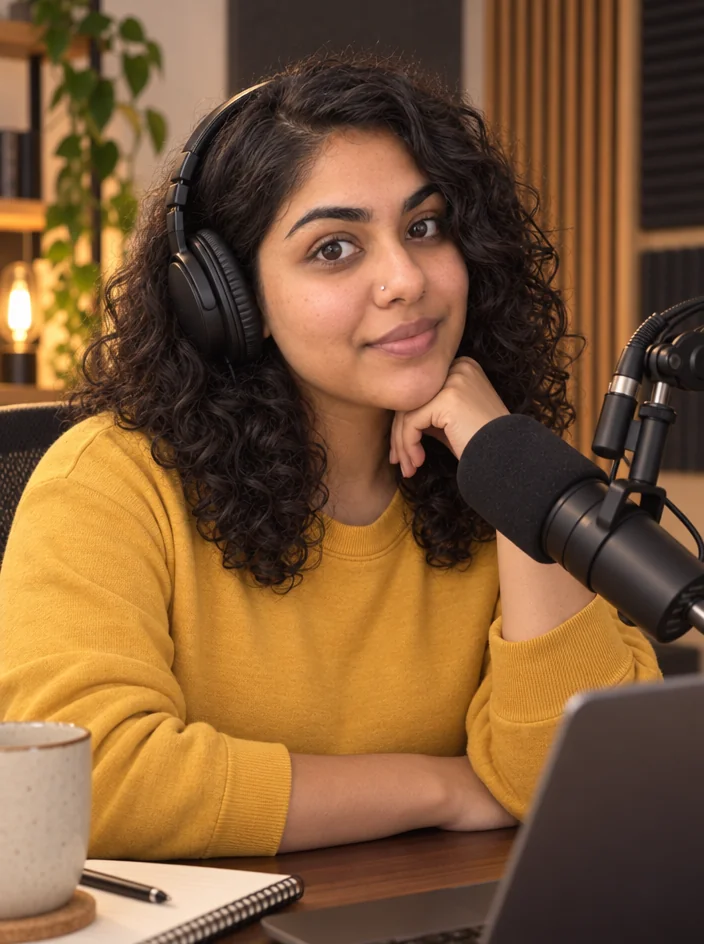
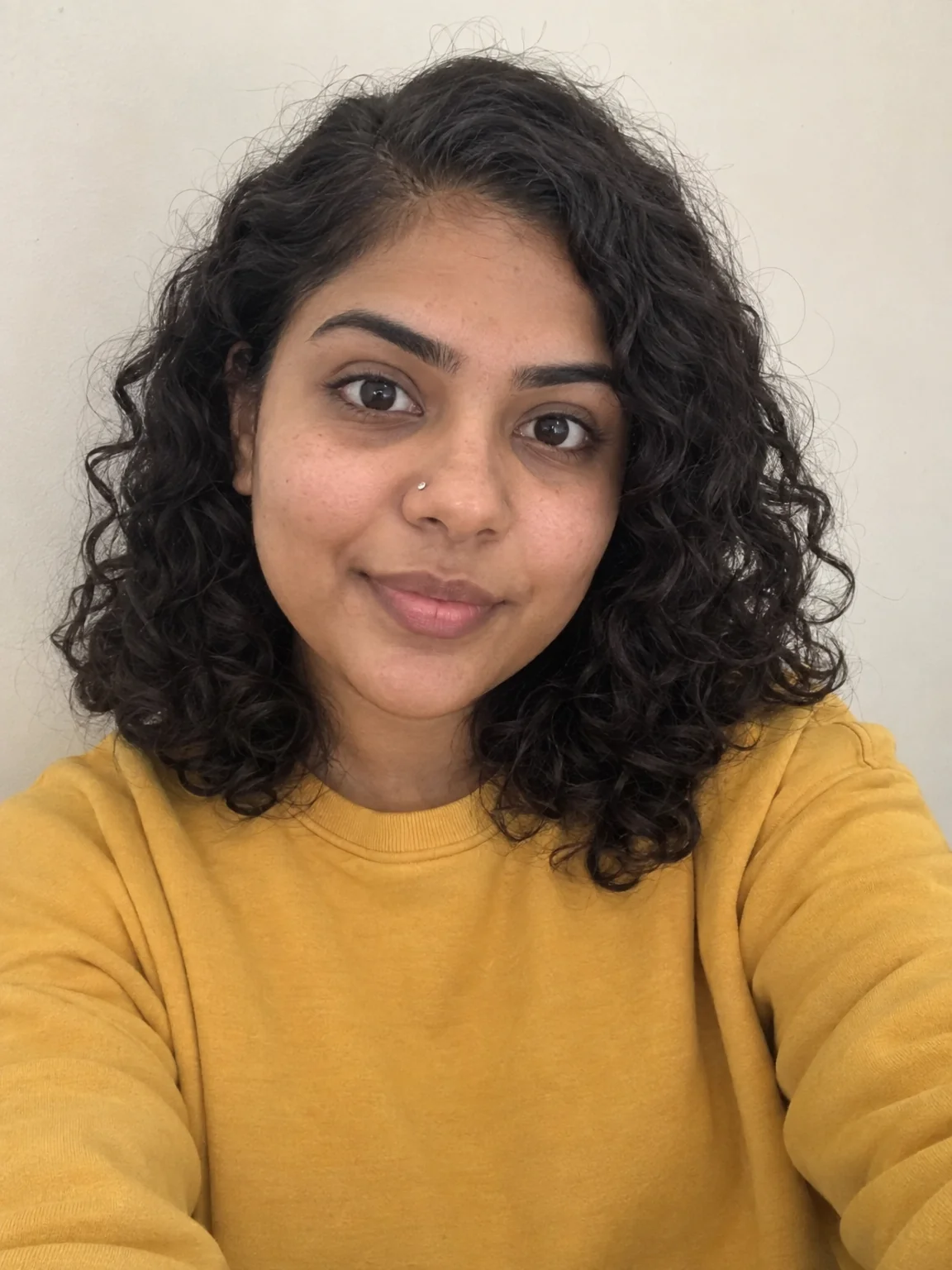
Creator brand photos from 1–4 selfies: studio, podcast desk, gym, kitchen, stage