
AI tools for vloggers
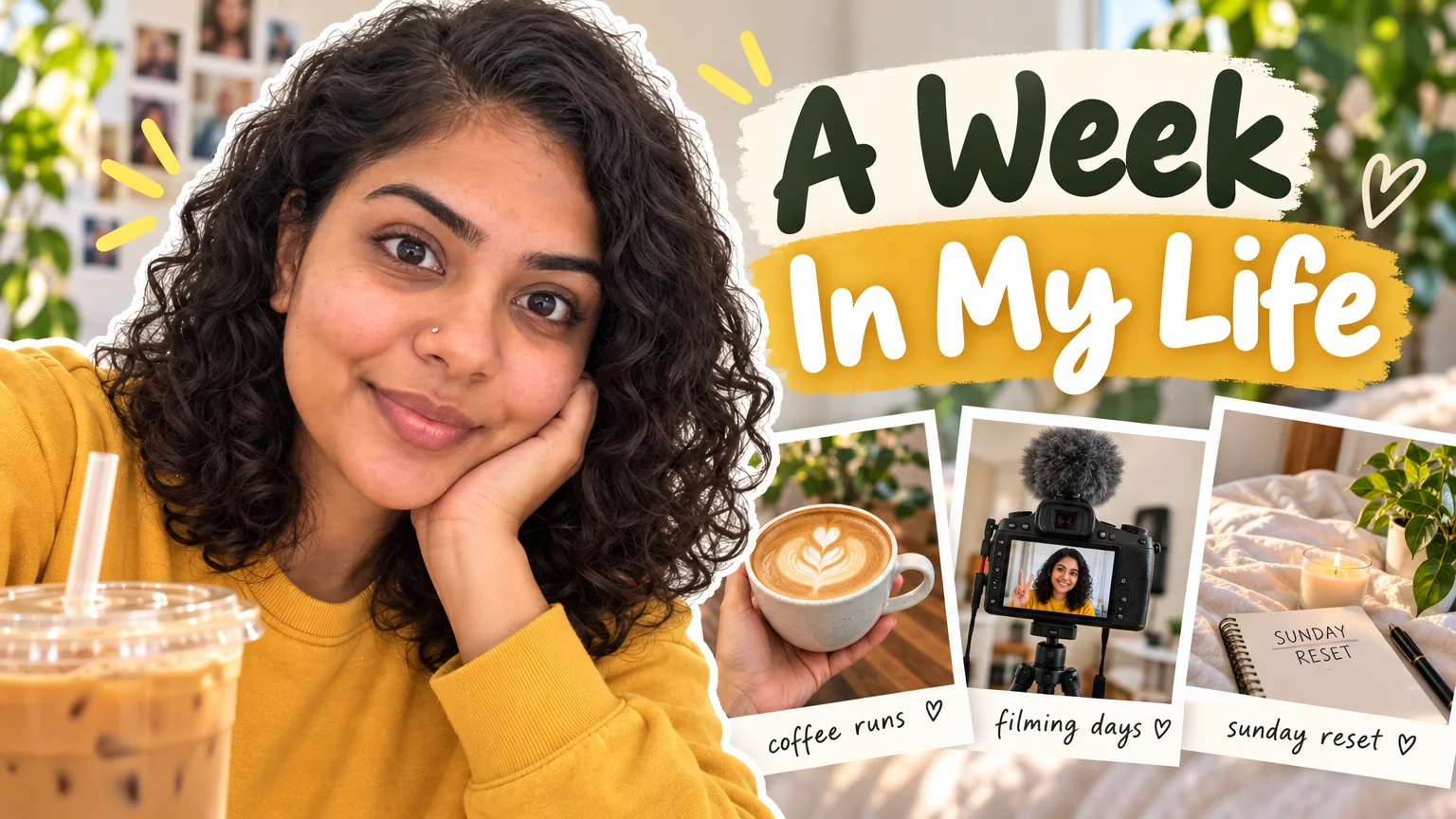
Vlogs sell a person, so every graphic is a portrait problem: the thumbnail face, the PFP, the Shorts cover, the brand photo in the intro email. The footage exists; the frame with the right expression and the title in the right place usually does not.
Preset here: Vlog style thumbnails with warm daylight and a friendly title font, Reaction faces for laughing and excited, Cafe and Outdoor brand photos, Shorts covers with the day's title in the safe band, and an end screen that points at yesterday's vlog.
What this solves
- A thumbnail face that is a frame grab mid-sentence
- Every platform PFP is a different photo from a different year
- Shorts covers that hide the title under the like button
- No end screen, so the binge stops after one video
Tools for this kind of creator

 In
InYouTube Thumbnail Maker
Click-worthy 16:9 thumbnails with your face and your title, spelled right
Vlog style: bright natural feel, candid smile, warm daylight, rounded title.
 In
InReaction Face Generator
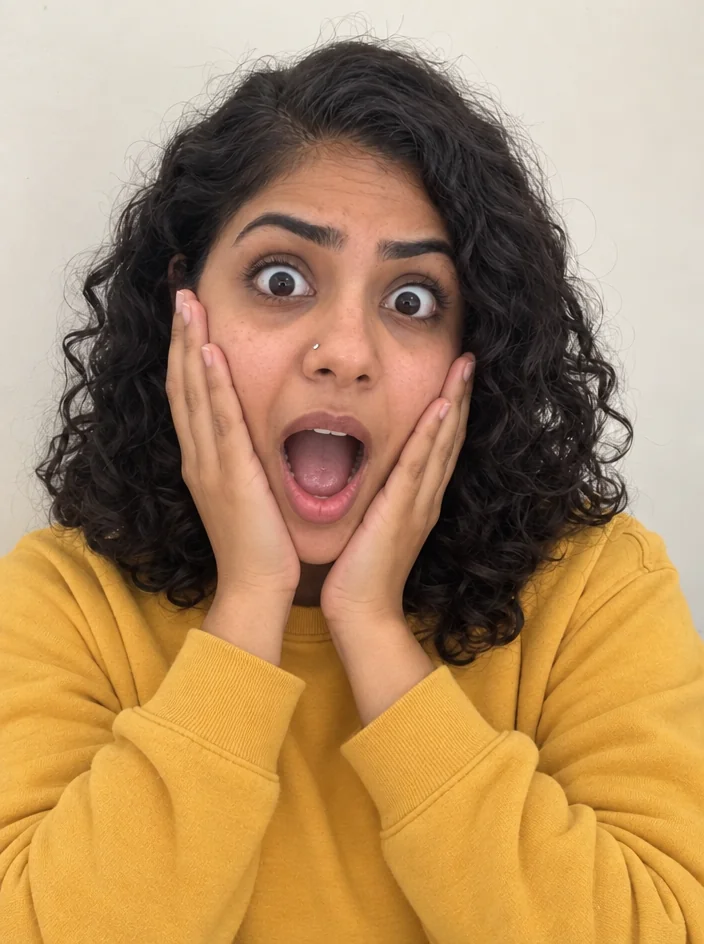
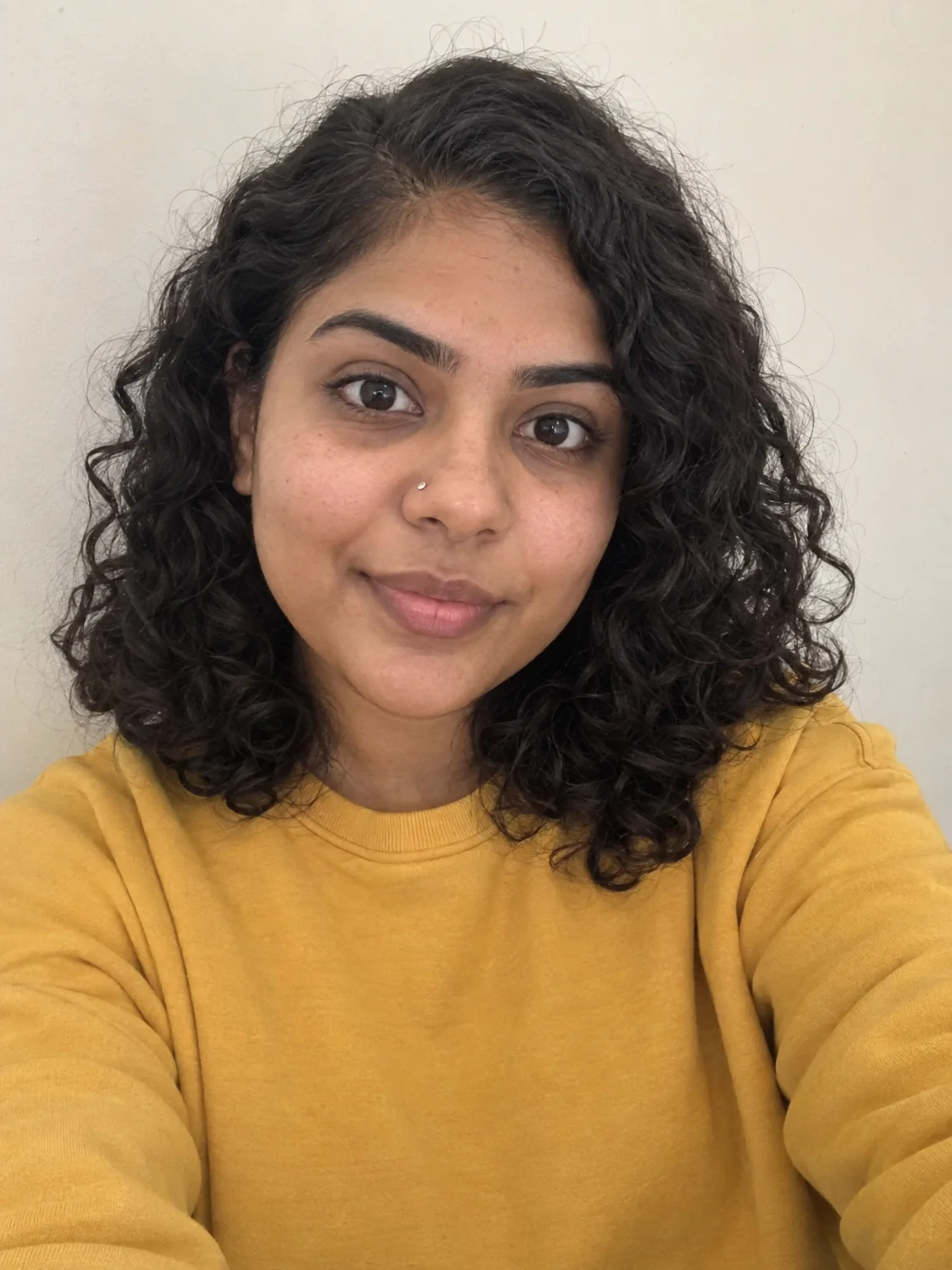
Neutral selfie in, shocked / mind-blown / pointing thumbnail face out
Laughing, excited and pointing faces from one selfie.
 In
InCreator Brand Photos
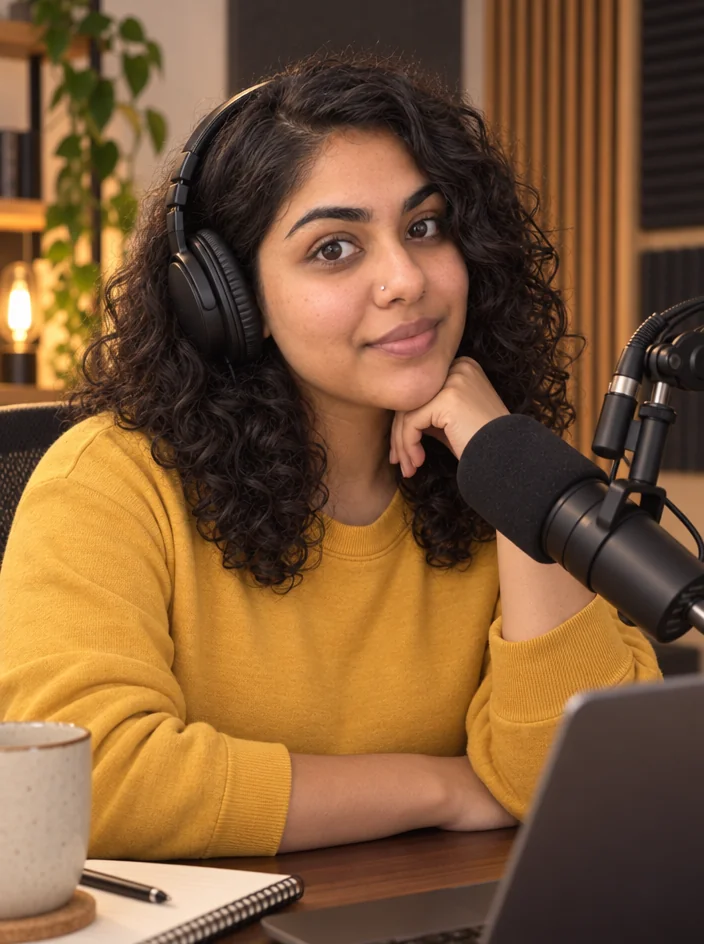
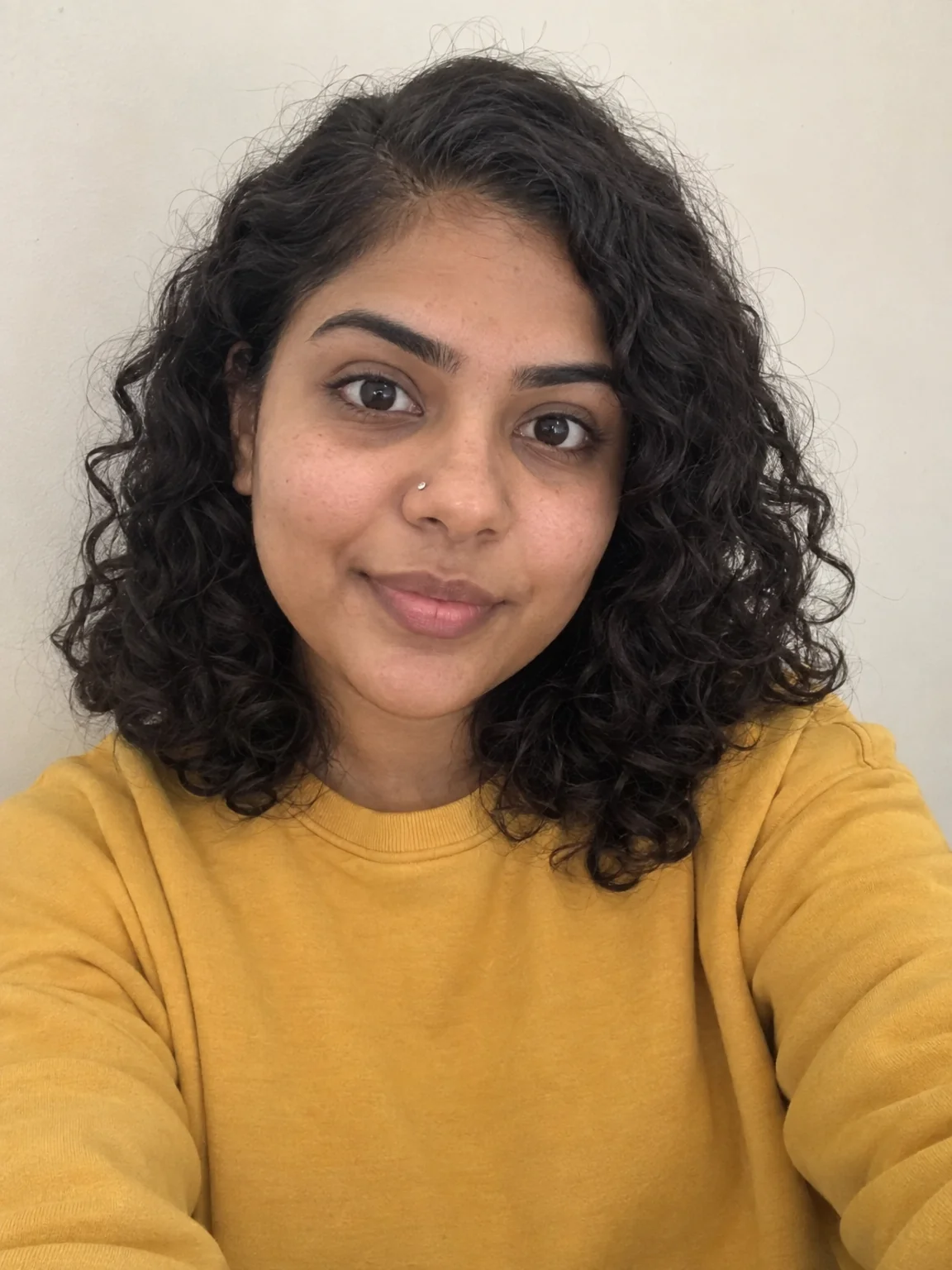
Creator brand photos from 1–4 selfies: studio, podcast desk, gym, kitchen, stage
Cafe by the window or outdoor golden hour, same face.

 In
InReel Cover Maker
9:16 covers for Reels, Shorts and TikTok that read at grid size
Shorts and Reels covers with the title in the middle band.

 In
InProfile Picture Maker
A 1:1 PFP from your selfie — clean pro, anime, 3D, neon gamer, pixel, Y2K
One selfie, one PFP for every platform.

End Screen Maker
16:9 end screen backgrounds with two video slots and a subscribe spot
Two slots for the previous vlog and the playlist.
 In
InBackground Blur
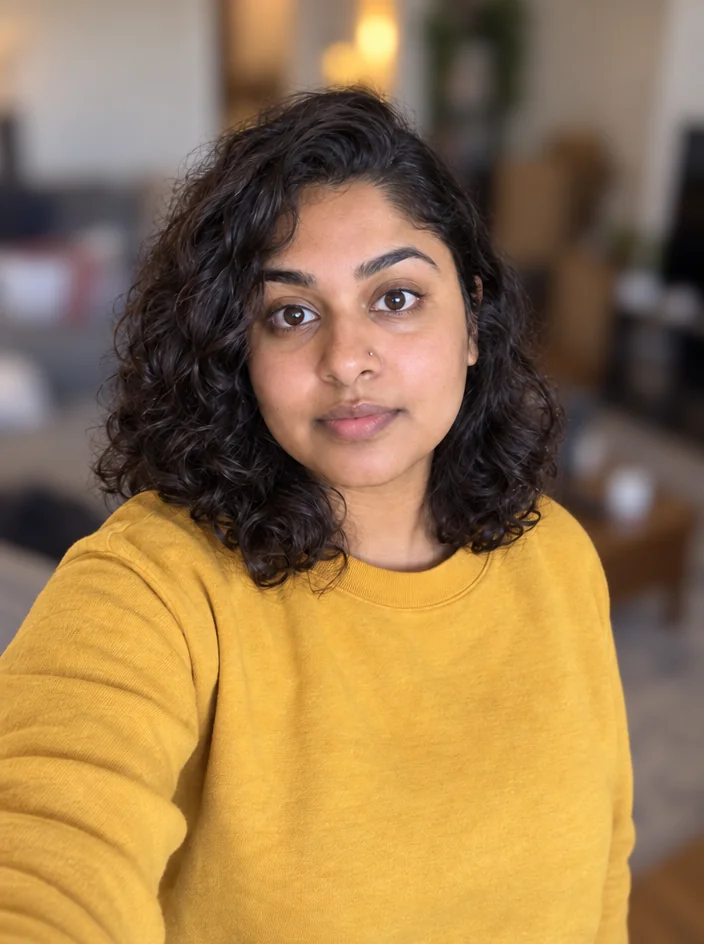
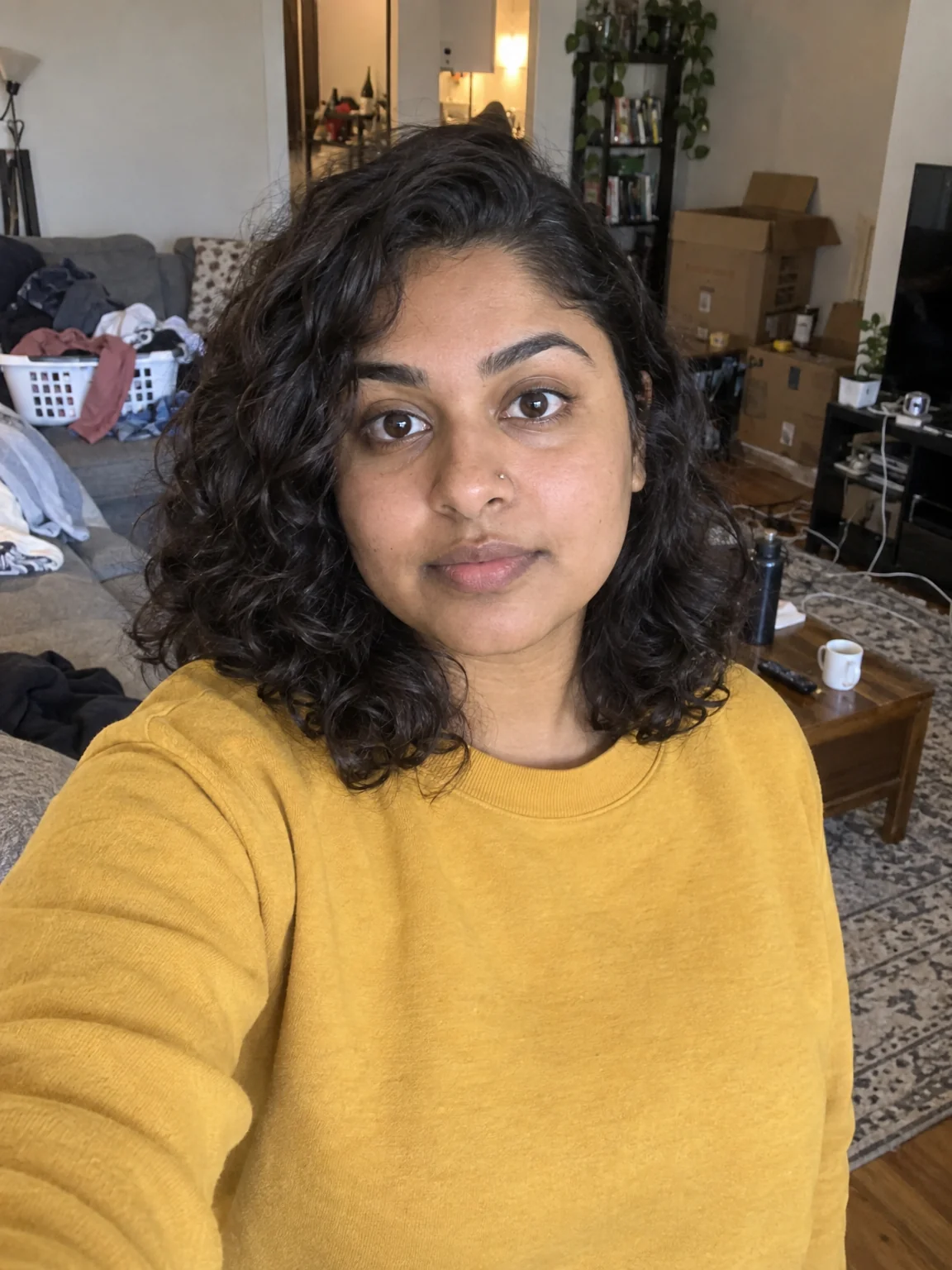
Portrait-mode depth for any photo — sharp subject, fully blurred room
Soften the messy room behind you in any frame grab.
Prompts and titles to copy
The steps
Start with YouTube Thumbnail Maker
Vlog style: bright natural feel, candid smile, warm daylight, rounded title.
YouTube Thumbnail MakerThen Reaction Face Generator
Laughing, excited and pointing faces from one selfie.
Reaction Face GeneratorQuestions
Can I use a frame grab from the vlog?
Yes — Face Retouch and Background Blur clean it up, then Reaction Face or the thumbnail tool builds on it.
How do I keep thumbnails consistent across a series?
Same style, same title format ('Day 1 Of 30'), same selfie. Text Replacer changes the number.
Which brand photo setting for a vlogger?
Cafe reads warm and personal; Outdoor lifestyle reads adventurous. Render both from the same upload.
AI tools for vloggers
Open with these settings