
Make anything a creator needs.
Clips from a sentence or a photo, new photos of you, thumbnails and covers, a soundtrack, and an AI influencer who's always on camera. 93 tools, one canvas.
Every tile here was rendered by this Studio — the clip, the thumbnail, the photo edit, the post and the track.
Clip prompt: “Vertical selfie-style video: a young woman with shoulder-length curly dark hair, a small nose stud and a mustard sweatshirt sits at a podcast desk with headphones around her neck, looks into the camera, smiles and says: "Okay, three tricks that saved me hours this week." Natural hand gestures, warm studio light, soft room ambience.”


What you can make
Six things creators need. One tab.
Type a scene or drop a photo. 4–15 seconds, with sound, in 9:16 or 16:9.
Video clip
 In
InYour face, your title, spelled right, at 16:9 — plus covers for every platform.
Thumbnail

Video examples
Real clips, prompts included.
Every clip below was rendered by the Studio from the prompt under it. Steal the prompts.
Vertical · for Reels, Shorts and TikTok
Prompt · 9:16 · 5s
“Vertical selfie-style video: a young woman with shoulder-length curly dark hair, a small nose stud and a mustard sweatshirt sits at a podcast desk with headphones around her neck, looks into the camera, smiles and says: "Okay, three tricks that saved me hours this week." Natural hand gestures, warm studio light, soft room ambience.”
Open the StudioPrompt · 9:16 · 5s
“The hand slowly turns the bottle toward the camera, soft light glides across its matte surface, the camera pushes in gently, bright kitchen stays softly blurred, upbeat soft electronic beat, vertical social reel.”
Open the StudioPrompt · 9:16 · 5s
“Vertical shot of a rain-soaked neon city street at night, colorful reflections on wet pavement, people with umbrellas crossing, slow forward dolly, mellow lo-fi beat under soft rain sounds.”
Open the StudioPrompt · 9:16 · 5s
“A young man in a black hoodie and wide jeans does a smooth, confident dance move on a sunny rooftop, city skyline behind him, camera at chest height, energetic hip-hop beat, bright afternoon light.”
Open the StudioWide · for YouTube and landscape posts
Prompt · 16:9 · 5s
“Aerial shot gliding along a winding coastal road at sunrise, waves breaking on dark rocks below, warm golden light, cinematic, gentle wind and ocean sound.”
Open the StudioPrompt · 16:9 · 5s
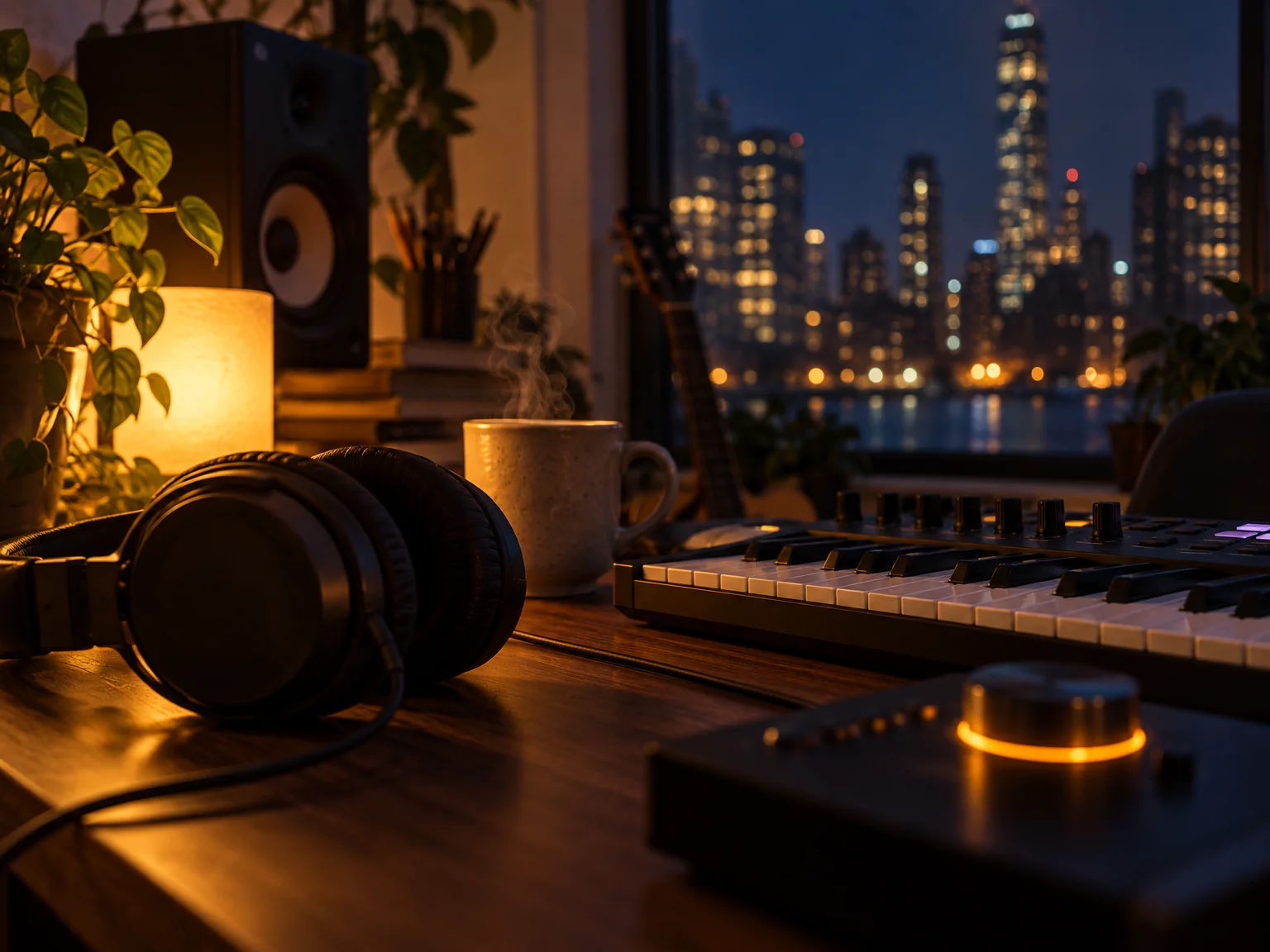
“A cozy creator desk at night: a young woman edits a video on a laptop under a warm desk lamp, steam rising from a mug, soft keyboard sounds and quiet lo-fi music, slow push-in.”
Open the StudioYour AI influencer
Three photos in. A creator who never misses a post.
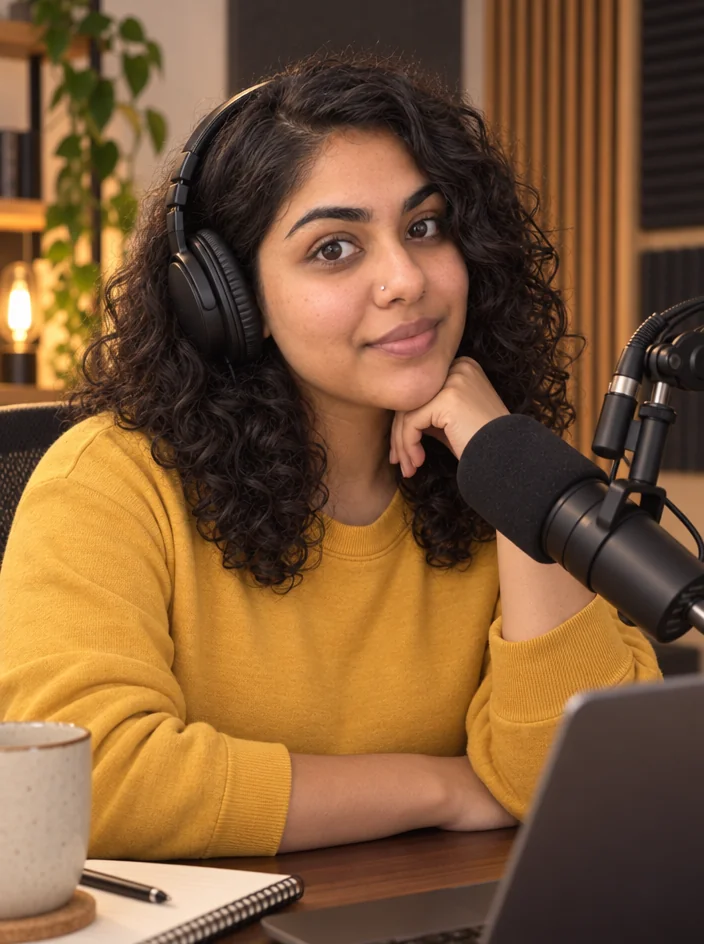
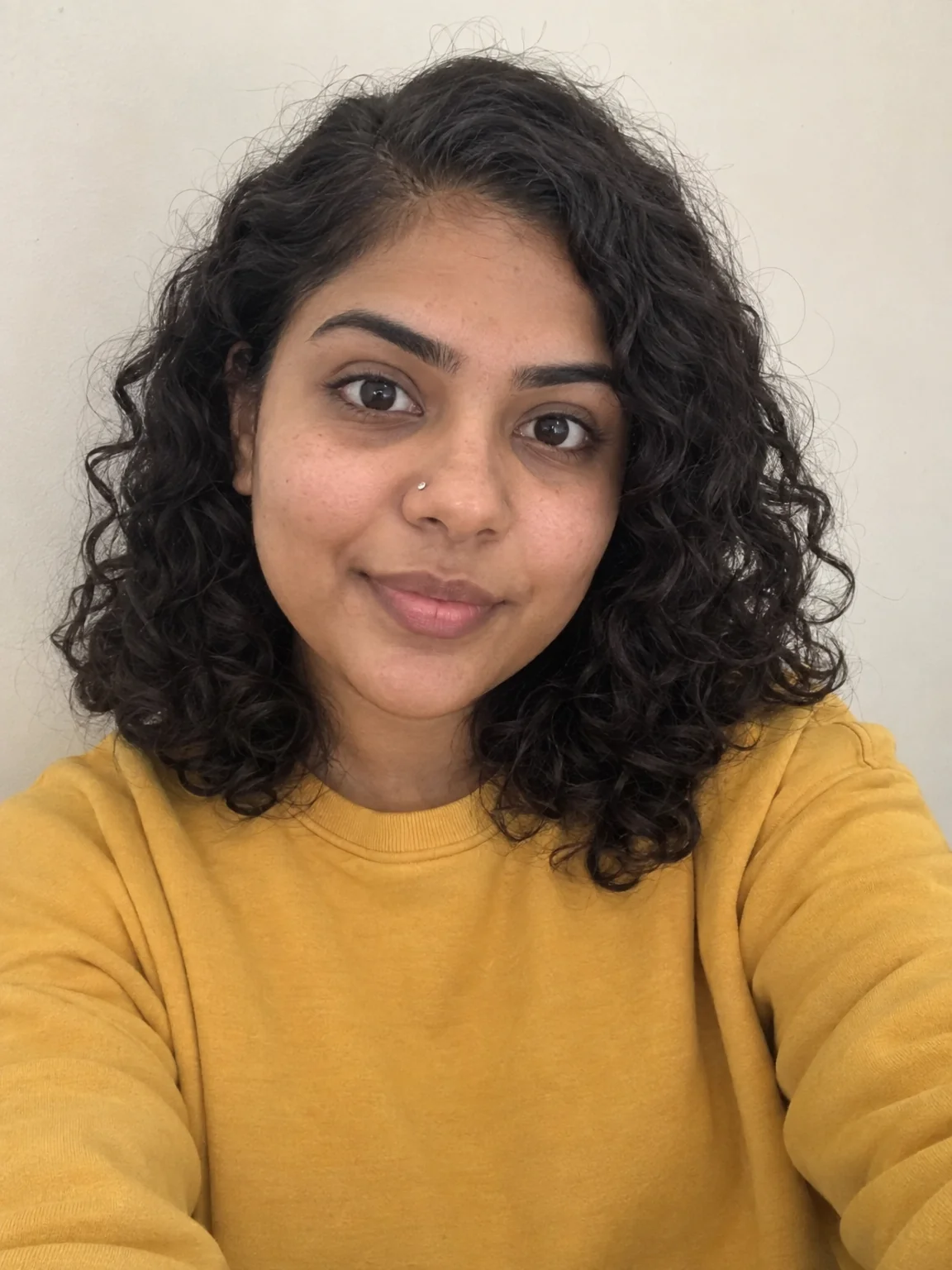
Upload a few photos of yourself (or someone who agreed), name your creator, describe their look. From then on you can make photos and clips of the same face — new outfits, new places, spoken lines in quotes.
- 1Upload 2–8 photosDifferent angles, plain light, no filters. Building the creator is free.
- 2Make photosDescribe the scene; the face, hair and skin tone carry over every time.
- 3Make clipsSame creator, moving and talking. Put the line in quotes and it's spoken.
Only photos of yourself or of people who've agreed. Every input photo and prompt goes through moderation.
Build your AI influencer
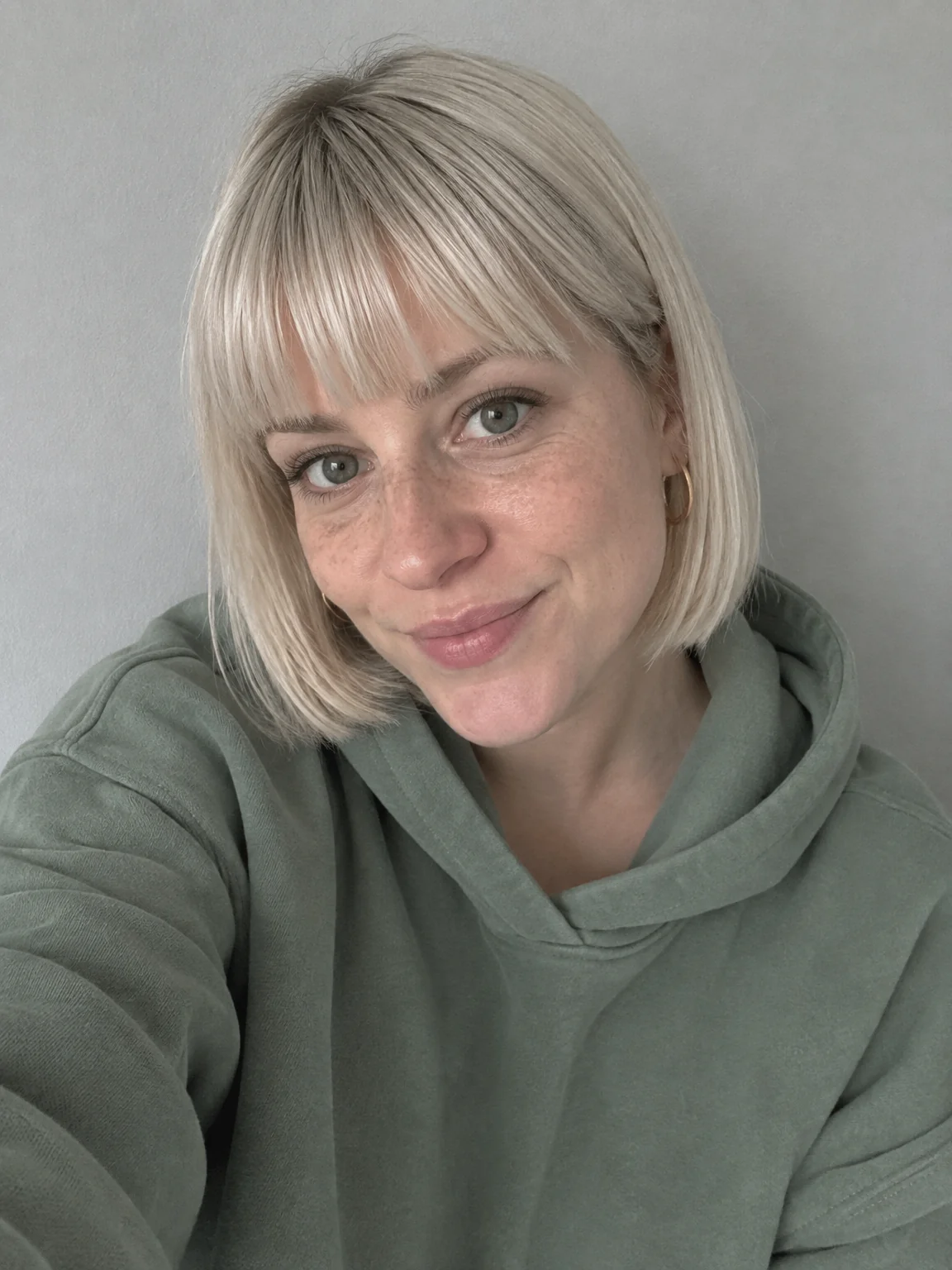
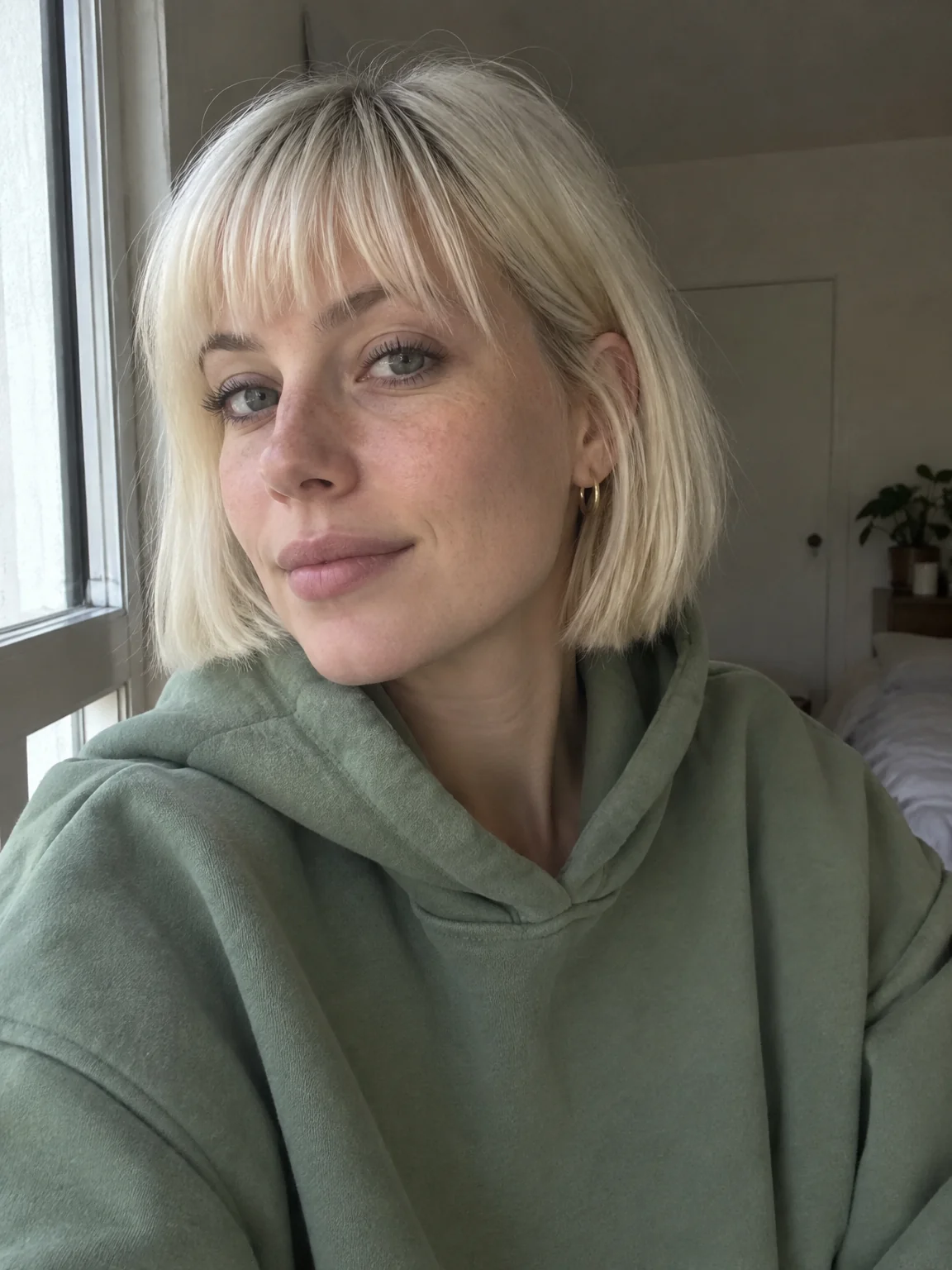
1 The 2–8 photos you upload

2 Photo of your influencer
3 Clip of your influencer
Those photos on the left are the whole input. Everything to the right of them is generated, and it is the same face every time.
Tools by media
93 tools, sorted by what you're making.

 In
InYouTube Thumbnail Maker
Click-worthy 16:9 thumbnails with your face and your title, spelled right

 In
InReel Cover Maker
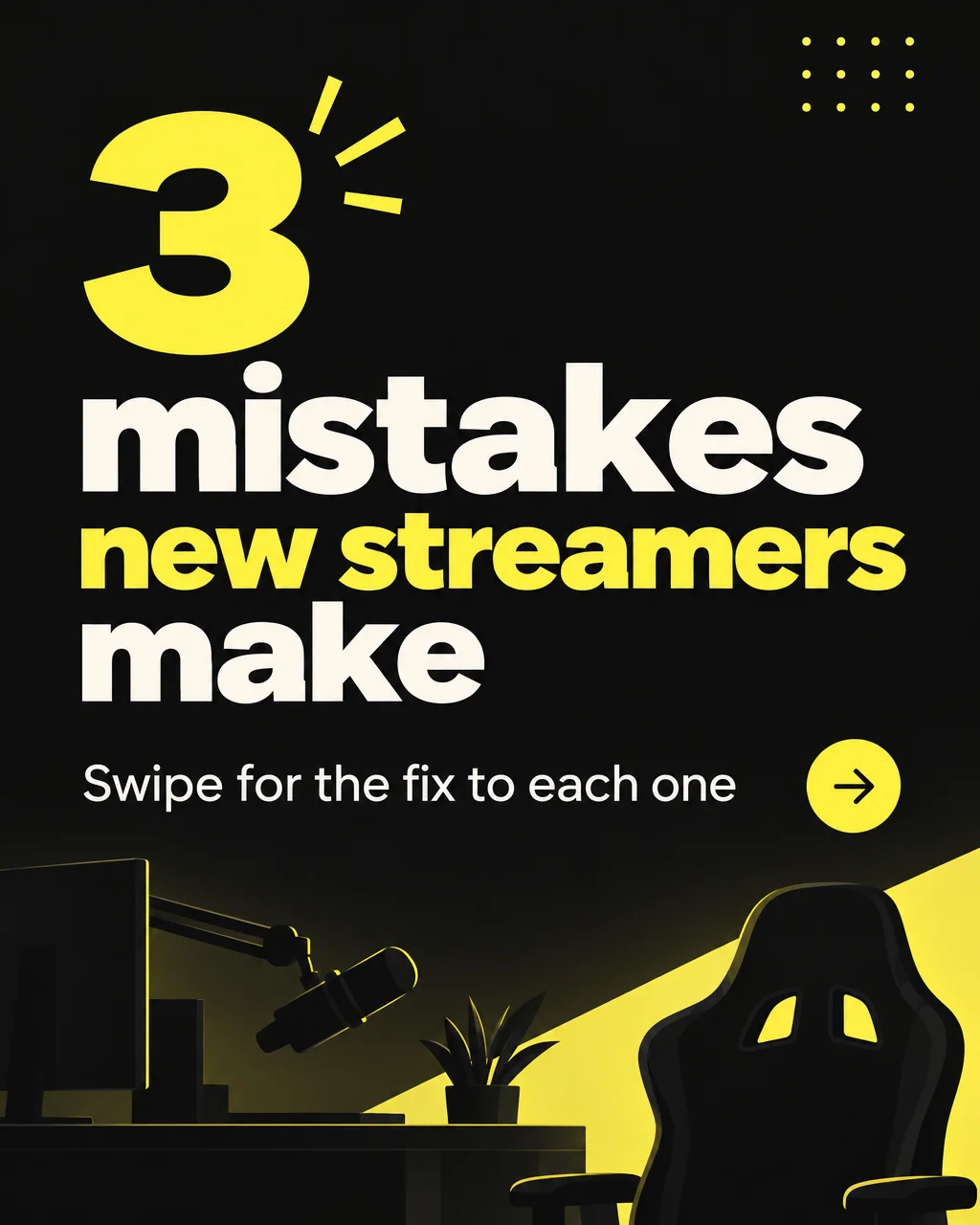
9:16 covers for Reels, Shorts and TikTok that read at grid size
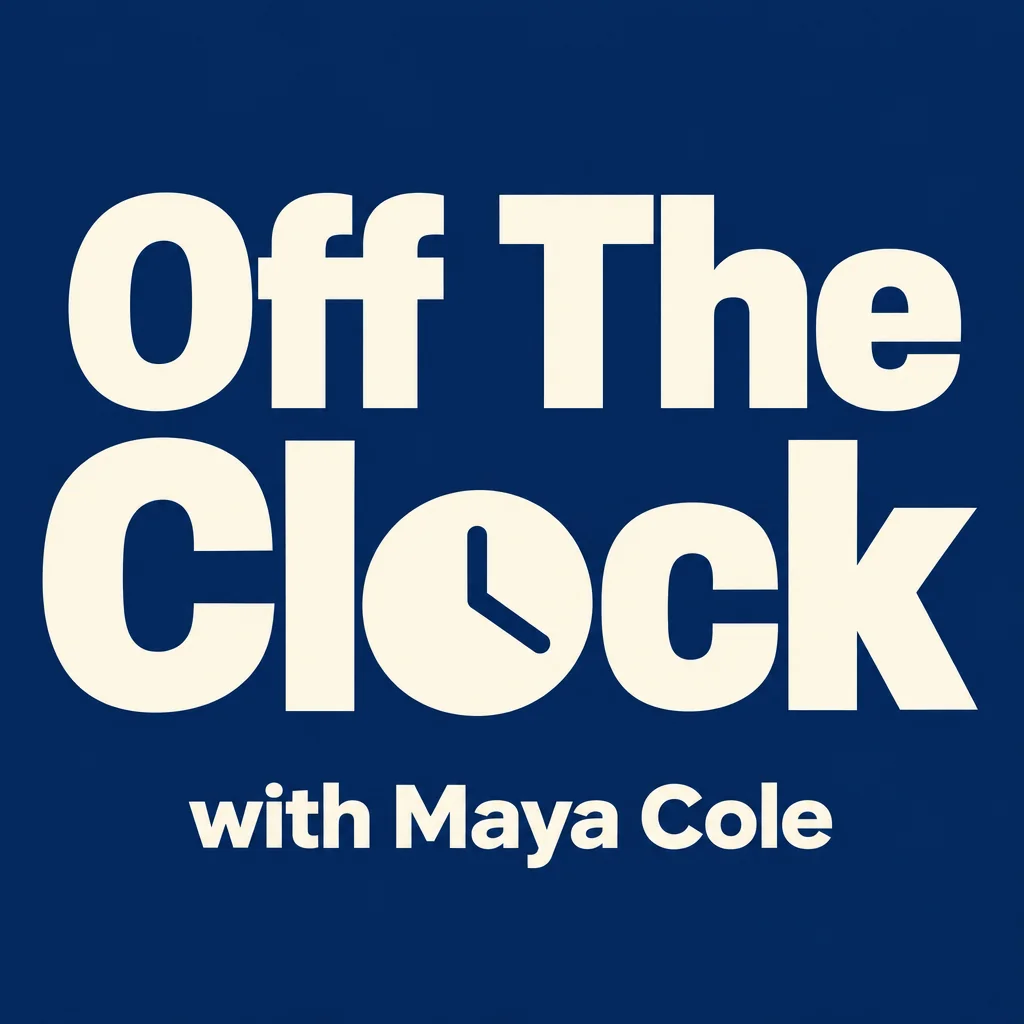
Podcast Cover Maker
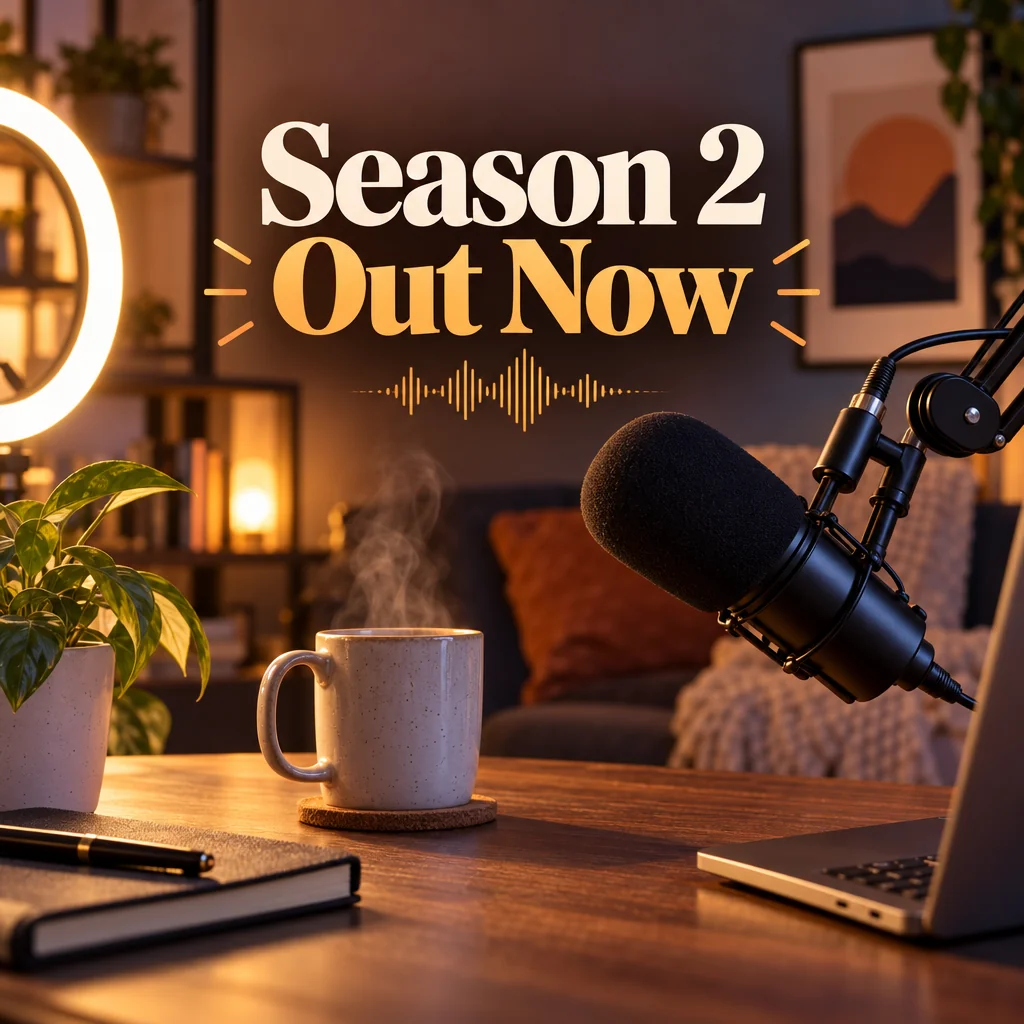
Square podcast cover art that reads at 200 px in every app directory
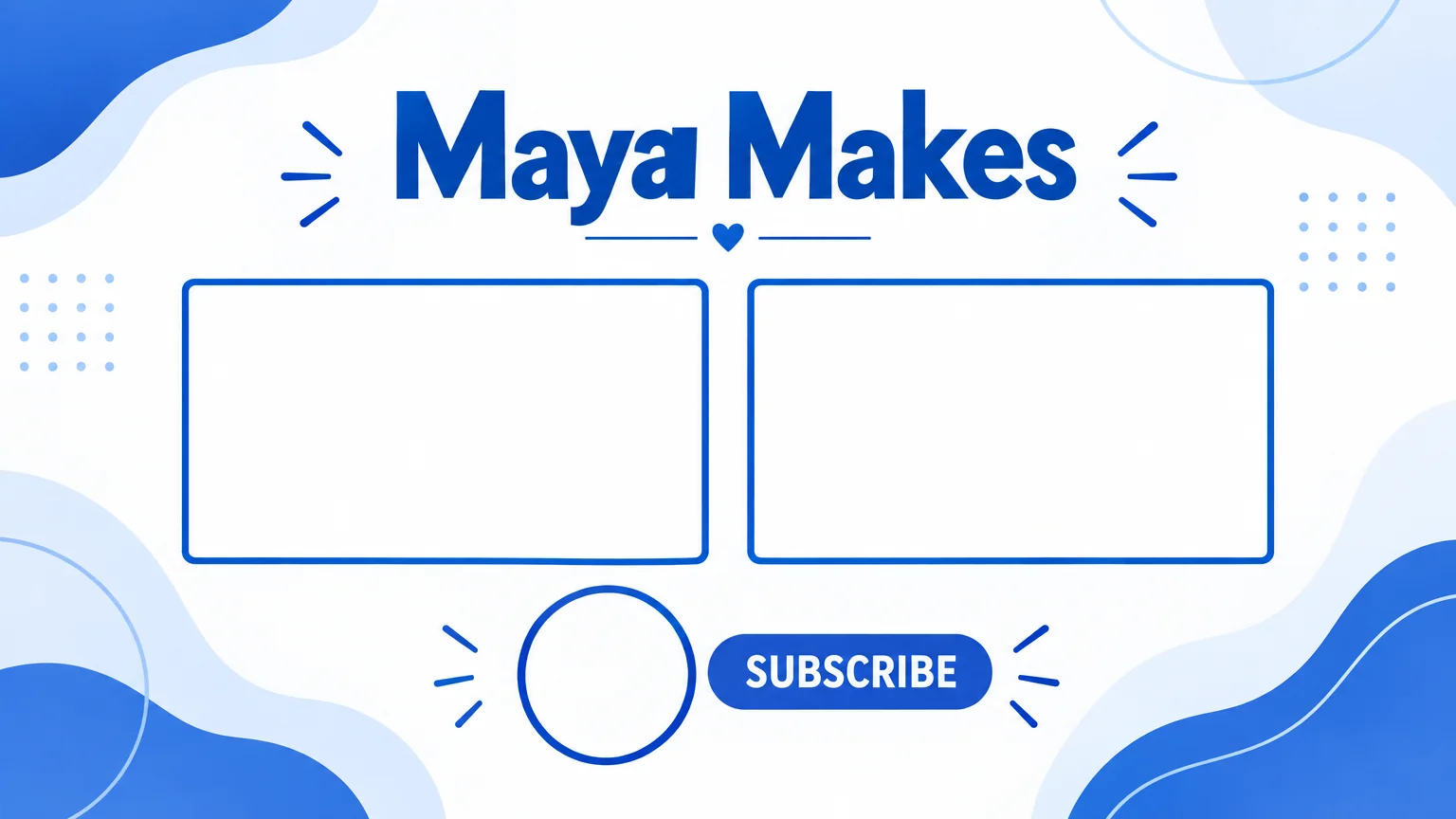
End Screen Maker
16:9 end screen backgrounds with two video slots and a subscribe spot
 In
InCreator Brand Photos
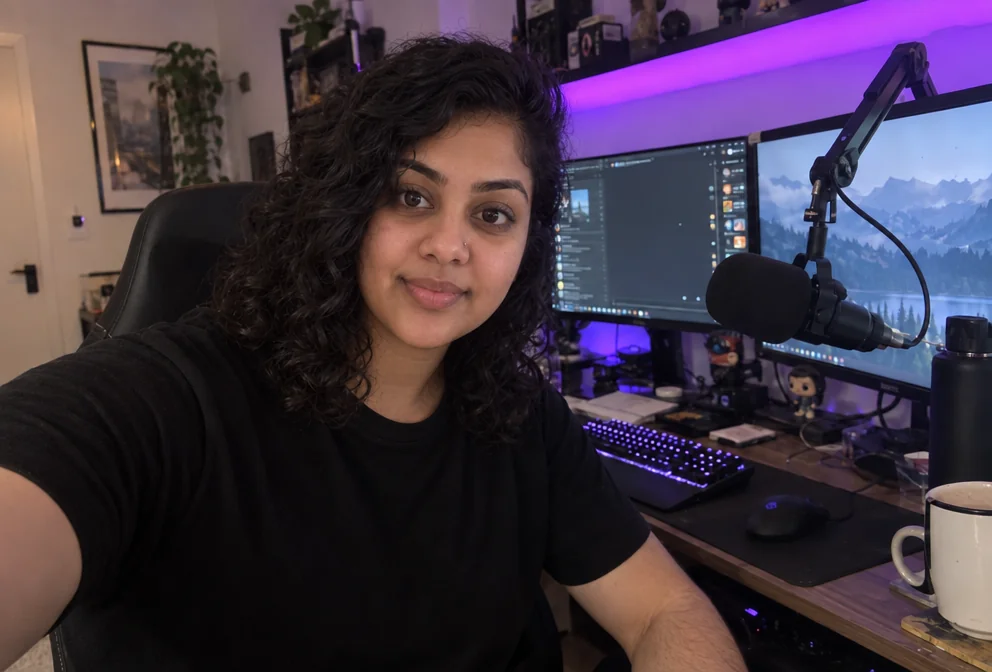
Creator brand photos from 1–4 selfies: studio, podcast desk, gym, kitchen, stage

 In
InCreator Photoshoot
A full set of new photos of you from a few phone selfies

 In
InHeadshot for Creators
Studio-quality headshots for LinkedIn, the channel and the press page

 In
InCouple Content Photos
Put the two of you in one polished photo, from two separate selfies

 In
InProfile Picture Maker
A 1:1 PFP from your selfie — clean pro, anime, 3D, neon gamer, pixel, Y2K

 In
InChannel Banner Maker
Channel banners at the right ratio for YouTube, Twitch, X, LinkedIn and Discord
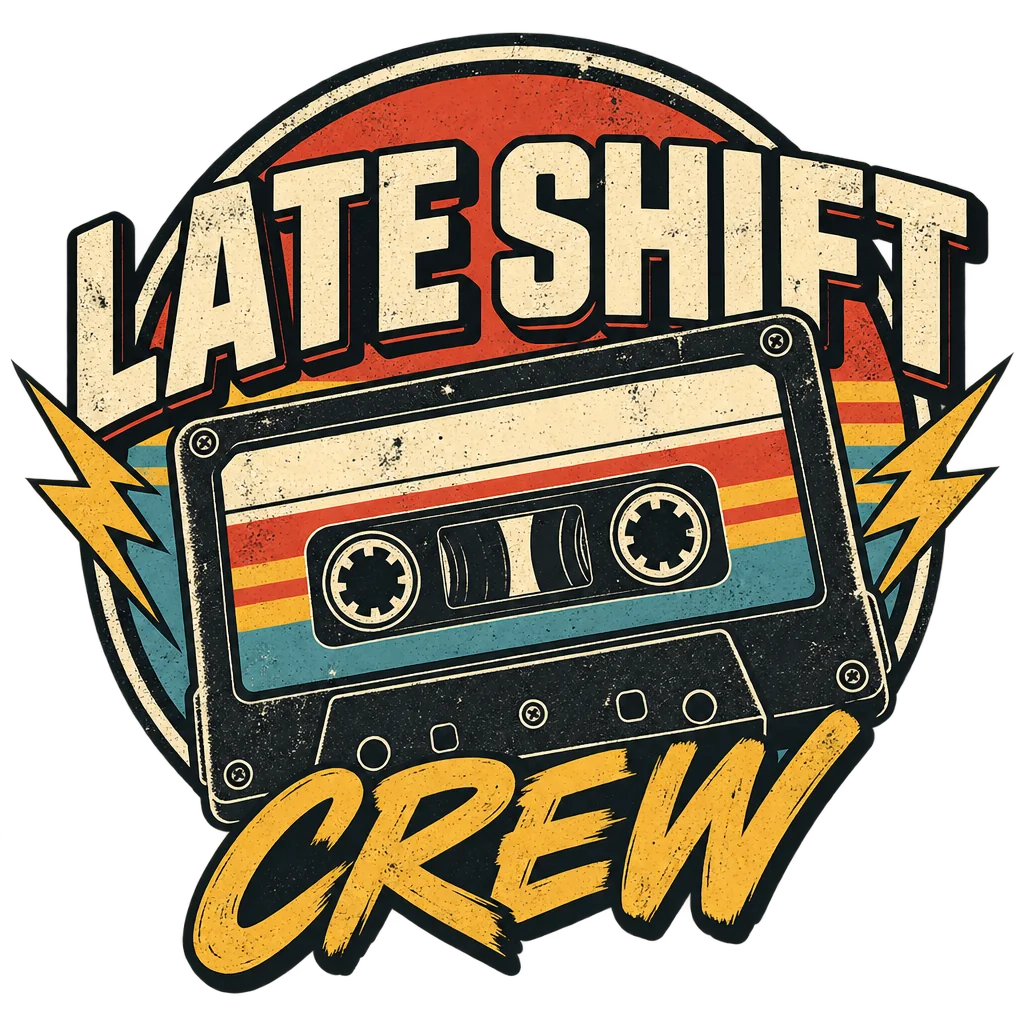
Merch Design Generator
Print-ready merch graphics on transparent backgrounds, no mockup, no garment
Channel Logo Maker
Transparent channel logos: mascot, wordmark, lettermark, emblem, icon, esports


 In
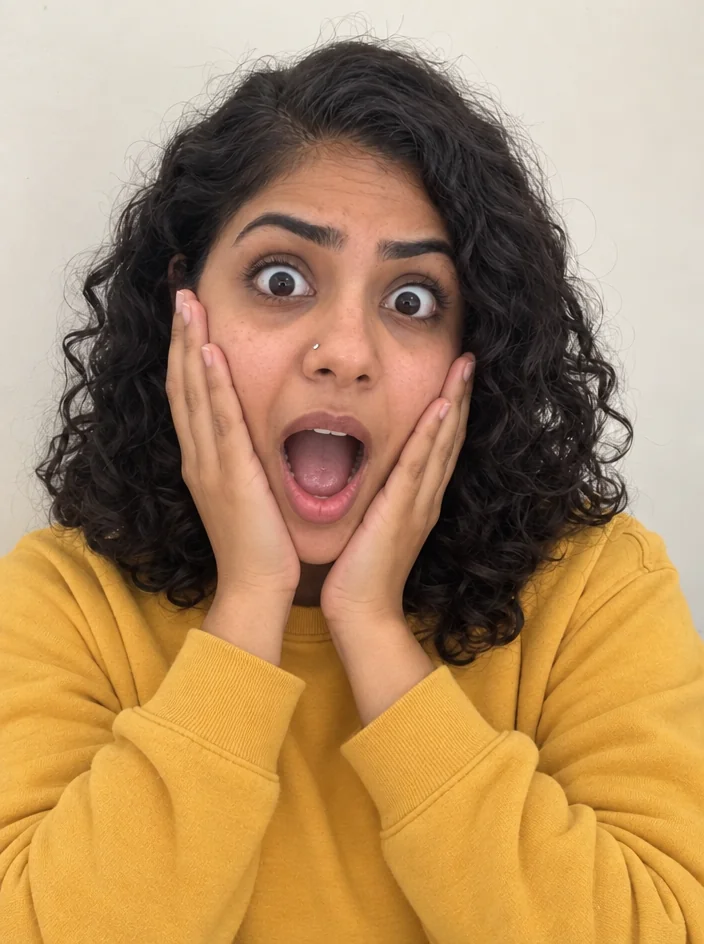
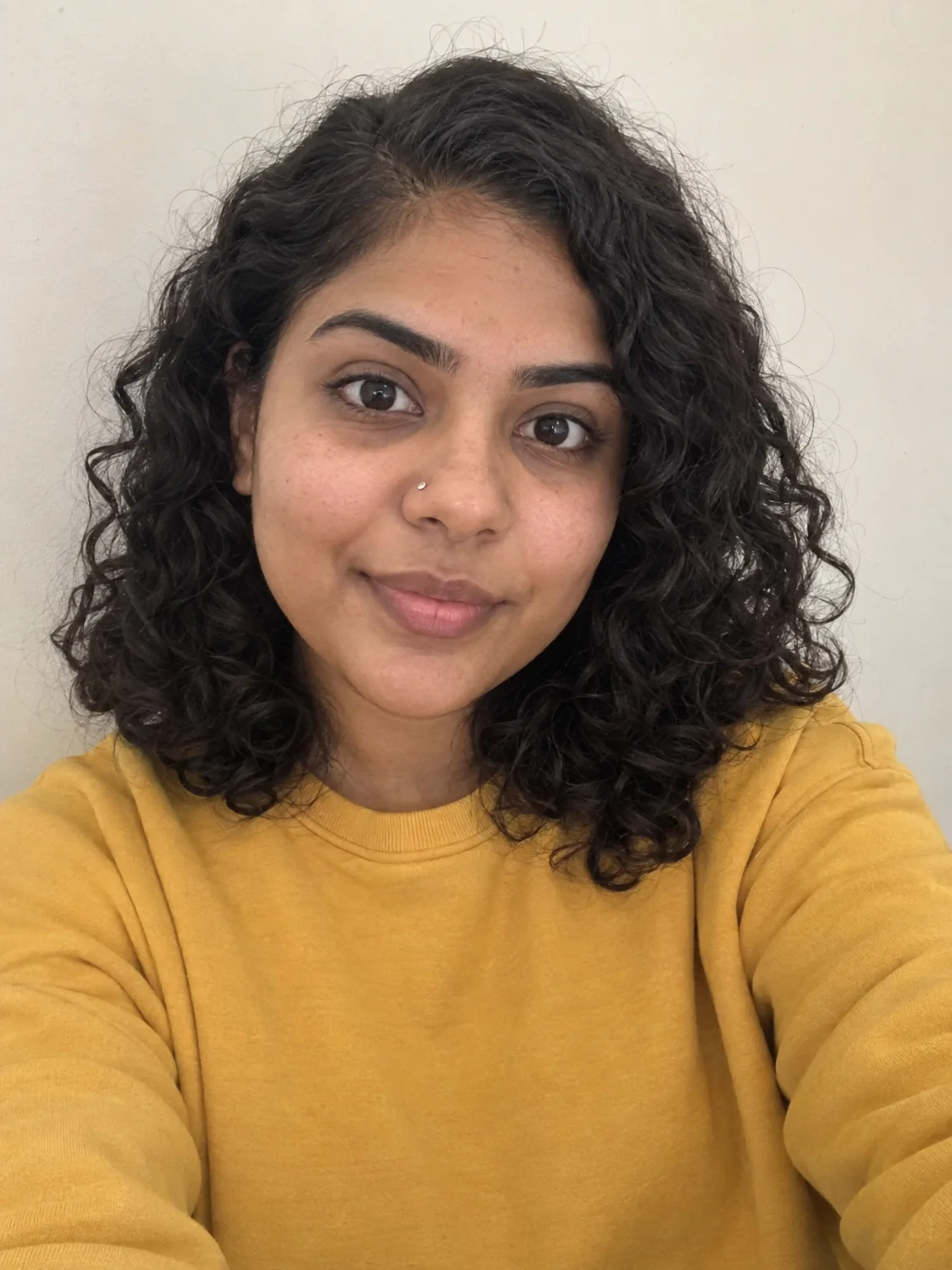
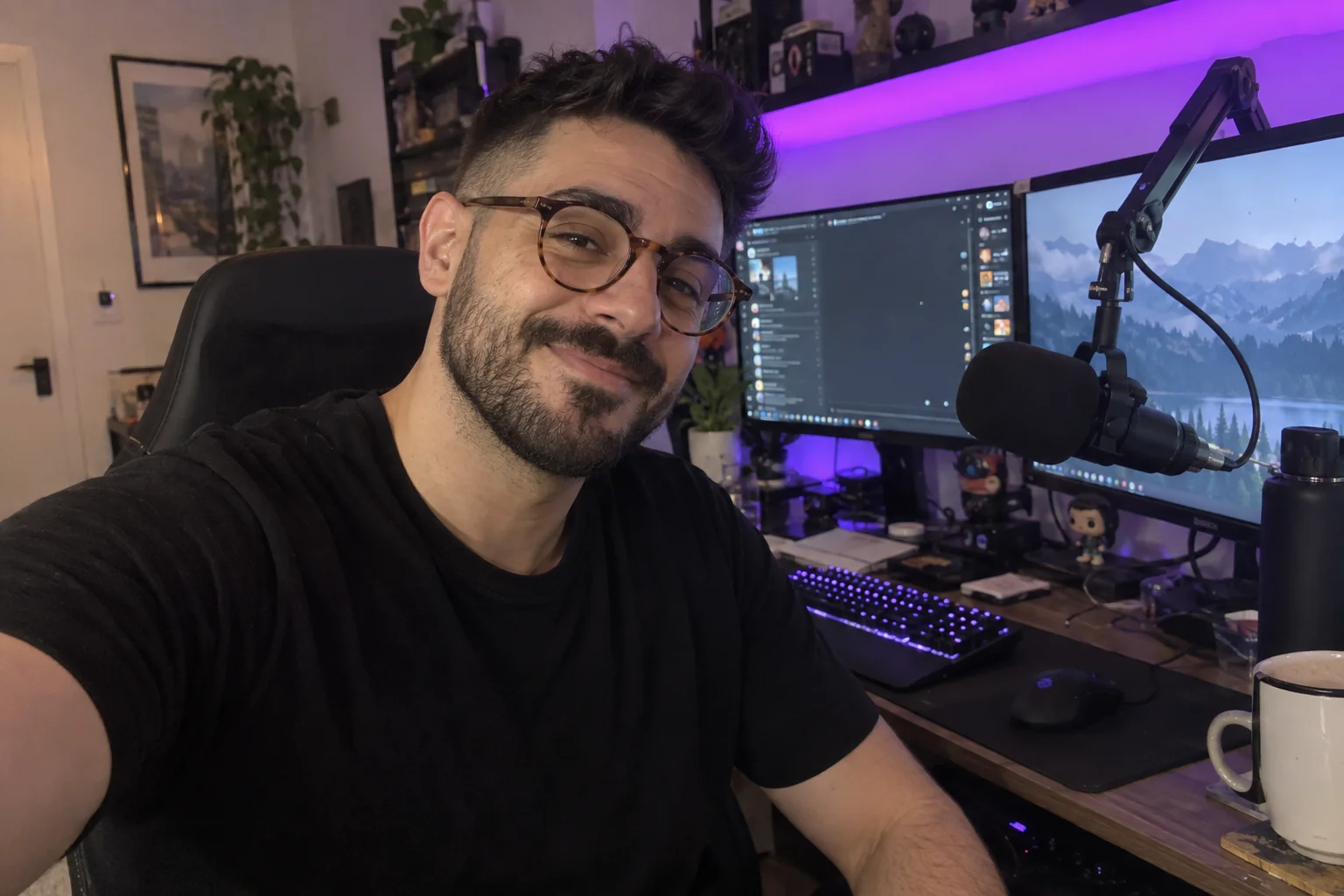
InReaction Face Generator
Neutral selfie in, shocked / mind-blown / pointing thumbnail face out
 In
InFace Swap
Swap your face into any scene — meme templates, movie stills, co-host photos

 In
InFace Retouch
Natural retouch: blemishes gone, texture kept, eyes sharp, flyaways tamed

 In
InHair Preview
Preview any cut and color on your own face before you book the chair

 In
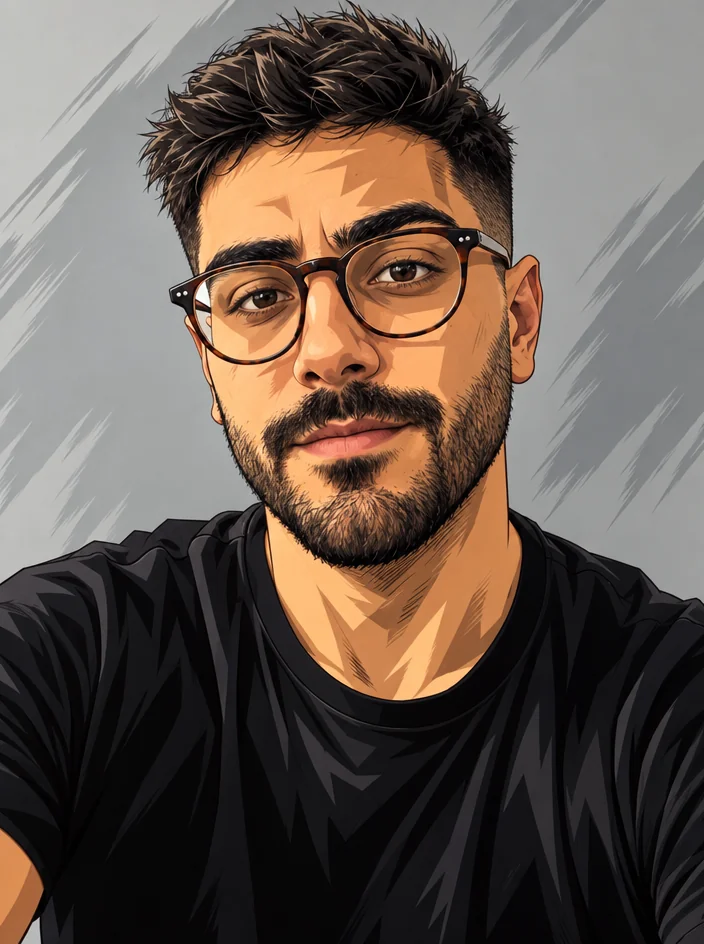
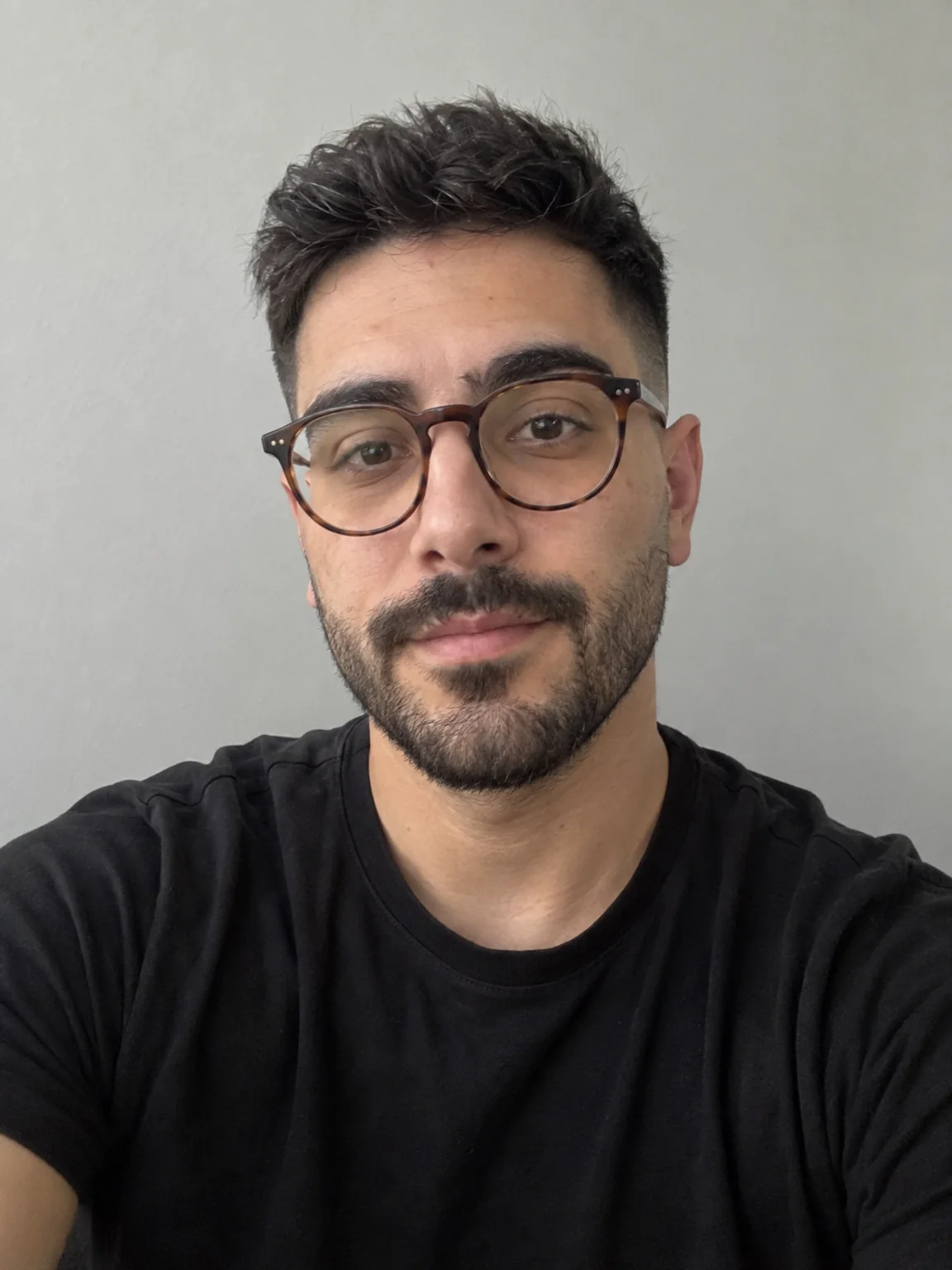
InVTuber Avatar Maker
VTuber-style avatars from a selfie — VTuber, chibi, 3D toon, idol, mascot
 In
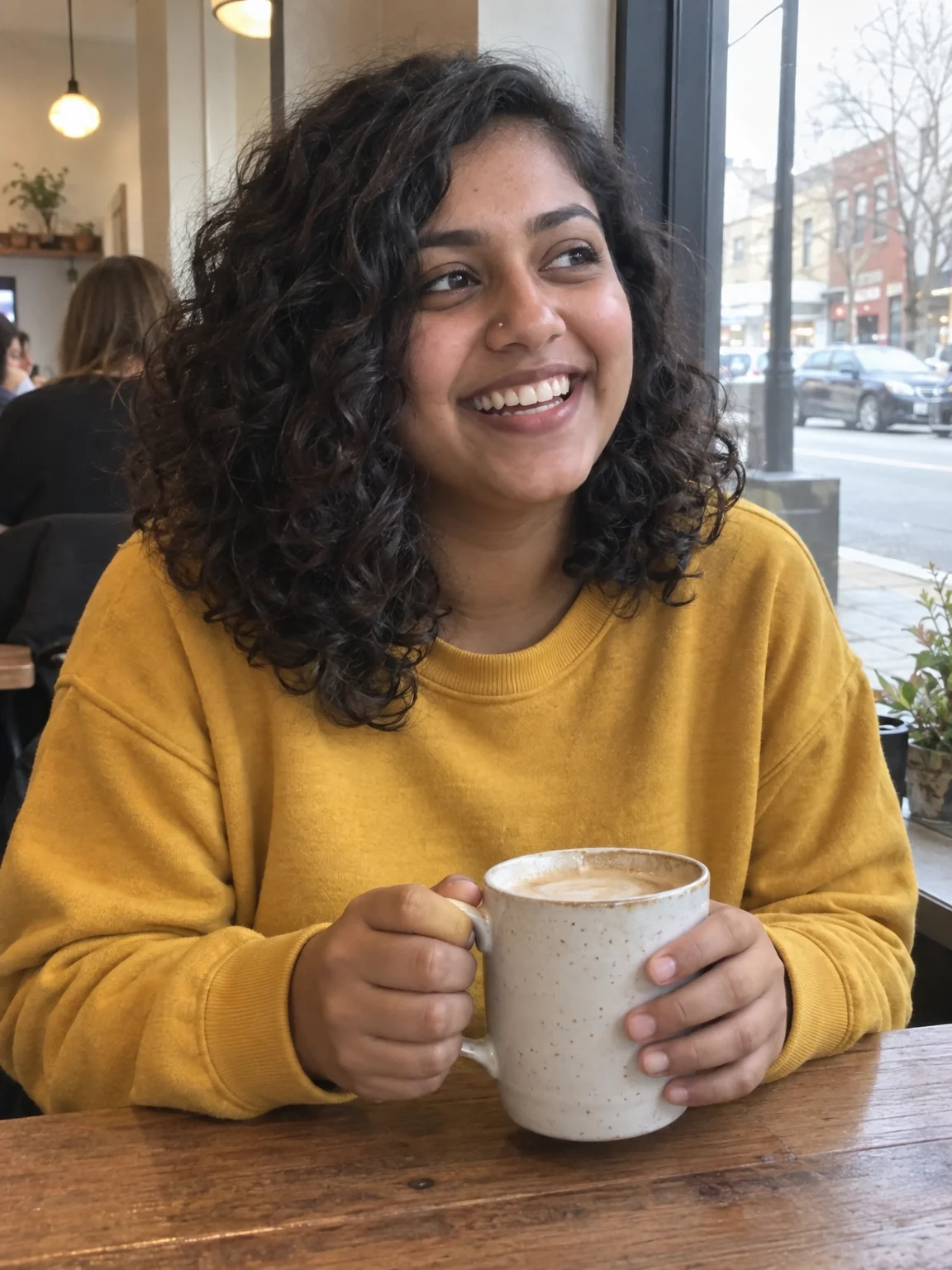
InPhoto to Anime
Redraw any photo as anime — shonen, shojo, slice of life, 90s retro, chibi
 In
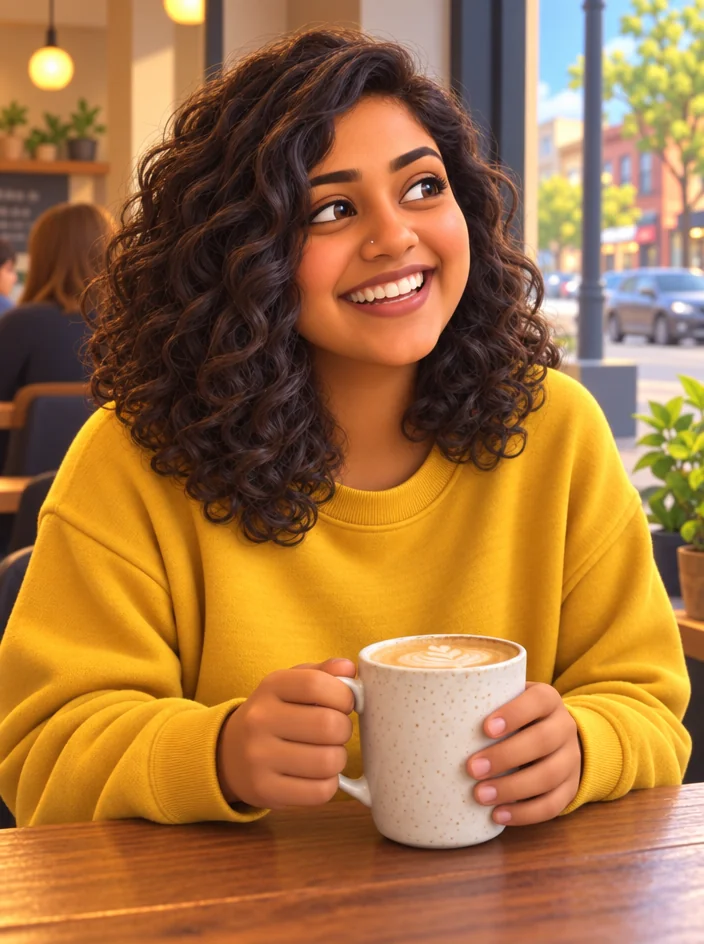
InCartoon Maker
Cartoon any photo — classic 2D, 3D animated, comic book, vector, caricature
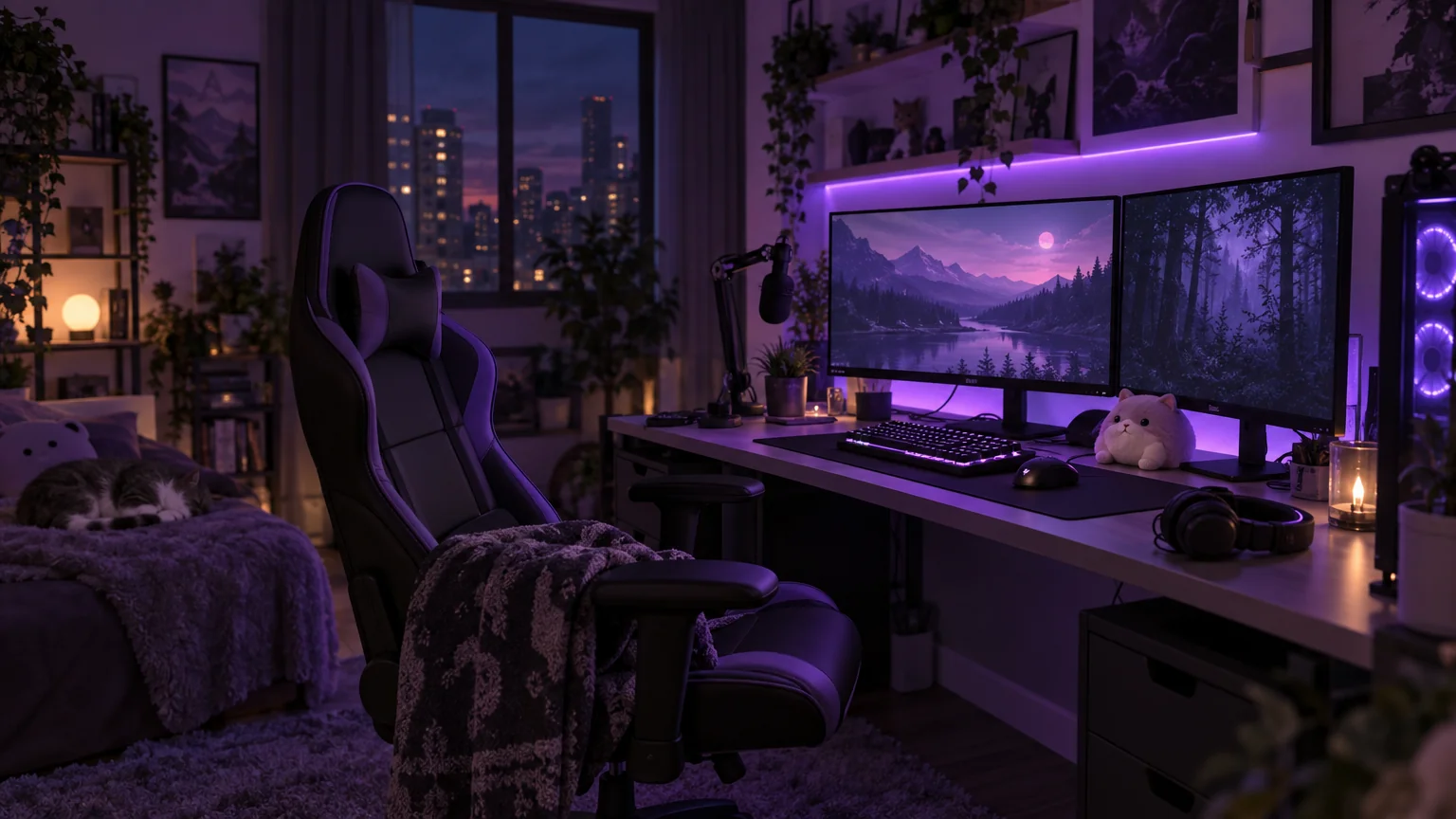
Image Generator
Any image from a description, at any of 14 sizes — backgrounds, B-roll, props

Fan Wallpaper Maker
Lock-screen and desktop wallpapers sized for the device, from one line

Channel Icon Maker
Clean, transparent icons for overlays, panels and posts in one consistent style

Sticker Pack Maker
Die-cut stickers with transparent edges for Discord, Telegram and print sheets

Event Poster Maker
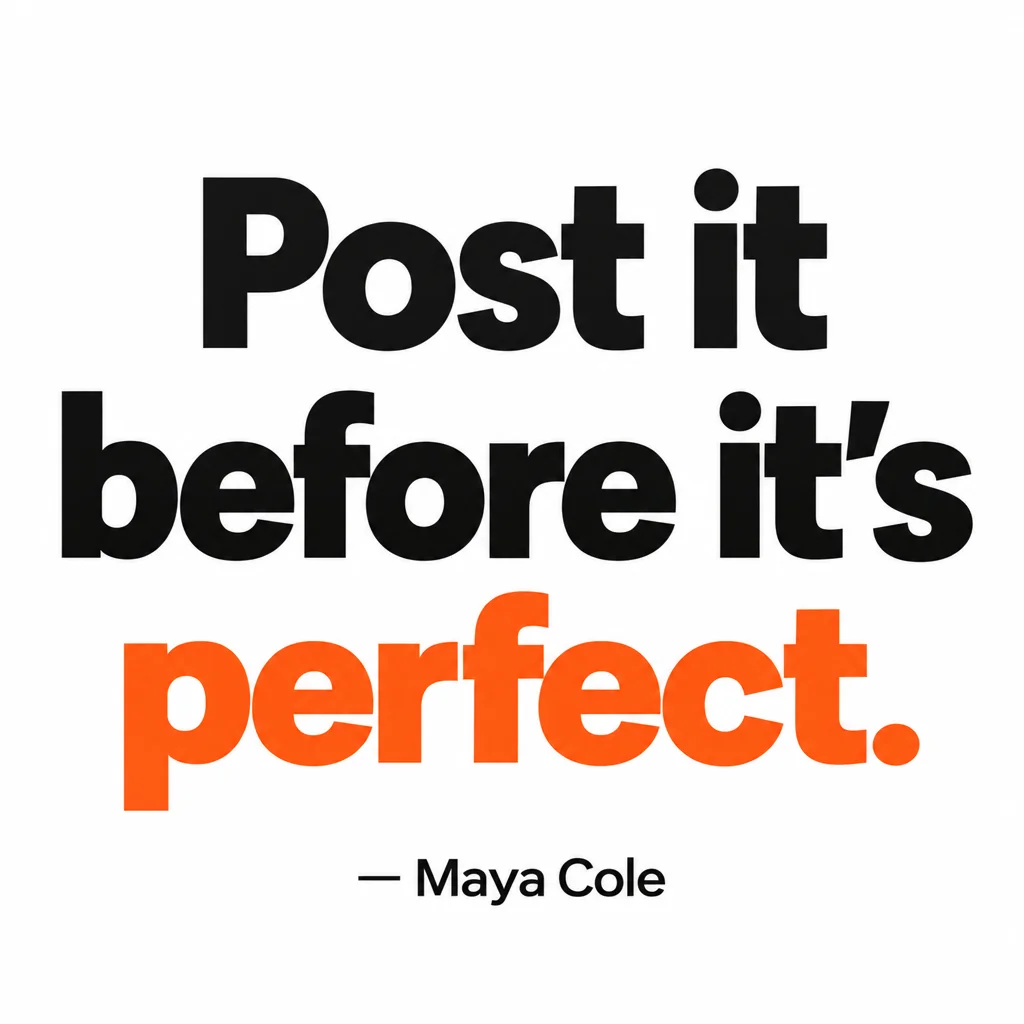
Print-ready posters with your headline for shows, drops, meetups and launches

 In
InProduct Shot on White
Square cutout on pure white with soft, contact or no shadow, product untouched

 In
InProduct Lifestyle Shot
Your product placed in a marble kitchen, cafe table or beach set, pixel-accurate

 In
InProduct Held by a Model
A model holding, wearing or using your product, item kept pixel-accurate

 In
InMerch on a Model
Your shirt, hoodie or dress worn by a model in studio, street or runway light

 In
InBackground Changer
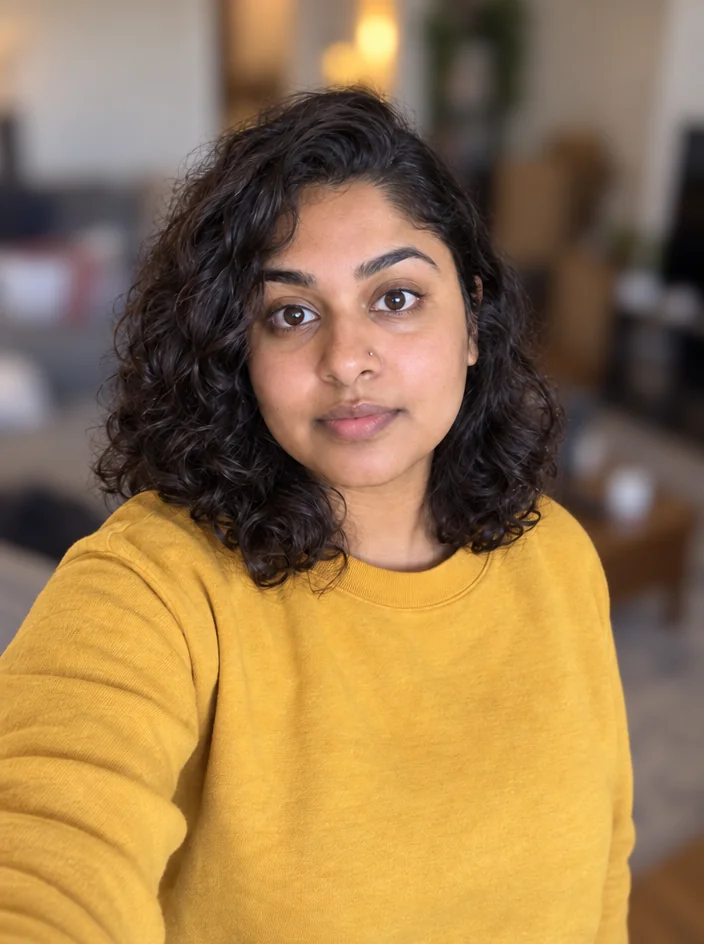
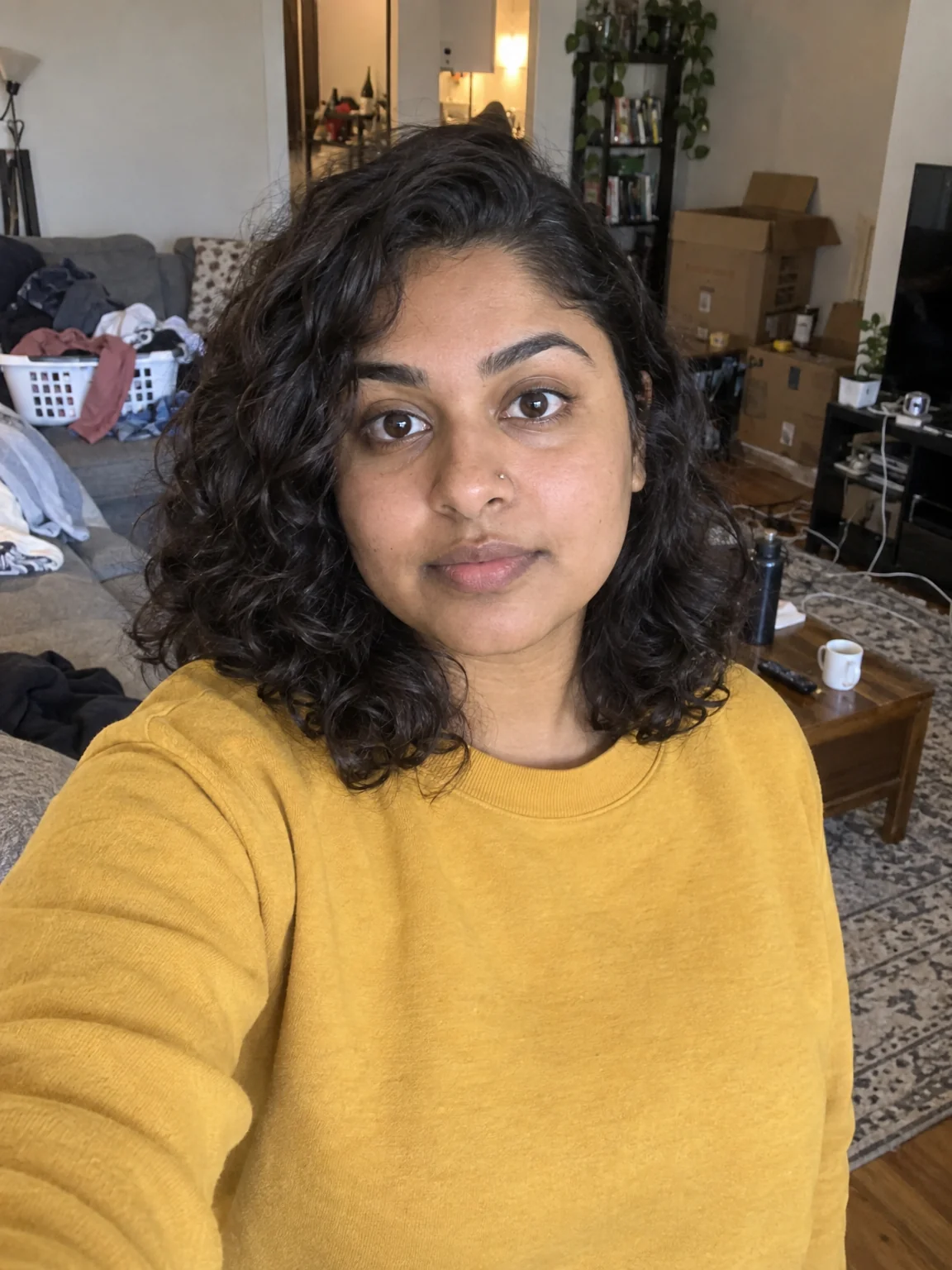
Green-screen swap without the green screen — describe the new background
 In
InBackground Blur
Portrait-mode depth for any photo — sharp subject, fully blurred room

 In
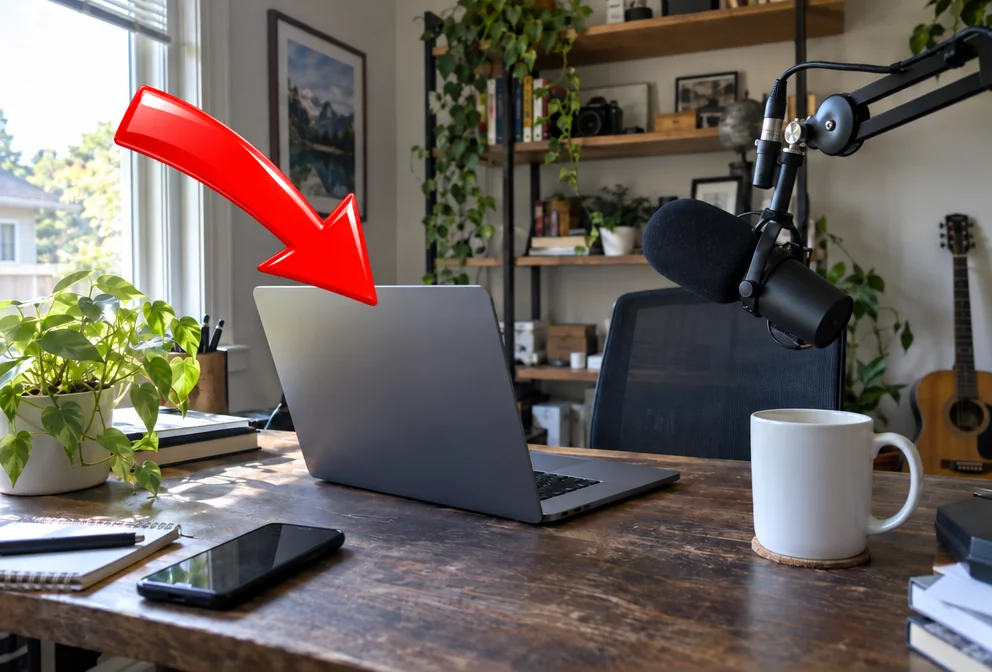
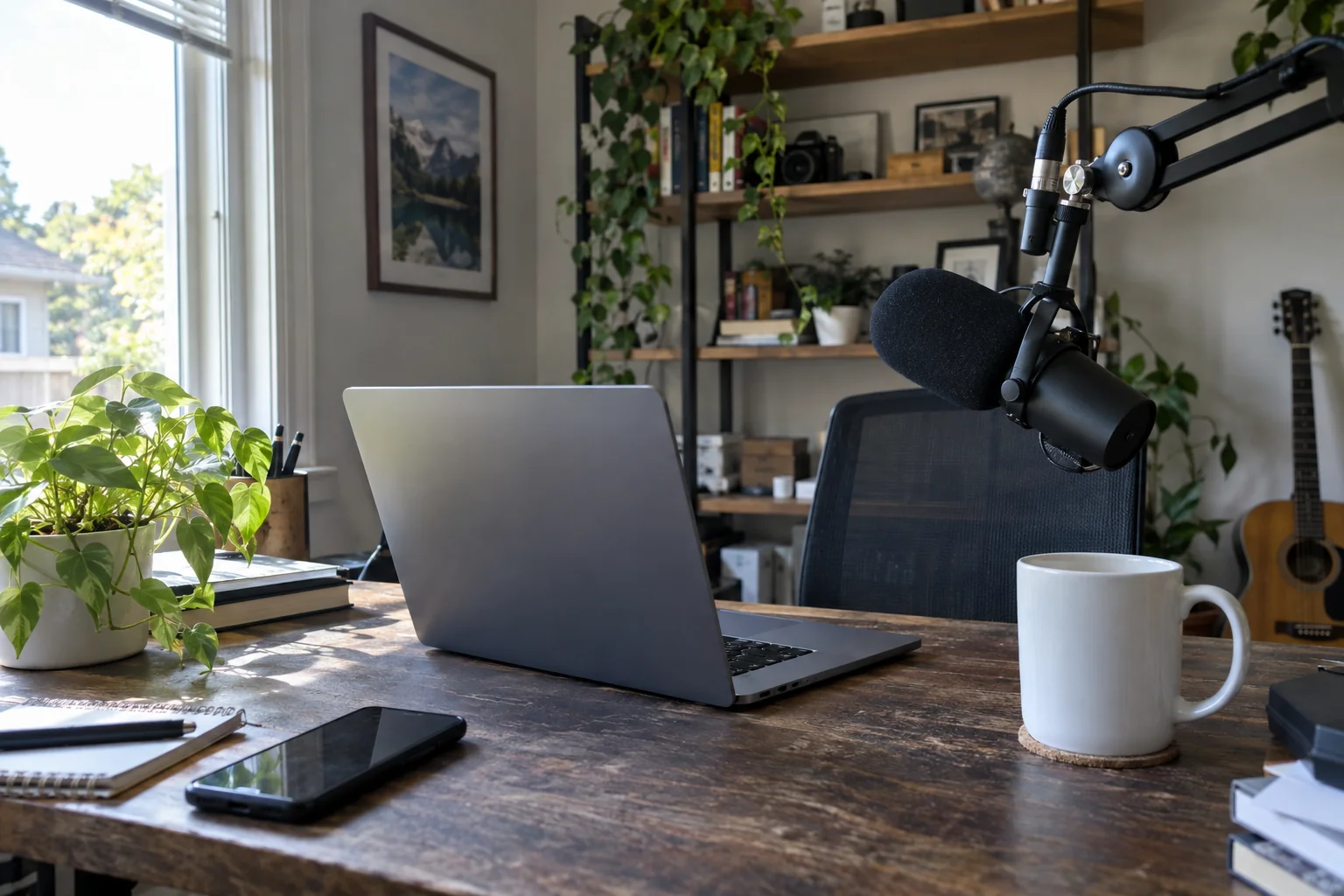
InText Behind Object
The text-behind-subject effect — SUBSCRIBE behind you, in one run
 In
InAdd Object
Add an arrow, a prop, a product or a mascot exactly where you say

 In
InPhoto Polish
Clean up skin, color and noise on any frame grab in one pass.

 In
InFix Closed Eyes
Blinked in the group shot? Get natural open eyes, no second take needed.

 In
InGlasses Glare Fix
Kill the ring-light reflection on your glasses and get your eyes back.

 In
InRestore an Old Photo
Scratches, tears, fading and blur repaired on a scanned family photo




Before and after
Same photo. Very different post.
Drag the handle. Each pair is a real photo and the real result, both at the same size so nothing is cropped to line up.
How it works
Type. Drop. Post.
Pick what you're making
A clip, a photo of you, a thumbnail, a track or your AI influencer. Sizes and ratios are already right for the platform.
Give it a line or a photo
Describe the scene or drop a phone photo. Faces stay the same person; titles are spelled the way you typed them.
Reuse everything
Every result waits in your rail: edit it with words, reframe it, upscale it, or turn a still into a clip.
By creator type
Kits for how you create.
Pricing
One credit balance for stills, clips, tracks and your AI influencer.
Starter
$15/month
1,000 credits a month
A few clips and a week of thumbnails every month
Pro
$30/month
2,500 credits a month
Daily posting with clips, covers and an AI influencer
Studio
$50/month
5,000 credits a month
Agencies, teams and multi-account operators
What things cost
| Image from text · from a photo | 2 · 4 credits (Standard) |
| Draft clip, 720p · 1080p | 1 · 2 cr per second |
| Standard clip, 480p · 720p | 3 · 6 cr per second |
| Pro clip, 480p · 720p · 1080p | 6 · 12 · 30 cr per second |
| Clip from a photo of a person, 360p · 720p · 1080p | 6 · 20 · 30 cr per second |
| 30-second track | 2 credits |
| Full song | 16 credits |
| AI influencer photo | from 4 credits · building the creator is free |
Things creators ask first
01How long can a clip be and does it have sound?
Draft clips run 4–12 seconds; Standard and Pro run 4–15. Sound is on by default and dialogue you put in quotes is spoken. Draft is 1 credit per second at 720p, Standard is 3 at 480p, Pro starts at 6. A clip made from a photo of a real person runs 3–10 seconds and starts at 6.
02Can I turn a photo I already have into a clip?
Yes. Photo to Video takes an upload or any still from your rail as the first frame, and an optional last frame if you want the clip to travel between two moments. The shape follows the photo.
03What exactly is an AI influencer?
A persona you build from 2–8 photos of one person. Building it costs nothing. After that, AI Influencer Photos and AI Influencer Videos make new images and clips with the same face, hair and skin tone in any scene you describe.
04Whose photos can I use for an AI influencer?
Your own, or those of someone who has agreed to it — you confirm that with a checkbox when you build one. Every photo and prompt runs through moderation before anything renders.
05Is the music usable in my videos?
Tracks render as MP3s you download and drop into your editor. A 30-second clip costs 2 credits and suits intros, loops and background beds; a full song with lyrics costs 16.
06What do the 4 free credits cover?
One Standard run of any image tool (2 credits from text, 4 from a photo) or a 4-second Draft clip at 720p. Pro and Max tiers cost more and are meant for the version you actually post.
Your next post is one sentence away.
Sign in, spend the 4 free credits, keep whatever you make.