
AI tools for travel creators
Travel content already has the good photos; what it lacks is the graphics layer — the thumbnail that turns a landscape into a story, the pin that keeps sending traffic for a year, the reel cover with the destination name where the app UI is not, and a version of every image at every ratio.
The tools here lean cinematic: Documentary style thumbnails with a widescreen grade, Outdoor lifestyle brand photos at golden hour, Reframe to move one shot from 16:9 to 9:16 to 2:3, Background Changer to put you somewhere the weather did not allow.

What this solves
- Beautiful footage and thumbnails that are just a frame with no story
- One hero photo that needs to be a pin, a story, a post and a header
- A photo of you at the destination when you were behind the camera
- Reel covers with the place name hidden under the caption
Tools for this kind of creator

 In
InYouTube Thumbnail Maker
Click-worthy 16:9 thumbnails with your face and your title, spelled right
Documentary style: moody grade, film-still framing, elegant serif title.

 In
InReframe for Platform
16:9 to 9:16 to 1:1 to 3:1 — the subject stays, the scene extends or crops
One hero shot to 9:16, 2:3, 1:1 and 3:1 without re-editing.
 In
InCreator Brand Photos
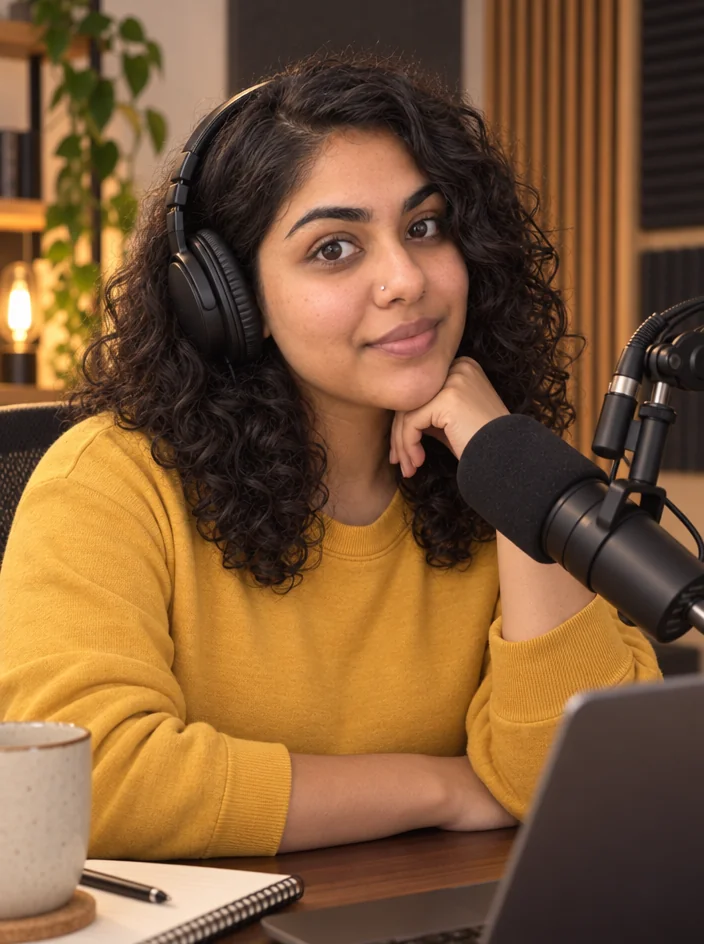
Creator brand photos from 1–4 selfies: studio, podcast desk, gym, kitchen, stage
Outdoor lifestyle at golden hour, candid, same face.

 In
InBackground Changer
Green-screen swap without the green screen — describe the new background
Put yourself on the cliff edge you filmed from behind.

 In
InReel Cover Maker
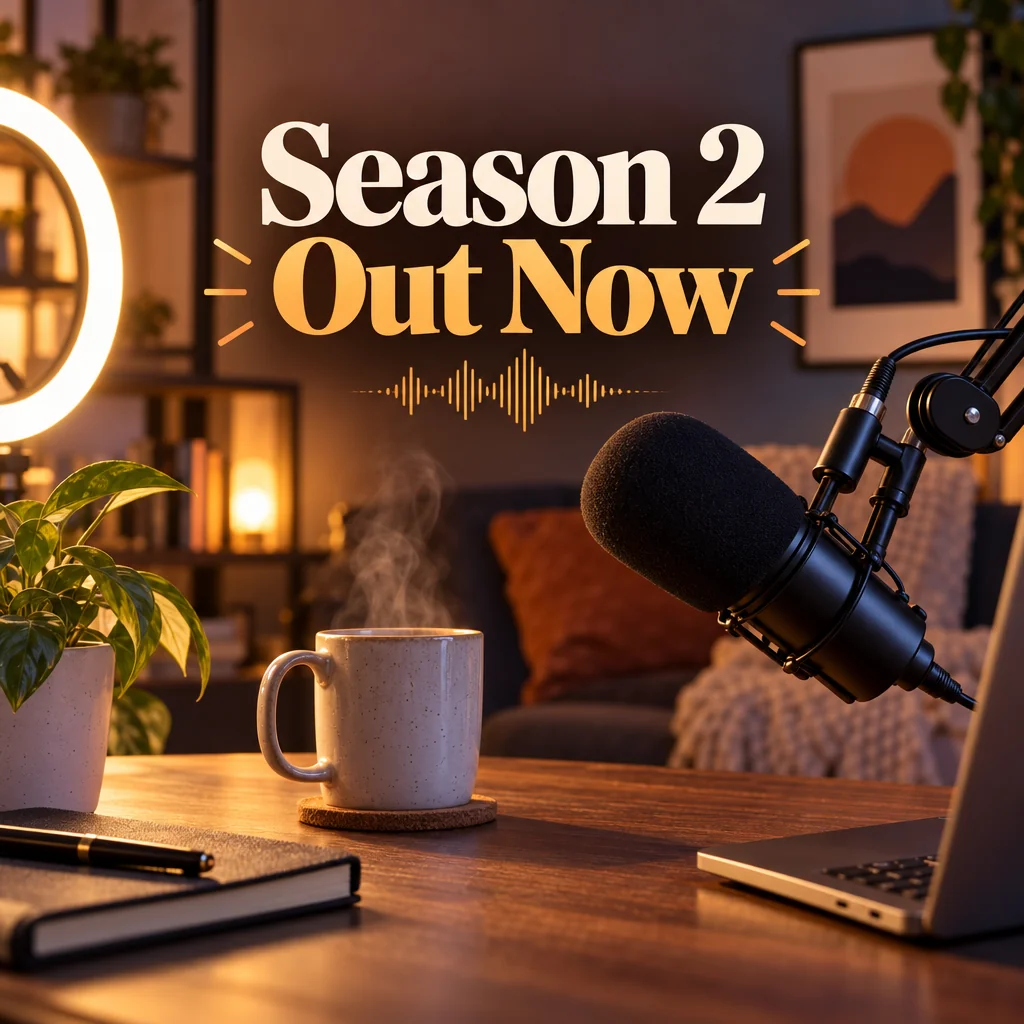
9:16 covers for Reels, Shorts and TikTok that read at grid size
Destination name in the safe band over the view.
Social Media Post Generator
Feed posts, stories, pins, LinkedIn and X images from one description
Tall Pinterest pins with the itinerary title.
 In
InObject Remover
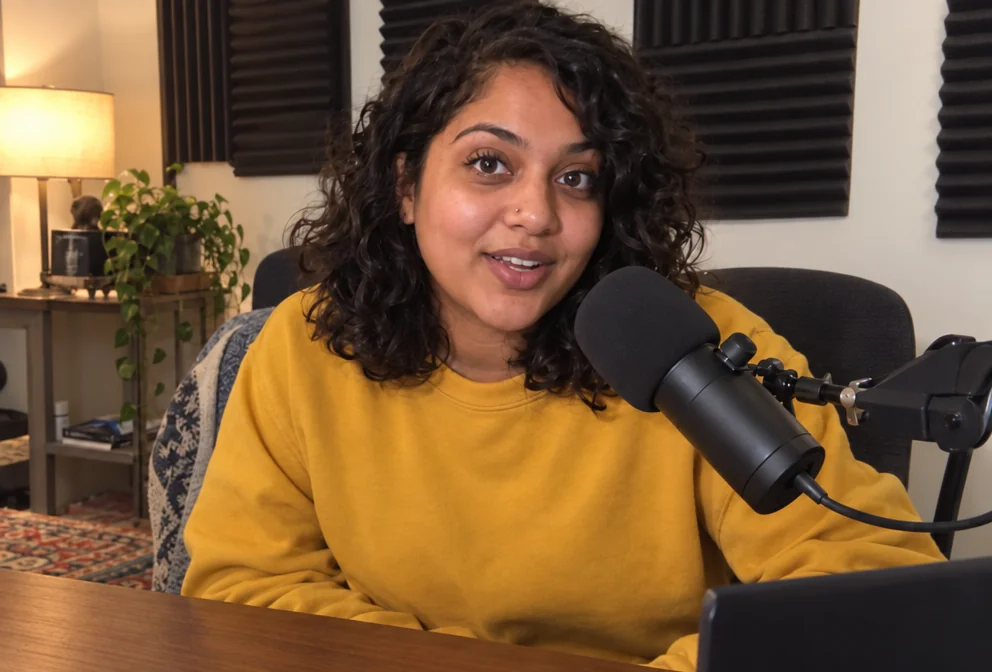
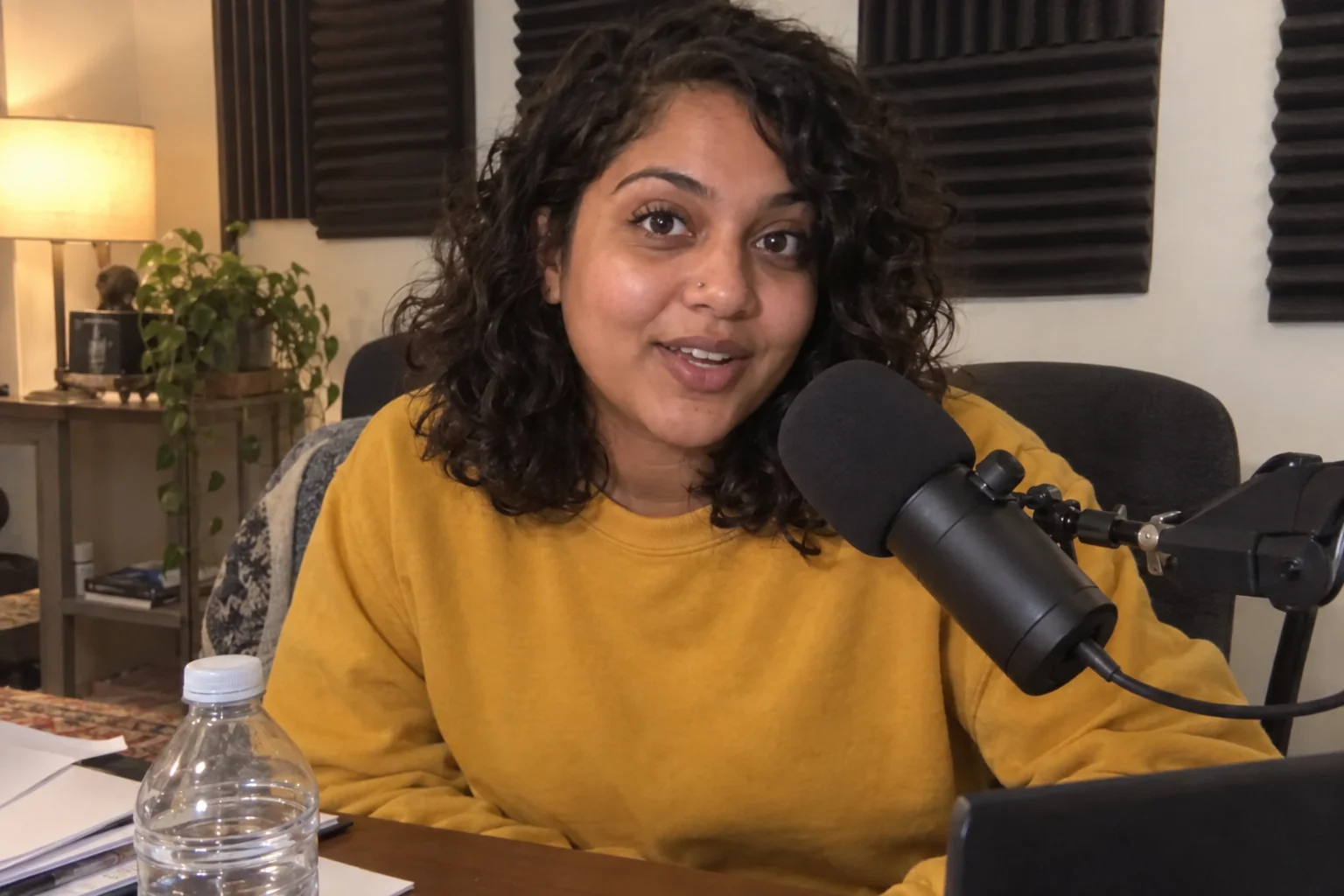
Remove the water bottle, the cable, the stranger — filled in naturally
Remove the tourists from the shot.
Prompts and titles to copy
- Thumbnail title · YouTube Thumbnail Maker48 Hours In Lisbon
- Thumbnail title · YouTube Thumbnail MakerI Was Wrong About Japan
- Background · Background ChangerA clifftop path above the sea at golden hour
- Reel cover · Reel Cover MakerHidden Beaches, Zero Crowds
- Remove · Object Removerthe group of tourists in the background
The steps
Start with YouTube Thumbnail Maker
Documentary style: moody grade, film-still framing, elegant serif title.
YouTube Thumbnail MakerThen Reframe For Platform
One hero shot to 9:16, 2:3, 1:1 and 3:1 without re-editing.
Reframe for PlatformQuestions
Can I keep the real landscape and just add graphics?
Yes. Text Behind Object or Edit With Words put words on your own photo; the thumbnail tool composes a new frame around a face if you attach one.
Does Reframe invent scenery?
When the new ratio is wider than the photo, the scene is extended to match. Check the edges; simple skies and water extend most convincingly.
Which pin ratio?
2:3 — Social Media Post Generator set to Pinterest, or Reframe on your photo at 2:3.
AI tools for travel creators
Open with these settings