
AI tools for education creators
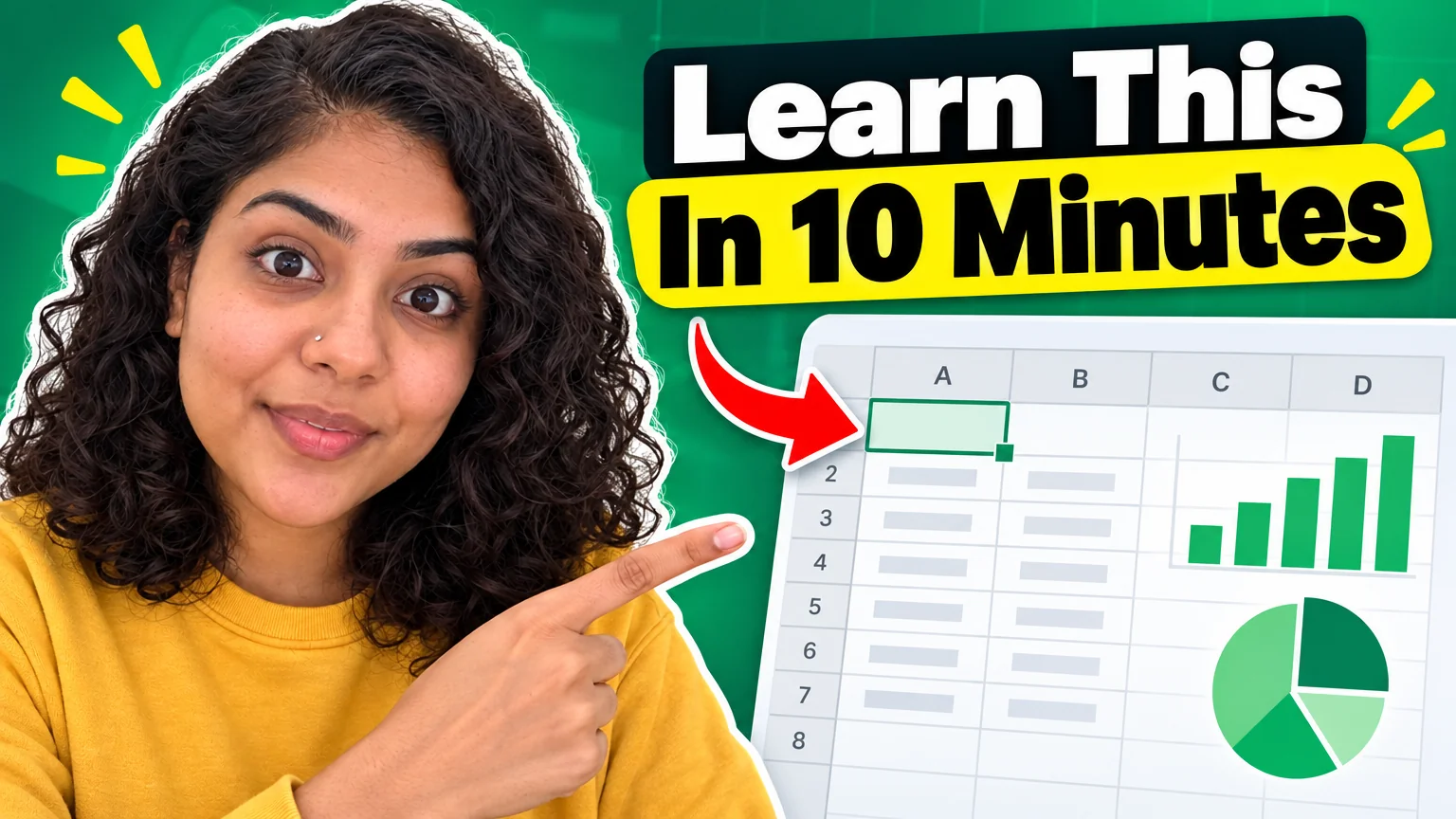
Educational channels win on clarity: a thumbnail that says what you will learn, a carousel that teaches one thing per slide, an end screen that sends the viewer to the next lesson. Cluttered graphics cost trust in this niche faster than in any other.
Preset here: Tutorial style thumbnails with a numbered step badge and a pointing arrow, minimal carousels for the lesson summaries, quote cards for the principle of the week, a clean-pro PFP and an end screen with two lesson slots.
What this solves
- Thumbnails that say 'Lesson 4' and nothing a learner would click
- Lesson summaries that never become a carousel because layout takes too long
- An end screen that does not point at the next video
- A PFP that looks like a student, not the teacher
Tools for this kind of creator

 In
InYouTube Thumbnail Maker
Click-worthy 16:9 thumbnails with your face and your title, spelled right
Tutorial style for lessons: a numbered badge, a split layout and an arrow on what to look at.
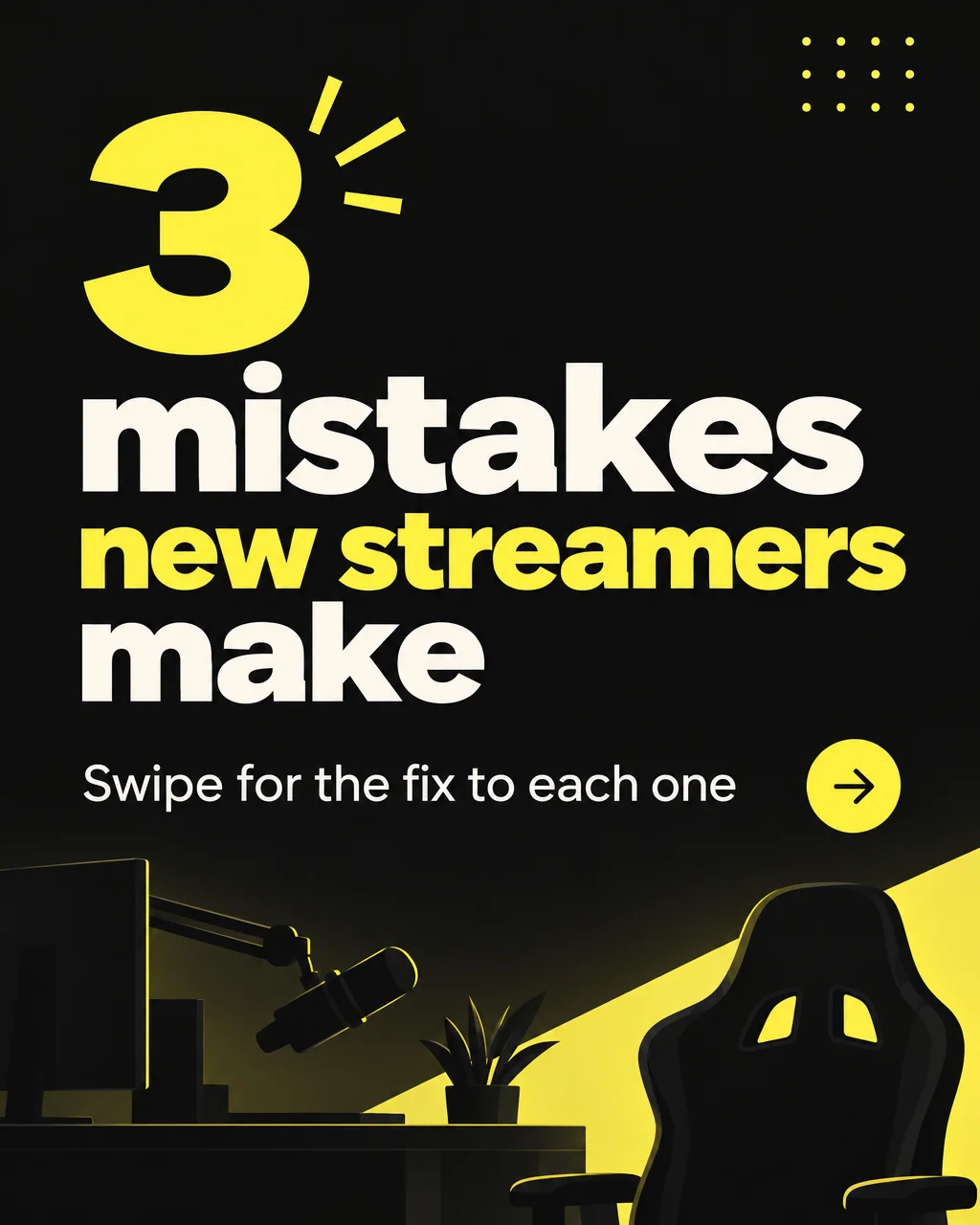
Carousel Slide Maker
4:5 carousel slides in your brand colors — heading, body, consistent grid
One idea per slide on a consistent grid — the lesson in five swipes.
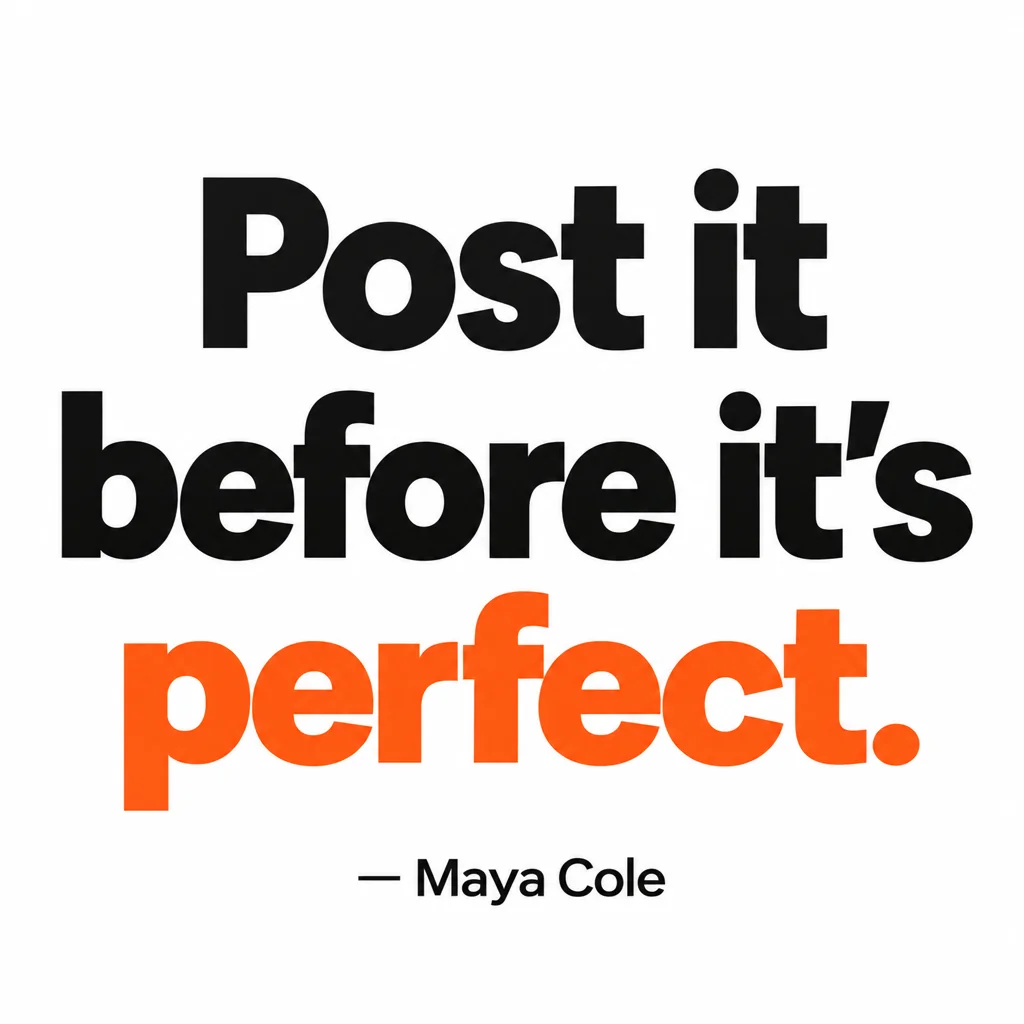
Quote Card Maker
Square quote cards with real typography — minimal, bold, gradient, paper, dark
Minimal cards for the principle that sums up the lesson.
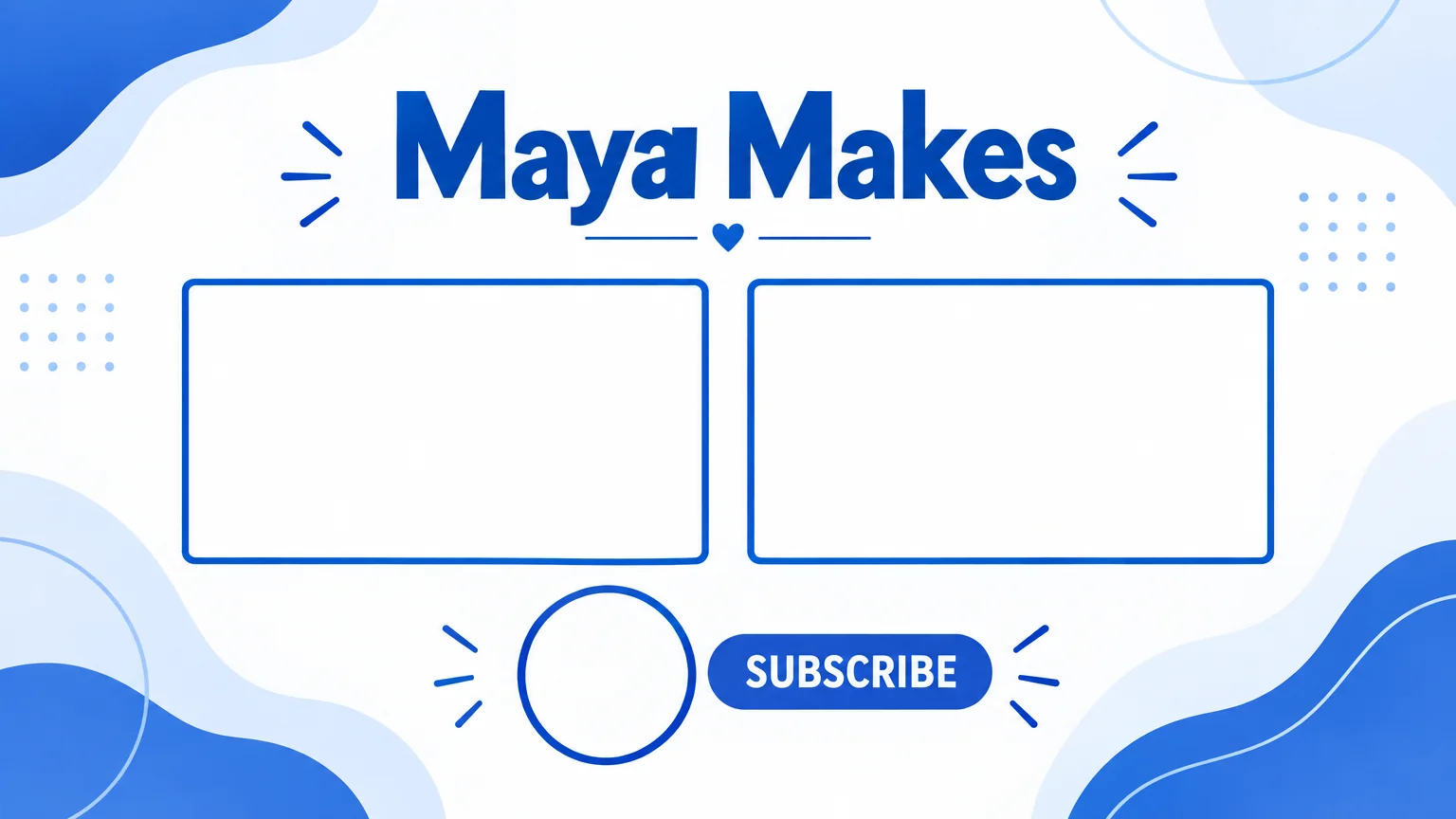
End Screen Maker
16:9 end screen backgrounds with two video slots and a subscribe spot
Two video slots for 'next lesson' and 'start here'.

 In
InProfile Picture Maker
A 1:1 PFP from your selfie — clean pro, anime, 3D, neon gamer, pixel, Y2K
Clean professional for the channel and LinkedIn.
 In
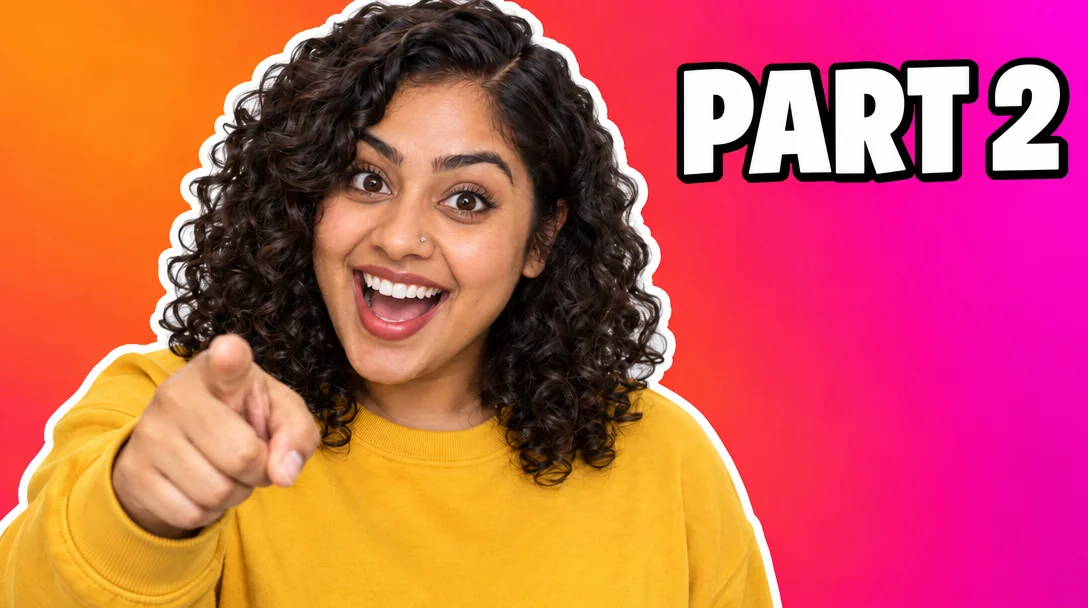
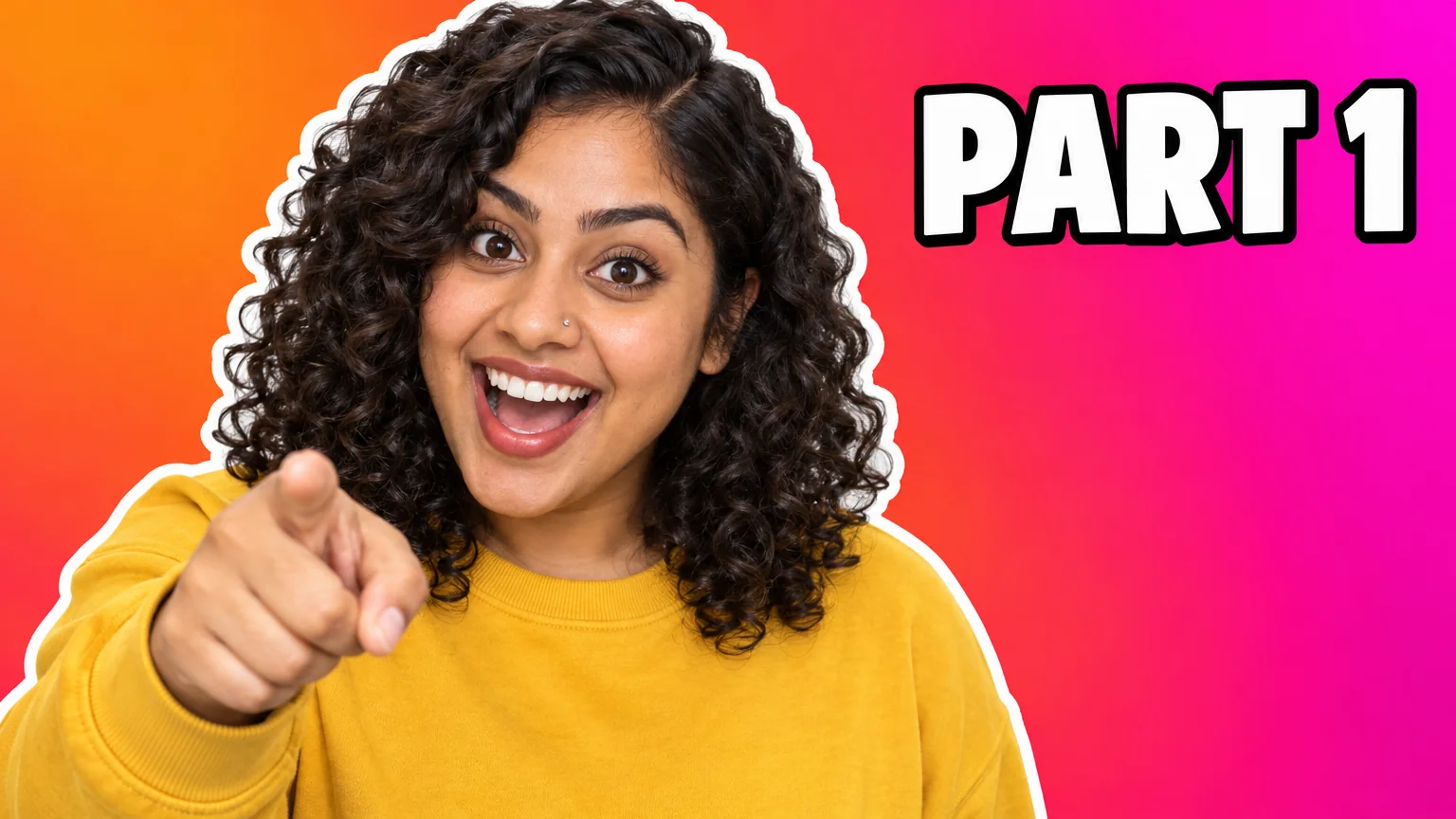
InText Replacer
Swap PART 1 for PART 2 — same font, same size, same background
Lesson 4 becomes Lesson 5 without a new thumbnail.
Social Media Post Generator
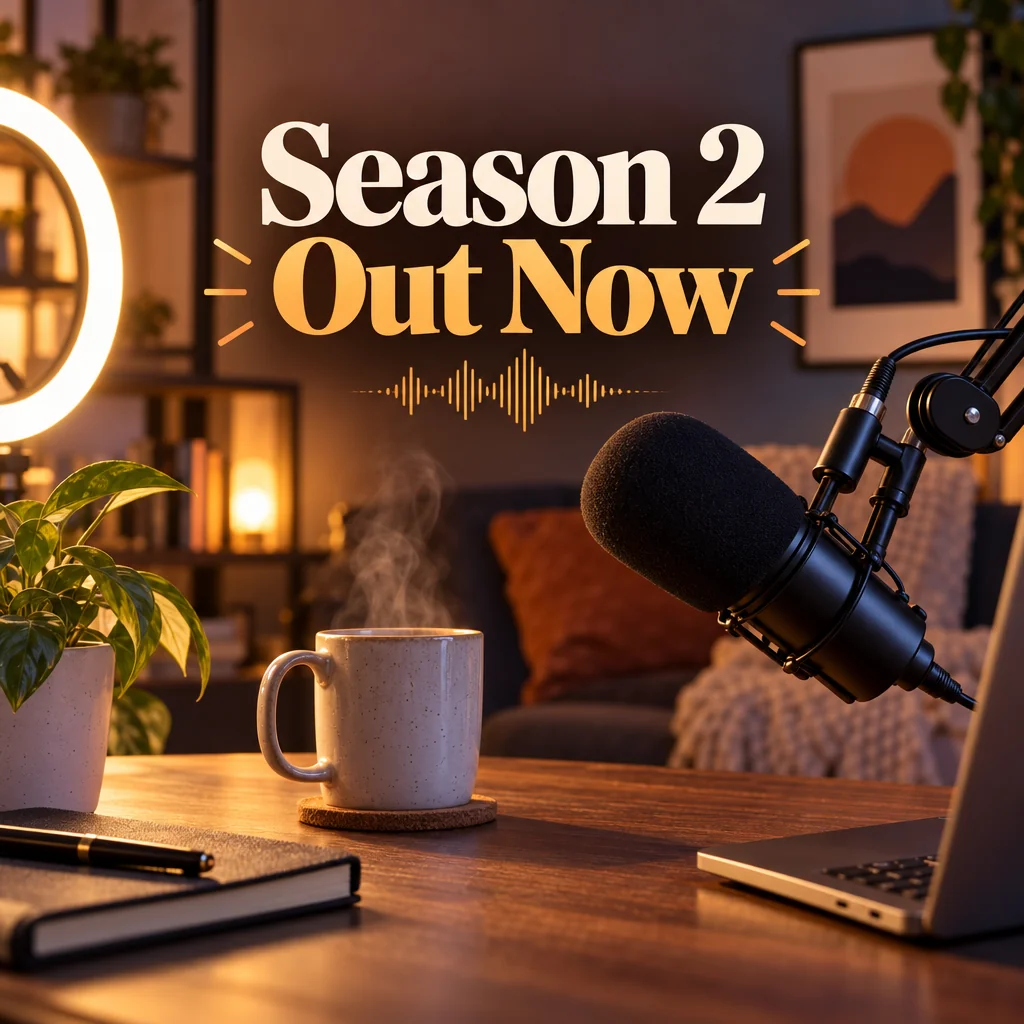
Feed posts, stories, pins, LinkedIn and X images from one description
LinkedIn and X images announcing the course.
Prompts and titles to copy
The steps
Start with YouTube Thumbnail Maker
Tutorial style for lessons: a numbered badge, a split layout and an arrow on what to look at.
YouTube Thumbnail MakerThen Carousel Maker
One idea per slide on a consistent grid — the lesson in five swipes.
Carousel Slide MakerQuestions
Can I make a series of thumbnails that match?
Make the first at Pro, then Text Replacer for every episode number. The design, font and background stay identical.
Do carousels work on LinkedIn?
Yes — the 4:5 slides post as a document carousel on LinkedIn and as a swipe post on Instagram.
What about diagrams?
Image Generator renders simple diagrams from a description; for exact charts, screenshot them and place with Add Object.
AI tools for education creators
Open with these settings