
AI tools for newsletter writers
A newsletter is text, and the internet is not. Every issue needs a header image, the LinkedIn post that promotes it needs a graphic, the best line needs a quote card, the lead magnet needs a cover, and the author needs a face that does not look like a passport photo.
Illustrations for Content is the workhorse here: an editorial or flat-vector image per issue in a consistent style. Around it, Headshot for Creators for the masthead, Social Media Post Generator for the LinkedIn and X announcements, Quote Card Maker for the line readers forward, Ebook Cover Maker for the guide, Banner Maker for the 3:1 header.

What this solves
- Stock photos everyone has already seen above every issue
- A LinkedIn post that is a wall of text with no image
- A masthead photo cropped from a conference badge
- A lead-magnet PDF with a Word-document cover
Tools for this kind of creator

Illustrations for Content
Editorial, kids-book, vector and watercolor illustrations at any post ratio
Editorial, flat vector, risograph, ink — one style, one image per issue.

 In
InHeadshot for Creators
Studio-quality headshots for LinkedIn, the channel and the press page
A masthead and LinkedIn headshot from the selfies you already have.
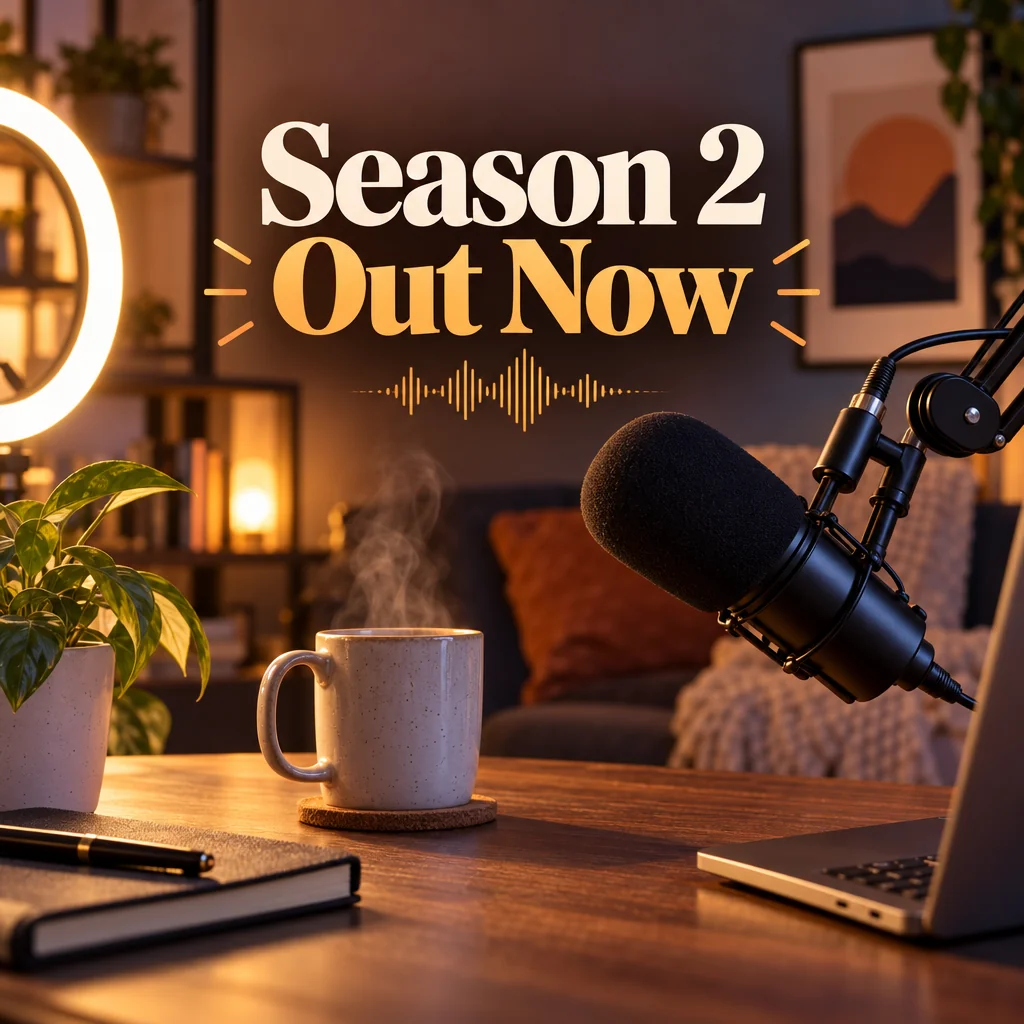
Social Media Post Generator
Feed posts, stories, pins, LinkedIn and X images from one description
LinkedIn 1.91:1 and X 16:9 images announcing each issue.
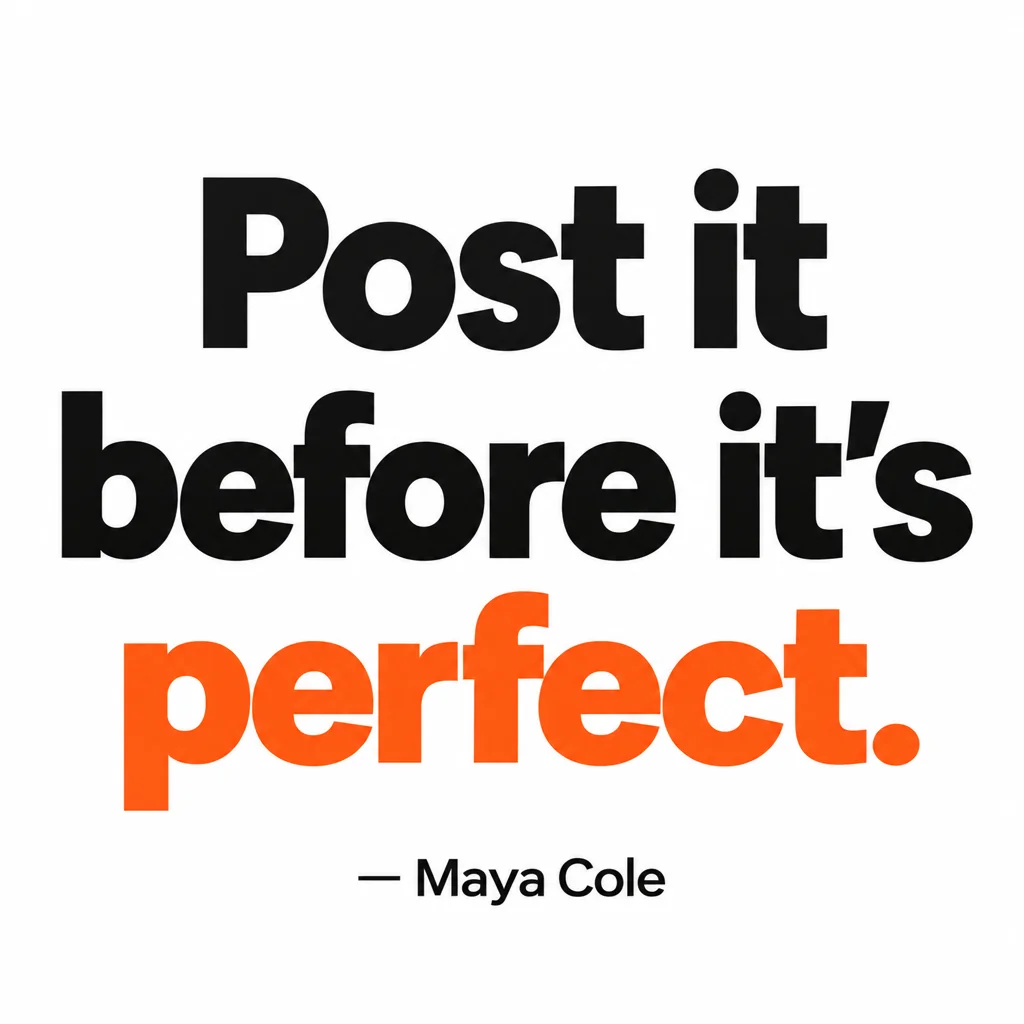
Quote Card Maker
Square quote cards with real typography — minimal, bold, gradient, paper, dark
The line readers forward, in minimal or paper style.

Ebook Cover Maker
Front covers with your title and name, styled to the genre, at ebook ratio
A 2:3 cover for the guide or the paid tier's PDF.

 In
InChannel Banner Maker
Channel banners at the right ratio for YouTube, Twitch, X, LinkedIn and Discord
3:1 headers for X and LinkedIn with the newsletter name spelled right.

Event Poster Maker
Print-ready posters with your headline for shows, drops, meetups and launches
A poster for the live Q&A or the subscriber meetup.

 In
InRemix a Photo
Re-imagine a photo or artwork from one sentence, keeping the layout you had
Reimagine a stock-looking photo into something that matches your style.
Prompts and titles to copy
- Illustration · Illustrations for ContentA person untangling a giant ball of string at a tidy desk
- Post · Social Media Post GeneratorA clean landscape image for a newsletter launch: a notebook, a coffee and soft window light
- Quote · Quote Card MakerWrite the email you'd want to receive.
- Ebook title · Ebook Cover MakerThe 12-Week Writing Sprint
- Header text · Channel Banner MakerNotes On Building
The steps
Start with Illustrations For Content
Editorial, flat vector, risograph, ink — one style, one image per issue.
Illustrations for ContentThen Headshot For Creators
A masthead and LinkedIn headshot from the selfies you already have.
Headshot for CreatorsThen Social Media Post Generator
LinkedIn 1.91:1 and X 16:9 images announcing each issue.
Social Media Post GeneratorQuestions
How do I keep illustrations consistent across issues?
Pick one style in Illustrations for Content and reuse the same palette words in every prompt. Save the first one you like and use Style Match on later renders to pin the look.
What size does a LinkedIn post image need?
1.91:1 — the LinkedIn option in Social Media Post Generator renders that ratio, so nothing is cropped in the feed.
Is the ebook cover print-ready?
It renders at 2:3. Send it to Upscale at 16 MP if the guide will also be printed.
AI tools for newsletter writers
Open with these settings