
AI tools for beauty creators
Beauty content is judged on the face in the frame, which means the graphics around it have to be as polished as the tutorial. A reel cover shot in bathroom light, a PFP from a cropped selfie or a carousel with mismatched margins undercuts the work.
The tools below keep the face and fix everything else: natural retouching that keeps skin texture, brand photos in a bright studio or a cafe, vertical covers with the title in the safe band, quote cards and carousels in the palette of the grid.
What this solves
- A profile picture that does not look like the person in the tutorials
- Reel covers shot mid-application with the title hidden under the caption bar
- Brand photos for a sponsor deck without booking a studio
- Carousels for routines and product lists that drift off-grid
Tools for this kind of creator

 In
InFace Retouch
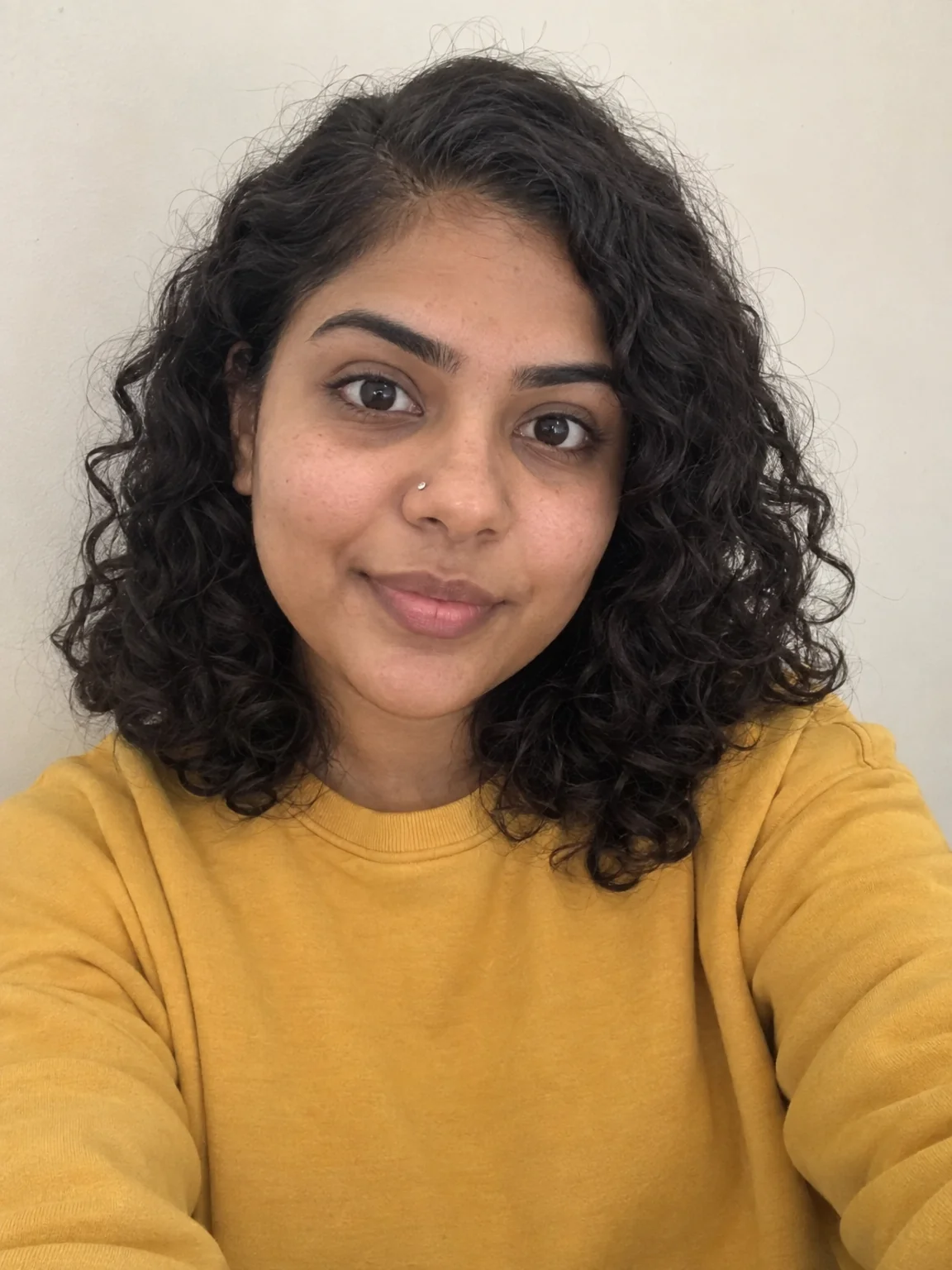
Natural retouch: blemishes gone, texture kept, eyes sharp, flyaways tamed
Blemishes gone, texture and freckles kept, eyes sharpened — invisible edits.
 In
InCreator Brand Photos
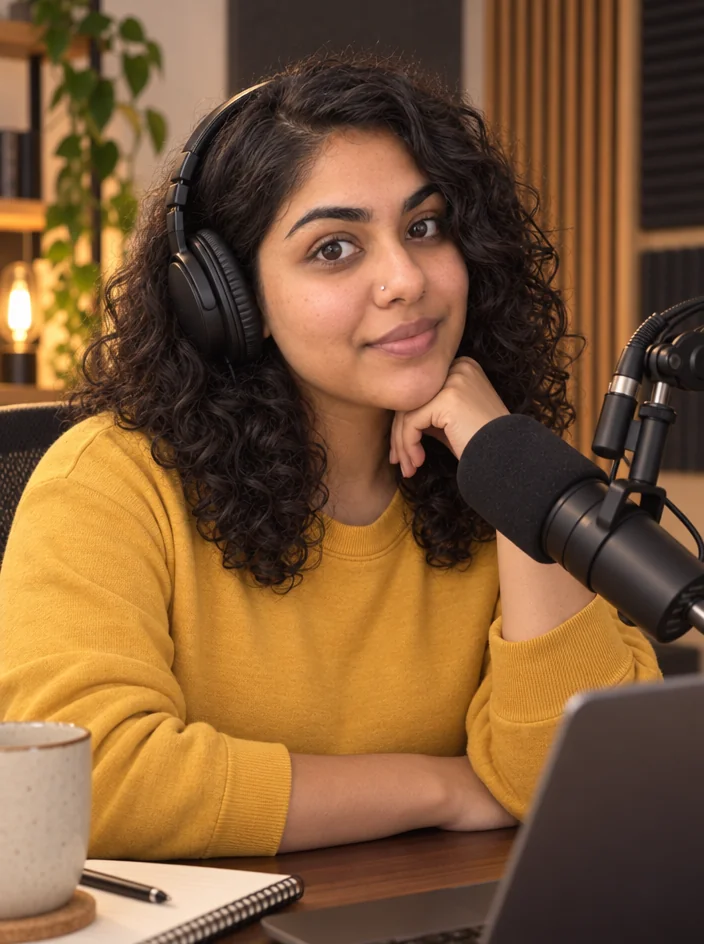
Creator brand photos from 1–4 selfies: studio, podcast desk, gym, kitchen, stage
Studio, cafe or outdoor golden hour from the selfies you have.

 In
InProfile Picture Maker
A 1:1 PFP from your selfie — clean pro, anime, 3D, neon gamer, pixel, Y2K
Painterly or clean professional, still recognizably you.

 In
InReel Cover Maker
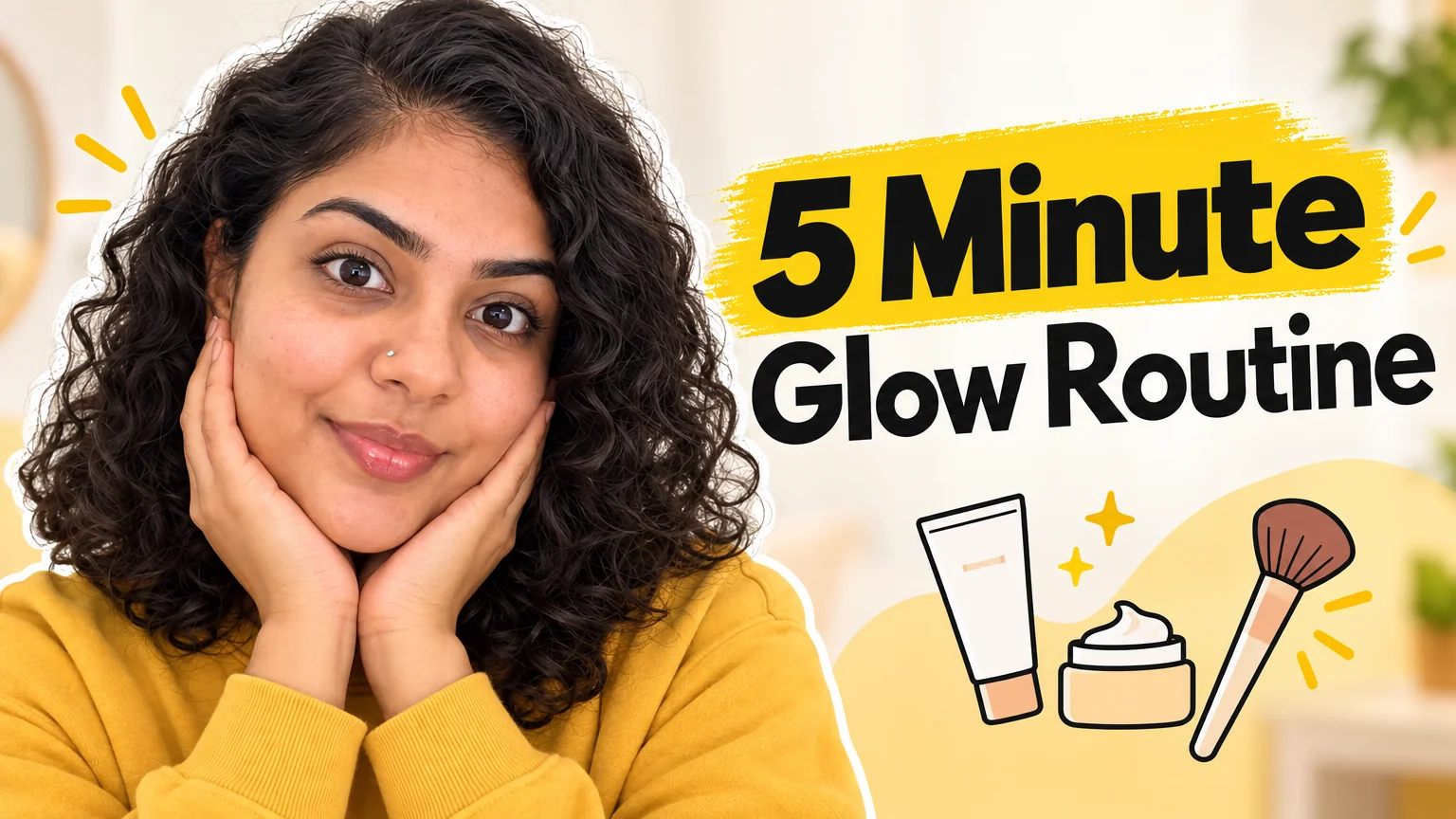
9:16 covers for Reels, Shorts and TikTok that read at grid size
Bright pastel vertical covers with the title where the app UI is not.

Carousel Slide Maker
4:5 carousel slides in your brand colors — heading, body, consistent grid
Routine steps and product lists on one consistent grid.
Quote Card Maker
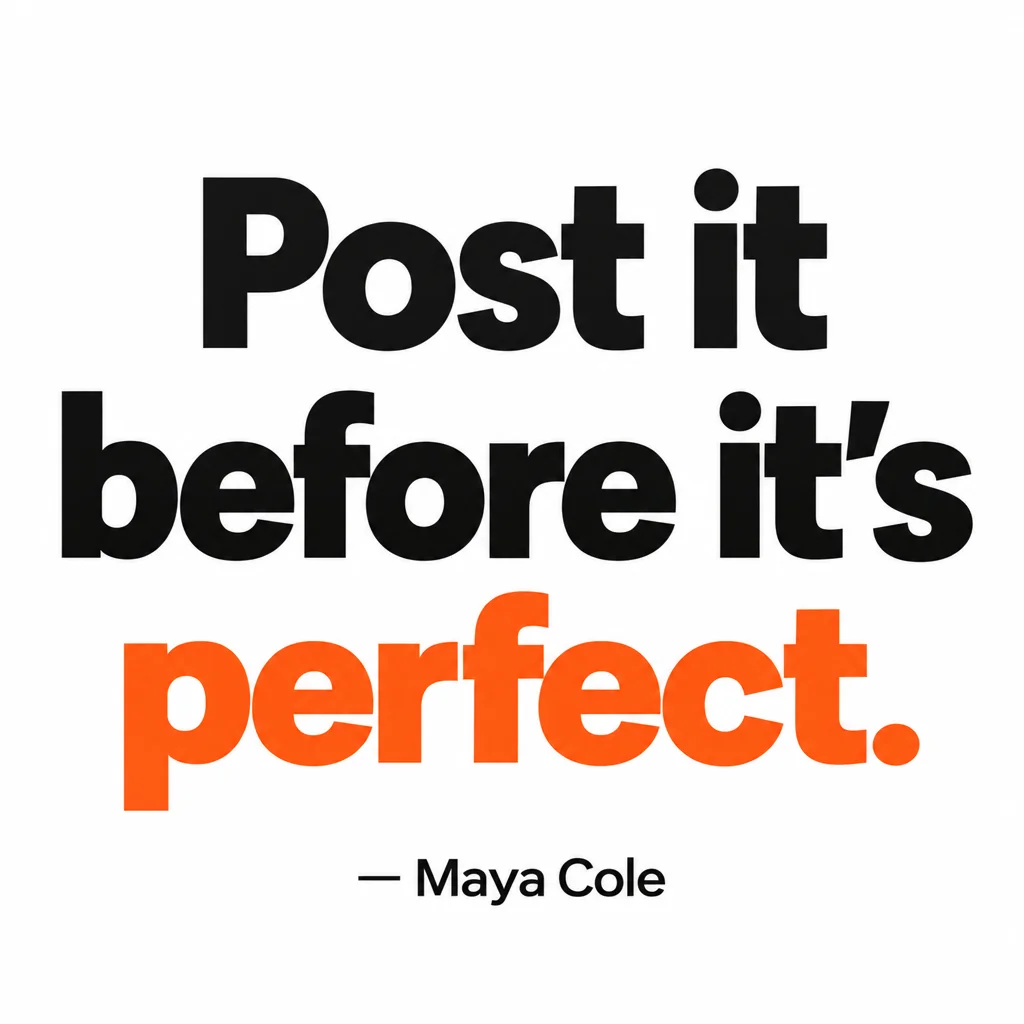
Square quote cards with real typography — minimal, bold, gradient, paper, dark
Minimal or paper-style cards for the lines that get saved.

 In
InBackground Changer
Green-screen swap without the green screen — describe the new background
Swap the bathroom for a bright studio without reshooting.
Prompts and titles to copy
- Reel cover · Reel Cover Maker5 Minute Glass Skin
- Reel vibe · Reel Cover MakerBright, airy, blush pink and cream
- Carousel heading · Carousel Slide MakerMy AM routine, in order
- Background · Background ChangerA bright white studio with soft window light
- Quote · Quote Card MakerSkincare is a habit, not a haul.
The steps
Then Reel Cover Maker
Bright pastel vertical covers with the title where the app UI is not.
Reel Cover MakerStart with Face Retouch
Blemishes gone, texture and freckles kept, eyes sharpened — invisible edits.
Face RetouchThen Creator Brand Photos
Studio, cafe or outdoor golden hour from the selfies you have.
Creator Brand PhotosThen Profile Picture Maker
Painterly or clean professional, still recognizably you.
Profile Picture MakerQuestions
Will retouching make skin look plastic?
No. Face Retouch preserves pores and texture, keeps moles and freckles, and only removes temporary blemishes.
Can I keep my grid's palette across tools?
Yes — reuse the same colour words in the reel vibe, carousel brand colours and quote style, and the results share a palette.
What about product shots?
Add Object places a product in a photo you have; Social Media Post Generator renders flat-lays from a description.
AI tools for beauty creators
Open with these settings