
AI tools for gaming creators
Gaming channels live on two surfaces at once: the YouTube thumbnail that gets the VOD watched and the Twitch or Kick page that keeps the live audience. Both need the same face, the same palette and a lot of assets — emotes, panels, banners, a PFP — that usually come from three different commission artists.
This page lists the tools that carry a gaming channel and opens each one preset for the niche: Gaming style thumbnails, Neon gamer PFPs, hype and pog emotes with transparency, dark panels with neon accents. Start with the thumbnail; the rest chain from the same selfie.
What this solves
- Thumbnails that need a shocked or pointing face you have never photographed
- An emote set that costs per expression and arrives in weeks
- Panels, banner and PFP that were made by different people in different styles
- A Shorts cover for every clip and no time to make them
Tools for this kind of creator

 In
InYouTube Thumbnail Maker
Click-worthy 16:9 thumbnails with your face and your title, spelled right
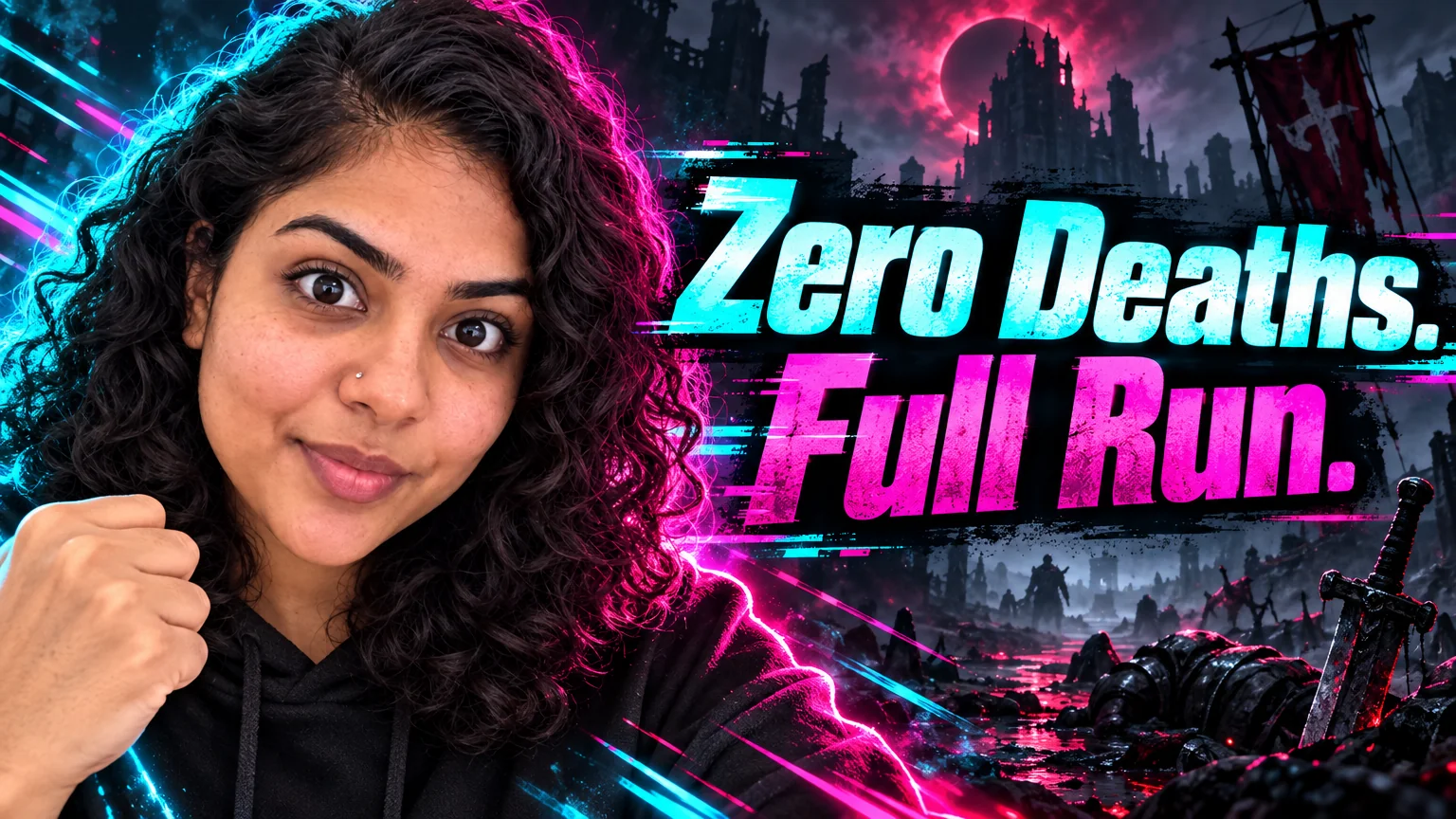
Gaming style: neon cyan and magenta, glitch streaks, chunky italic title, dark backdrop.
 In
InReaction Face Generator
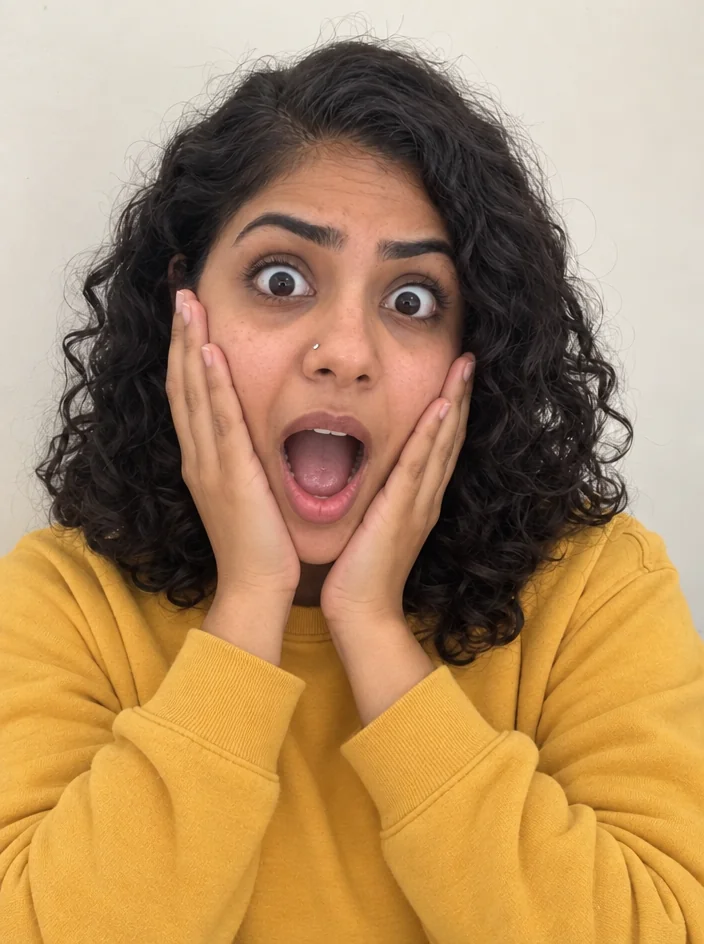
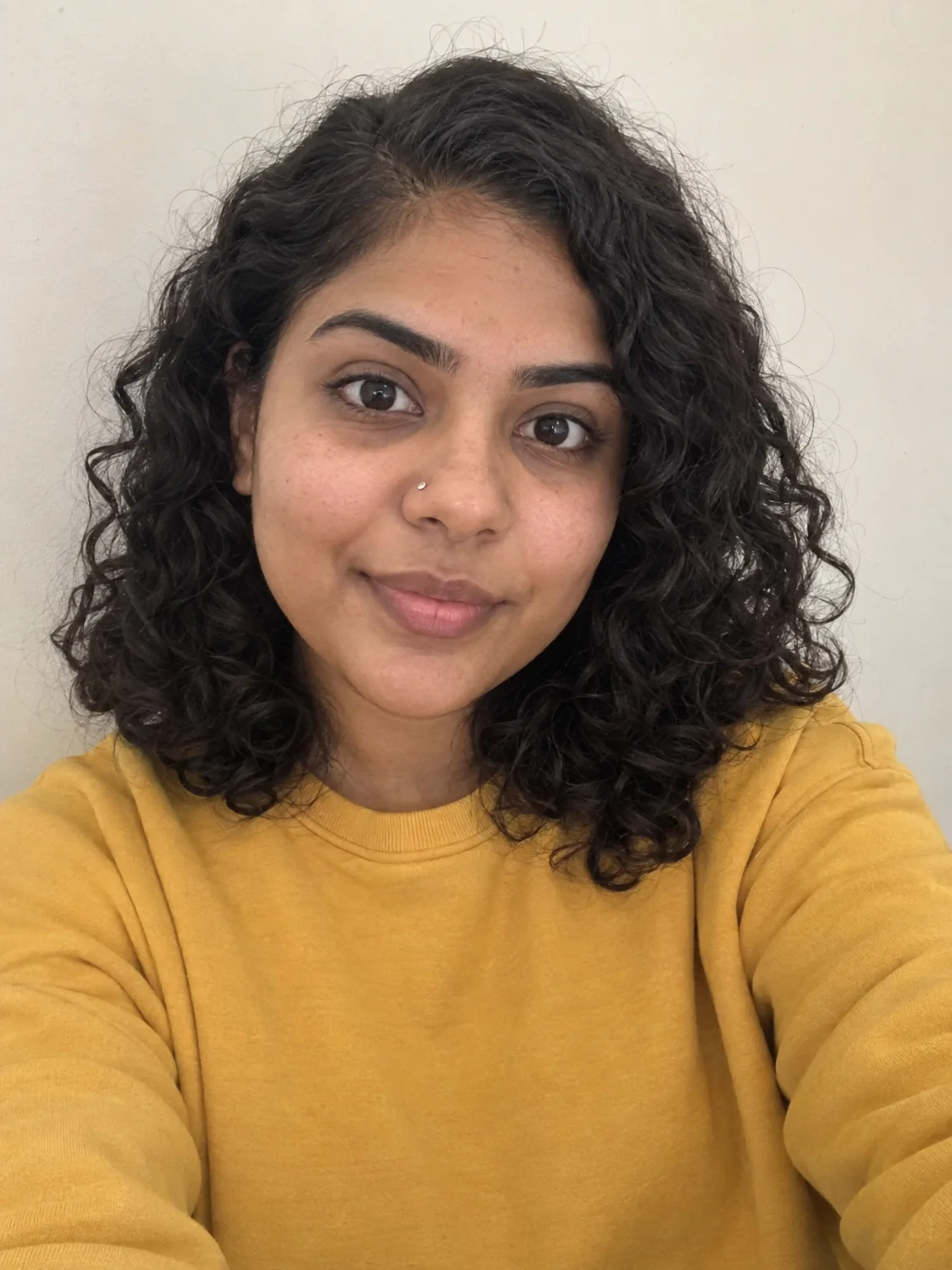
Neutral selfie in, shocked / mind-blown / pointing thumbnail face out
Turn one selfie into shocked, rage, pog-face and pointing thumbnails.

 In
InTwitch Emote Maker
Transparent chibi emotes of your face — hype, LOL, cry, rage, love, GG, pog
Hype, LOL, rage, GG and pog emotes on transparency, all from one photo.
Twitch Panel Maker
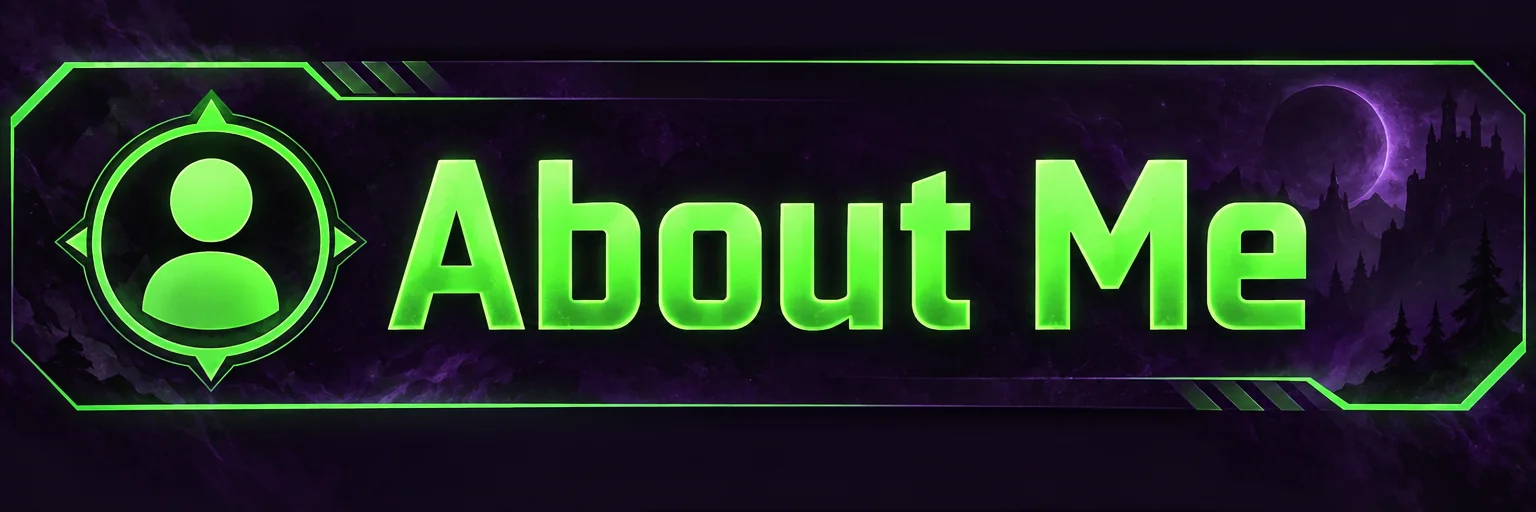
3:1 Twitch panel banners — About, Schedule, Rules, Donate — as a matching set
About, Schedule, Rules, PC Specs, Donate — one theme, six runs, one set.

 In
InChannel Banner Maker
Channel banners at the right ratio for YouTube, Twitch, X, LinkedIn and Discord
Twitch 2.5:1, YouTube 16:9 and Discord 16:9 from the same theme words.

 In
InProfile Picture Maker
A 1:1 PFP from your selfie — clean pro, anime, 3D, neon gamer, pixel, Y2K
Neon gamer style keeps your face and adds rim light for the dark UI.

 In
InReel Cover Maker
9:16 covers for Reels, Shorts and TikTok that read at grid size
Vertical covers for clips with the title in the safe band.

 In
InVTuber Avatar Maker
VTuber-style avatars from a selfie — VTuber, chibi, 3D toon, idol, mascot
A VTuber-style version of you for overlays and the Discord icon.
Prompts and titles to copy
- Thumbnail title · YouTube Thumbnail MakerI Hit Rank 1 In 24 Hours
- Thumbnail title · YouTube Thumbnail MakerThis Patch Broke Everything
- Panel theme · Twitch Panel MakerDark purple with neon green accents
- Banner tagline · Channel Banner MakerLive Tue · Thu · Sat 8PM
- Clip cover · Reel Cover MakerClutch Or Nothing
The steps
Start with YouTube Thumbnail Maker
Gaming style: neon cyan and magenta, glitch streaks, chunky italic title, dark backdrop.
YouTube Thumbnail MakerThen Reaction Face Generator
Turn one selfie into shocked, rage, pog-face and pointing thumbnails.
Reaction Face GeneratorThen Emote Maker
Hype, LOL, rage, GG and pog emotes on transparency, all from one photo.
Twitch Emote MakerThen Twitch Panel Maker
About, Schedule, Rules, PC Specs, Donate — one theme, six runs, one set.
Twitch Panel MakerQuestions
Can the emotes match my PFP?
Use the same selfie for Emote Maker and Profile Picture Maker in one session; the face, hair and features carry over so the set looks like one character.
Do the thumbnails work for both YouTube and Twitch?
The thumbnail is 16:9, which fits YouTube and Twitch VOD thumbnails. Use Reframe for a 9:16 clip cover.
What is the fastest way to a full rebrand?
One selfie into PFP, Emote Maker and Reaction Face; one theme sentence into Banner Maker and Panel Maker. Around 40 credits at Standard for the whole kit.
AI tools for gaming creators
Open with these settings