
AI tools for fitness creators
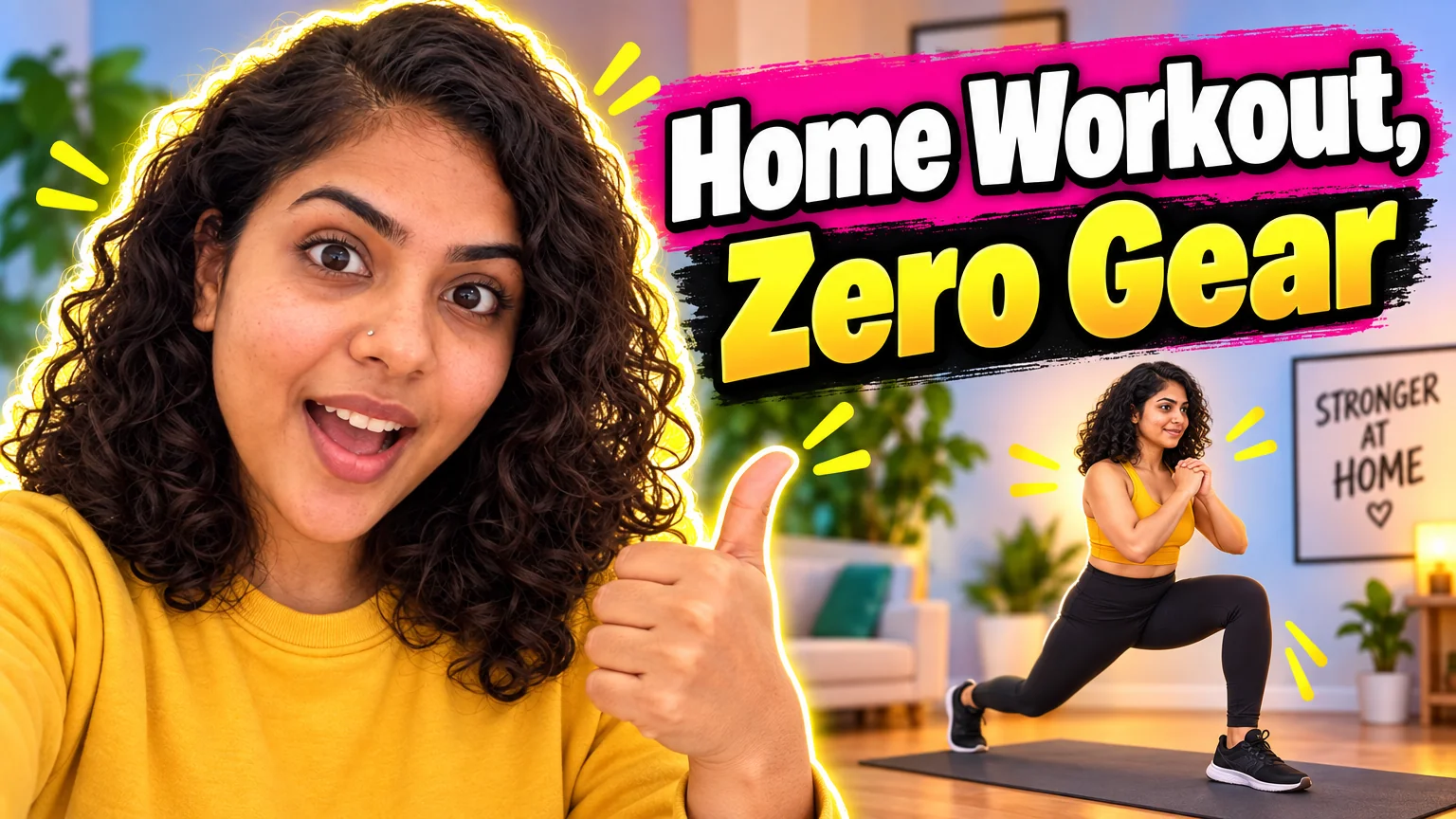
Fitness content is progress, programs and personality, and the graphics have to show all three: a brand photo in a gym that looks like a magazine shot, a thumbnail with a real reaction, a carousel that lays out a week of training without drifting off the grid.
Start with Creator Brand Photos set to Gym — the same you, in a well-lit modern gym — and feed that photo into the PFP, the thumbnail and the reel cover. Then use the carousel and quote tools for the programs and the motivation posts that get saved.
What this solves
- Gym photos that are mirror selfies with a water bottle in the way
- A thumbnail face that says nothing while the title says everything
- Weekly program carousels that take longer than the workout
- Motivation quote posts that look like the ones from 2015
Tools for this kind of creator
 In
InCreator Brand Photos
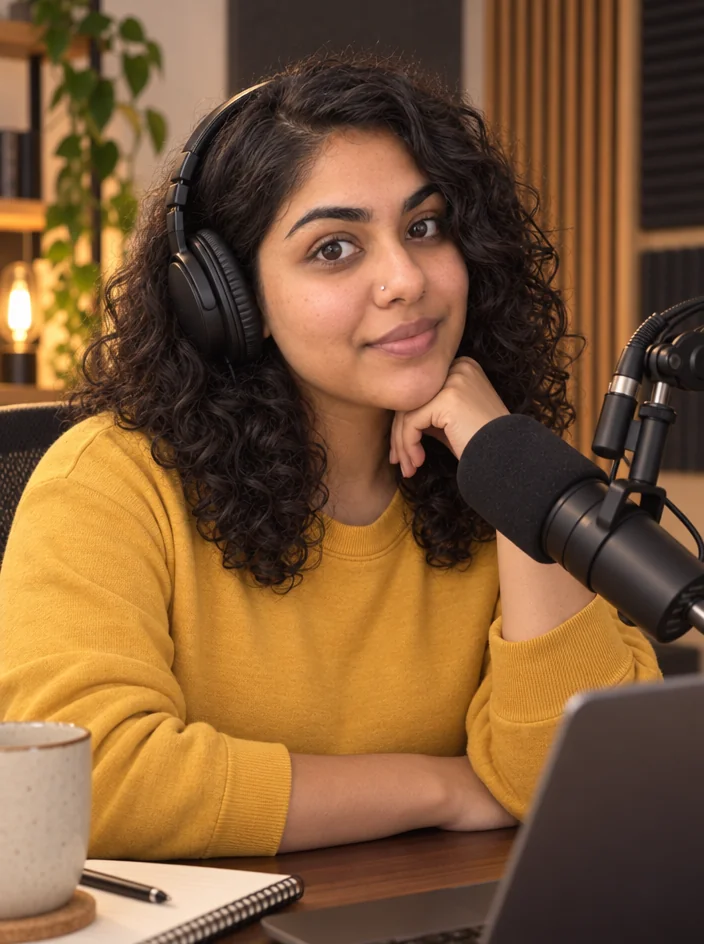
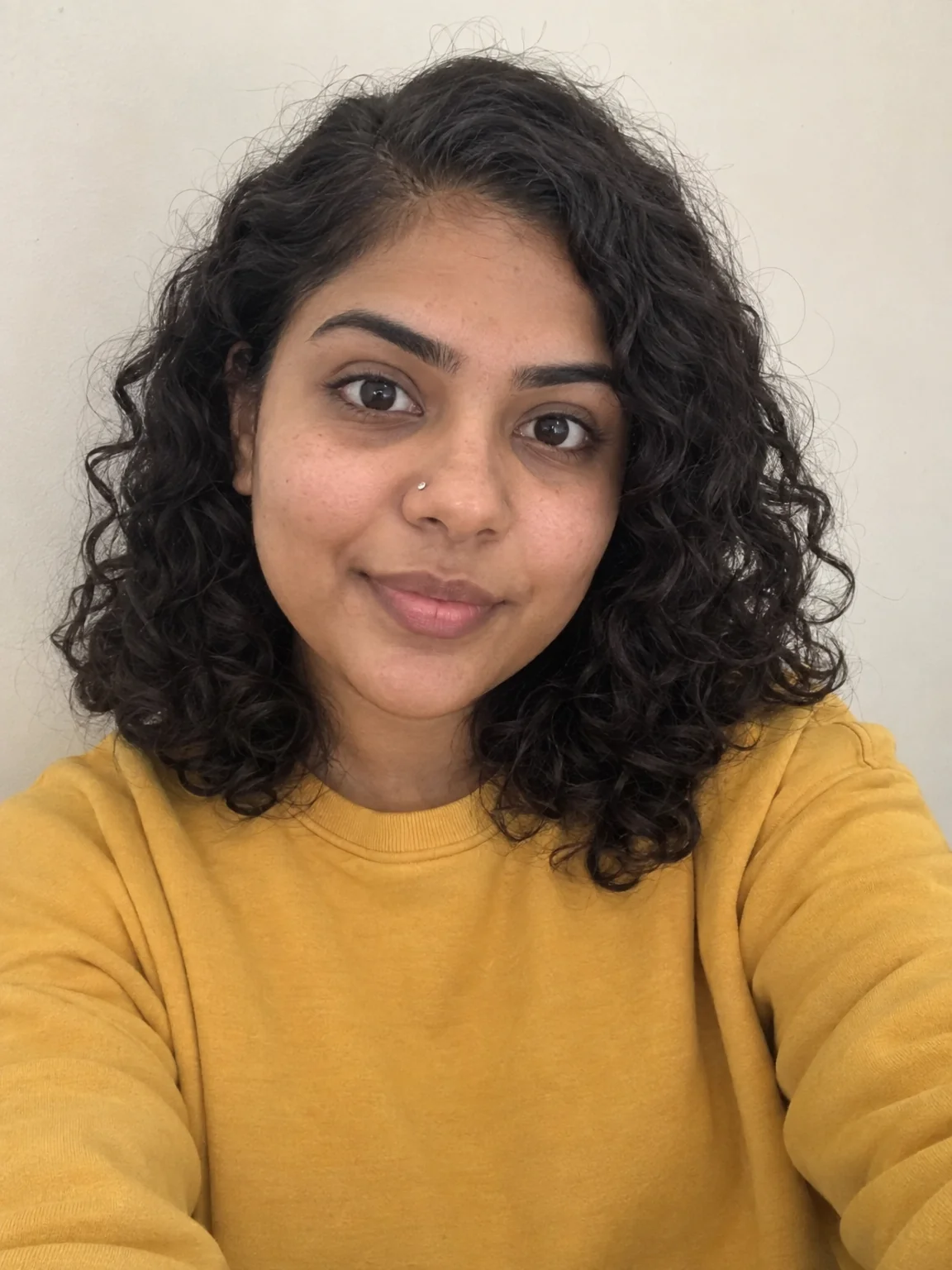
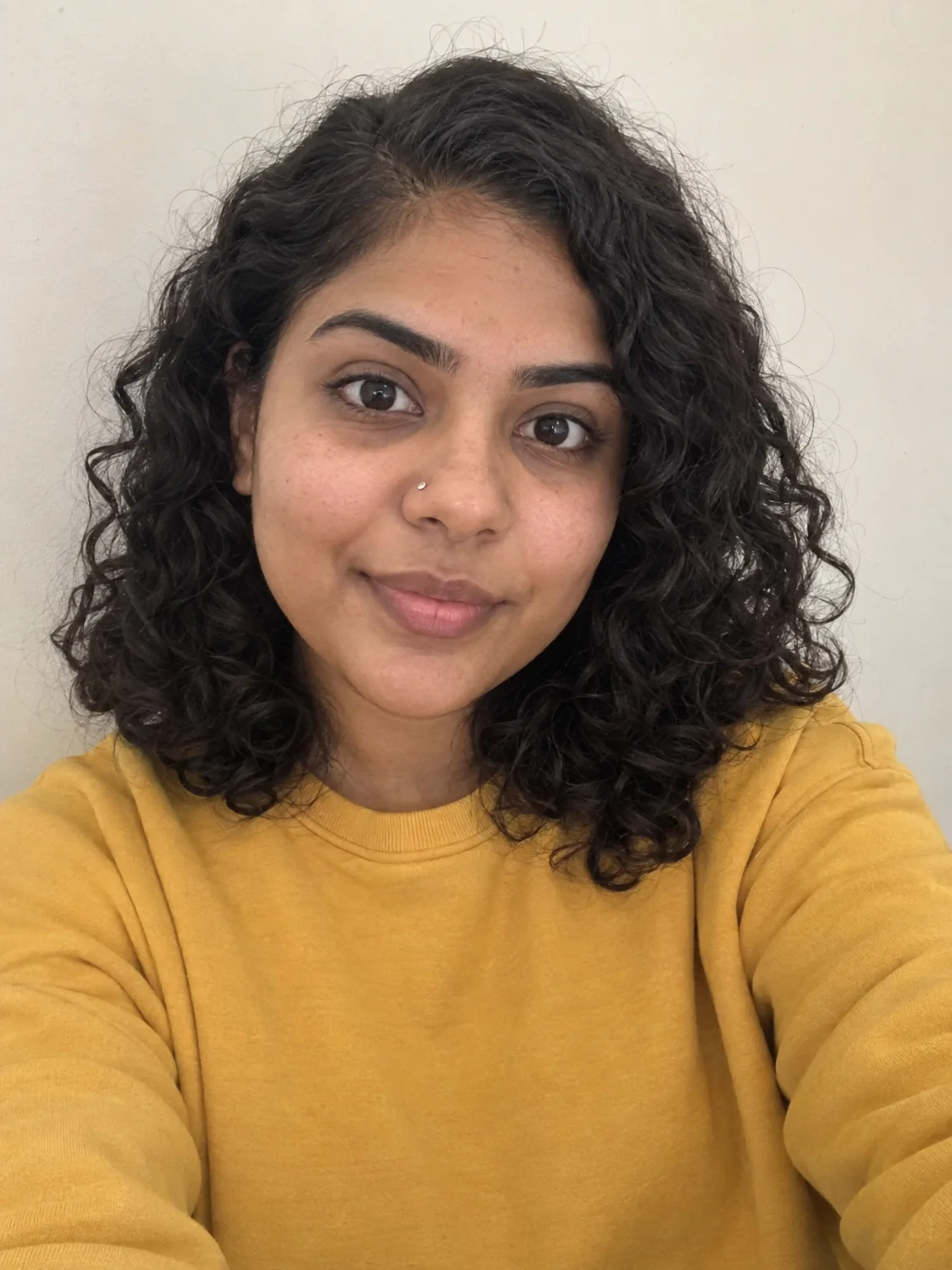
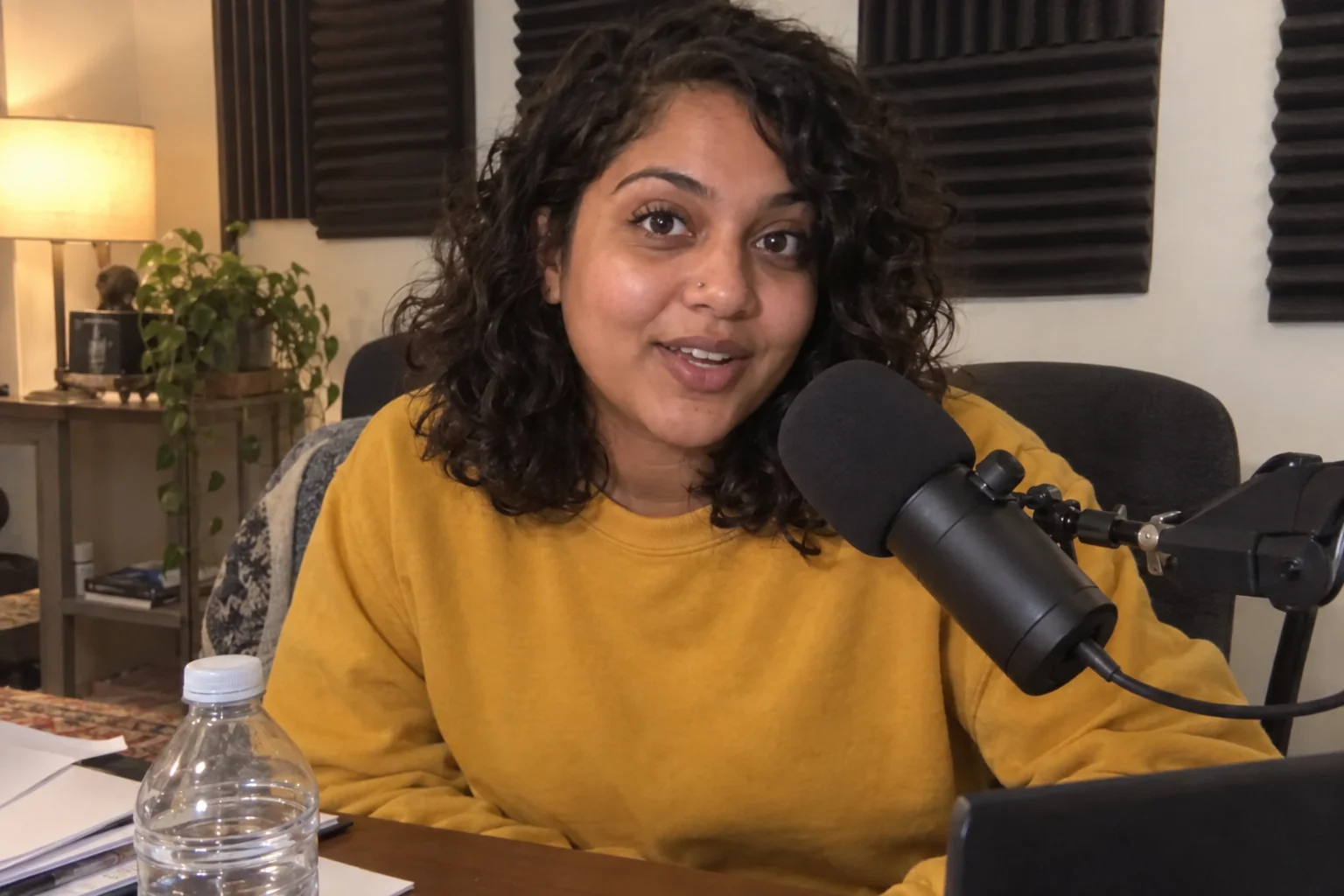
Creator brand photos from 1–4 selfies: studio, podcast desk, gym, kitchen, stage
Gym setting: modern equipment behind you, editorial light, same face.

 In
InYouTube Thumbnail Maker
Click-worthy 16:9 thumbnails with your face and your title, spelled right
Vlog or Bold & loud styles with your face and a 3-word title.
 In
InReaction Face Generator
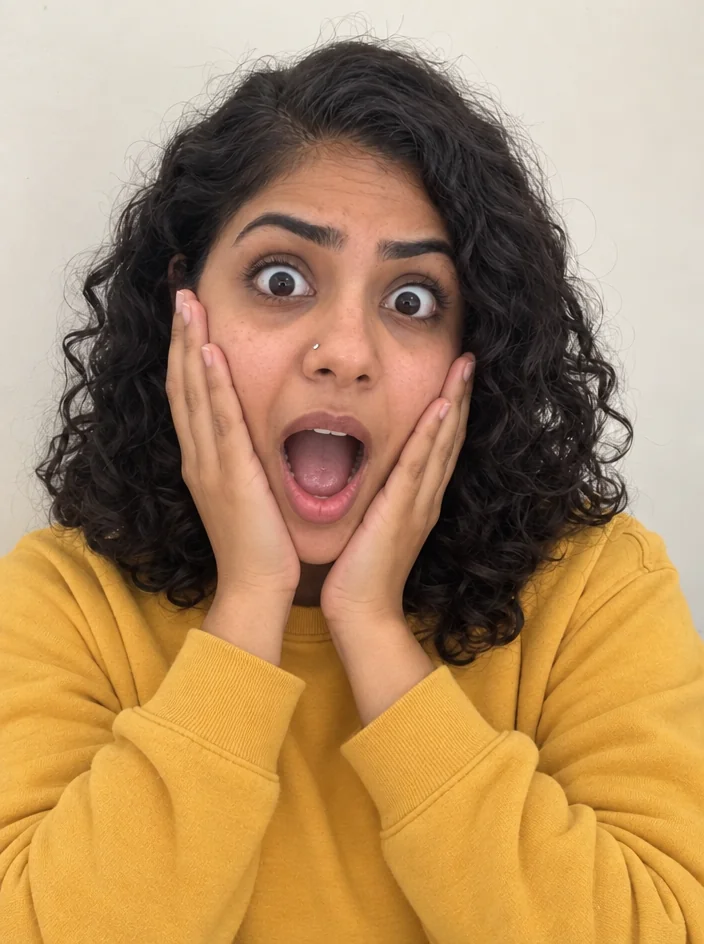
Neutral selfie in, shocked / mind-blown / pointing thumbnail face out
Excited fist-pump or thumbs-up faces for progress videos.

 In
InReel Cover Maker
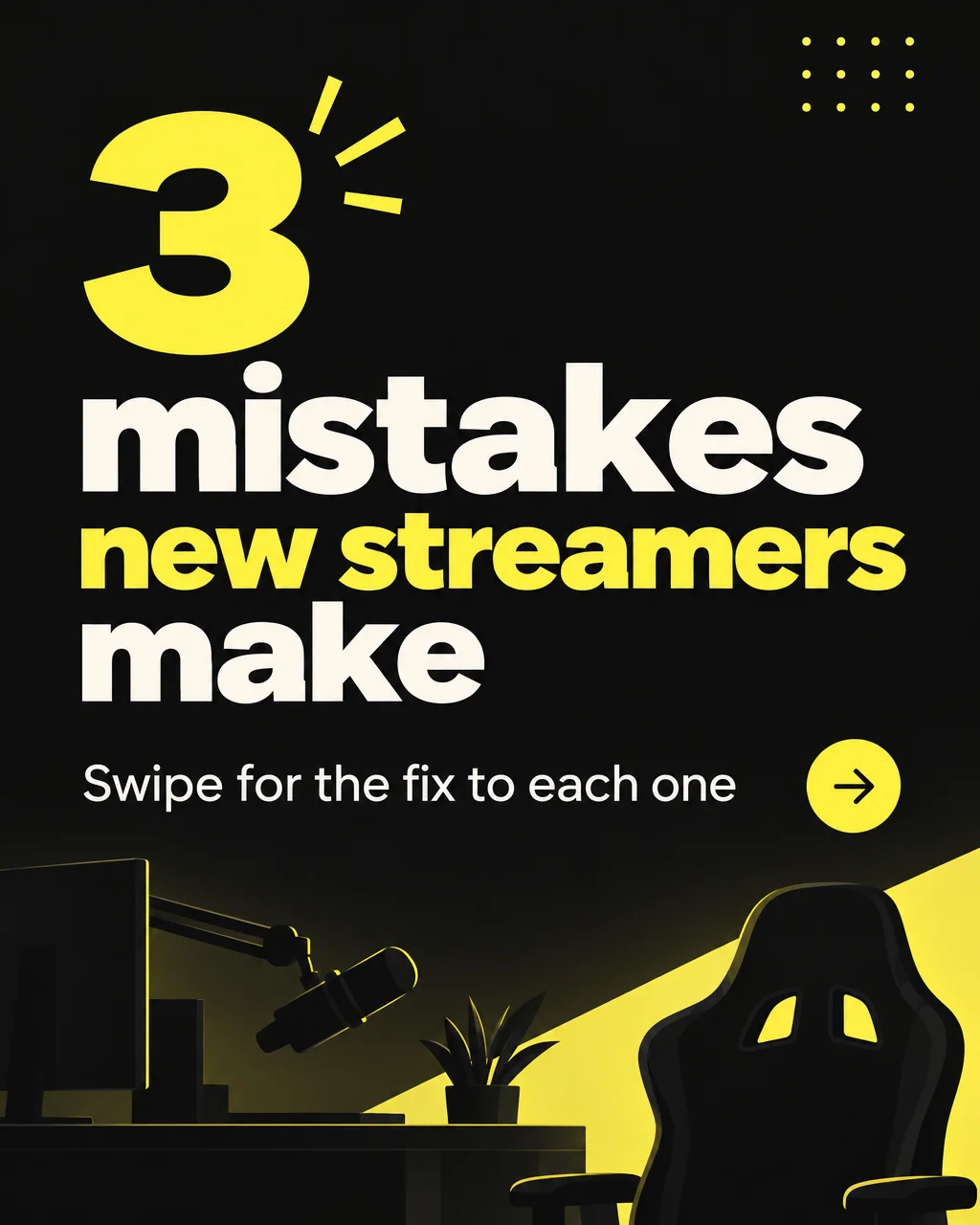
9:16 covers for Reels, Shorts and TikTok that read at grid size
Vertical covers for exercise clips, title in the safe band.
Carousel Slide Maker
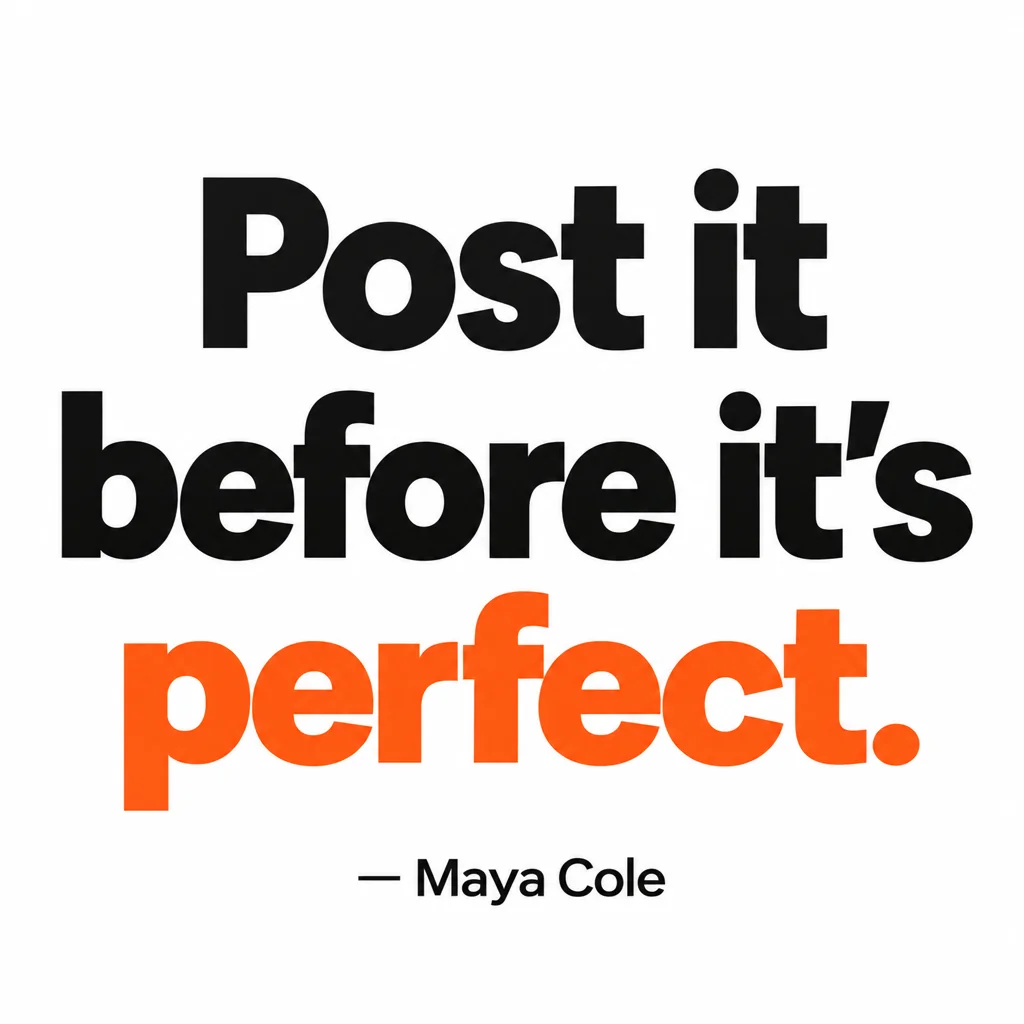
4:5 carousel slides in your brand colors — heading, body, consistent grid
Day 1 to Day 5 programs on one grid.
Quote Card Maker
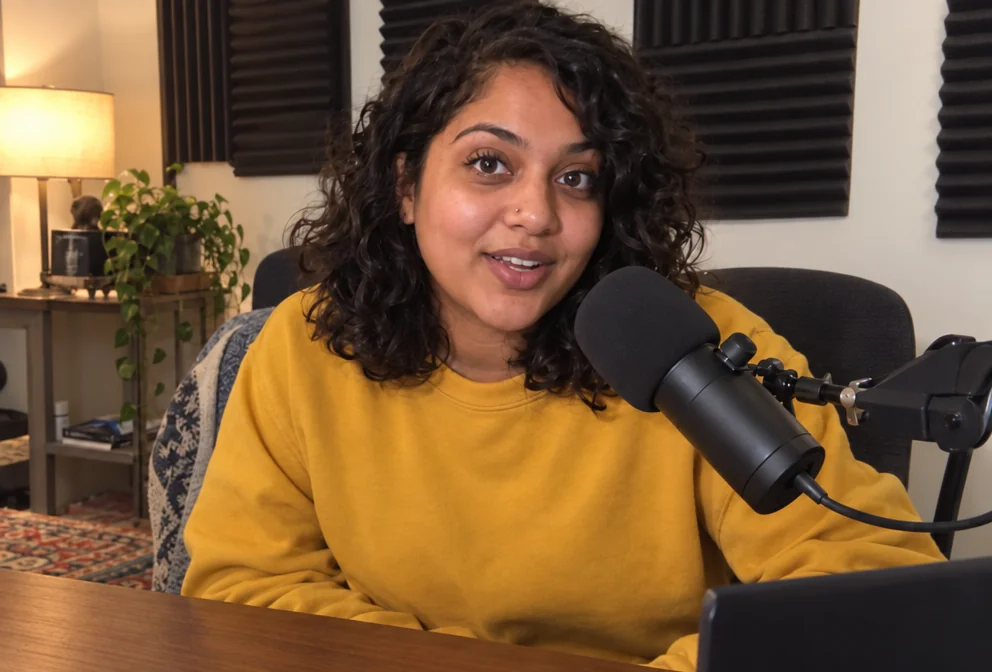
Square quote cards with real typography — minimal, bold, gradient, paper, dark
Bold typographic cards for the discipline lines.
 In
InObject Remover
Remove the water bottle, the cable, the stranger — filled in naturally
Take the water bottle and the stranger out of the gym photo.
Prompts and titles to copy
The steps
Start with Creator Brand Photos
Gym setting: modern equipment behind you, editorial light, same face.
Creator Brand PhotosThen YouTube Thumbnail Maker
Vlog or Bold & loud styles with your face and a 3-word title.
YouTube Thumbnail MakerThen Reaction Face Generator
Excited fist-pump or thumbs-up faces for progress videos.
Reaction Face GeneratorQuestions
Will the gym photo look like a real gym?
Yes — the Gym setting renders a photorealistic modern gym with equipment behind you and keeps your face and build.
Can I use before/after photos?
Use Reframe to put two photos at the same ratio, then Social Media Post Generator or your editor for the split. Face Retouch evens the lighting between the two.
Which thumbnail style fits fitness?
Vlog for bright and friendly, Bold & loud for transformation and challenge videos.
AI tools for fitness creators
Open with these settings