
AI tools for podcasters
A podcast has one permanent graphic — the cover — and a hundred temporary ones: a quote card per episode, a clip thumbnail per guest, a reel cover per highlight, a brand photo for the guest booking email. Most shows nail the first and improvise the rest.
The tools here cover both. Podcast Cover Maker renders a square cover that reads at 200 px; the Podcast clip thumbnail style puts the host at a mic with a quote-style title; Quote Card Maker turns the best line of every episode into a post; Creator Brand Photos puts you at a podcast desk.
What this solves
- A cover with five elements that turn to mush in the directory
- Clip thumbnails that look nothing like the show
- Great lines in every episode and no fast way to post them
- A guest-booking email with a bathroom selfie attached
Tools for this kind of creator
Podcast Cover Maker
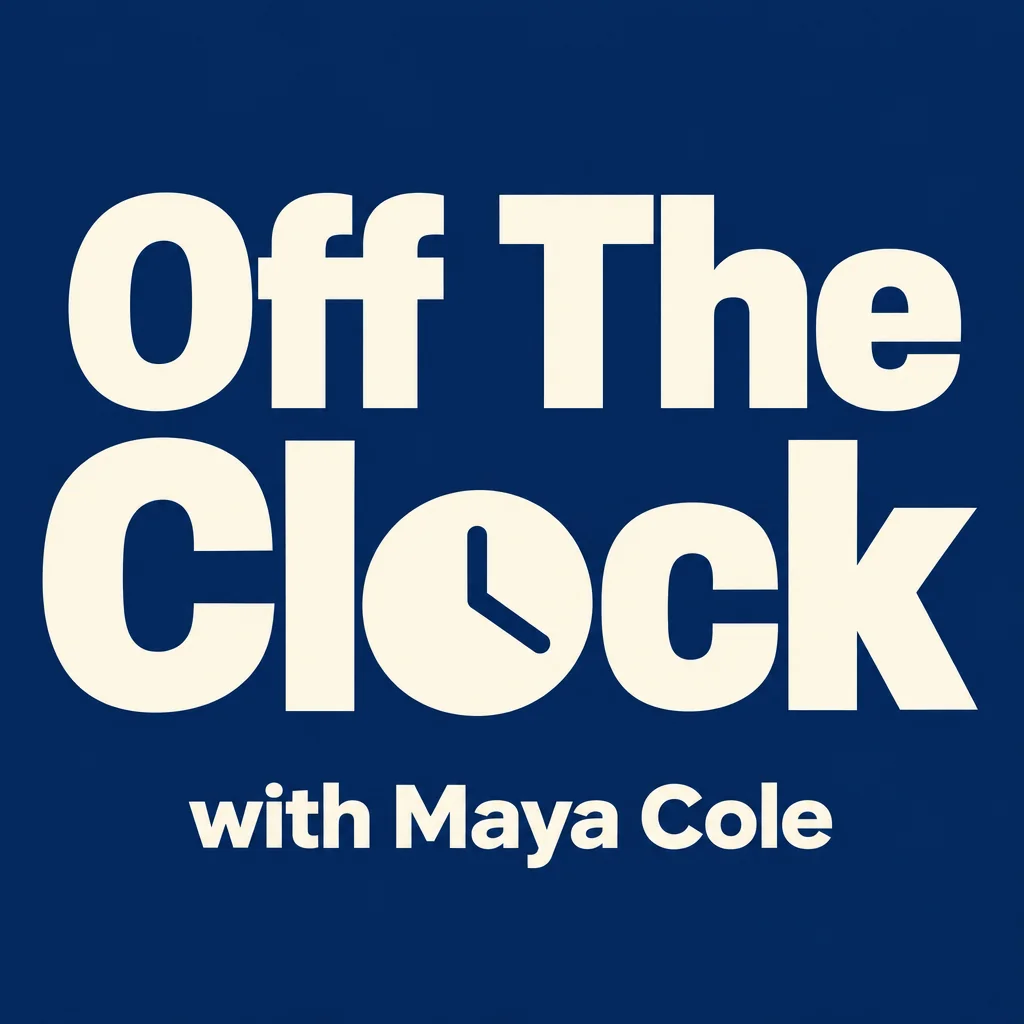
Square podcast cover art that reads at 200 px in every app directory
Square cover, show name as hero, one focal element, six styles.

 In
InYouTube Thumbnail Maker
Click-worthy 16:9 thumbnails with your face and your title, spelled right
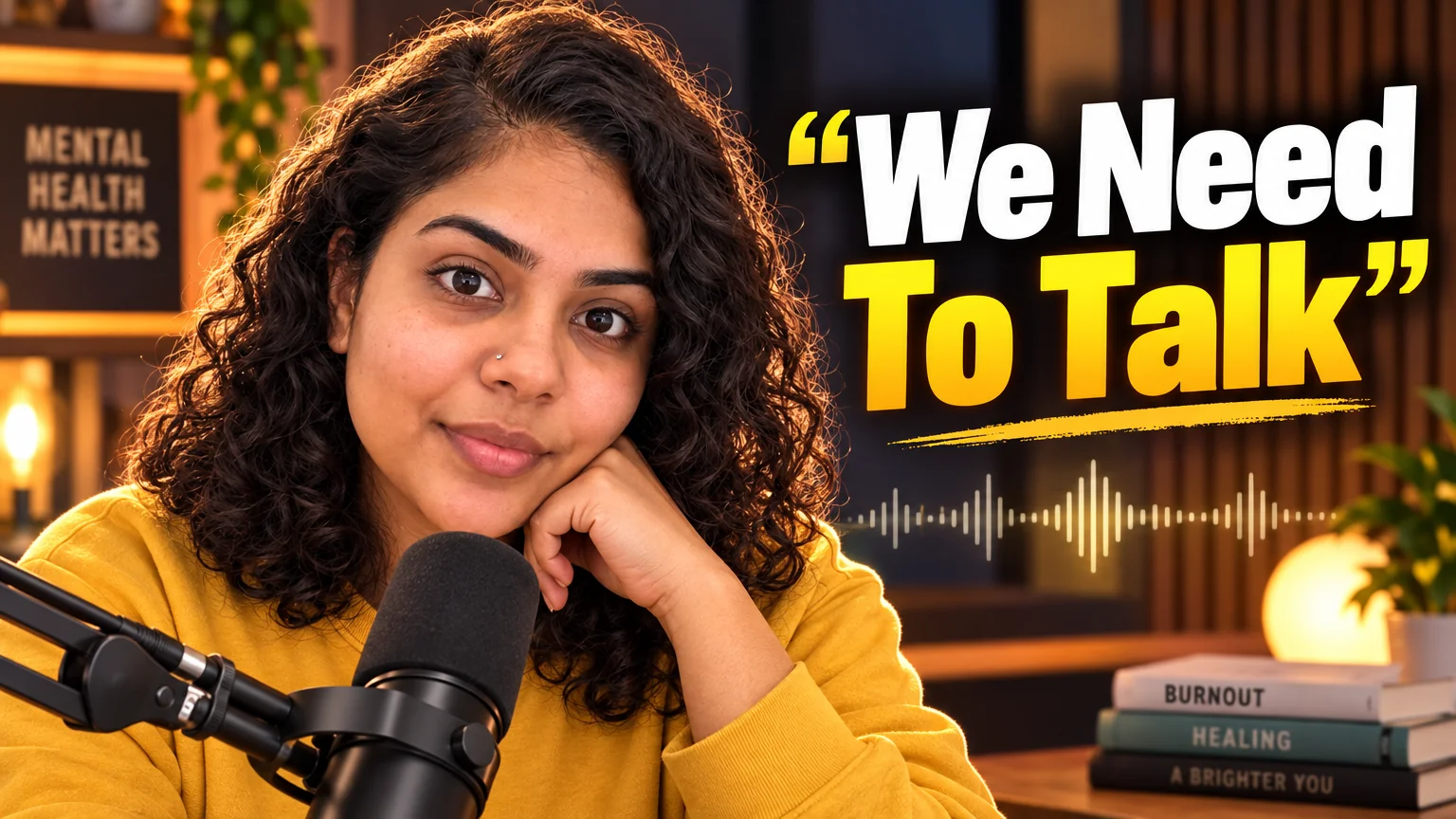
Podcast clip style: host at a mic, quote-style title, waveform accent.
Quote Card Maker
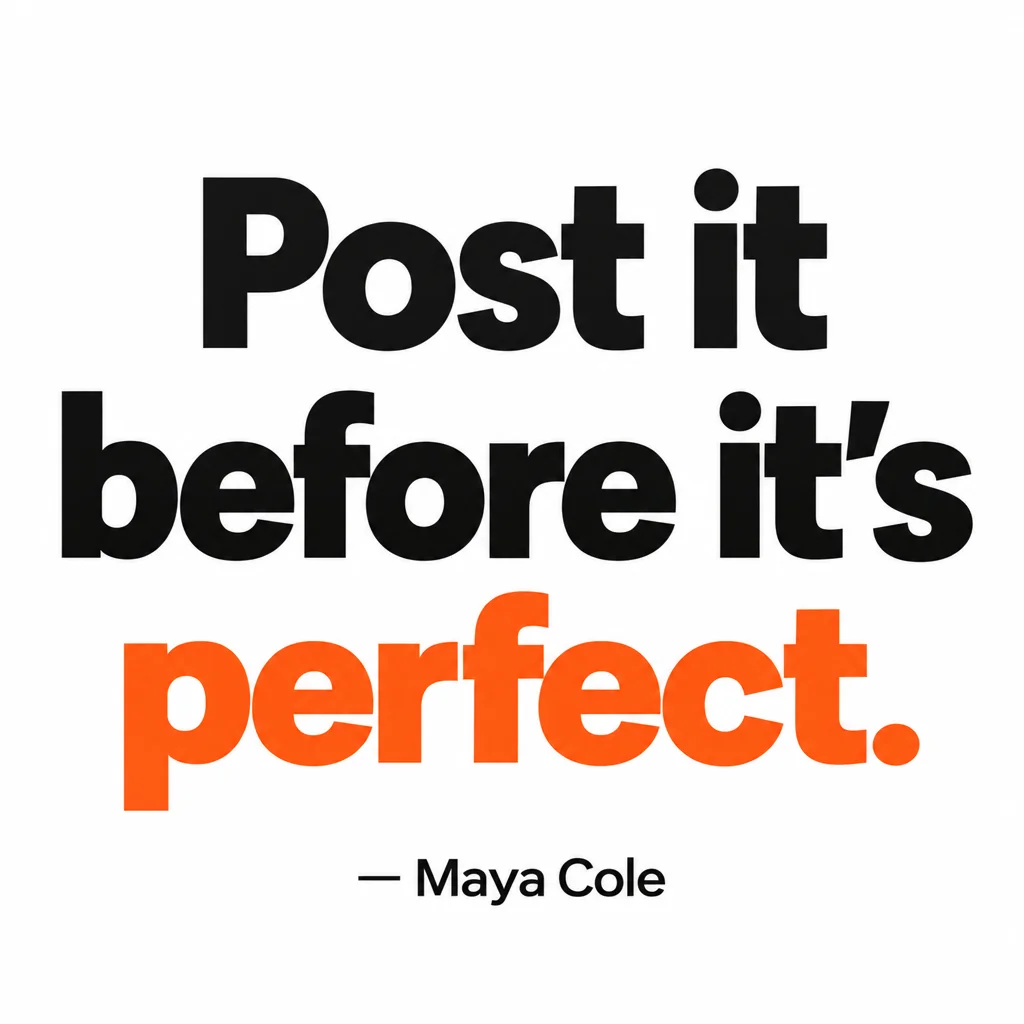
Square quote cards with real typography — minimal, bold, gradient, paper, dark
One line per episode in a consistent style.
 In
InCreator Brand Photos
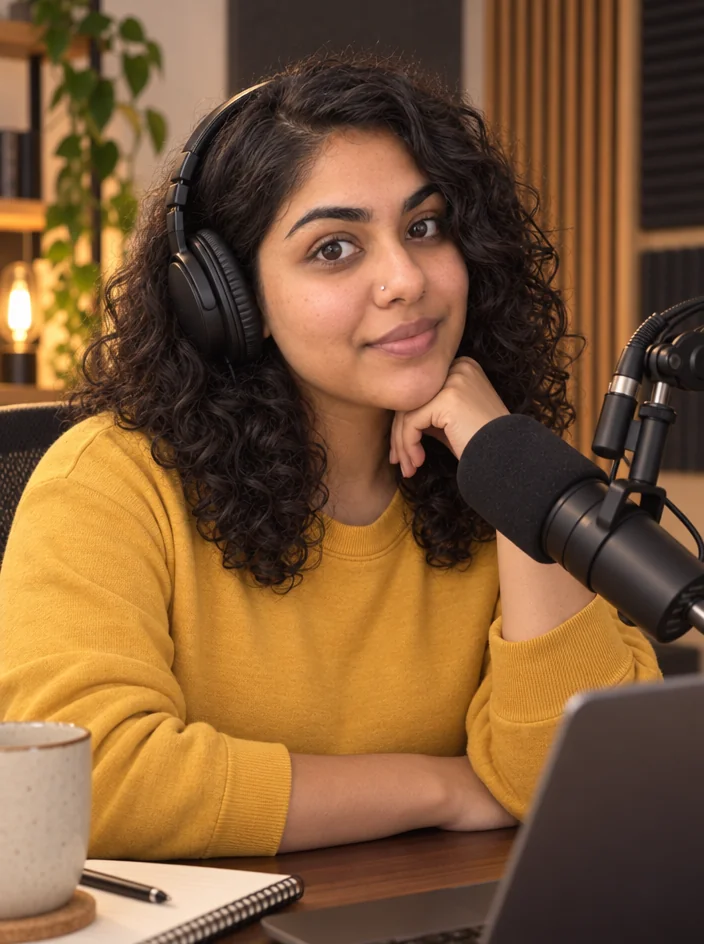
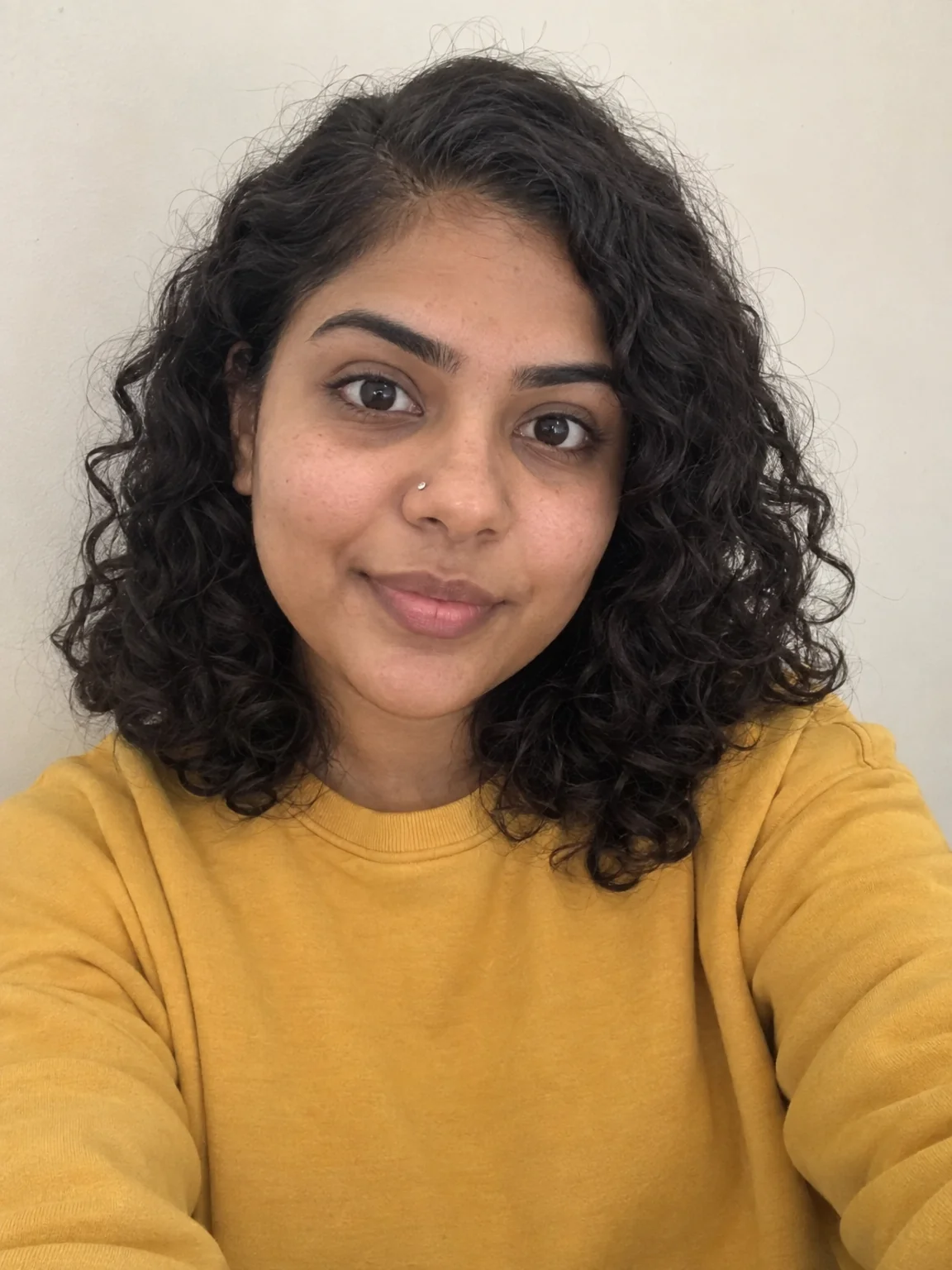
Creator brand photos from 1–4 selfies: studio, podcast desk, gym, kitchen, stage
Podcast desk: broadcast mic, headphones, acoustic panels.

 In
InReel Cover Maker
9:16 covers for Reels, Shorts and TikTok that read at grid size
Vertical highlight covers with the guest name in the safe band.
Social Media Post Generator
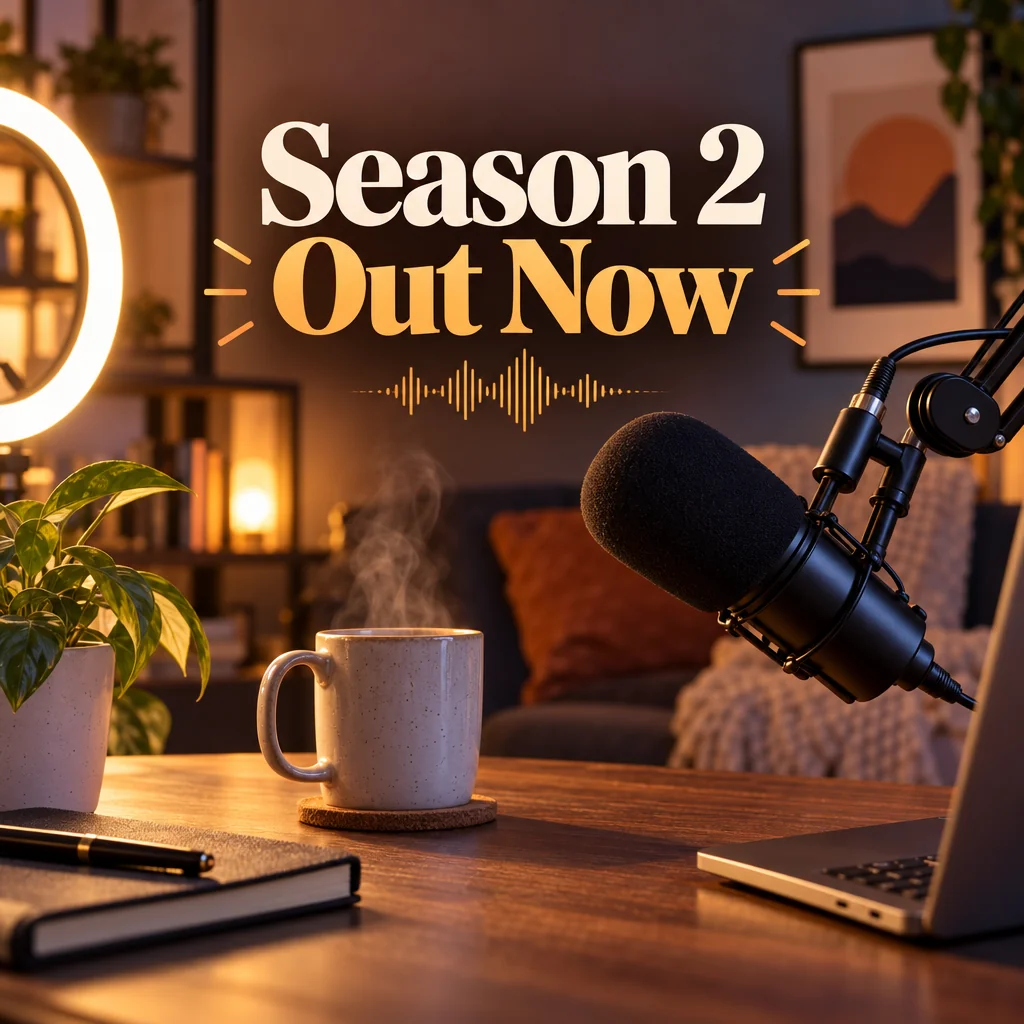
Feed posts, stories, pins, LinkedIn and X images from one description
Season announcements at every ratio.

 In
InChannel Banner Maker
Channel banners at the right ratio for YouTube, Twitch, X, LinkedIn and Discord
YouTube and X headers with the release schedule.
Prompts and titles to copy
- Show name · Podcast Cover MakerThe Late Shift
- Clip title · YouTube Thumbnail Maker"I Almost Quit In Year Two"
- Quote · Quote Card MakerNobody is coming. Start anyway.
- Post · Social Media Post GeneratorA cozy desk setup announcing my new podcast season
- Banner tagline · Channel Banner MakerNew episodes every Monday
The steps
Start with Podcast Cover Maker
Square cover, show name as hero, one focal element, six styles.
Podcast Cover MakerThen YouTube Thumbnail Maker
Podcast clip style: host at a mic, quote-style title, waveform accent.
YouTube Thumbnail MakerThen Creator Brand Photos
Podcast desk: broadcast mic, headphones, acoustic panels.
Creator Brand PhotosQuestions
What size should the cover be for Spotify and Apple?
Render the 1:1 cover, then Upscale at 16 MP for a 3000×3000 file that meets both specs.
Can the clip thumbnails feature my guest?
Attach a photo of the guest as the thumbnail's photo and the tool features them; keep the show's style words the same across episodes.
How do I keep quote cards consistent?
Pick one style once and reuse it. Same style, same attribution format, and the grid reads as one show.
AI tools for podcasters
Open with these settings