
YouTube Thumbnail Maker
Click-worthy 16:9 thumbnails with your face and your title, spelled right
4 free credits on signup — no card, no watermark.
- 1Type the 3–5 word title and, if you want, what the video is about
- 2Drop a selfie for a face thumbnail, or leave it empty for a topic-led design
- 3Pick a style and run — download, or send to Reframe, Upscale or Animate

 In
InStandard
4 credits
Pro
12 credits
Max
44 credits
A thumbnail decides whether the video gets watched, and the thumbnail is usually made last, at midnight, in a hurry. YouTube Thumbnail Maker flips that. You type the title, drop the selfie you already have on your phone, and choose a look: Bold & loud for the big-expression style, Tech review for a product hero on a dark gradient, Finance for navy and gold with a chart arrow, Reaction for a split frame with a red circle. The output is a 16:9 frame with one focal point, saturated color and text that stays readable at phone size.
The face handling is the part creators care about. When you attach a photo, the tool features the same person — same face, hair and skin tone — cut out cleanly with a subtle outline and given an expressive, engaging pose. The title is placed where it does not cover your face and kept to a few words. Without a photo, the tool designs around the topic instead: a big subject that communicates the video in a glance. Either way the text instruction is explicit: render the exact title, spelled correctly, large and legible.
Treat the first render as a draft and iterate. Change one word in the title, switch from Vlog to Tutorial, or add the topic field so the background tells the story. A Standard run from a title costs 2 credits, from a selfie 4, so testing five variants is cheaper than one hour of layout work. When you land on the winner, re-run it at Pro for sharper text, send it to Upscale for a 4K-ready file, or push it through Reframe to get a 9:16 Shorts cover from the same design.
What you control
- Your face (optional)
- Title text (3-5 words)
- What the video is about
- StyleLet AI chooseBold & loudClean minimalTech reviewVlogGamingFinanceTutorial+3
- 16:9 output
Every tool comes with
- The right ratio for the platform, already set
- Standard, Pro and Max tiers per run
- Edit with words, reframe, upscale or animate the result
- Everything saved to your creations rail
Questions
Do I need a photo of myself?
No. The face slot is optional. With a photo, you become the main subject; without one, the tool builds a big expressive subject around the topic you describe.
How long can the title be?
The field caps at 60 characters, but 3–5 words render best. Long titles shrink and lose the punch that makes a thumbnail work at 200 px wide.
Which style should I start with?
Leave it on Let AI choose for a saturated, high-contrast default. Switch to Tech review, Finance, Gaming or Podcast clip when your niche has a recognizable look your audience expects.
Can I get the same thumbnail as a Shorts cover?
Yes — from the result, click Next: Reframe and choose 9:16. The subject stays centered and the scene is extended to fill the taller frame.
Can I try YouTube Thumbnail Maker without paying?
Yes — every new account starts with 4 free credits, enough for a Standard run of most tools. Plans start at $15 for 1,000 credits a month and packs at $4.99 for 250.

 In
InReaction Face Generator
Neutral selfie in, shocked / mind-blown / pointing thumbnail face out
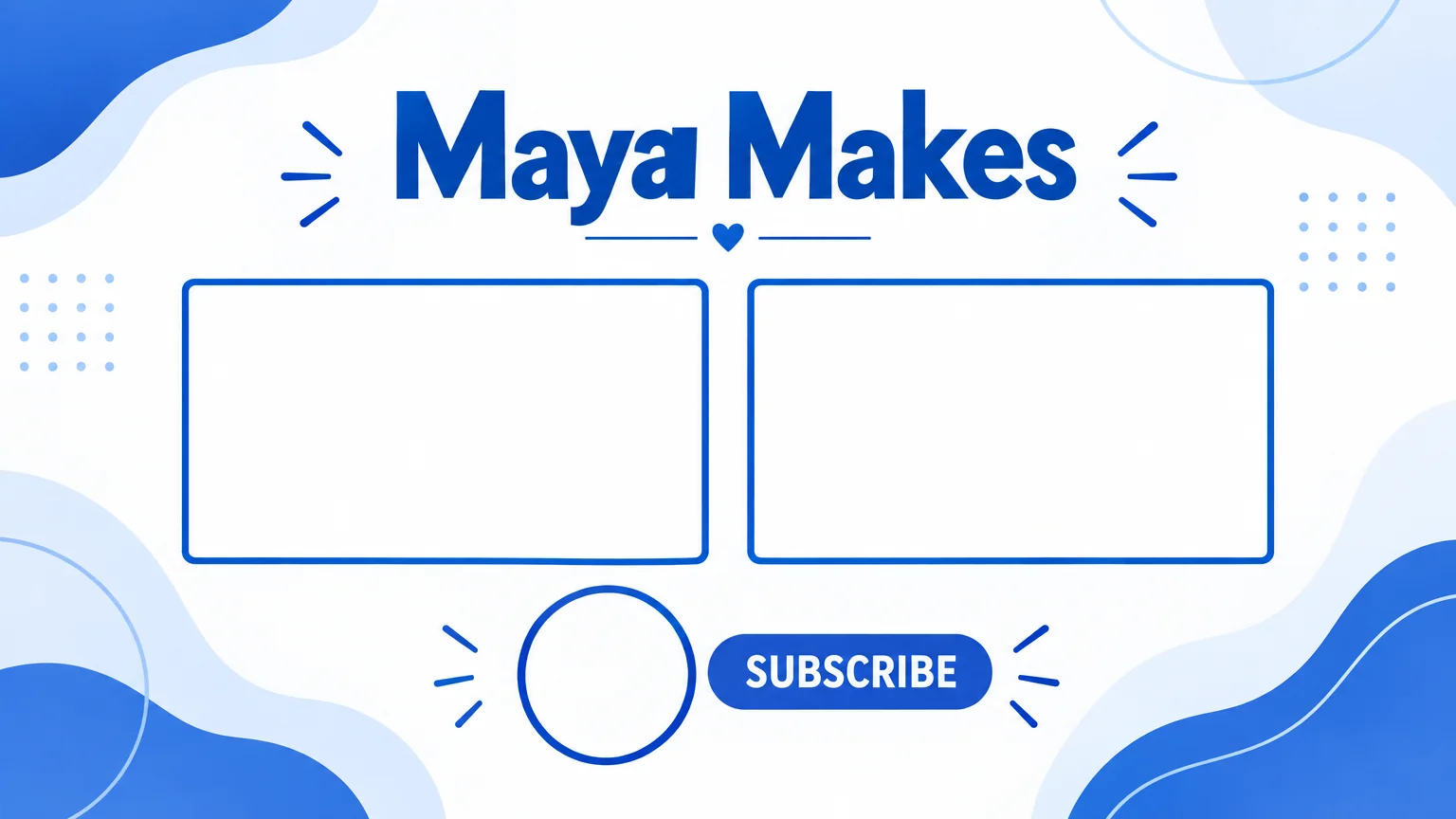
End Screen Maker
16:9 end screen backgrounds with two video slots and a subscribe spot

 In
InReframe for Platform
16:9 to 9:16 to 1:1 to 3:1 — the subject stays, the scene extends or crops

 In
InImage Upscaler
4K thumbnails and print-size banners — 4, 8, 16 or 32 MP from any render