
AI tools for music creators
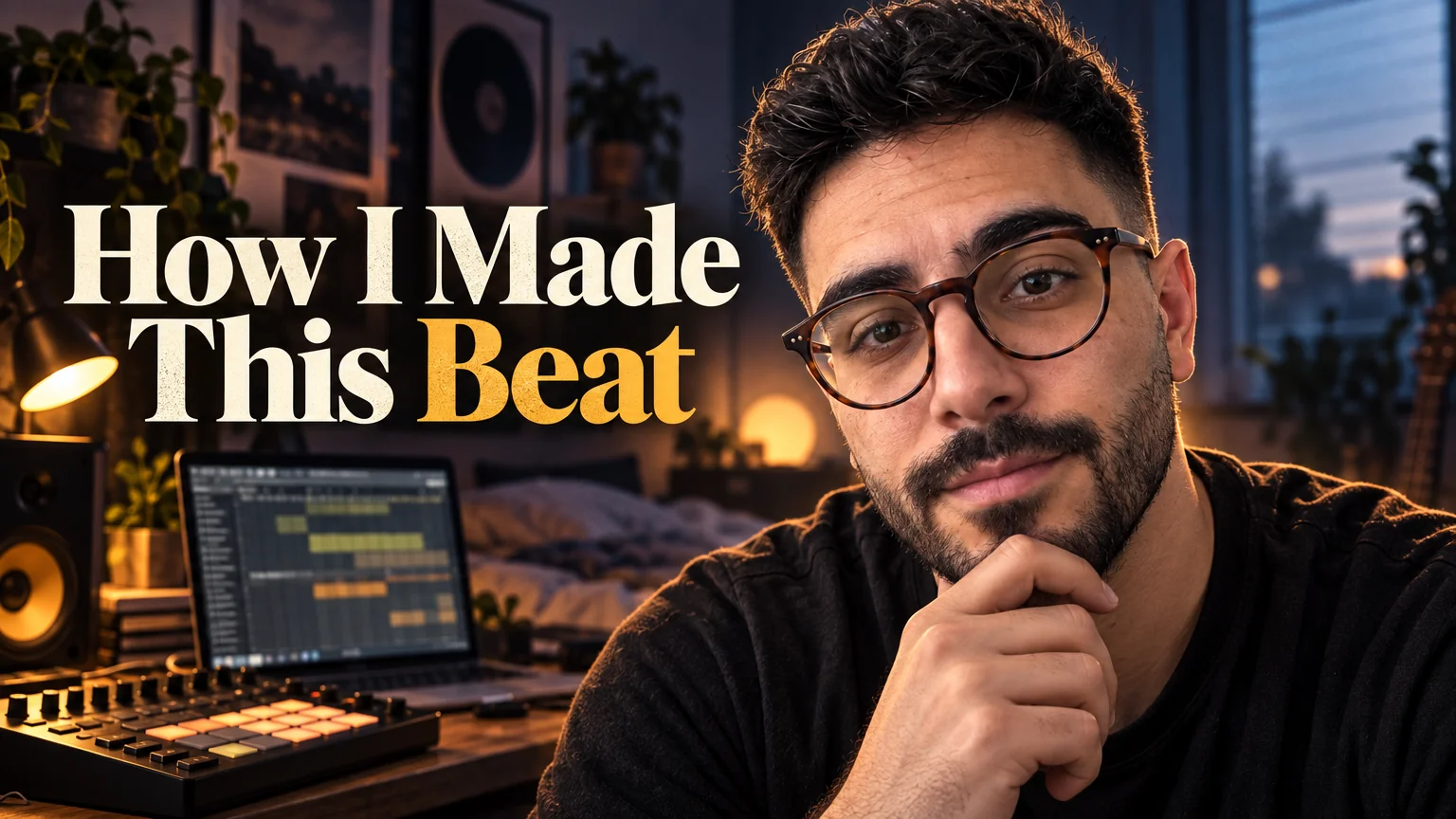
Musicians ship visuals with every release: cover art, a canvas for the streaming app, a lyric card, a merch design, a press photo. The tools here are not a replacement for an art director on the album; they are the way to get the twelve smaller assets done the same week as the single.
Podcast Cover Maker doubles as single artwork with its bold-type and dark-moody styles; Reel Cover Maker makes the 9:16 canvas still that Animate turns into a loop; Merch Design Generator produces the print file; Creator Brand Photos puts you on stage or in a studio.
What this solves
- Single artwork due Friday and no budget for a designer this month
- A Spotify canvas that is the square cover stretched to vertical
- Merch that is a JPEG of the logo on a white shirt
- Press photos taken by a friend in a parking lot
Tools for this kind of creator
Podcast Cover Maker
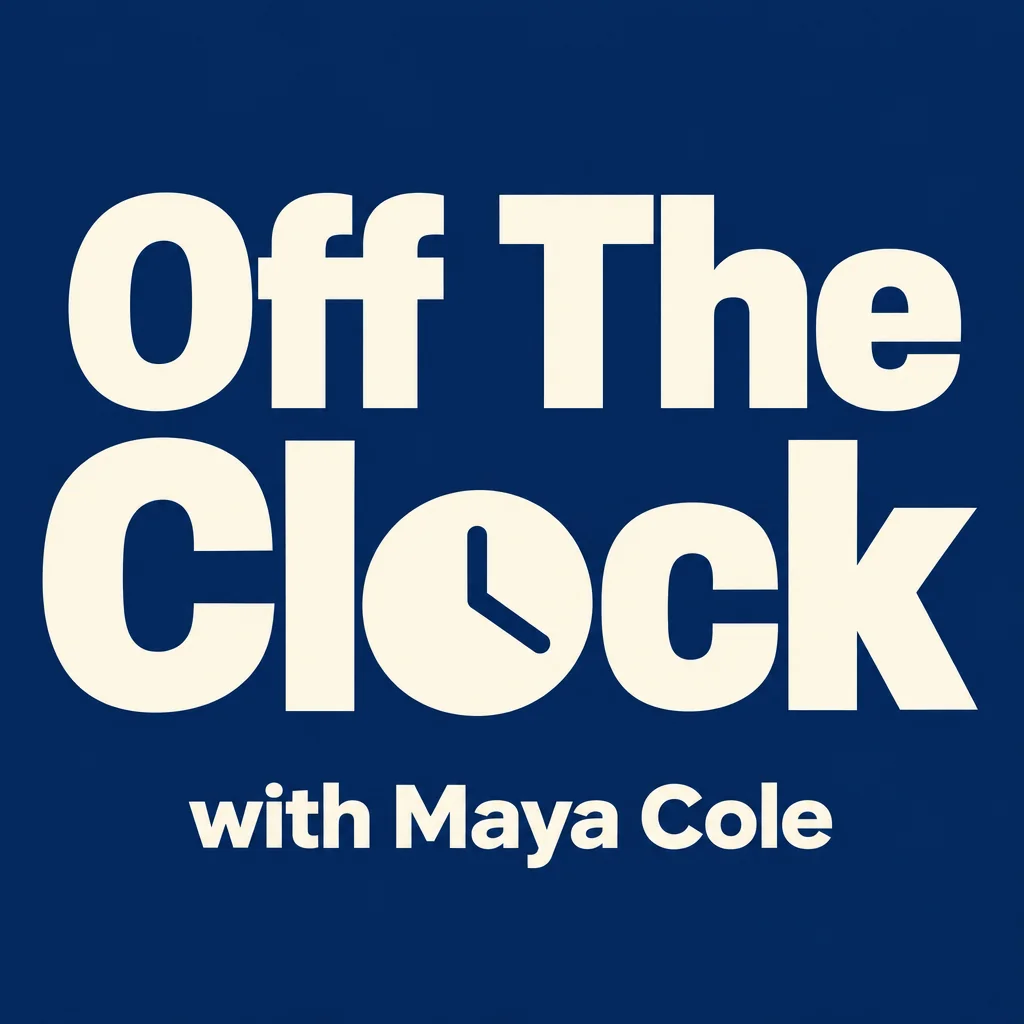
Square podcast cover art that reads at 200 px in every app directory
Bold typographic or dark-moody 1:1 art with the title spelled correctly.

 In
InReel Cover Maker
9:16 covers for Reels, Shorts and TikTok that read at grid size
9:16 canvas still — moody, cinematic — then Animate for the loop.
Merch Design Generator
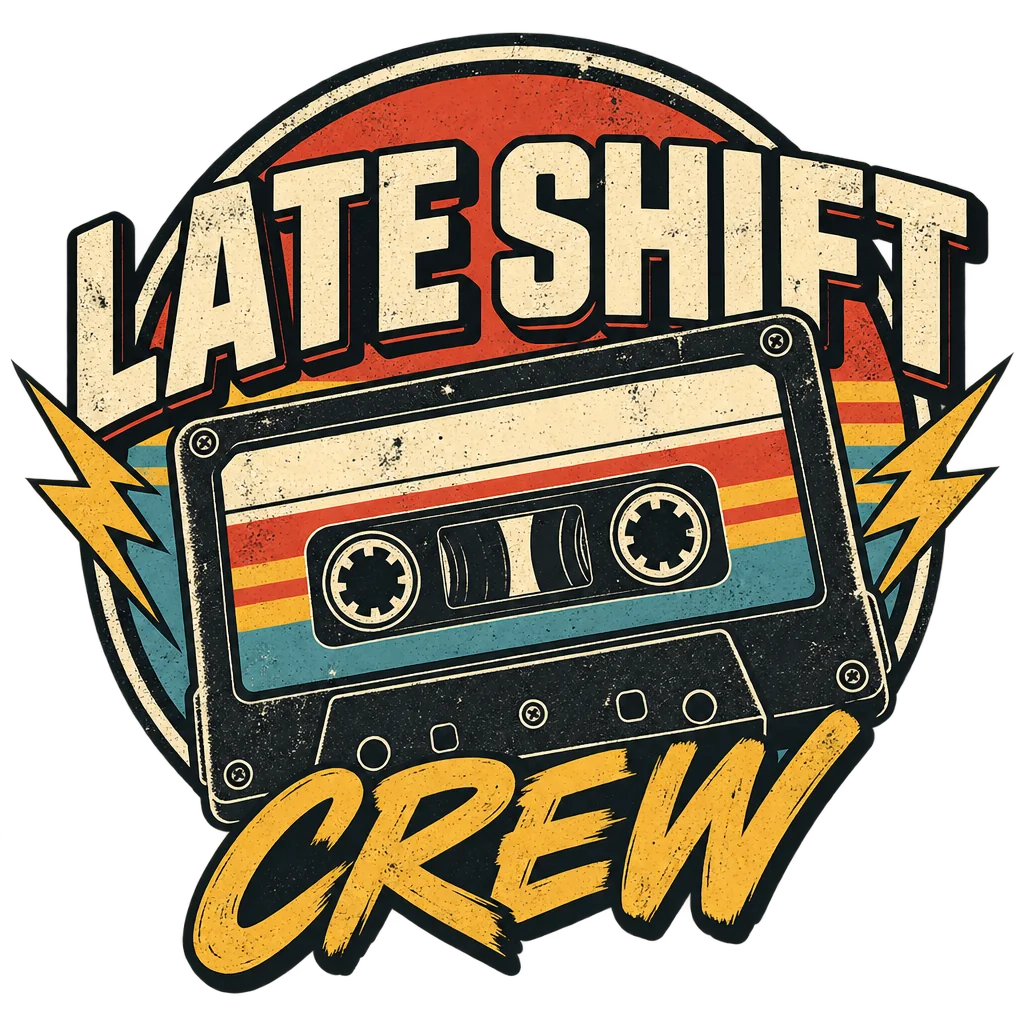
Print-ready merch graphics on transparent backgrounds, no mockup, no garment
Streetwear, vintage or typographic print files on transparency.
 In
InCreator Brand Photos
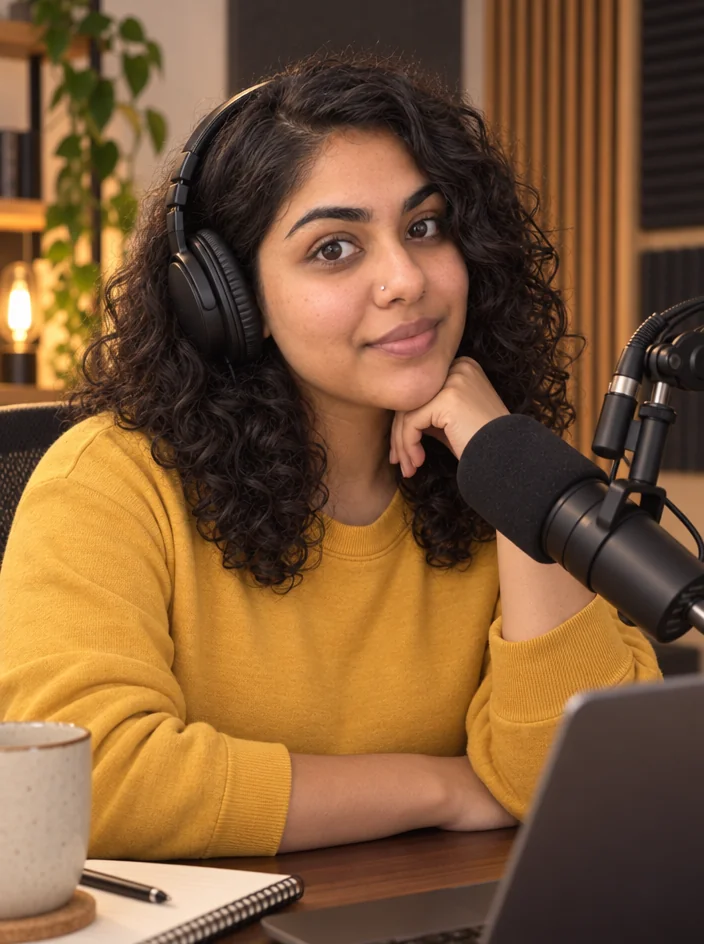
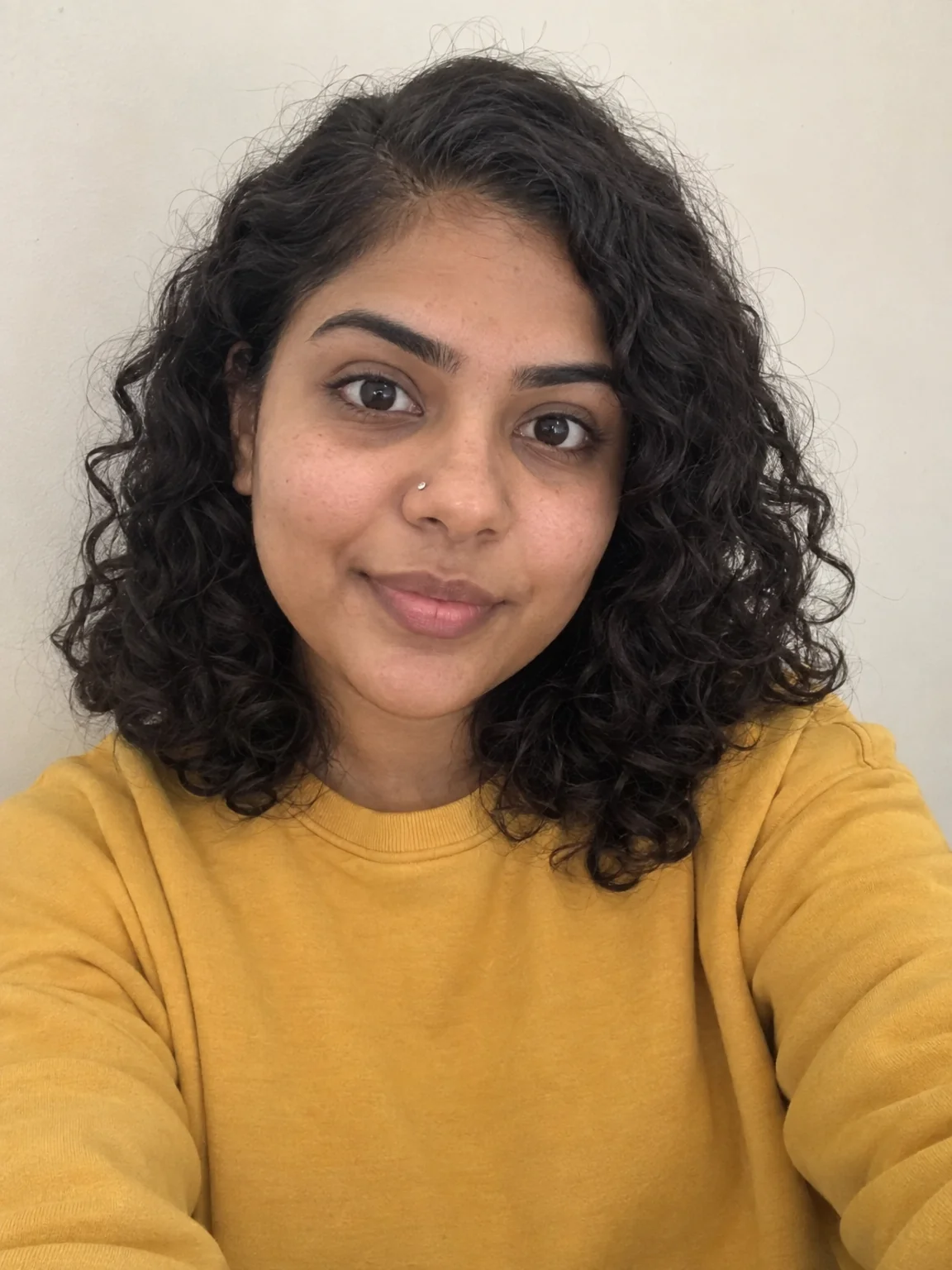
Creator brand photos from 1–4 selfies: studio, podcast desk, gym, kitchen, stage
Stage under spotlights or a studio — same face, editorial light.
Quote Card Maker
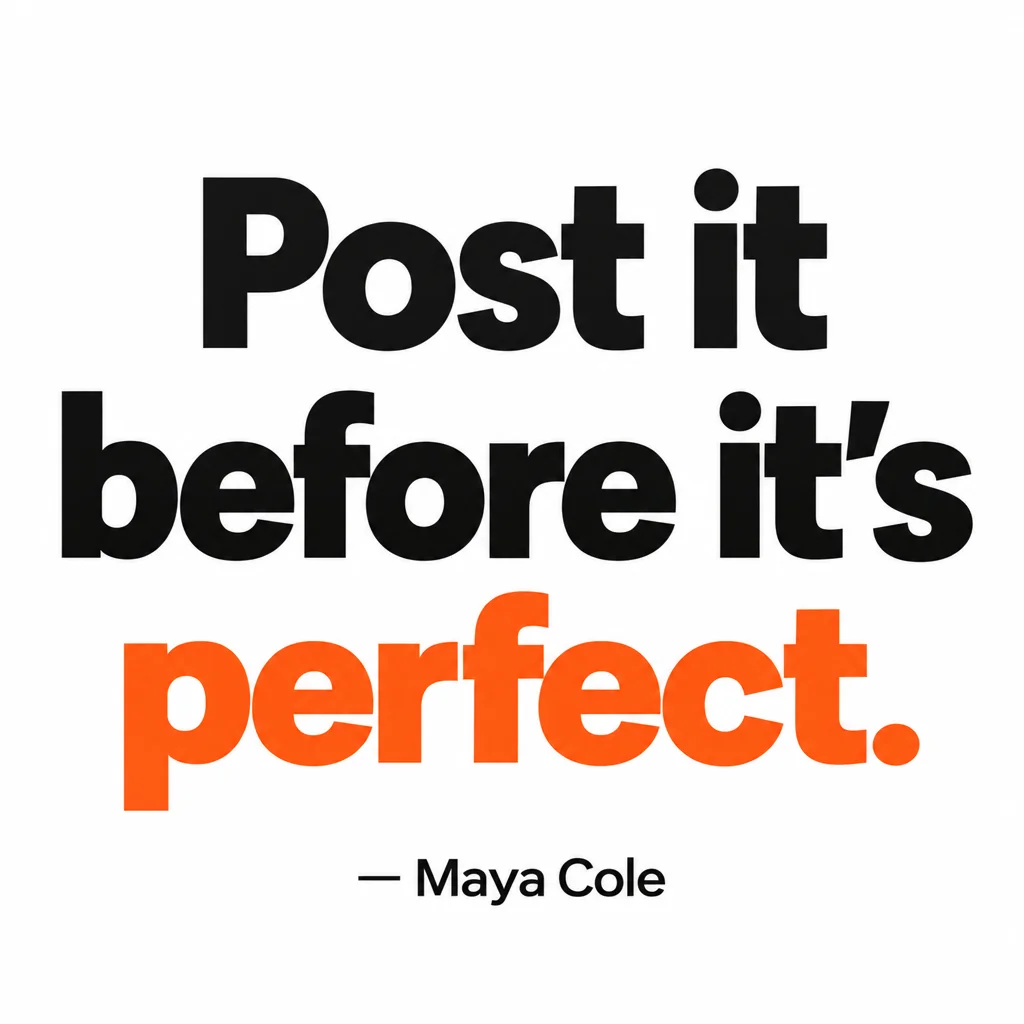
Square quote cards with real typography — minimal, bold, gradient, paper, dark
Lyric cards in the dark or handwritten style.
Channel Logo Maker
Transparent channel logos: mascot, wordmark, lettermark, emblem, icon, esports
A wordmark or emblem for the artist name.

 In
InChannel Banner Maker
Channel banners at the right ratio for YouTube, Twitch, X, LinkedIn and Discord
YouTube and X headers with tour dates or the release line.
Prompts and titles to copy
- Artwork title · Podcast Cover MakerNight Drive (Single)
- Canvas vibe · Reel Cover MakerMoody, cinematic, slow-motion neon rain
- Merch concept · Merch Design GeneratorA retro cassette tape with the words 'Late Shift Crew'
- Lyric · Quote Card MakerWe were loud so the quiet would count.
- Banner tagline · Channel Banner MakerNew single out now
The steps
Start with Podcast Cover Maker
Bold typographic or dark-moody 1:1 art with the title spelled correctly.
Podcast Cover MakerThen Reel Cover Maker
9:16 canvas still — moody, cinematic — then Animate for the loop.
Reel Cover MakerThen Merch Design Generator
Streetwear, vintage or typographic print files on transparency.
Merch Design GeneratorThen Creator Brand Photos
Stage under spotlights or a studio — same face, editorial light.
Creator Brand PhotosQuestions
Can I use Podcast Cover Maker for a single?
Yes — it renders square art with a title as the hero. Put the track name in the show field and the artist name in the host field.
How do I make the canvas move?
Render the 9:16 still, then Animate for 4–8 seconds with a motion prompt like 'slow drifting rain, subtle camera drift'.
Is the merch file print-ready?
Transparent PNG with flat colors. Upscale it to 16–32 MP before uploading to a print service.
AI tools for music creators
Open with these settings