
Channel Banner Maker
Channel banners at the right ratio for YouTube, Twitch, X, LinkedIn and Discord
4 free credits on signup — no card, no watermark.
- 1Choose the platform — the size sets itself
- 2Type the channel name or tagline and describe the theme; add a photo if you want to be on it
- 3Run at Standard to explore, Max for the final wide upload

 In
InStandard
4 credits
Pro
12 credits
Max
44 credits
Every platform wants a different banner and every platform hides a different part of it. YouTube crops a wide banner to a small central strip on phones. X and LinkedIn cover the bottom-left corner with your avatar. Twitch and Facebook are wide and dark-friendly. Channel Banner Maker knows each rule: choose the platform and the size select snaps to 16:9, 2.5:1 or 3:1, and the design keeps text and key elements inside the safe area for that platform.
The brand text field is the line that goes on the banner — your channel name, a schedule like 'Live Tue · Thu · Sat', or a tagline — rendered spelled correctly. The theme field sets the mood: retro synthwave in purple and orange, clean white with one accent, forest greens for an outdoors channel. If you add a photo, the same person from your reference is placed to one side so they never collide with the text, identity preserved.
A banner is worth doing once per platform rather than stretching one file everywhere. Run YouTube, Twitch and X versions from the same theme text and the family looks unified while each fits its crop. Standard is fine for exploring layouts; render the final at Max because banners are displayed at full width on desktop and soft edges show. For a full identity, pair it with Channel Logo Maker and Profile Picture Maker built from the same palette words.
What you control
- Your photo (optional)
- PlatformYouTubeTwitchX / TwitterLinkedInFacebookDiscord
- SizeYouTube channel banner (16:9)Twitch banner (2.5:1)X / Twitter header (3:1)LinkedIn banner (3:1)Facebook cover (2.5:1)Discord banner (16:9)
- Channel name or tagline
- Theme / vibe
Every tool comes with
- The right ratio for the platform, already set
- Standard, Pro and Max tiers per run
- Edit with words, reframe, upscale or animate the result
- Everything saved to your creations rail
Questions
Why does the size change when I pick a platform?
Each platform has its own banner ratio and safe area. The platform select drives the size select so you cannot accidentally upload a 3:1 X header to YouTube's 16:9 slot.
Where does my photo go?
To one side of the composition, away from the text, so both stay visible after the platform crops the banner. Leave the slot empty for a purely graphic banner.
Can I override the size?
Yes — the size select stays editable after the platform sets it. That is useful for a Discord banner you also want to reuse elsewhere.
What should I write in the theme field?
Colors and mood in plain words: 'dark navy with gold lines', 'bright pastel doodles', 'moody film grain'. Reuse the same phrase across your PFP and panels for a matching set.
Can I try Channel Banner Maker without paying?
Yes — every new account starts with 4 free credits, enough for a Standard run of most tools. Plans start at $15 for 1,000 credits a month and packs at $4.99 for 250.
Channel Logo Maker
Transparent channel logos: mascot, wordmark, lettermark, emblem, icon, esports

 In
InProfile Picture Maker
A 1:1 PFP from your selfie — clean pro, anime, 3D, neon gamer, pixel, Y2K
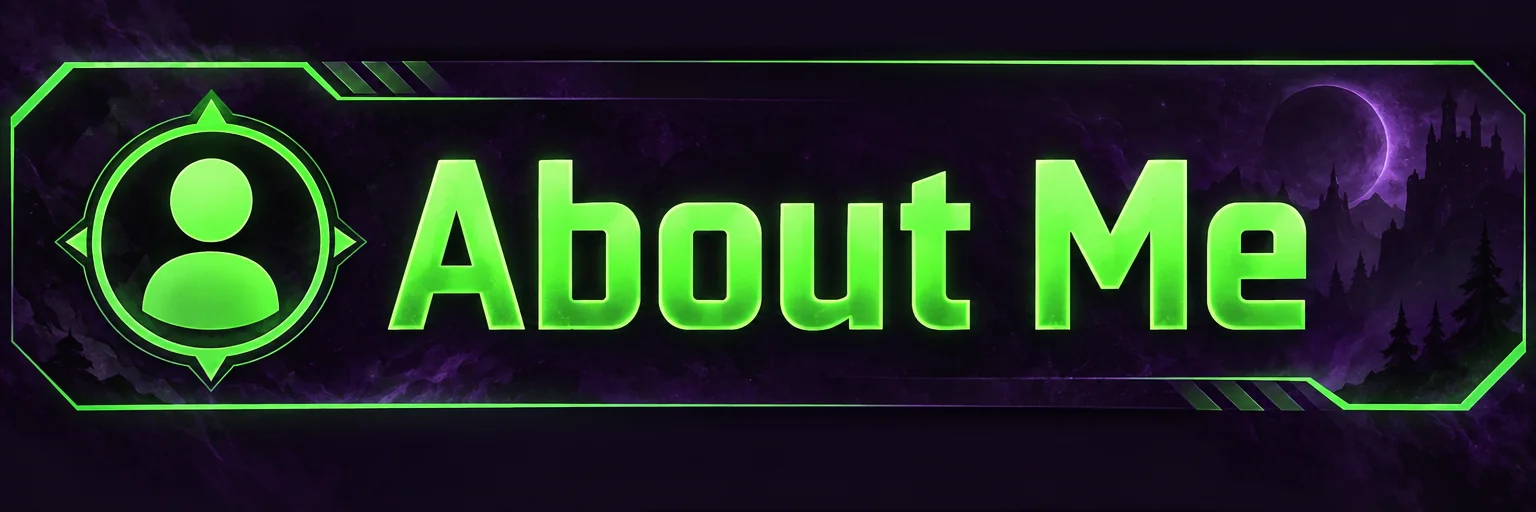
Twitch Panel Maker
3:1 Twitch panel banners — About, Schedule, Rules, Donate — as a matching set
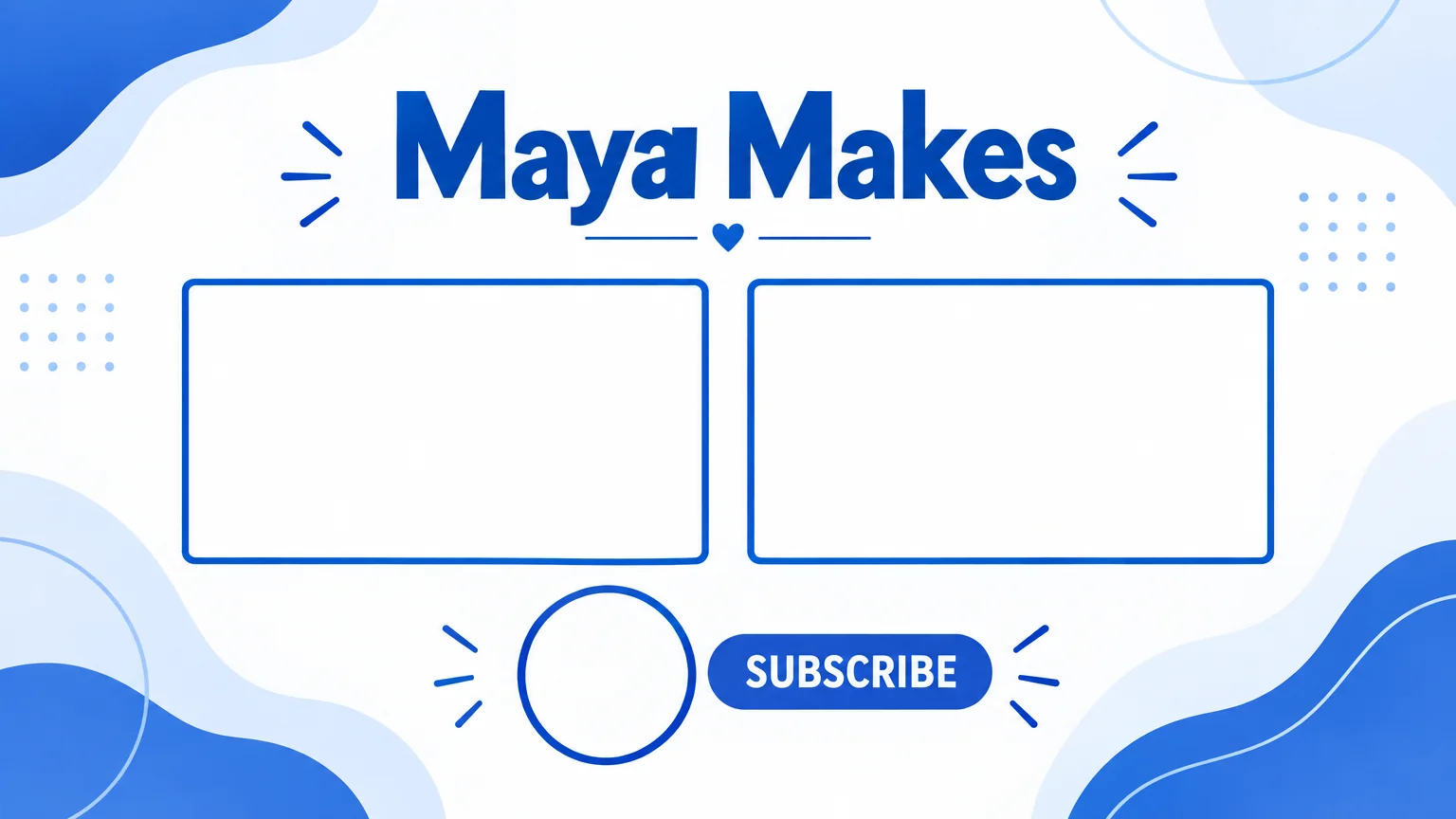
End Screen Maker
16:9 end screen backgrounds with two video slots and a subscribe spot