
Twitch Panel Maker
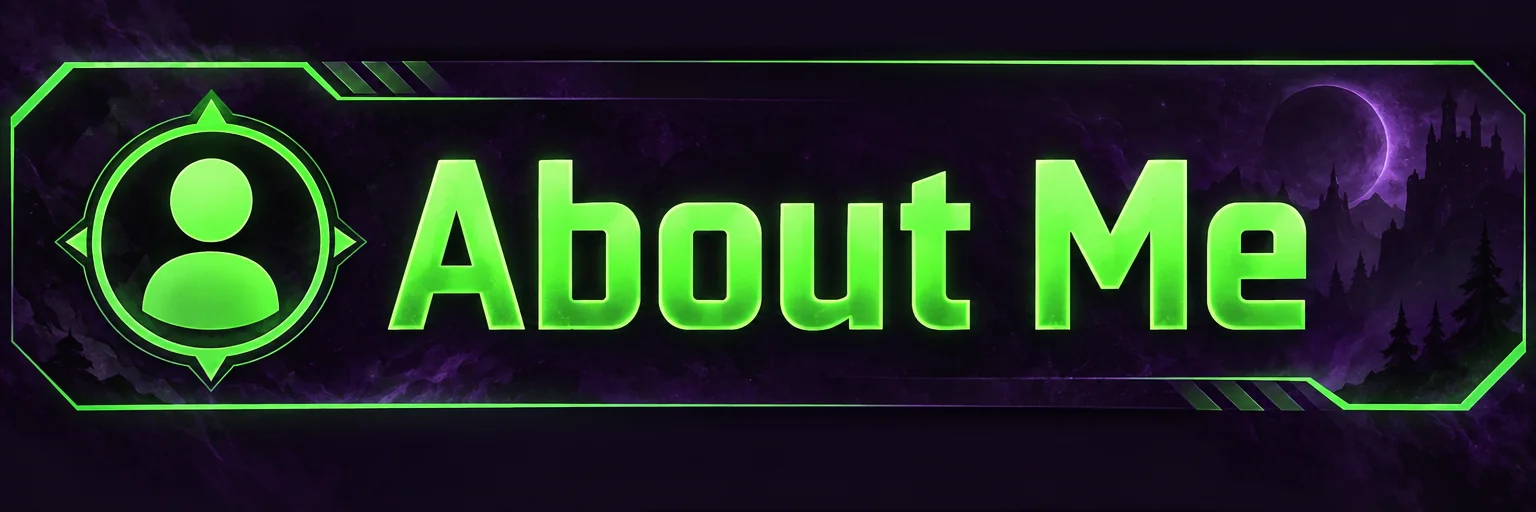
3:1 Twitch panel banners — About, Schedule, Rules, Donate — as a matching set
4 free credits on signup — no card, no watermark.
- 1Type the panel title exactly as it should read
- 2Describe the theme once and keep it identical for the whole set
- 3Run one panel per title, download the 3:1 PNGs, upload in Twitch's panel editor
Standard
2 credits
Pro
10 credits
Max
42 credits
The panels under a Twitch stream are the channel's about page, and a matching set is the clearest signal that a streamer takes the channel seriously. Twitch Panel Maker renders one wide 3:1 panel per run: the title you type — About Me, Schedule, Rules, Donate, Socials, PC Specs — as the only text, centered or left-aligned with a matching icon, in a theme you describe. Run it six times with the same theme and the panels line up as a set.
The theme field does the styling. 'Dark purple with neon green accents' produces the classic streamer look; 'clean white with cobalt blue' gives a minimal set; 'retro arcade, pink and cyan' or 'cozy pastel with rounded shapes' each hold together across the series because every panel is rendered from the same words. Contrast is kept strong so the title reads on the dark Twitch page, and there is no clutter, no watermark and no third-party marks.
Panels are rendered without your face because the face lives in the PFP and the banner; the panels are wayfinding. Each panel is a 2-credit Standard run, so a full set of six is 12 credits — and a rebrand is just re-running the set with a new theme. Pair it with Channel Banner Maker set to Twitch and Emote Maker from the same selfie to complete the channel, and reuse the exact theme text across all three so the page feels like one design.
What you control
- Panel title
- Theme / vibe
- 3:1 output
Every tool comes with
- The right ratio for the platform, already set
- Standard, Pro and Max tiers per run
- Edit with words, reframe, upscale or animate the result
- Everything saved to your creations rail
Questions
Do the panels match each other?
Yes, as long as the theme text is identical between runs. The tool is written to style panels as a series, so one theme produces one look.
Can I use them on Kick?
The 3:1 shape fits Kick and most stream platforms that use panel images. Upload the same PNGs.
Is the title the only text?
By design. Panels carry a heading; the details go in the panel description box on Twitch, where they stay searchable and editable.
What about a panel with my face?
Keep faces for the PFP and banner. If you want one anyway, render the panel, then send it to Add Object and ask for a small portrait on the left.
Can I try Twitch Panel Maker without paying?
Yes — every new account starts with 4 free credits, enough for a Standard run of most tools. Plans start at $15 for 1,000 credits a month and packs at $4.99 for 250.

 In
InChannel Banner Maker
Channel banners at the right ratio for YouTube, Twitch, X, LinkedIn and Discord

 In
InTwitch Emote Maker
Transparent chibi emotes of your face — hype, LOL, cry, rage, love, GG, pog
Channel Logo Maker
Transparent channel logos: mascot, wordmark, lettermark, emblem, icon, esports
End Screen Maker
16:9 end screen backgrounds with two video slots and a subscribe spot