
Carousel Slide Maker
4:5 carousel slides in your brand colors — heading, body, consistent grid
4 free credits on signup — no card, no watermark.
- 1Type the slide heading; add body text if the slide carries a point
- 2Enter your brand colors in plain words so every slide matches
- 3Run once per slide, keeping the colors identical, then download the set

Standard
2 credits
Pro
10 credits
Max
42 credits
Carousels are the format Instagram and LinkedIn push hardest, and they punish inconsistency: if slide three uses a different margin than slide two, the swipe feels broken. Carousel Slide Maker renders one 4:5 slide per run on a fixed layout grid with generous margins and a subtle graphic accent, using the brand colors you type in. Run it five times with five headings and the same colors and you have a carousel that swipes like one document.
The heading is rendered large and spelled correctly; the body text, when you add it, sits beneath in a smaller size that is still readable in the feed. The brand colors field is plain language — 'black, lemon yellow and off-white', 'navy and coral', 'sage green on cream' — and it drives the palette of every element on the slide. Leave it empty and you get a clean two-color palette, which is fine for a first carousel but worth replacing once you have a look.
A practical rhythm: slide one is a hook heading with no body text, slides two through five each carry one point with a sentence of body, and the last slide is the call to action. At 2 credits per Standard run, a six-slide carousel is 12 credits. Render the final set at Pro for crisper type. For the cover slide with your face on it, start with Creator Brand Photos and Reframe it to 4:5 so it matches the slides' ratio exactly.
What you control
- Slide heading
- Body text (optional)
- Brand colors
- 4:5 output
Every tool comes with
- The right ratio for the platform, already set
- Standard, Pro and Max tiers per run
- Edit with words, reframe, upscale or animate the result
- Everything saved to your creations rail
Questions
Does one run make the whole carousel?
No — one run is one slide, so each slide gets its own heading and body. Keep the brand colors text identical across runs and the slides line up as a set.
Why 4:5 and not square?
4:5 takes the most screen space in the Instagram and LinkedIn feed, which is where carousels live. For a square version send a slide to Reframe.
How much body text fits?
Up to 300 characters, but one or two sentences per slide reads best on a phone. Split long points across two slides.
Can slides have images instead of just text?
The slides are typographic by design. For a photo cover slide use Creator Brand Photos or Social Media Post Generator at 4:5 and put it first in the swipe.
Can I try Carousel Slide Maker without paying?
Yes — every new account starts with 4 free credits, enough for a Standard run of most tools. Plans start at $15 for 1,000 credits a month and packs at $4.99 for 250.
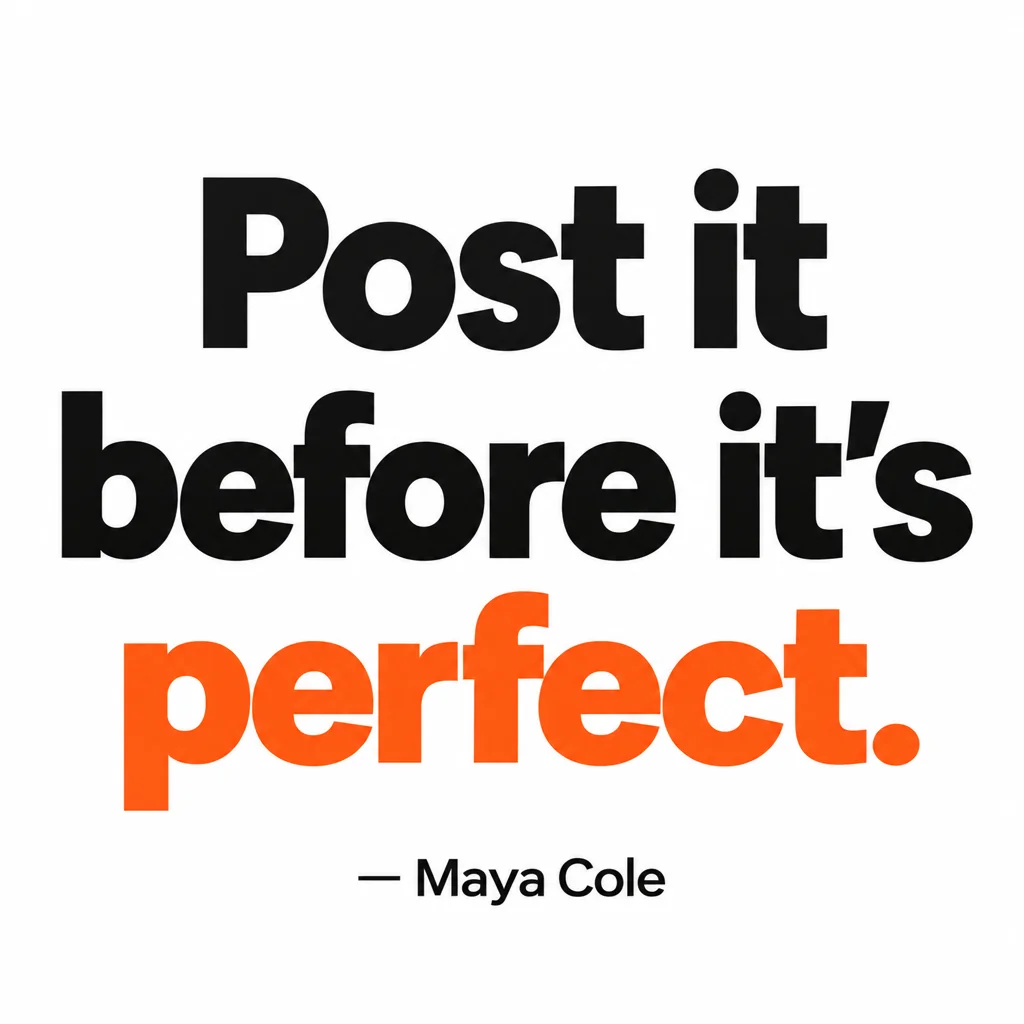
Quote Card Maker
Square quote cards with real typography — minimal, bold, gradient, paper, dark

Social Media Post Generator
Feed posts, stories, pins, LinkedIn and X images from one description

 In
InCreator Brand Photos
Creator brand photos from 1–4 selfies: studio, podcast desk, gym, kitchen, stage

 In
InReframe for Platform
16:9 to 9:16 to 1:1 to 3:1 — the subject stays, the scene extends or crops