
Face Swap
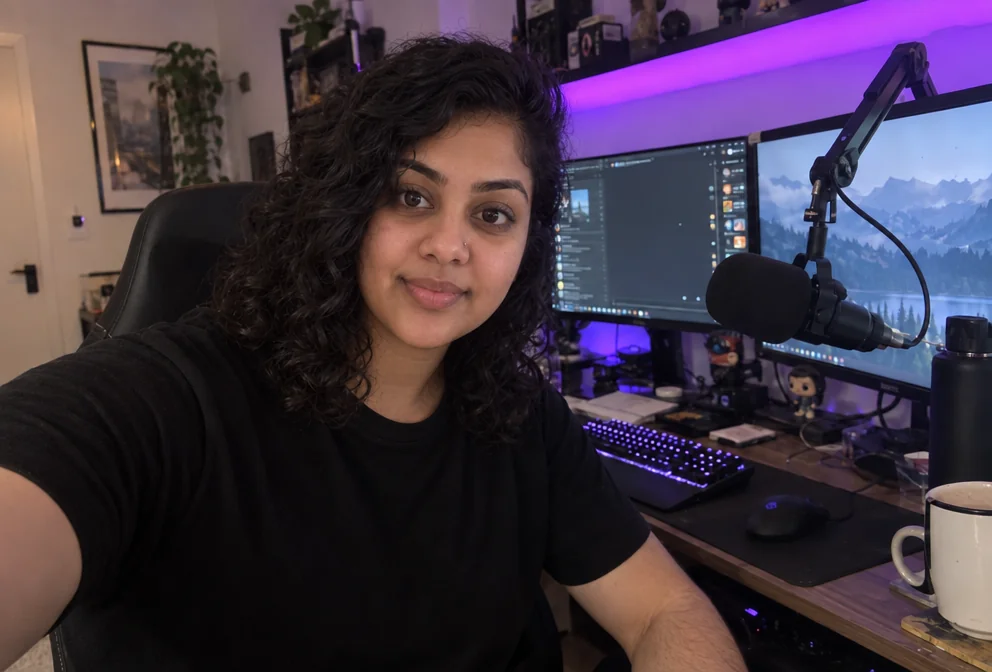
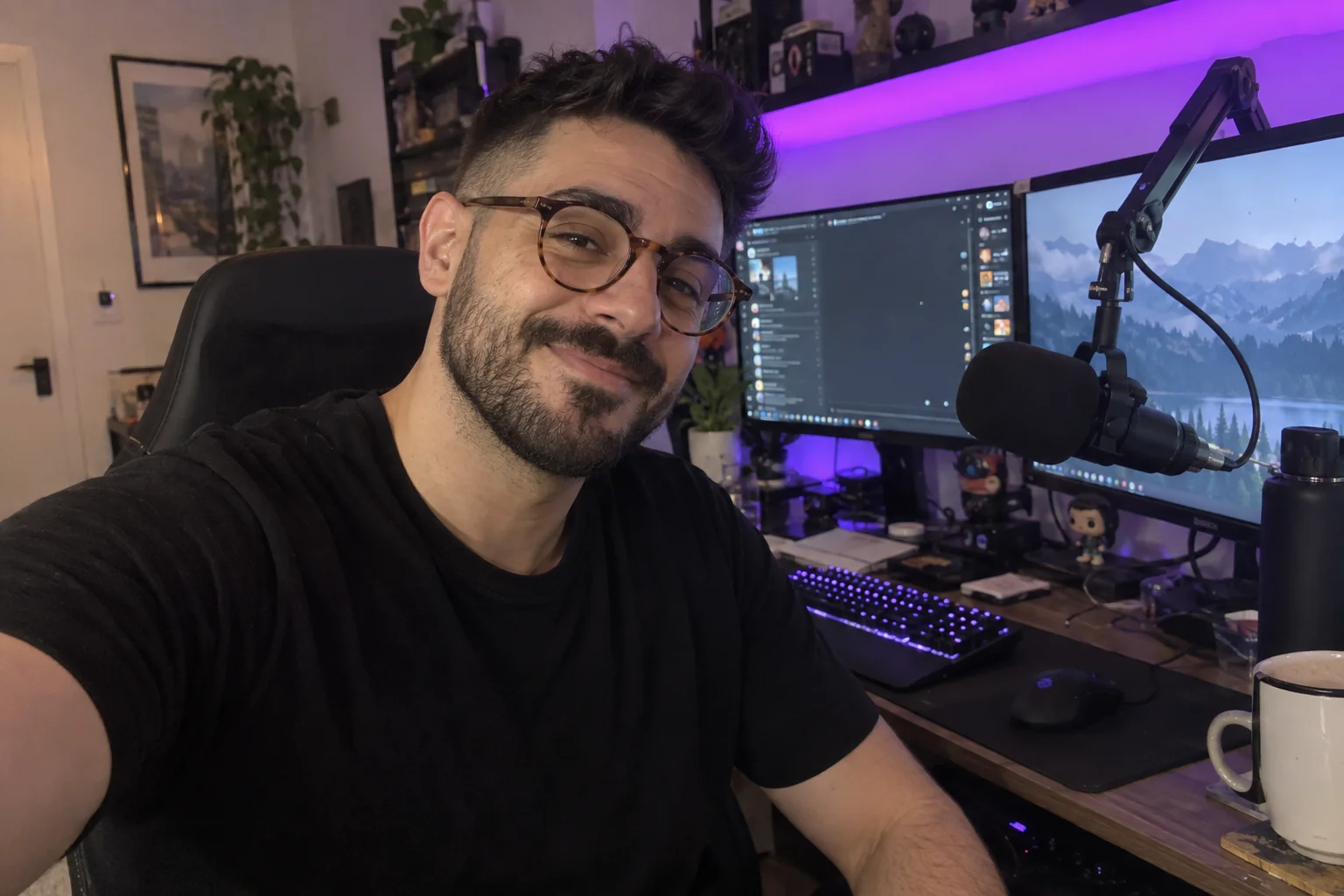
Swap your face into any scene — meme templates, movie stills, co-host photos
4 free credits on signup — no card, no watermark.
- 1Upload the scene as photo one — the face in it will be replaced
- 2Upload a clear front-facing photo of the face as photo two
- 3Run, download, or send the result into a thumbnail
Standard
4 credits
Pro
14 credits
Max
46 credits
Face swaps are meme fuel, reaction-thumbnail fuel and the fastest way to put yourself into a scene you could not shoot. Face Swap takes two photos: the scene, which is the image whose face gets replaced, and the face, which is the person who goes into it. It replaces the face in the scene with the face from the second photo and blends it naturally with the scene's lighting, leaving everything else — background, body, clothes, props — exactly as it was.
Order matters and the labels in the Studio spell it out: photo one is the scene, photo two is the face. A clear, front-facing face photo in similar lighting to the scene produces the cleanest blend; a face in shadow going into a bright scene will look pasted. The output keeps the scene's aspect ratio so it drops into the layout you were already planning. There are no other controls, because the tool does one thing.
The obvious use is thumbnails: put your face on the character, the athlete, the historical painting, then send it to YouTube Thumbnail Maker as the face photo. Face swaps of real people other than yourself need their permission, and the Terms of Service require that you only use images you have the right to use. For a fully generated version of you in a scene, Creator Brand Photos is the tool that keeps identity while changing the whole setting. Two photos at Standard cost 4 credits.
What you control
- Scene photo (face to replace) · Your face
Every tool comes with
- The right ratio for the platform, already set
- Standard, Pro and Max tiers per run
- Edit with words, reframe, upscale or animate the result
- Everything saved to your creations rail
Questions
Which photo goes first?
The scene goes first (its face gets replaced); the face you want in the scene goes second. The upload labels say which is which.
Why does the swap look pasted on?
Usually a lighting mismatch — a face lit from the left going into a scene lit from the right. Pick a face photo with similar light and angle.
Can I swap multiple faces?
One face per run. For a group, run it once per person, feeding each result back in as the new scene.
Can I use photos of other people?
Only with their permission and within the Terms of Service. The tool is meant for your own face in memes, thumbnails and scenes you have the rights to.
Can I try Face Swap without paying?
Yes — every new account starts with 4 free credits, enough for a Standard run of most tools. Plans start at $15 for 1,000 credits a month and packs at $4.99 for 250.

 In
InYouTube Thumbnail Maker
Click-worthy 16:9 thumbnails with your face and your title, spelled right
 In
InReaction Face Generator
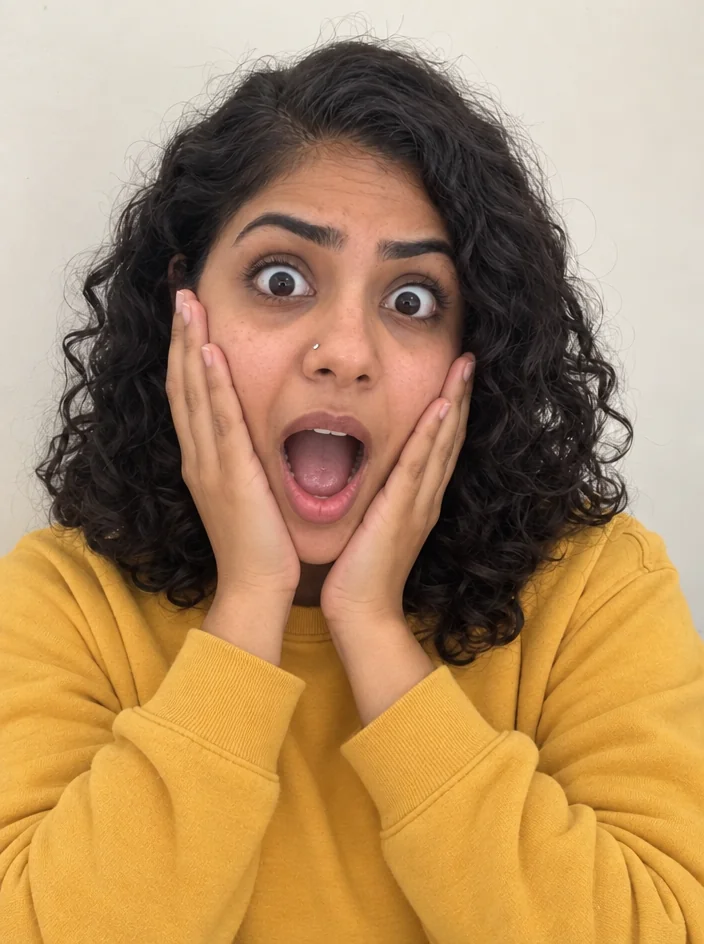
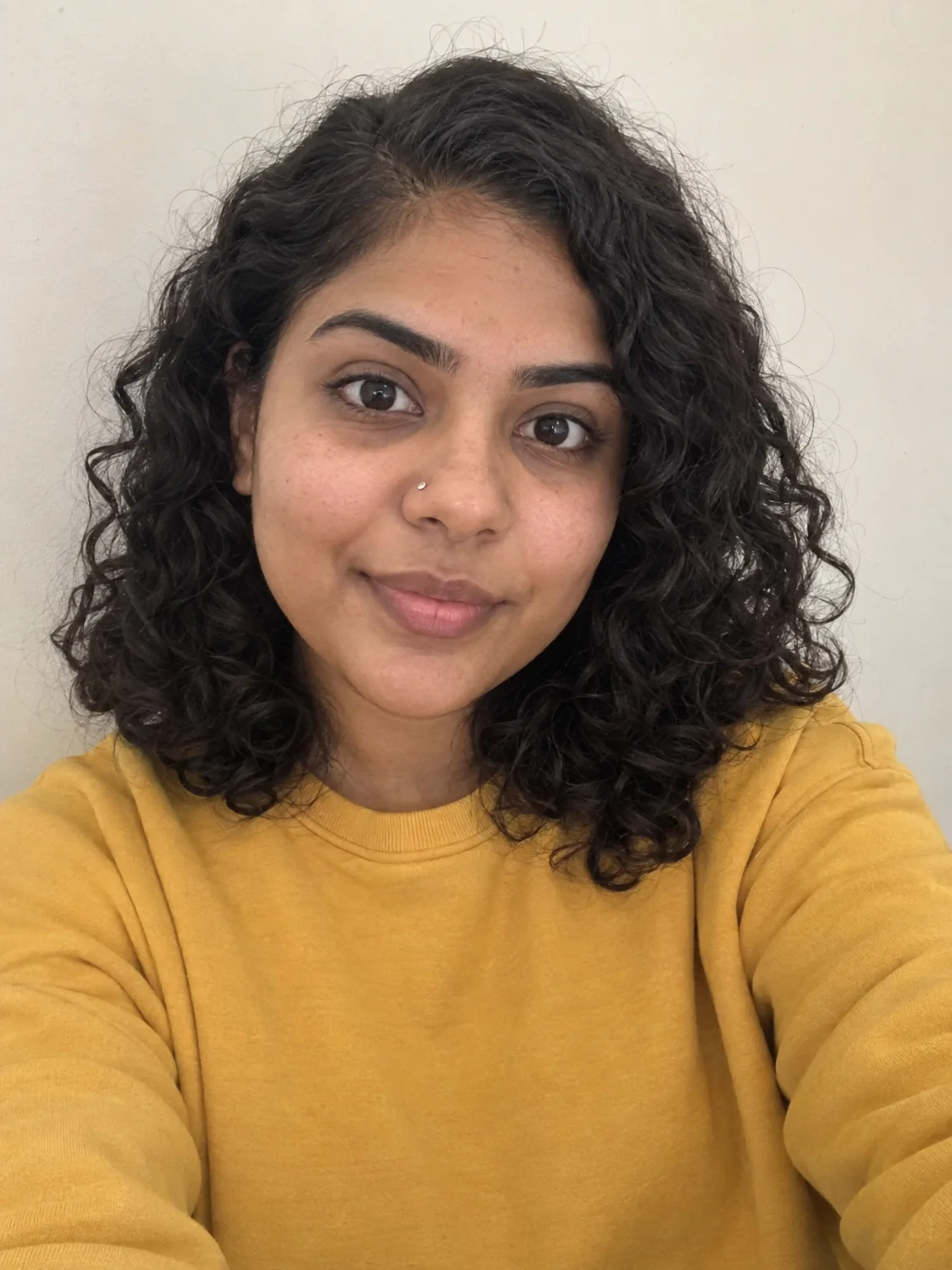
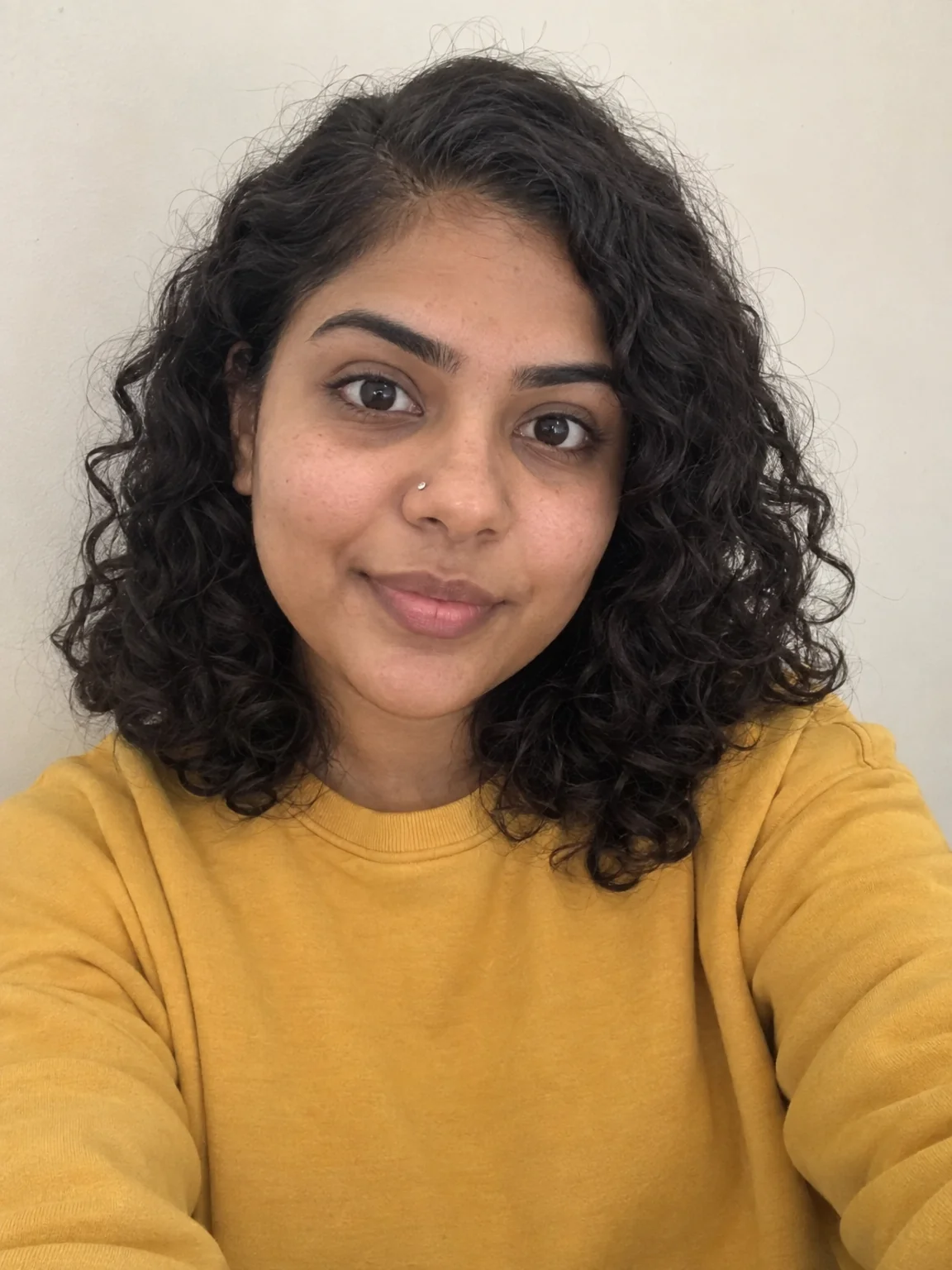
Neutral selfie in, shocked / mind-blown / pointing thumbnail face out
 In
InCreator Brand Photos
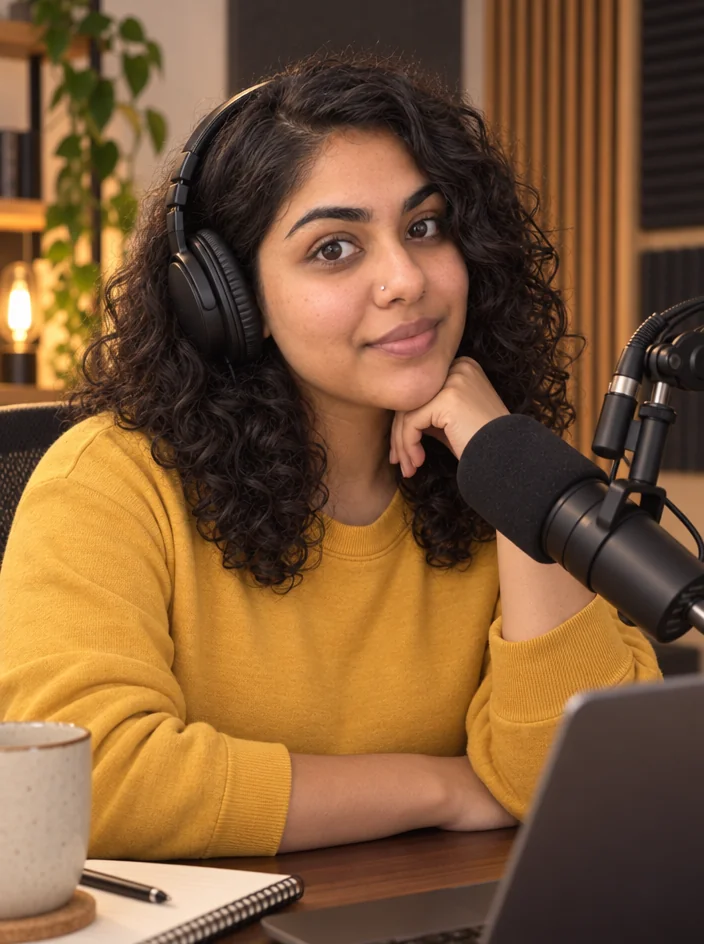
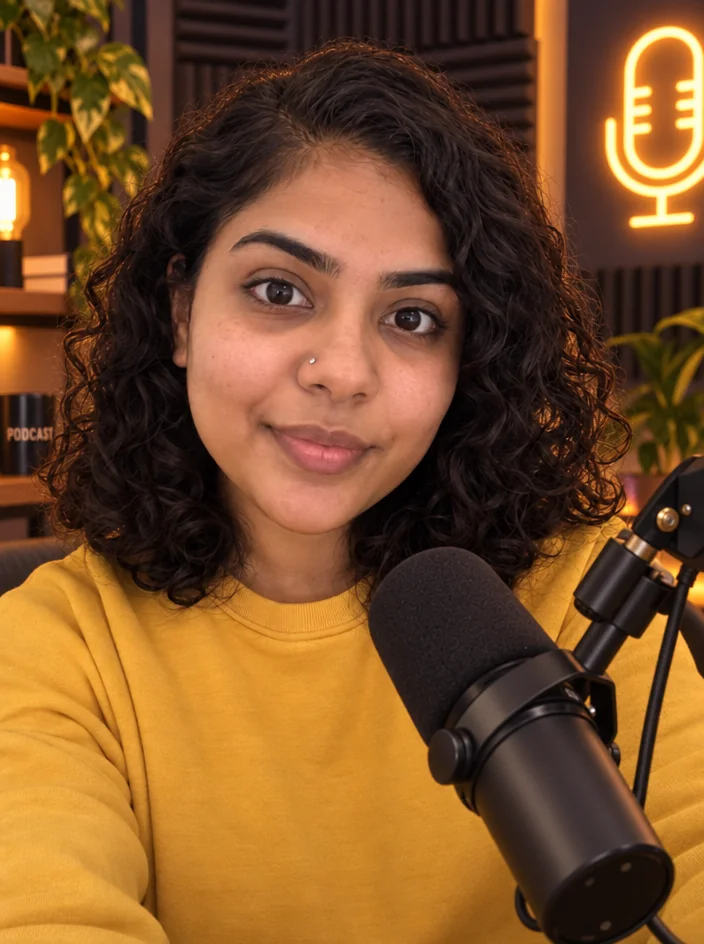
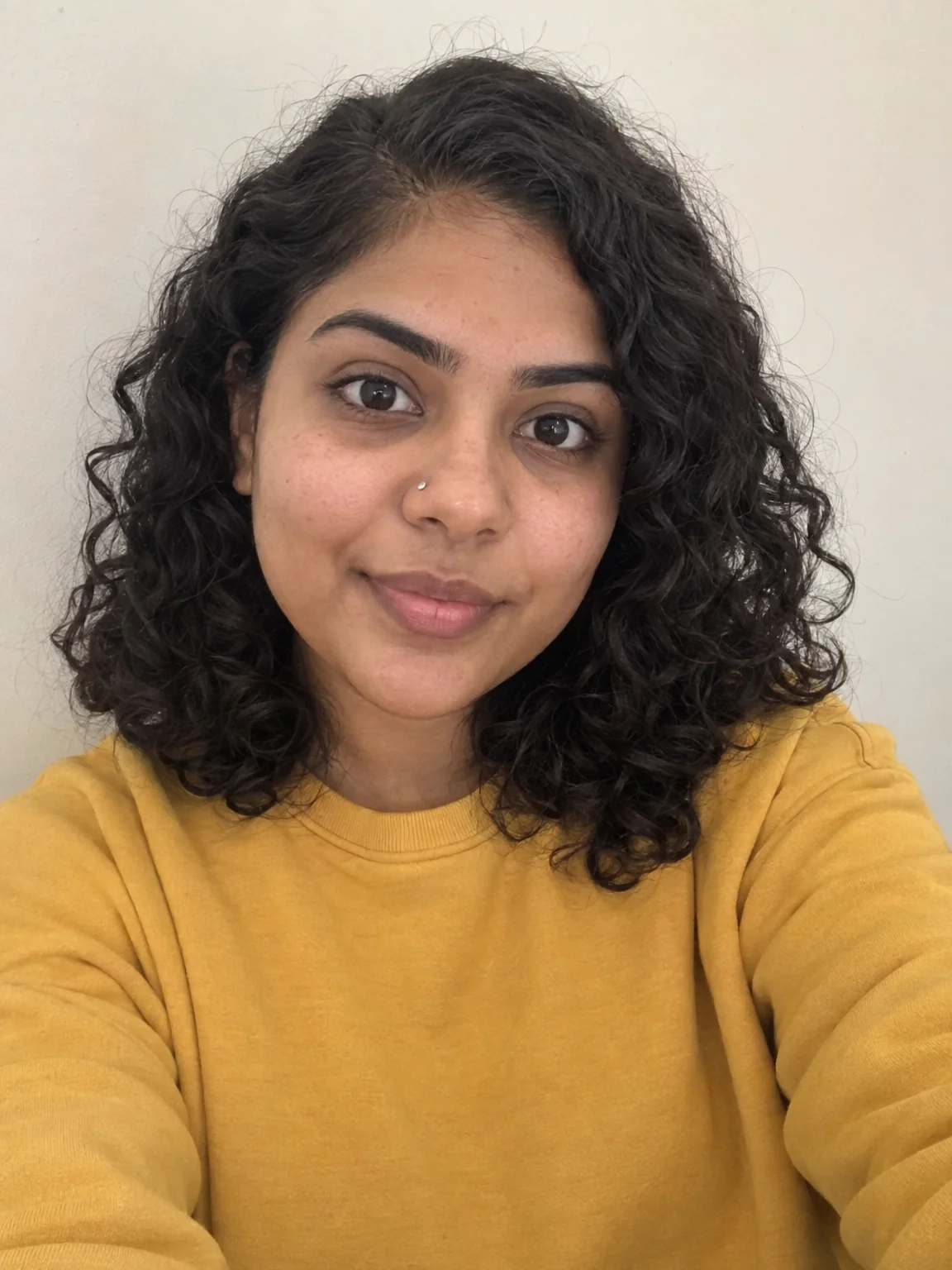
Creator brand photos from 1–4 selfies: studio, podcast desk, gym, kitchen, stage
 In
InEdit With Words
Describe the change in plain words — the render updates, everything else stays