
Edit With Words
Describe the change in plain words — the render updates, everything else stays
4 free credits on signup — no card, no watermark.
- 1Upload an image or send a render from your rail
- 2Type the change you want in one plain sentence
- 3Run, check it against the Original toggle, edit again or download
Standard
4 credits
Pro
12 credits
Max
44 credits
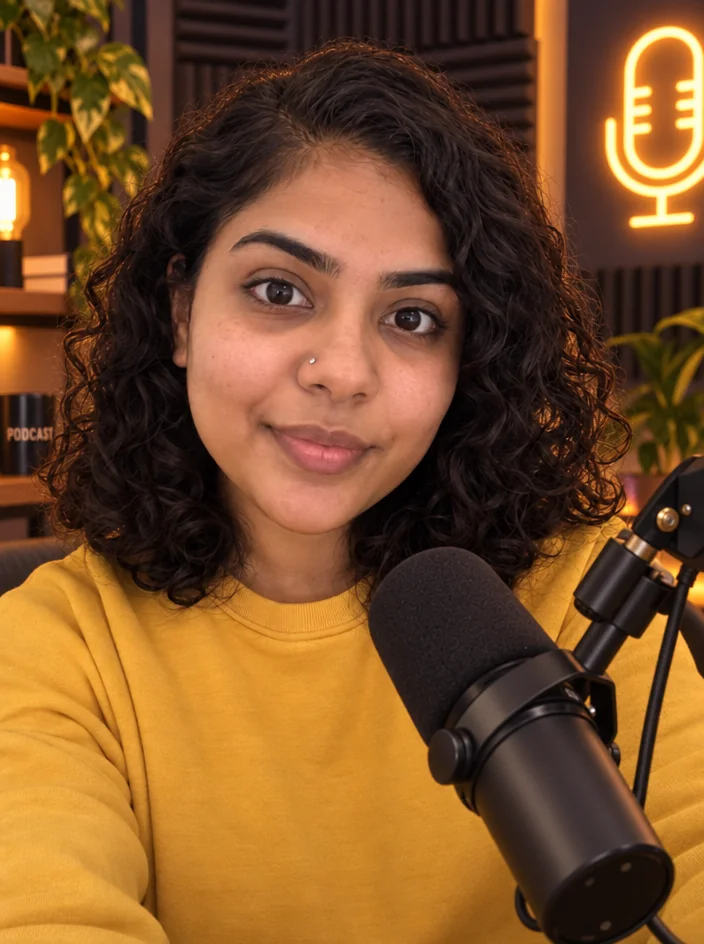
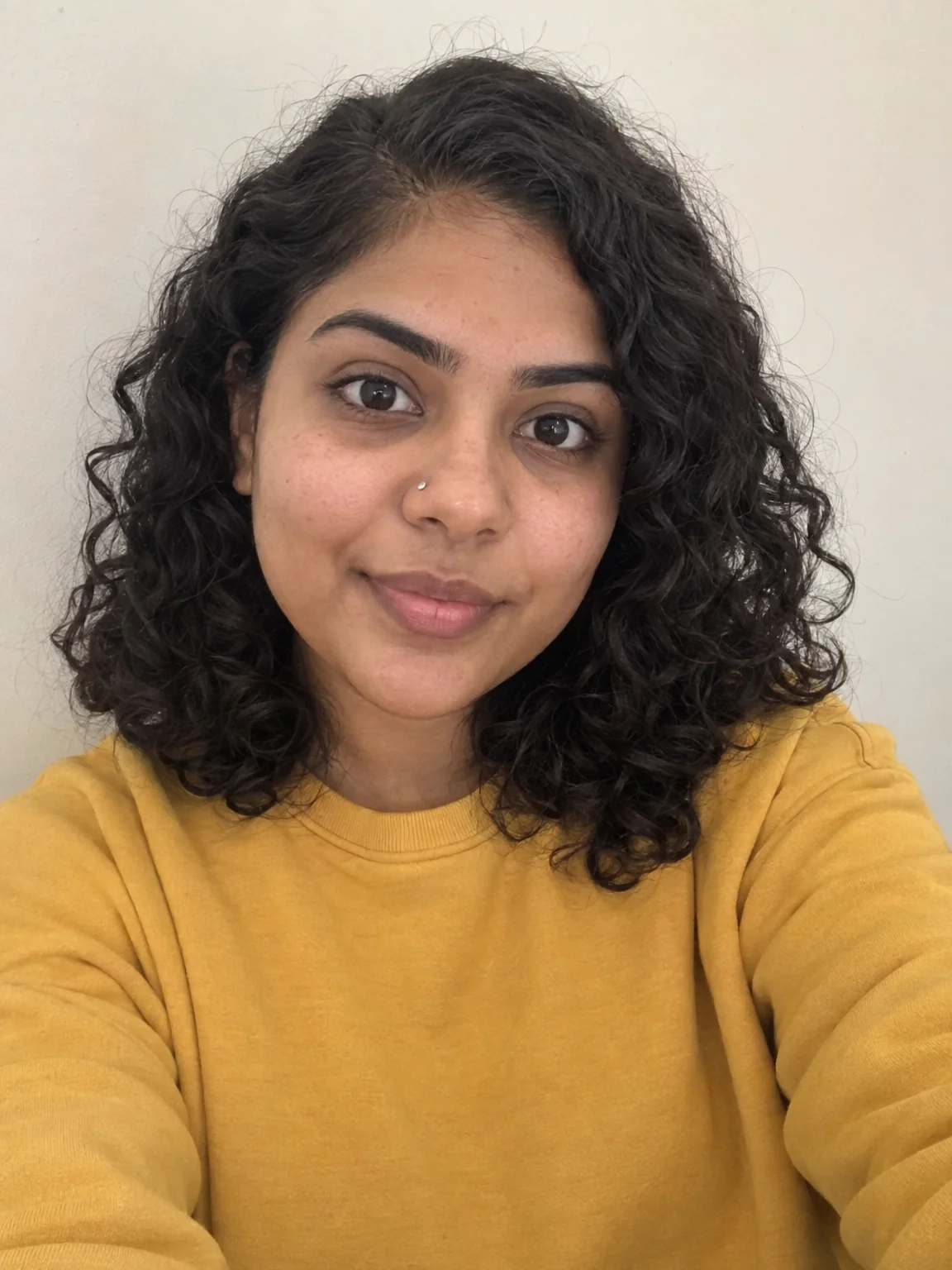
Every render in the Studio is one sentence away from a better version, and Edit With Words is the sentence. Upload an image or send any result from your rail to it, then type the change: 'make the sky a sunset and add a coffee cup', 'turn the hoodie lemon yellow', 'move the title to the right'. The tool applies the instruction and keeps the rest of the frame as it was, at the image's own aspect ratio. It is the first button in the Next row under every result, because it is the tool you reach for most.
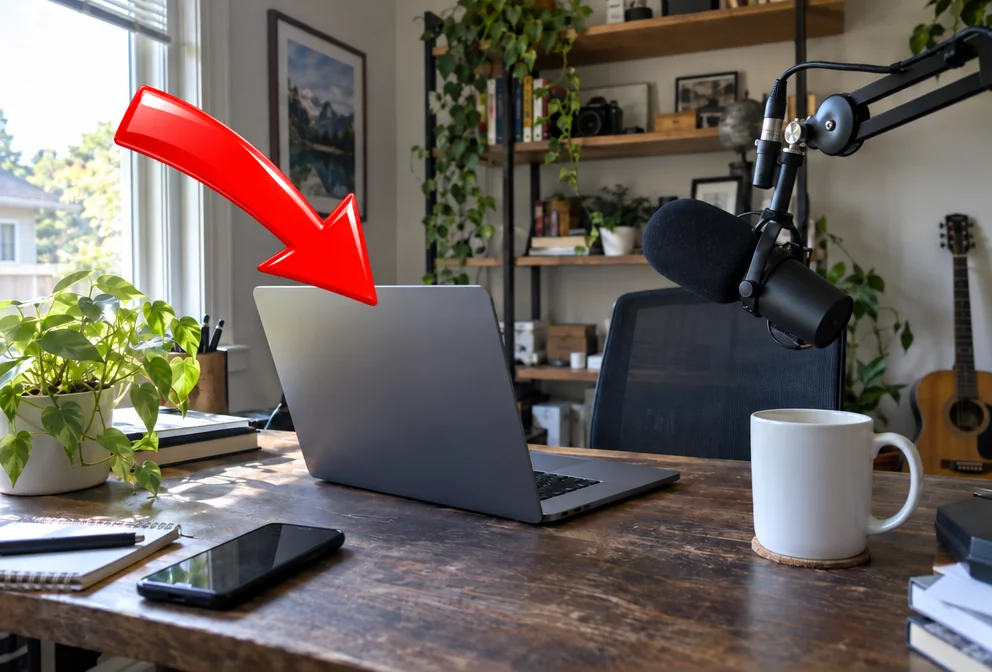
Plain language works better than jargon. Say what you want to see, not how to achieve it: 'a red arrow pointing at the laptop' beats 'add an indicator element'. One change per run is more reliable than five; stack runs instead, since each result can be edited again. Mention the thing you want kept when it matters — 'keep my face exactly as it is' — and the tool treats it as a boundary. Text changes are possible but Text Replacer is more precise for swapping specific words.
Think of it as the glue between the dedicated tools. A thumbnail from YouTube Thumbnail Maker comes back with the wrong background color: one sentence fixes it. A banner needs the tagline moved: one sentence. A brand photo needs a warmer grade: one sentence. Each run from one image is 4 credits at Standard, so a series of tweaks stays cheap, and the version you upload can be re-run at Pro for cleaner detail. Send the final to Upscale or Reframe from the same row.
What you control
- Image to edit
- What to change
Every tool comes with
- The right ratio for the platform, already set
- Standard, Pro and Max tiers per run
- Edit with words, reframe, upscale or animate the result
- Everything saved to your creations rail
Questions
How specific should the instruction be?
Specific about the result, plain about the wording. 'Replace the wall with a bookshelf, warm light' gives a better edit than 'improve the background'.
Can I make several changes at once?
You can, but one change per run is more predictable. Each result can be edited again, so chain small edits.
Will it change my face?
Not unless you ask. If the edit is near a face, add 'keep the person exactly as they are' to the sentence.
What does an edit cost?
4 credits at Standard, 12 at Pro, 44 at Max for a single-image edit.
Can I try Edit With Words without paying?
Yes — every new account starts with 4 free credits, enough for a Standard run of most tools. Plans start at $15 for 1,000 credits a month and packs at $4.99 for 250.

 In
InBackground Changer
Green-screen swap without the green screen — describe the new background
 In
InAdd Object
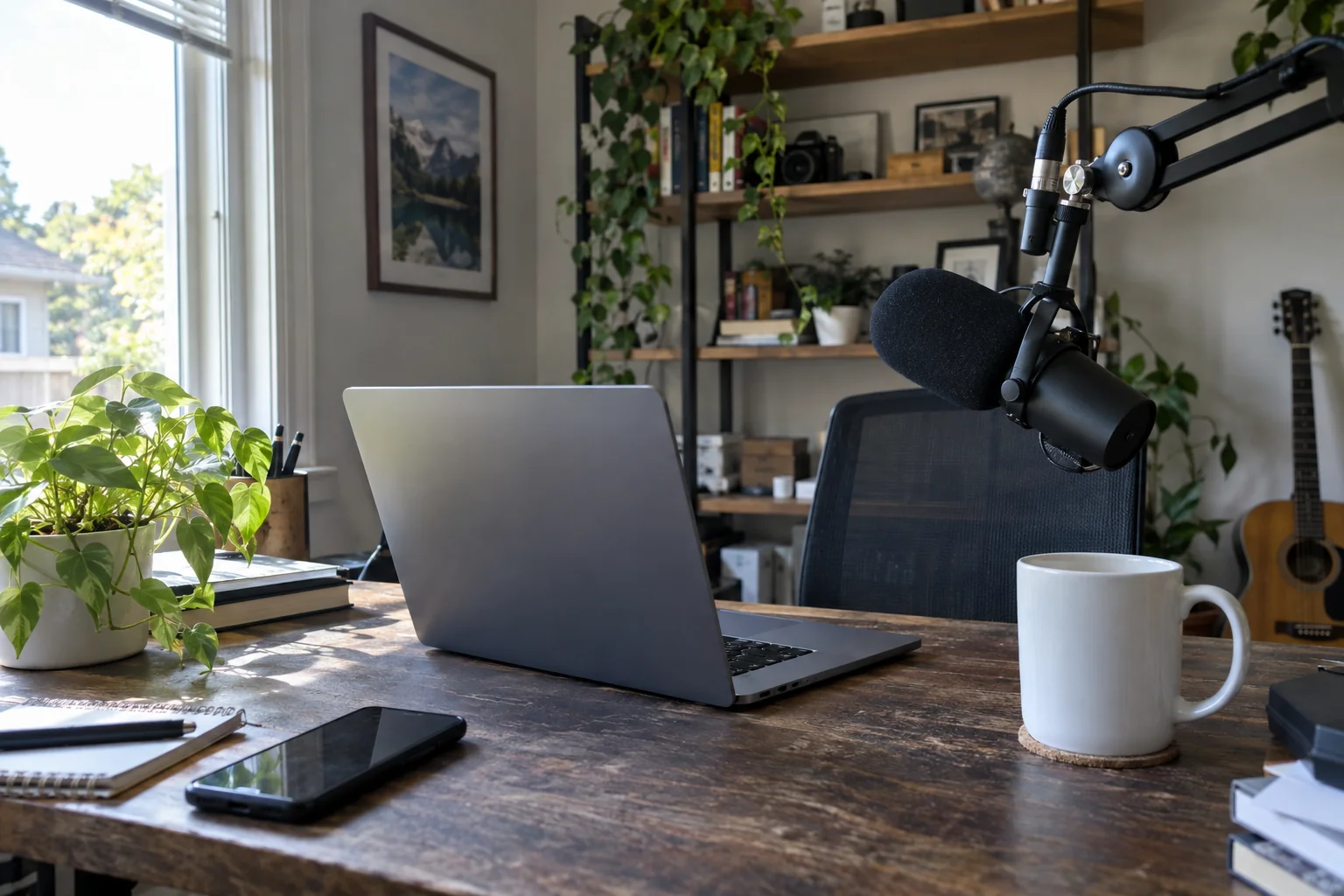
Add an arrow, a prop, a product or a mascot exactly where you say
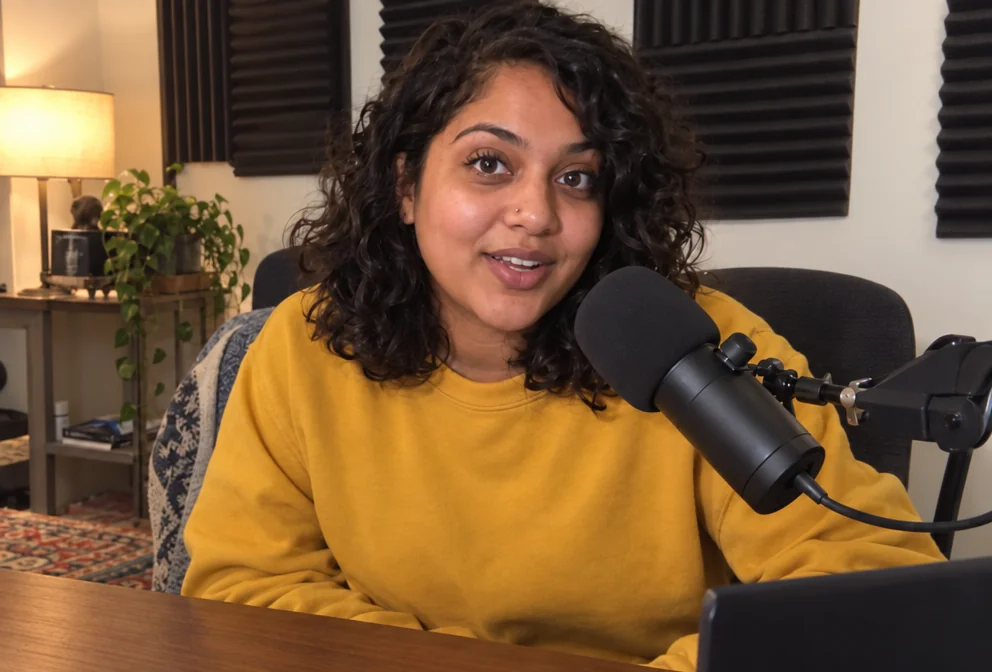
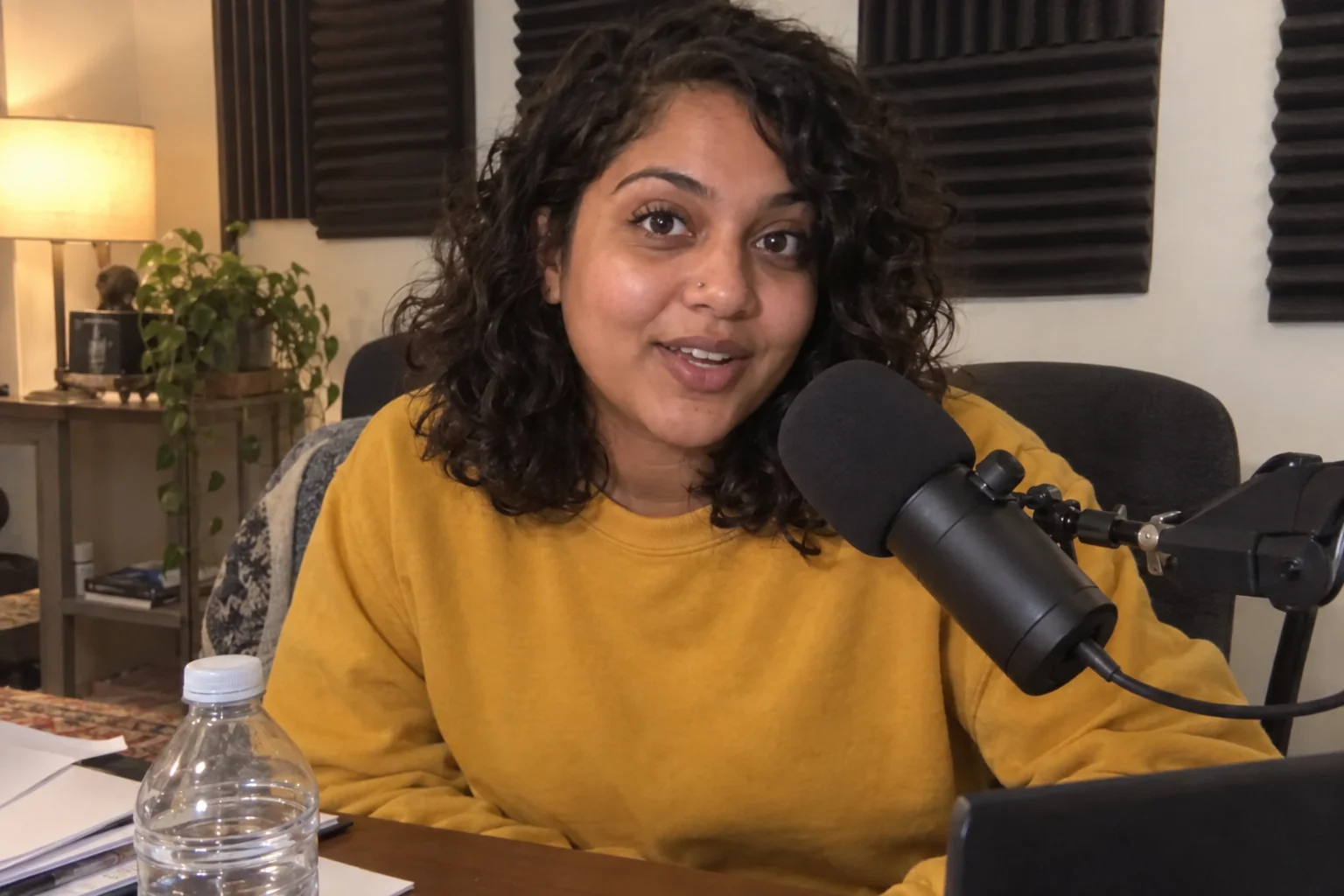 In
InObject Remover
Remove the water bottle, the cable, the stranger — filled in naturally
 In
InText Replacer
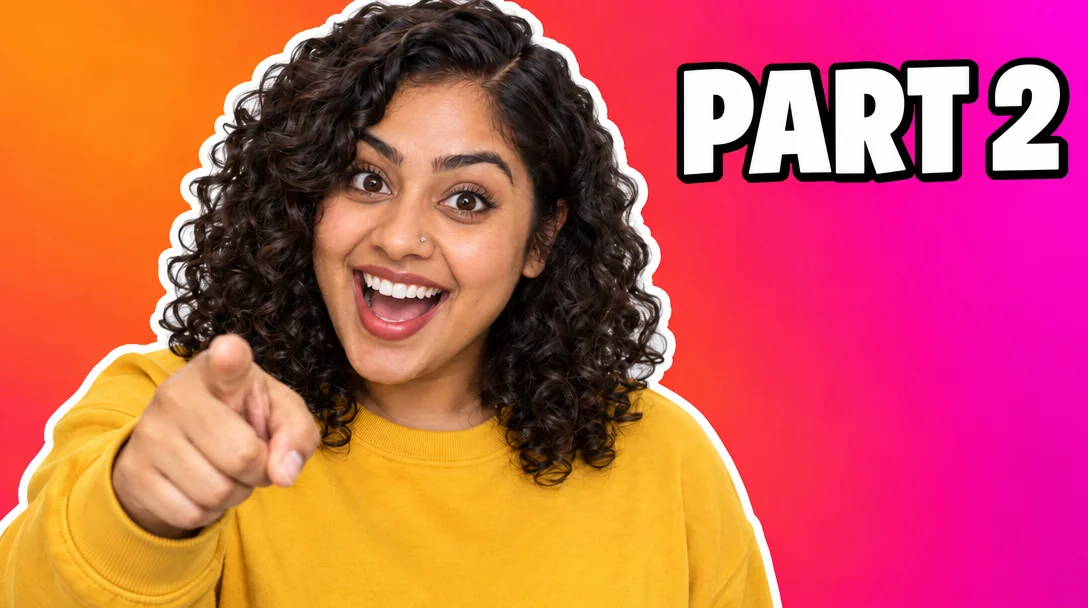
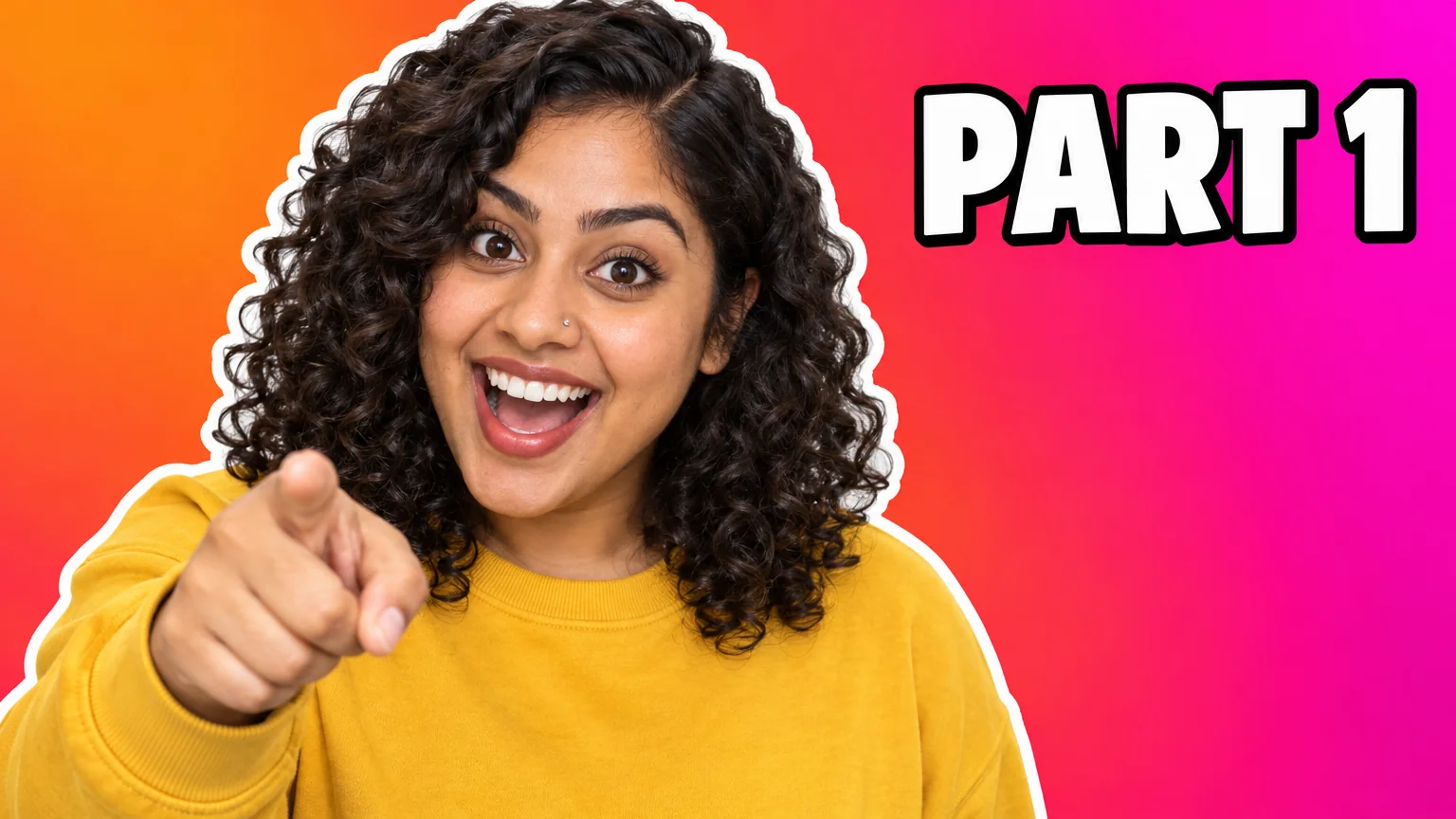
Swap PART 1 for PART 2 — same font, same size, same background