
Discord Server Icon Maker
The Discord server icon is the tiny circle members find in their server list — one bold shape, nothing fine, in the server list, the channel header and every message. Below is the exact Discord server icon workflow — Channel Logo Maker at 1:1 · 512×512 (transparent PNG), then the one or two chained tools that finish the job — and a button that opens the Studio with all of it prefilled.
Discord audiences respond to a Discord server icon that is playful, community-first and legible on dark, so that is where the preset starts. Every result lands in your rail, where a Discord server icon can be edited with a sentence, reframed for another platform, upscaled or animated without starting over.
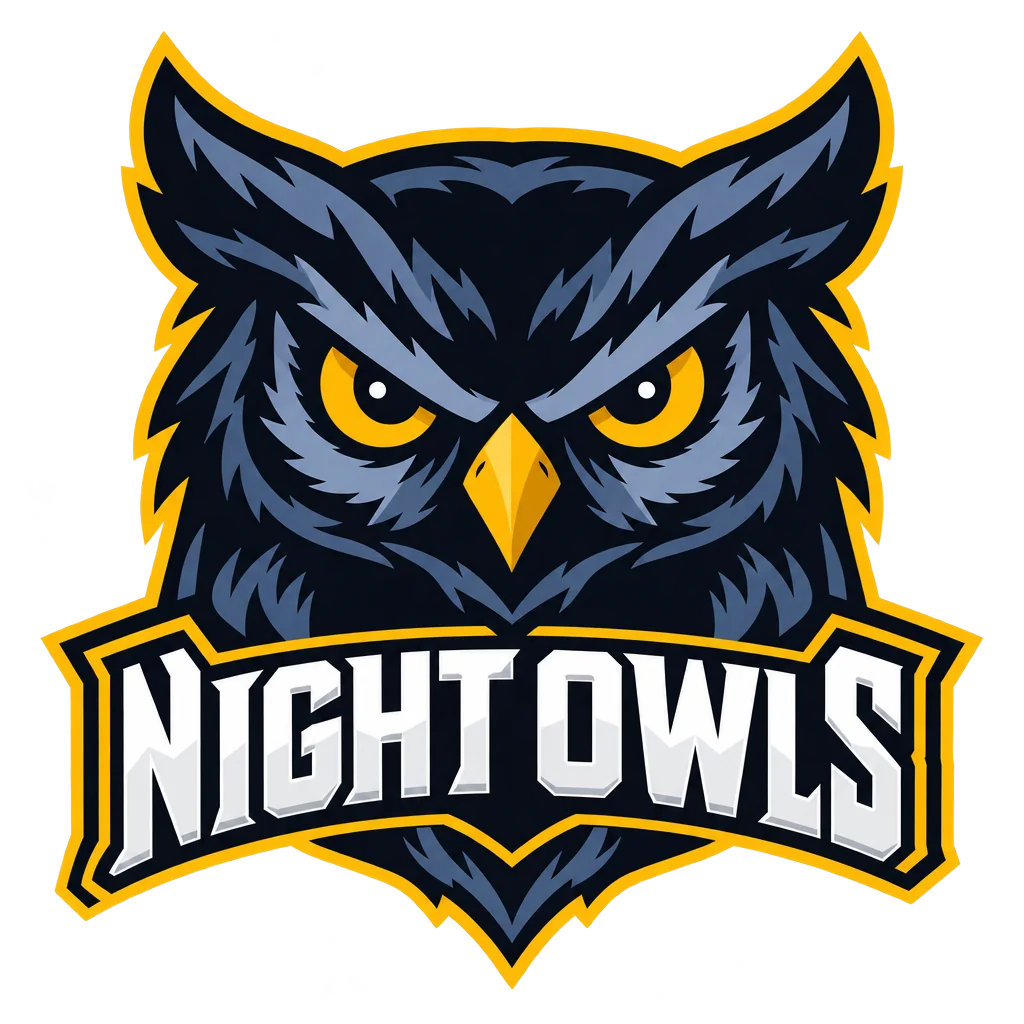
What this solves
- Your Discord server icon is a screenshot of your PFP in a circle
- The Discord server icon has a white background box on the dark sidebar
- The Discord server icon has too much detail to read at 48 px
- You want a Discord server icon that matches the emotes
The steps
Open Channel Logo Maker preset for Discord at 1:1 · 512×512 (transparent PNG)
Fields that matter for a Discord server icon are already chosen; fill in the words and run.
Channel Logo MakerMake Discord emotes in the same character as the icon
A Discord server icon and its emotes should look like one artist drew them.
Twitch Emote MakerQuestions
What makes a good Discord server icon?
One bold silhouette and two or three flat colors on transparency — the mascot style this page opens is built for the Discord sidebar at 48 px.
Which size does the Discord server icon come out at?
1:1 · 512×512 (transparent PNG) — the Discord server icon tool is locked to that ratio; use Reframe on the result for any other platform.
Do I need a subscription for a Discord server icon?
No — sign in, spend the 4 free credits on a Standard Discord server icon run, and buy a $4.99 pack of 250 credits if you want more. Monthly plans are there when the Discord server icon becomes a weekly habit.
Discord Server Icon Maker
Open with these settings