
Discord Banner Maker
A Discord banner is the widest surface members see — name, schedule and mood in one strip, in the server list, the channel header and every message. This page opens the Studio with Banner Maker already set to the Discord banner size — 16:9 · 960×540 — so the only decision left is what goes on it.
The look Discord members expect from a Discord banner is playful, community-first and legible on dark, and the preset leans that way; change one field and it leans somewhere else. A Standard run of a Discord banner is cheap enough to try three versions, and the one you keep can be re-run at Pro before upload.
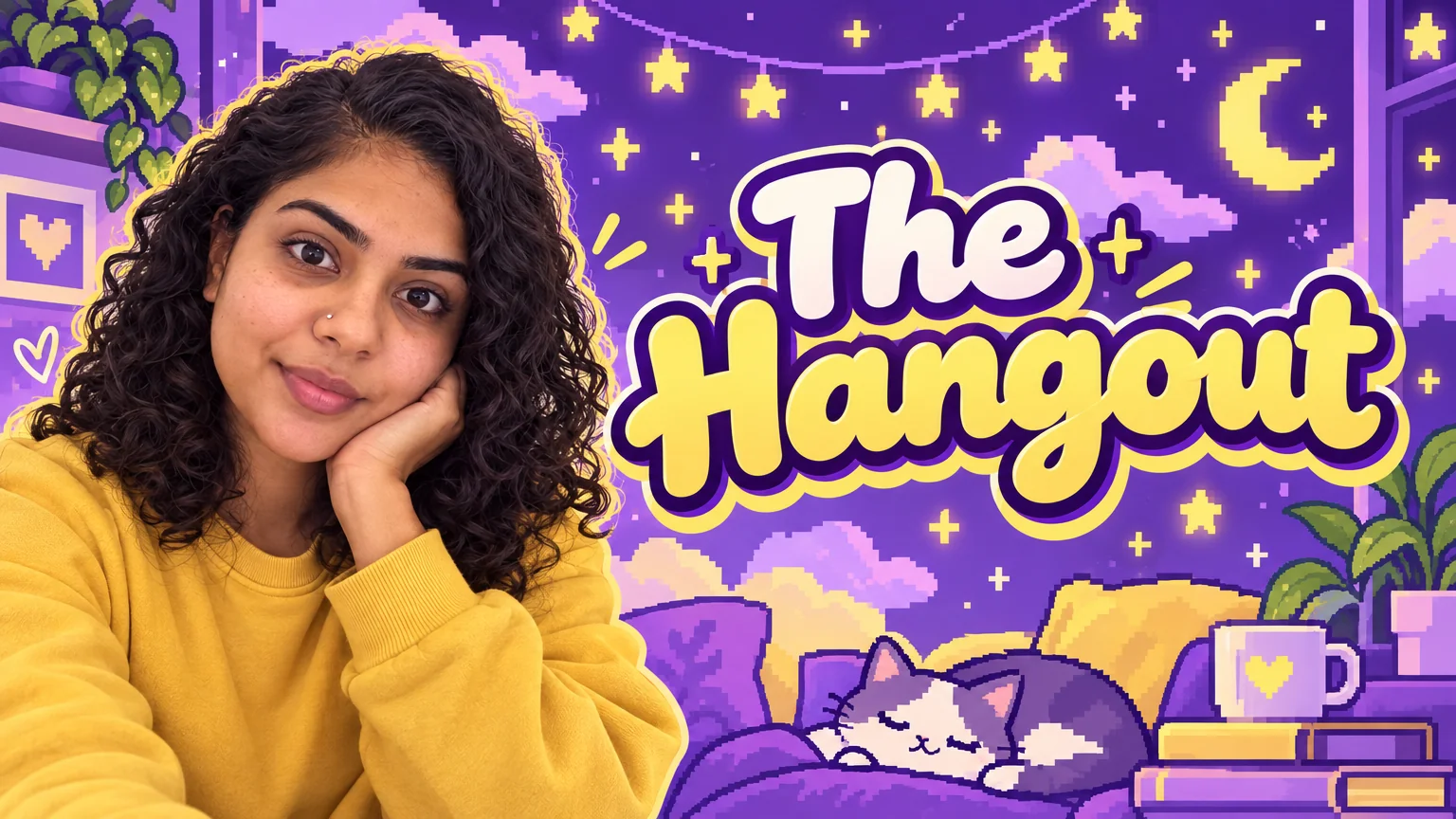
What this solves
- The Discord banner you have is a stretched thumbnail with the text cut off on mobile
- Your Discord banner has no schedule, no tagline and no idea what the channel is
- Keeping the Discord banner inside the safe area takes longer than making it
- The Discord banner does not match the PFP or the panels next to it
The steps
Open Banner Maker preset for Discord at 16:9 · 960×540
Fields that matter for a Discord banner are already chosen; fill in the words and run.
Channel Banner MakerMake the matching Discord PFP from the same selfie
A Discord banner and profile picture sit side by side; building both from one theme keeps the page coherent.
Profile Picture MakerUpscale the Discord banner to 16 MP for desktop
Discord shows the banner at full width on desktop, where soft edges are obvious.
Image UpscalerQuestions
What size is a Discord banner?
16:9 · 960×540 — the tool sets that ratio from the platform select and keeps Discord banner text inside the safe area, so nothing important is cropped on mobile.
Which size does the Discord banner come out at?
16:9 · 960×540 — the Discord banner tool is locked to that ratio; use Reframe on the result for any other platform.
What does a Discord banner cost?
A Discord banner is 2 credits at Standard from a title or description, 4 from one photo, more at Pro and Max. New accounts start with 4 free credits, so the first Discord banner is on the house.
Discord Banner Maker
Open with these settings