
LinkedIn Post Maker
On LinkedIn, the post is the daily unit of a LinkedIn presence — one image, one idea, one scroll-stopping focal point, on the profile header and in the feed. Open the Studio from here and Social Media Post Generator is preset for a LinkedIn post at 1.91:1 · 1200×627; type the words, drop the photo if the tool takes one, run.
Because the post size is locked to LinkedIn, nothing gets cropped later. Iterate on the LinkedIn post at Standard, pick the winner, then chain it: Reframe for the other platforms, Upscale for a big file, Animate for a clip.
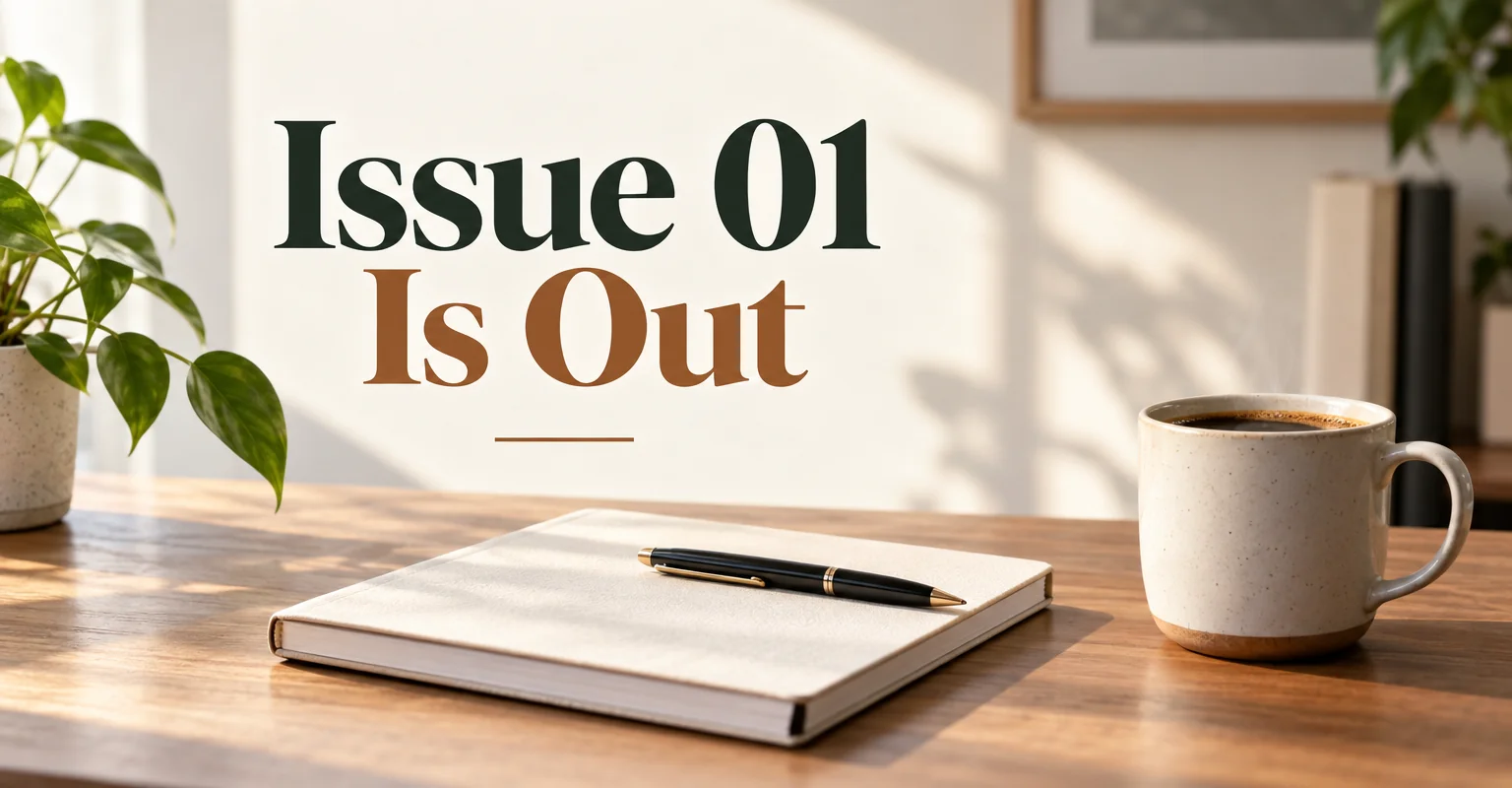
What this solves
- Daily LinkedIn posts eat the time you meant to spend on the actual content
- Your LinkedIn post images are stock photos everyone has seen
- The overlay text on a LinkedIn post is misspelled or the wrong size
- You post the same idea to LinkedIn and two other platforms and re-crop it badly each time
The steps
Open Social Media Post Generator preset for LinkedIn at 1.91:1 · 1200×627
Fields that matter for a LinkedIn post are already chosen; fill in the words and run.
Social Media Post GeneratorReframe the LinkedIn post for the next platform
The LinkedIn version becomes the story, pin or header version without re-describing it.
Reframe for PlatformQuestions
Should a LinkedIn post have text on the image?
Only for LinkedIn post announcements and offers — the overlay text field is optional; leave it empty and the LinkedIn post carries no text so the caption does the talking.
Which size does the LinkedIn post come out at?
1.91:1 · 1200×627 — the LinkedIn post tool is locked to that ratio; use Reframe on the result for any other platform.
Do I need a subscription for a LinkedIn post?
No — sign in, spend the 4 free credits on a Standard LinkedIn post run, and buy a $4.99 pack of 250 credits if you want more. Monthly plans are there when the LinkedIn post becomes a weekly habit.
LinkedIn Post Maker
Open with these settings