
LinkedIn Quote Card Maker
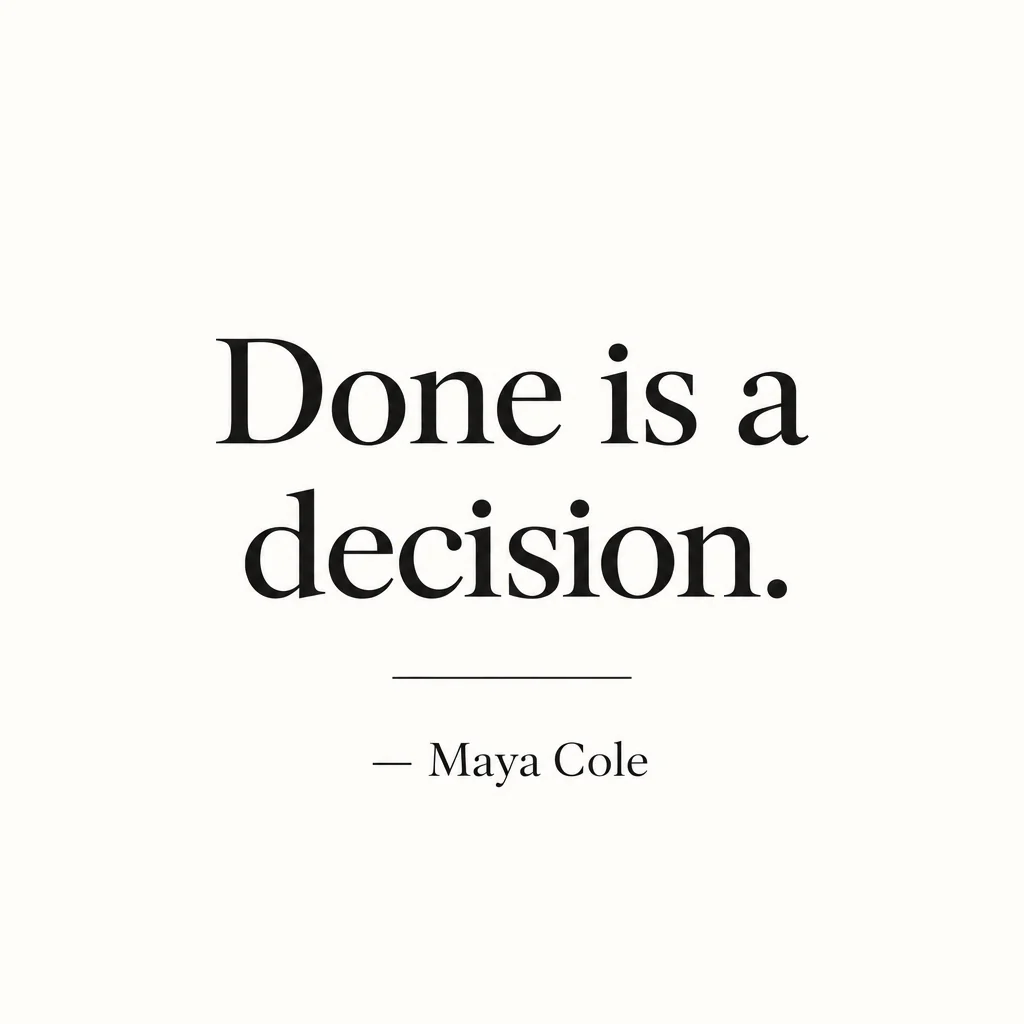
The LinkedIn quote card is the most shared thing a LinkedIn account posts — good words set in good type, on the profile header and in the feed. Below is the exact LinkedIn quote card workflow — Quote Card Maker at 1:1 · 1080×1080, then the one or two chained tools that finish the job — and a button that opens the Studio with all of it prefilled.
Because the quote card size is locked to LinkedIn, nothing gets cropped later. Iterate on the LinkedIn quote card at Standard, pick the winner, then chain it: Reframe for the other platforms, Upscale for a big file, Animate for a clip.
What this solves
- Your LinkedIn quote cards use a default font on a gradient from 2016
- The quote on your LinkedIn card is centered badly and the attribution is missing
- You have a hundred lines from episodes and no fast way to post them on LinkedIn
- The LinkedIn quote card does not match the rest of the grid
The steps
Open Quote Card Maker preset for LinkedIn at 1:1 · 1080×1080
Fields that matter for a LinkedIn quote card are already chosen; fill in the words and run.
Quote Card MakerReframe the LinkedIn quote card to 9:16 for a story
The same LinkedIn quote card becomes a story without re-typing.
Reframe for PlatformQuestions
What style works for a LinkedIn quote card?
This page opens the tool preset to a style that suits LinkedIn — clean, professional and quiet — and the quote renders spelled exactly as typed, with the attribution beneath.
Which size does the LinkedIn quote card come out at?
1:1 · 1080×1080 — the LinkedIn quote card tool is locked to that ratio; use Reframe on the result for any other platform.
Is the LinkedIn quote card free to make?
Every new account gets 4 free credits — one Standard run of the LinkedIn quote card tool. A LinkedIn quote card rendered from text costs 2 credits; from a photo, 4. Plans start at $15 for 1,000 credits and packs at $4.99 once the LinkedIn quote card is a habit.
LinkedIn Quote Card Maker
Open with these settings