
Pinterest Pin Maker
A Pinterest pin is a tall, save-worthy image that keeps sending savers to your content for months, in the home feed, search and boards. This page opens the Studio with Social Media Post Generator already set to the Pinterest pin size — 2:3 · 1000×1500 — so the only decision left is what goes on it.
Because the pin size is locked to Pinterest, nothing gets cropped later. Iterate on the Pinterest pin at Standard, pick the winner, then chain it: Reframe for the other platforms, Upscale for a big file, Animate for a clip.
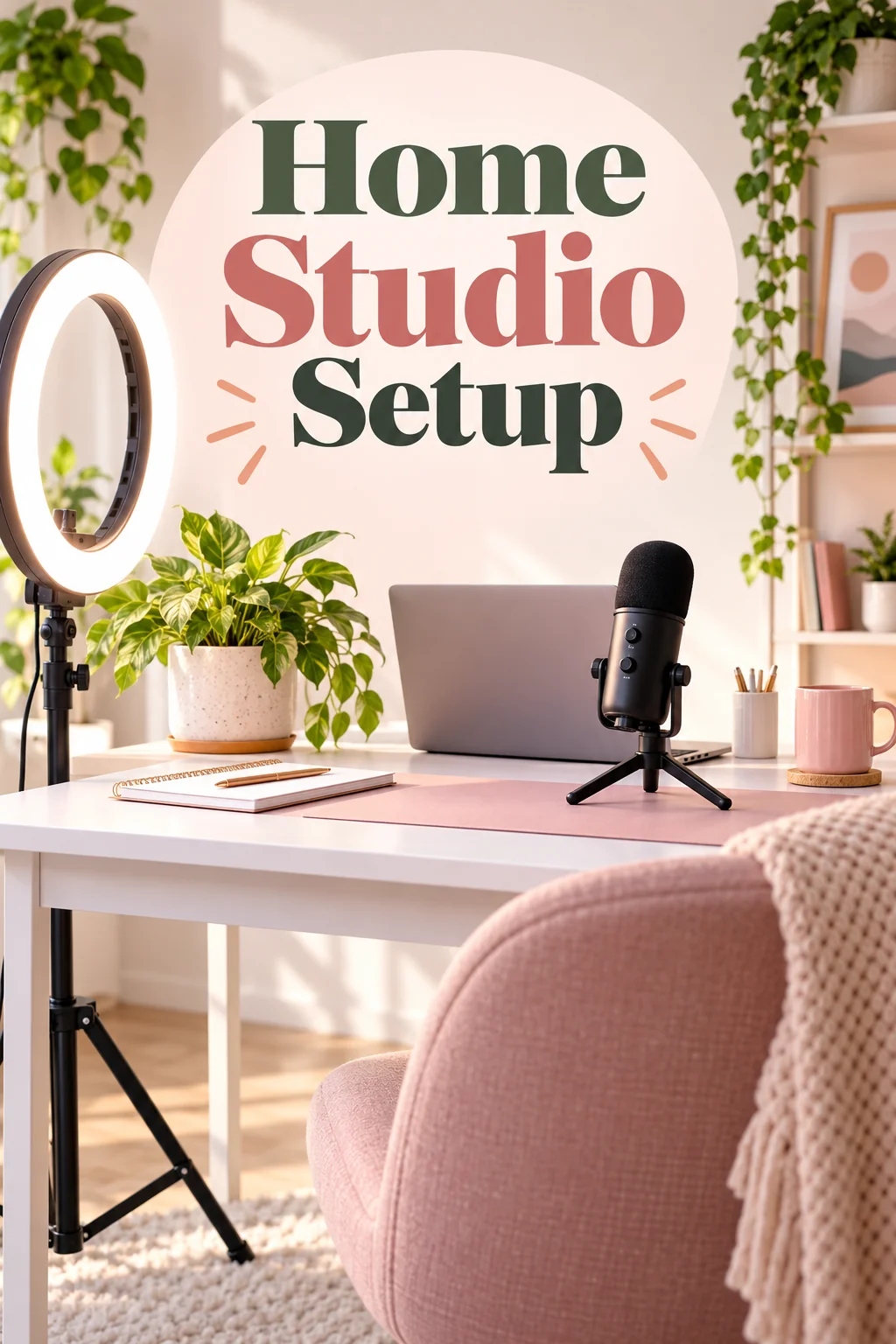
What this solves
- Your Pinterest pins are landscape screenshots that vanish in the tall feed
- The text on your Pinterest pin is too small to read in the grid
- You need ten Pinterest pins per post and have time for one
- The Pinterest pins do not look like they belong to one creator
The steps
Open Social Media Post Generator preset for Pinterest at 2:3 · 1000×1500
Fields that matter for a Pinterest pin are already chosen; fill in the words and run.
Social Media Post GeneratorSwap the headline for Pinterest pin variants
Ten Pinterest pins from one design, each with a different hook.
Text ReplacerQuestions
Why 2:3 for a Pinterest pin?
Tall pins take more space in the Pinterest feed, so the tool renders the Pinterest pin at 2:3 and keeps the overlay text large so it reads in the grid.
Which size does the Pinterest pin come out at?
2:3 · 1000×1500 — the Pinterest pin tool is locked to that ratio; use Reframe on the result for any other platform.
Do I need a subscription for a Pinterest pin?
No — sign in, spend the 4 free credits on a Standard Pinterest pin run, and buy a $4.99 pack of 250 credits if you want more. Monthly plans are there when the Pinterest pin becomes a weekly habit.
Pinterest Pin Maker
Open with these settings