
Text Replacer
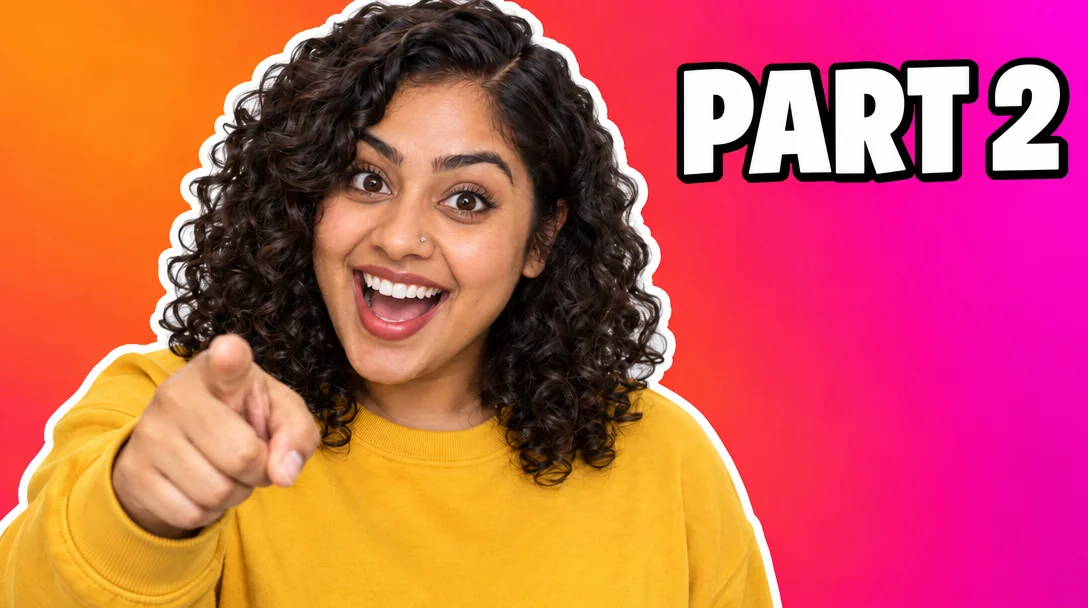
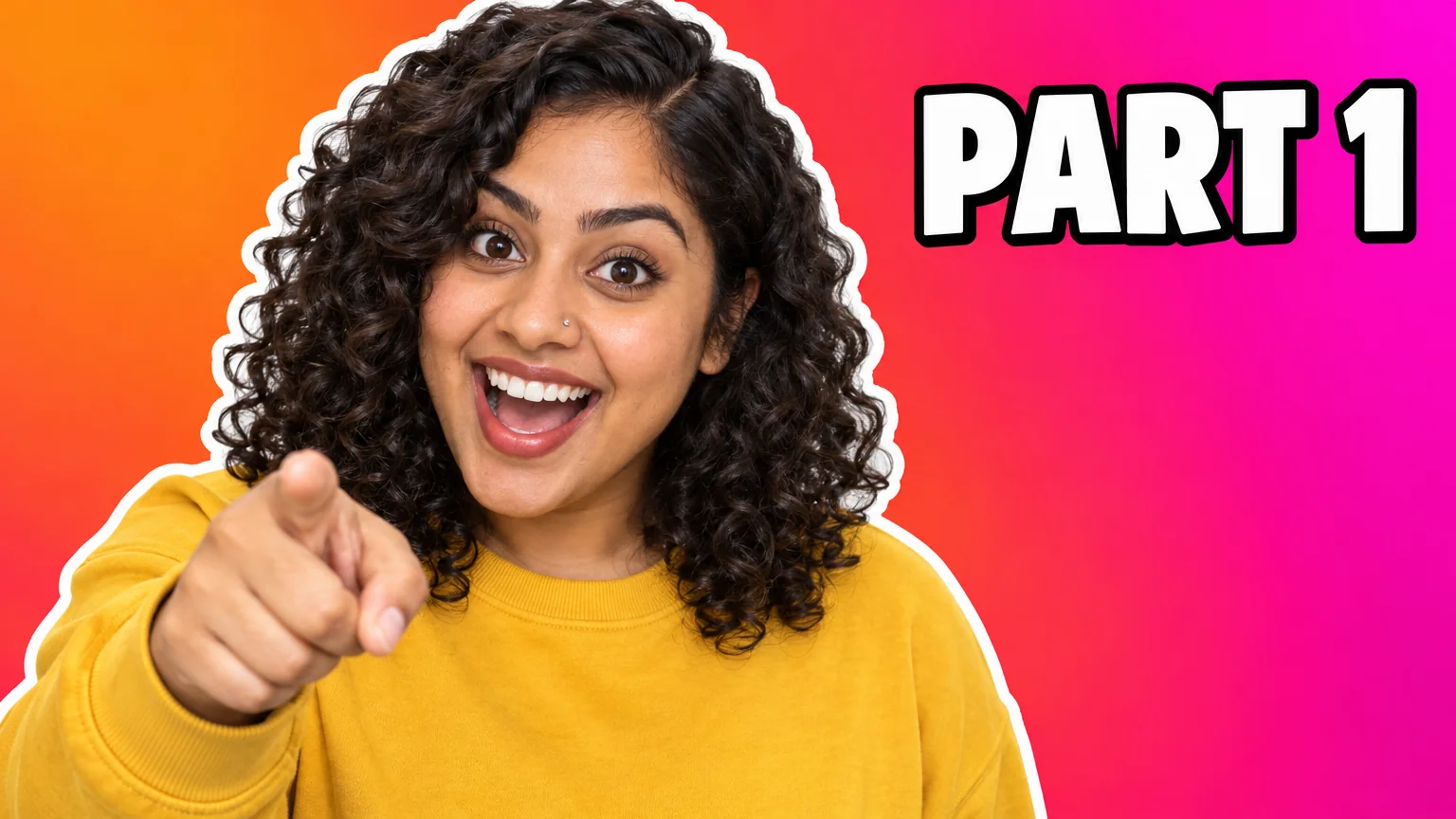
Swap PART 1 for PART 2 — same font, same size, same background
4 free credits on signup — no card, no watermark.
- 1Upload the image that contains the text
- 2Type the current text and the replacement text exactly
- 3Run, verify the spelling on the canvas, download
Standard
4 credits
Pro
12 credits
Max
44 credits
Series content means the same graphic with a different number: PART 1 becomes PART 2, EPISODE 12 becomes EPISODE 13, FRIDAY becomes SATURDAY. Text Replacer does that in one run. Give it the text that is currently in the image and the text it should become, and the tool replaces it spelled correctly, maintaining the same font style and size and preserving the background behind it, at the image's own aspect ratio.
It also fixes the one misspelled word that would otherwise mean re-rendering an entire thumbnail. Type the wrong text exactly as it appears and the right text exactly as you want it; matching the original's capitalization helps the tool find it. The replacement keeps the original letter style, so a chunky outlined title stays chunky and outlined. Keep new text close in length to the old text — swapping a five-letter word for a fifteen-letter phrase forces a resize.
The workflow with the design tools is simple. Make the first thumbnail, banner or panel with the dedicated tool at the quality you want, then use Text Replacer for every variant: the next episode, the other host's name, the new stream day. The variant costs 4 credits at Standard and inherits the design exactly, which is faster and more consistent than re-rendering. For text that should move or change color, Edit With Words is the better tool.
What you control
- Image with text
- Text to replace
- New text
Every tool comes with
- The right ratio for the platform, already set
- Standard, Pro and Max tiers per run
- Edit with words, reframe, upscale or animate the result
- Everything saved to your creations rail
Questions
Does it keep the font?
Yes — the replacement matches the style and size of the original lettering and the background behind it is preserved.
What if the text isn't found?
Type it exactly as it appears, including capitals. If the image has several lines, include a distinctive word from the line you mean.
Can the new text be longer?
A little. Similar length keeps the layout; much longer text has to shrink to fit. Split long changes into two runs if needed.
Can it change the color of the text?
Not this tool — it keeps the style on purpose. Use Edit With Words for color, position or size changes.
Can I try Text Replacer without paying?
Yes — every new account starts with 4 free credits, enough for a Standard run of most tools. Plans start at $15 for 1,000 credits a month and packs at $4.99 for 250.

 In
InYouTube Thumbnail Maker
Click-worthy 16:9 thumbnails with your face and your title, spelled right
 In
InEdit With Words
Describe the change in plain words — the render updates, everything else stays

 In
InText Behind Object
The text-behind-subject effect — SUBSCRIBE behind you, in one run
Twitch Panel Maker
3:1 Twitch panel banners — About, Schedule, Rules, Donate — as a matching set