
TikTok Cover Maker
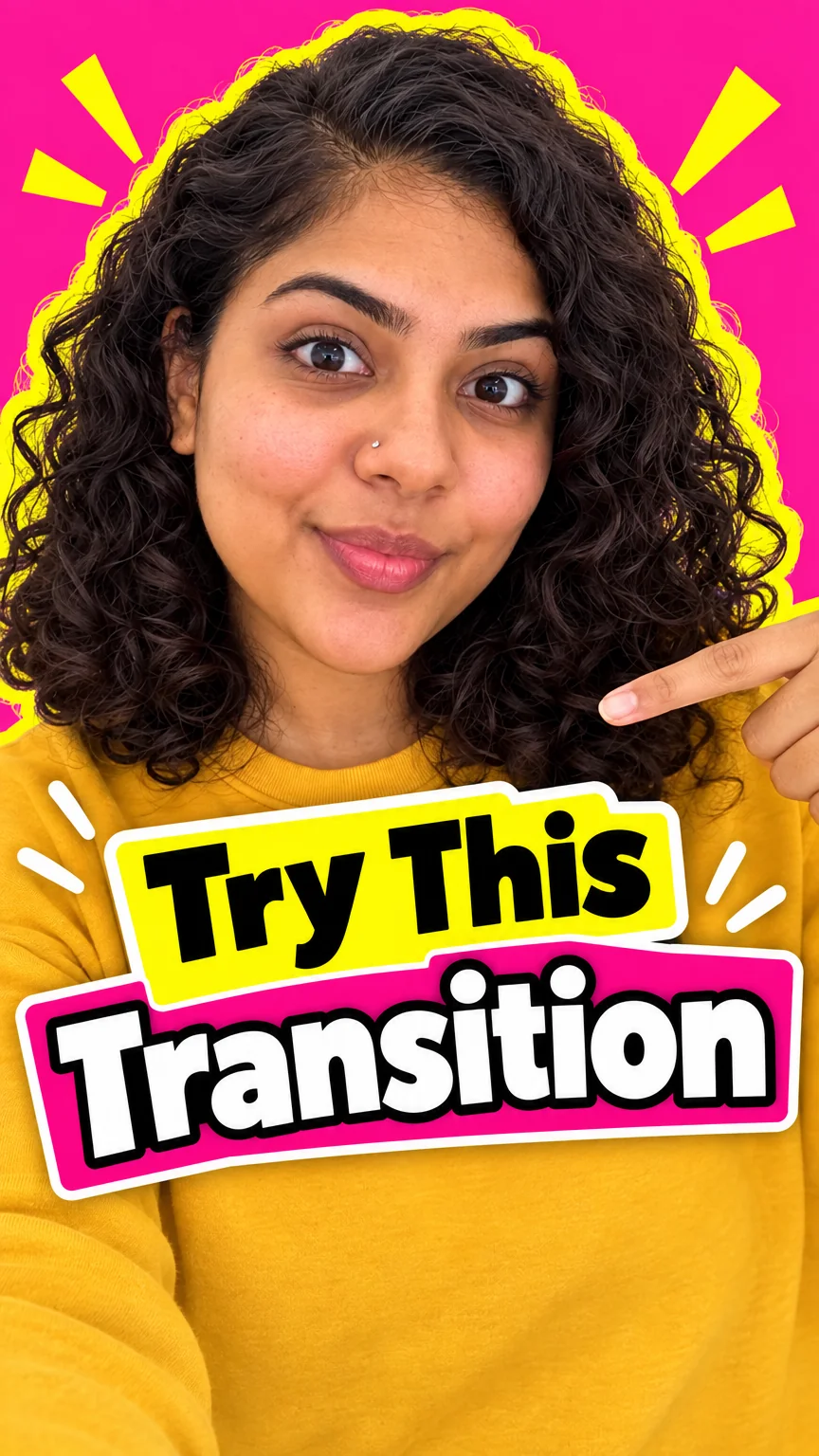
A TikTok cover is the tile followers see on the profile grid before they ever hit play, on the profile grid and in the For You feed. This page opens the Studio with Reel Cover Maker already set to the TikTok cover size — 9:16 · 1080×1920 — so the only decision left is what goes on it.
The look TikTok followers expect from a TikTok cover is fast, bright and vertical, and the preset leans that way; change one field and it leans somewhere else. A Standard run of a TikTok cover is cheap enough to try three versions, and the one you keep can be re-run at Pro before upload.
What this solves
- Your TikTok covers are random video frames with your eyes half closed
- The TikTok profile grid looks like ten different channels
- Title text on the TikTok cover is hidden by the caption bar
- You want your face on the TikTok cover without a photoshoot per video
The steps
Open Reel Cover Maker preset for TikTok at 9:16 · 1080×1920
Fields that matter for a TikTok cover are already chosen; fill in the words and run.
Reel Cover MakerReframe the TikTok cover to 16:9 for YouTube
The same TikTok cover art becomes the long-form thumbnail with one click.
Reframe for PlatformQuestions
Where does the title go on a TikTok cover?
In the middle 60% of the TikTok cover, where the app does not overlay its own UI, and in 3–5 words so it is readable as a small grid tile.
Which size does the TikTok cover come out at?
9:16 · 1080×1920 — the TikTok cover tool is locked to that ratio; use Reframe on the result for any other platform.
What does a TikTok cover cost?
A TikTok cover is 2 credits at Standard from a title or description, 4 from one photo, more at Pro and Max. New accounts start with 4 free credits, so the first TikTok cover is on the house.
TikTok Cover Maker
Open with these settings