
Photo to Anime
Redraw any photo as anime — shonen, shojo, slice of life, 90s retro, chibi
4 free credits on signup — no card, no watermark.
- 1Upload a photo — a portrait or a full scene both work
- 2Choose the anime style, or let the tool pick
- 3Run and download, or send the result into a thumbnail or reel cover
Standard
4 credits
Pro
12 credits
Max
44 credits
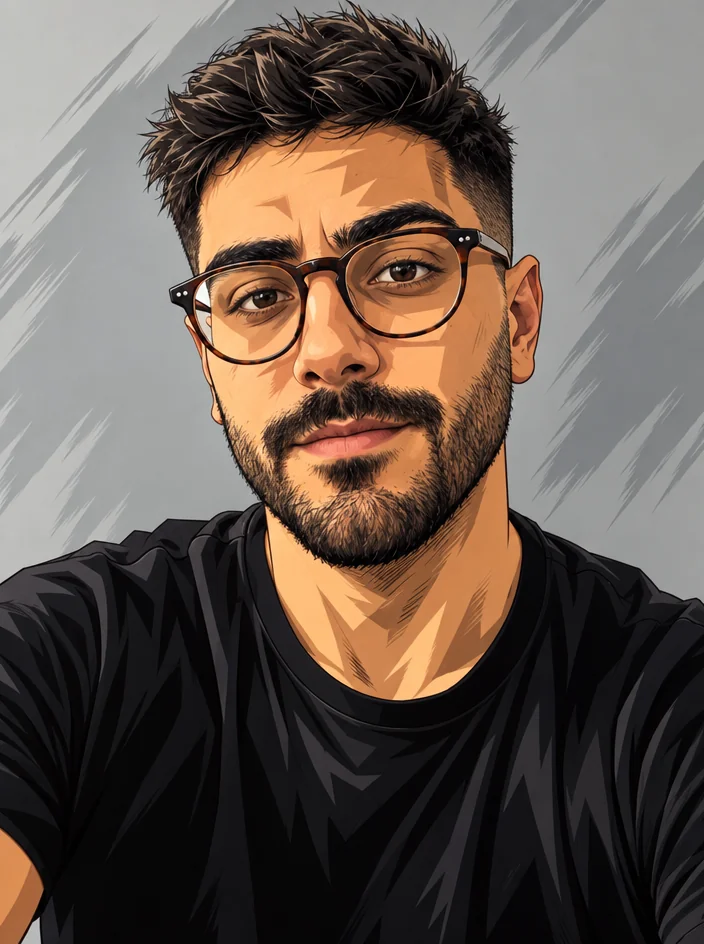
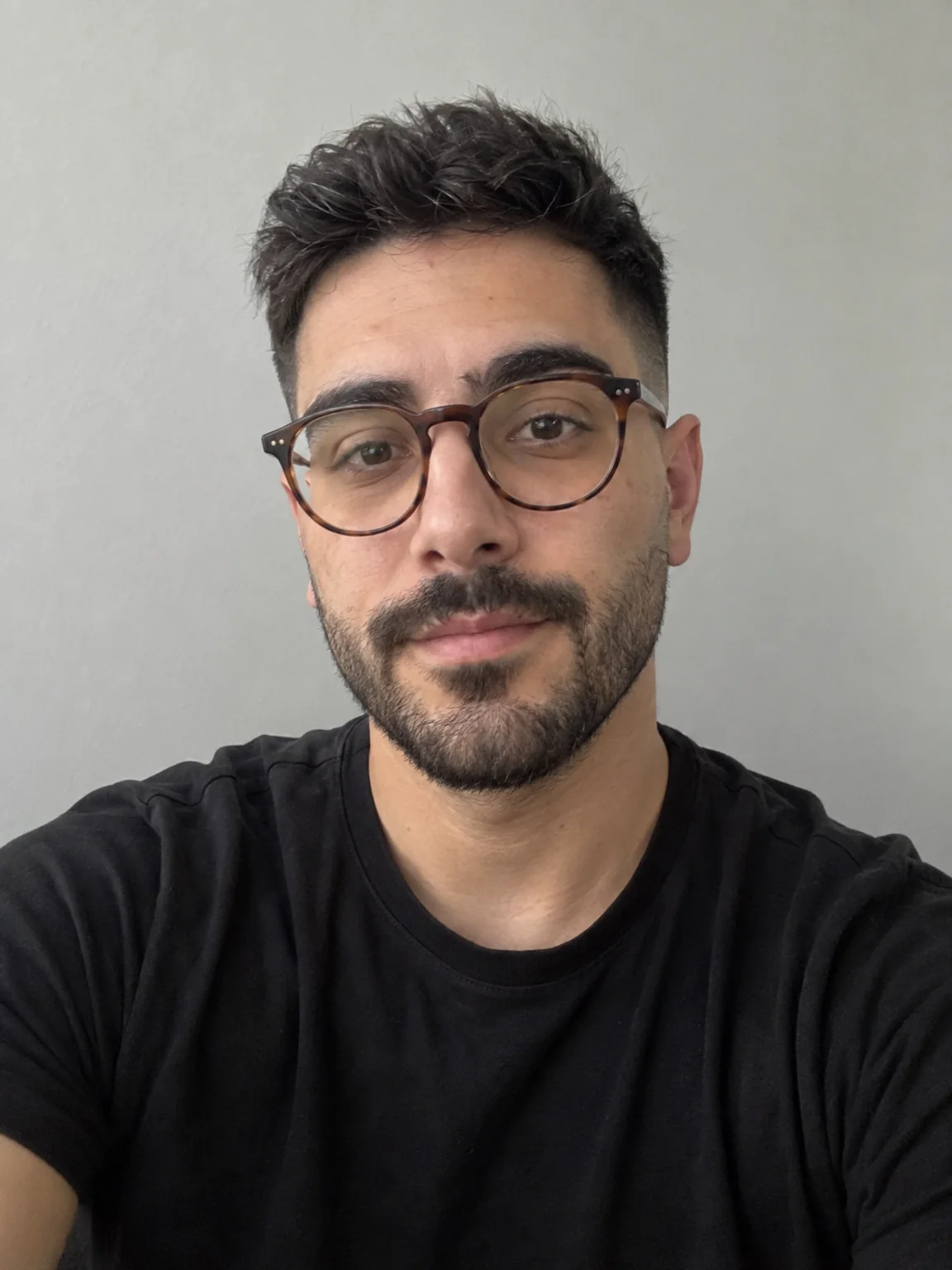
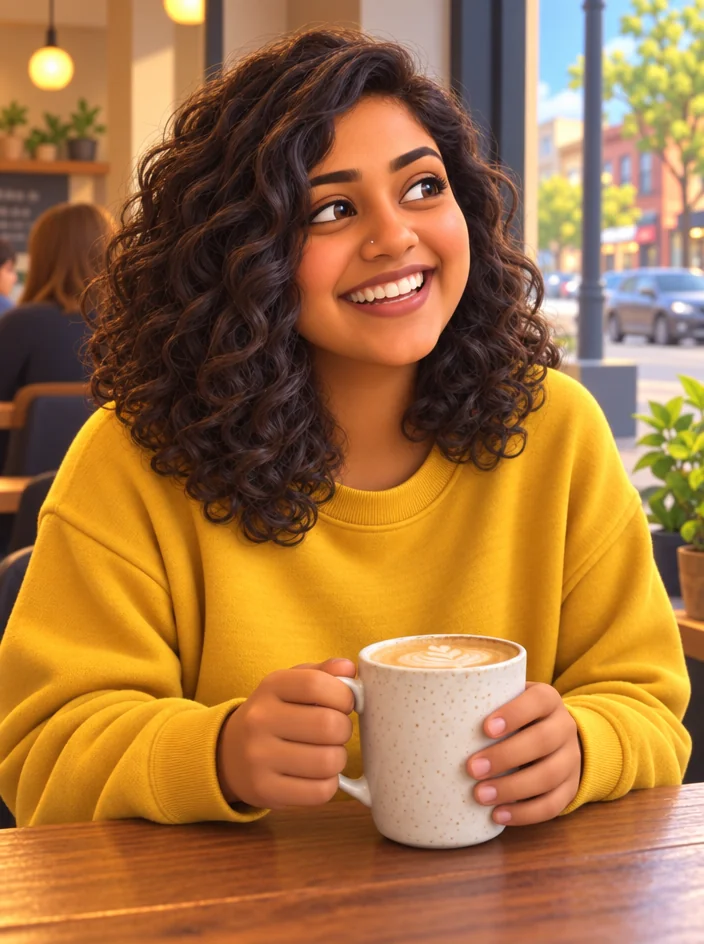
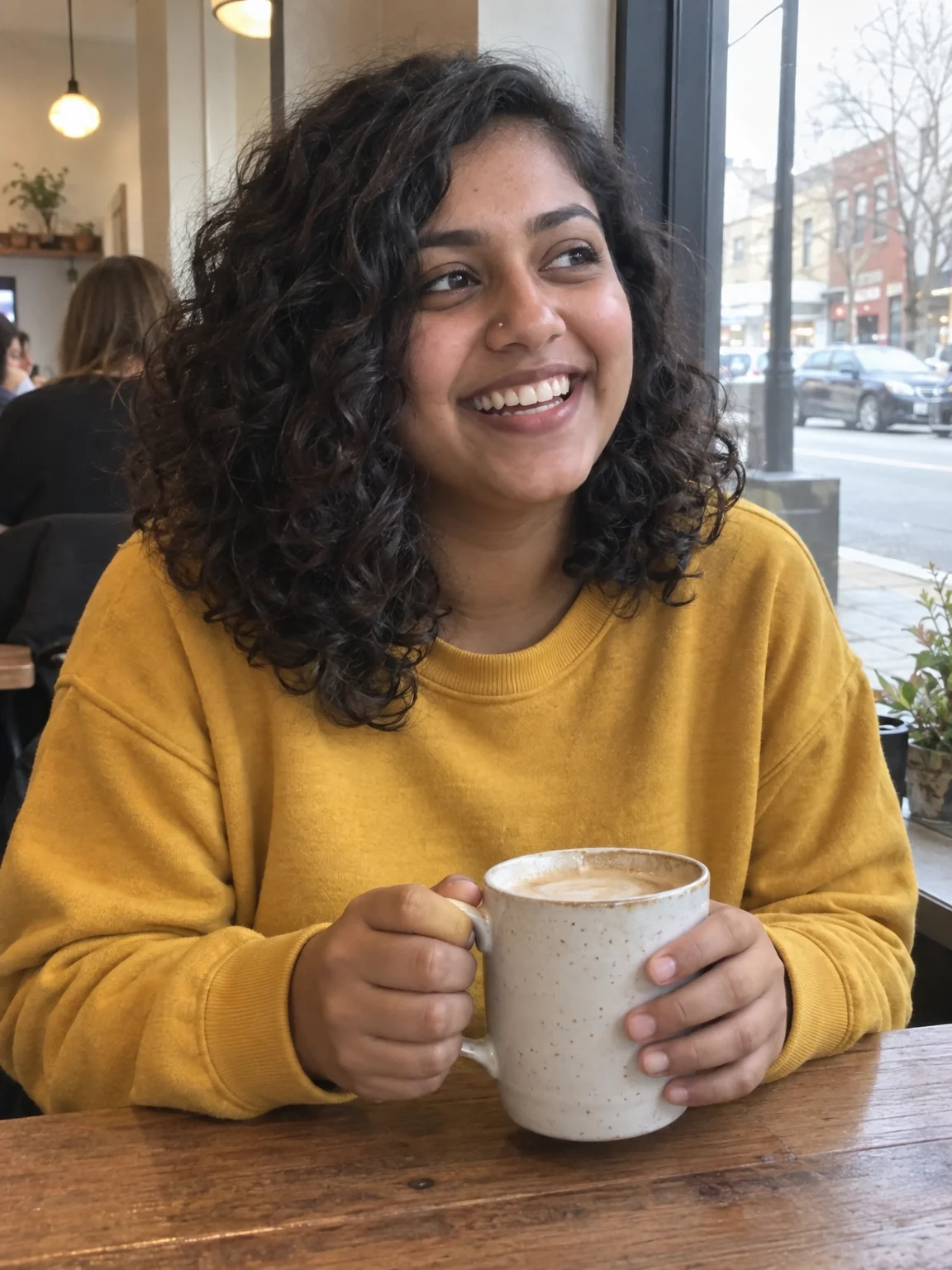
Anime edits are a staple for reveal posts, channel intros and community tabs, and they work best when the scene is still clearly yours. Photo to Anime keeps the composition of the photo — the pose, the framing, the room — and redraws it in the anime style you choose with clean line art and vibrant cel shading, keeping the people recognizable. Because it edits the photo, the output matches your photo's aspect ratio rather than forcing a square.
The styles map to eras and genres fans recognize instantly. Shonen is bold action anime with sharp lines and dynamic shading. Shojo is soft, with delicate lines, sparkles and pastel tones. Slice of life is gentle and painterly with warm natural light. 90s retro gives a grainy cel look and muted VHS color. Modern digital has crisp lines and vivid gradients. Chibi is oversized heads and simplified features. Let AI choose gives a general Japanese anime style.
Use it as a thumbnail ingredient as much as a post. An anime version of your face next to the real photo is a strong split-frame thumbnail; send the anime result to YouTube Thumbnail Maker with the Reaction style and it composes the split for you. For a full set of anime assets, run the same selfie through VTuber Avatar Maker and Emote Maker as well. A run is 4 credits at Standard; Pro sharpens line work noticeably.
What you control
- Your photo
- Anime styleLet AI chooseShonenShojoSlice of life90s retroModern digitalChibi
Every tool comes with
- The right ratio for the platform, already set
- Standard, Pro and Max tiers per run
- Edit with words, reframe, upscale or animate the result
- Everything saved to your creations rail
Questions
Does it work on group photos?
Yes. The composition is kept and every person is redrawn recognizably. Very small faces in wide group shots lose some detail.
Which style suits a channel intro?
Modern digital and Shonen read as energetic and high-contrast; 90s retro gives nostalgia; Slice of life suits vlog and study channels.
Can I make the result square for a PFP?
Send it to Reframe and pick 1:1, or use Profile Picture Maker with the Anime style directly for a PFP-first crop.
Is the background redrawn too?
Everything is redrawn in the chosen style — people, room, sky. For a plain background use Background Changer first or Background Remover after.
Can I try Photo to Anime without paying?
Yes — every new account starts with 4 free credits, enough for a Standard run of most tools. Plans start at $15 for 1,000 credits a month and packs at $4.99 for 250.

 In
InVTuber Avatar Maker
VTuber-style avatars from a selfie — VTuber, chibi, 3D toon, idol, mascot
 In
InCartoon Maker
Cartoon any photo — classic 2D, 3D animated, comic book, vector, caricature

 In
InProfile Picture Maker
A 1:1 PFP from your selfie — clean pro, anime, 3D, neon gamer, pixel, Y2K

 In
InReframe for Platform
16:9 to 9:16 to 1:1 to 3:1 — the subject stays, the scene extends or crops