
Text Behind Object
The text-behind-subject effect — SUBSCRIBE behind you, in one run
4 free credits on signup — no card, no watermark.
- 1Upload a photo with a clear subject in front
- 2Type the text and name the object that should overlap it
- 3Run, download, or Reframe for a vertical version


Standard
4 credits
Pro
12 credits
Max
44 credits
The text-behind-subject look — a big word with the person cut in front of it — is everywhere on thumbnails, Reels covers and story frames because it adds depth without adding clutter. Doing it manually means masking hair strand by strand. Text Behind Object does it in one run: type the text, name the object in front ('the person', 'the laptop', 'the coffee cup'), and the tool renders the text large and legible behind that object, with the object partially overlapping and sitting in front of the letters.
Keep the text short and loud. SUBSCRIBE, NEW, DAY ONE, EPISODE 12, GG — one or two words in capitals read best because the object hides part of them and the eye has to fill in the rest. The object description should be plain: 'the person' works in a selfie; 'the red car' or 'the bowl of ramen' works for product and food shots. The tool spells the text exactly as typed, and the photo keeps its aspect ratio.
It pairs naturally with the face tools. Run Reaction Face Generator first for a pointing pose, then Text Behind Object with SUBSCRIBE behind you, then Reframe for a 9:16 story version. For a title that should sit in front rather than behind, YouTube Thumbnail Maker handles it; to change the word later, Text Replacer swaps it in place. A run is 4 credits at Standard, and Pro is worth it when the letters are thin.
What you control
- Your photo
- Text
- Object in front of the text
Every tool comes with
- The right ratio for the platform, already set
- Standard, Pro and Max tiers per run
- Edit with words, reframe, upscale or animate the result
- Everything saved to your creations rail
Questions
What if the object doesn't cover the text?
Name the object more precisely ('the woman in the yellow jacket') or shorten the text so it sits fully behind the subject.
Can I pick the font or color?
Not directly. Run the effect, then use Edit With Words on the result: 'make the text white and bolder'.
Does it work on landscape and portrait photos?
Yes — the output keeps the photo's ratio. Portrait photos give the classic Reels-cover look.
How is this different from the thumbnail tool?
This edits your photo and puts text behind the subject. YouTube Thumbnail Maker composes a whole 16:9 thumbnail with text in front.
Can I try Text Behind Object without paying?
Yes — every new account starts with 4 free credits, enough for a Standard run of most tools. Plans start at $15 for 1,000 credits a month and packs at $4.99 for 250.

 In
InYouTube Thumbnail Maker
Click-worthy 16:9 thumbnails with your face and your title, spelled right

 In
InReel Cover Maker
9:16 covers for Reels, Shorts and TikTok that read at grid size
 In
InText Replacer
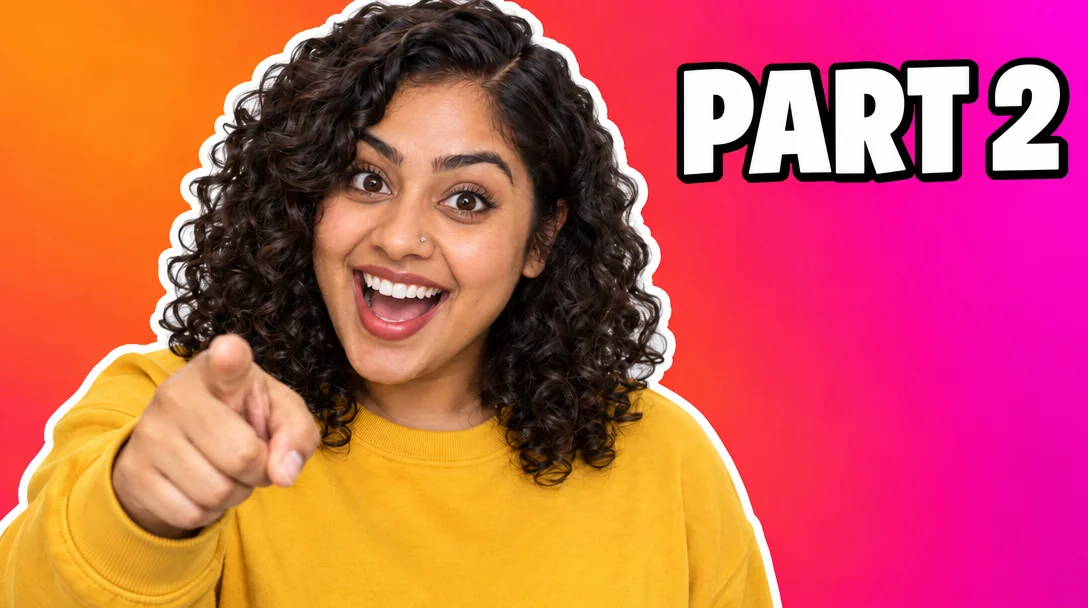
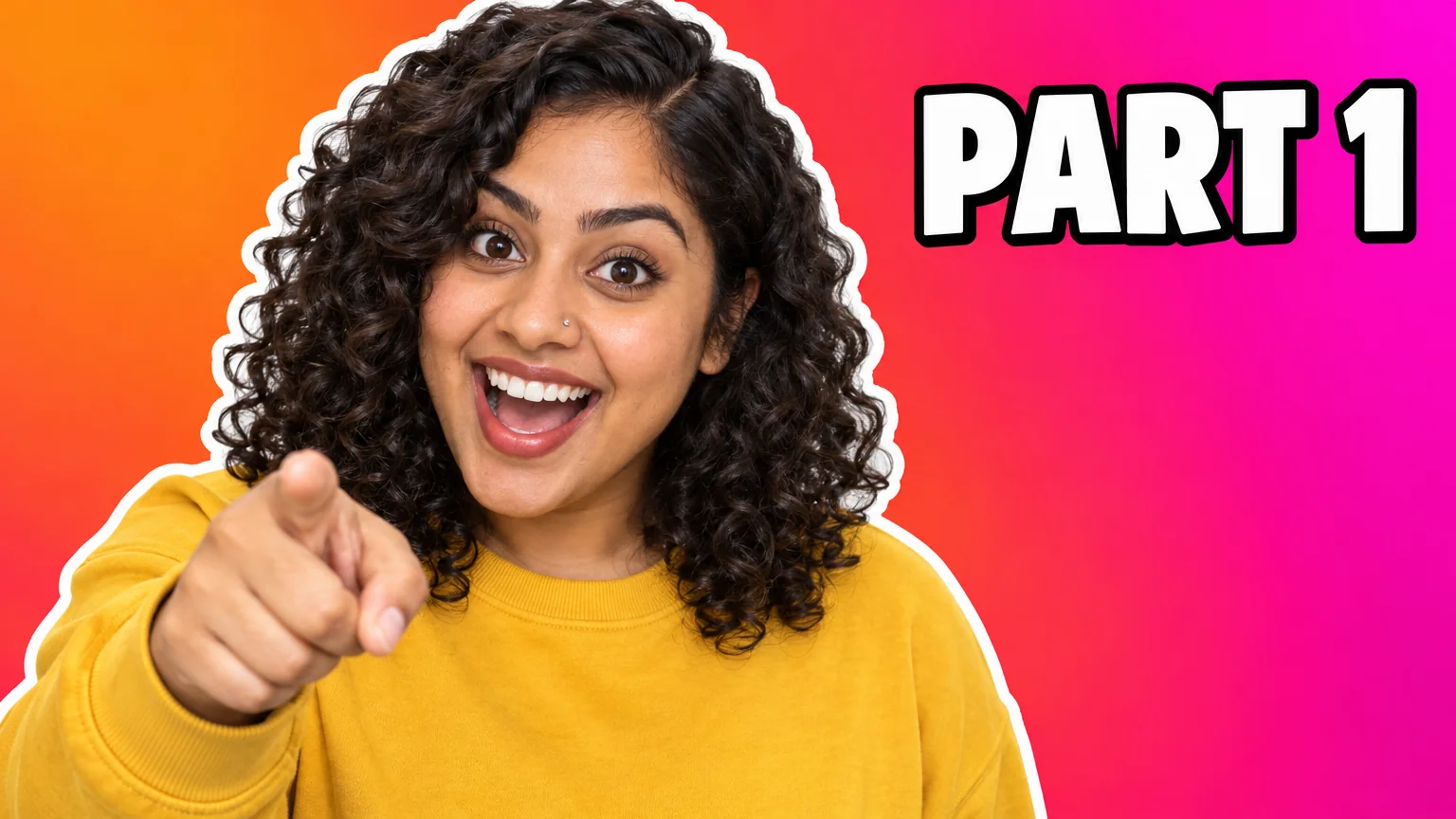
Swap PART 1 for PART 2 — same font, same size, same background
 In
InReaction Face Generator
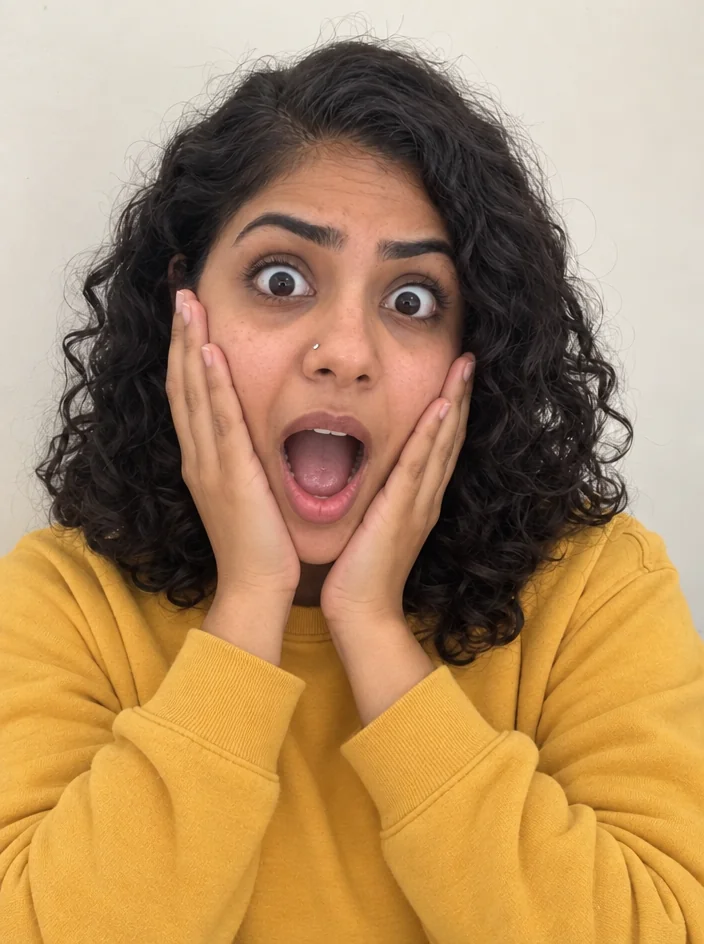
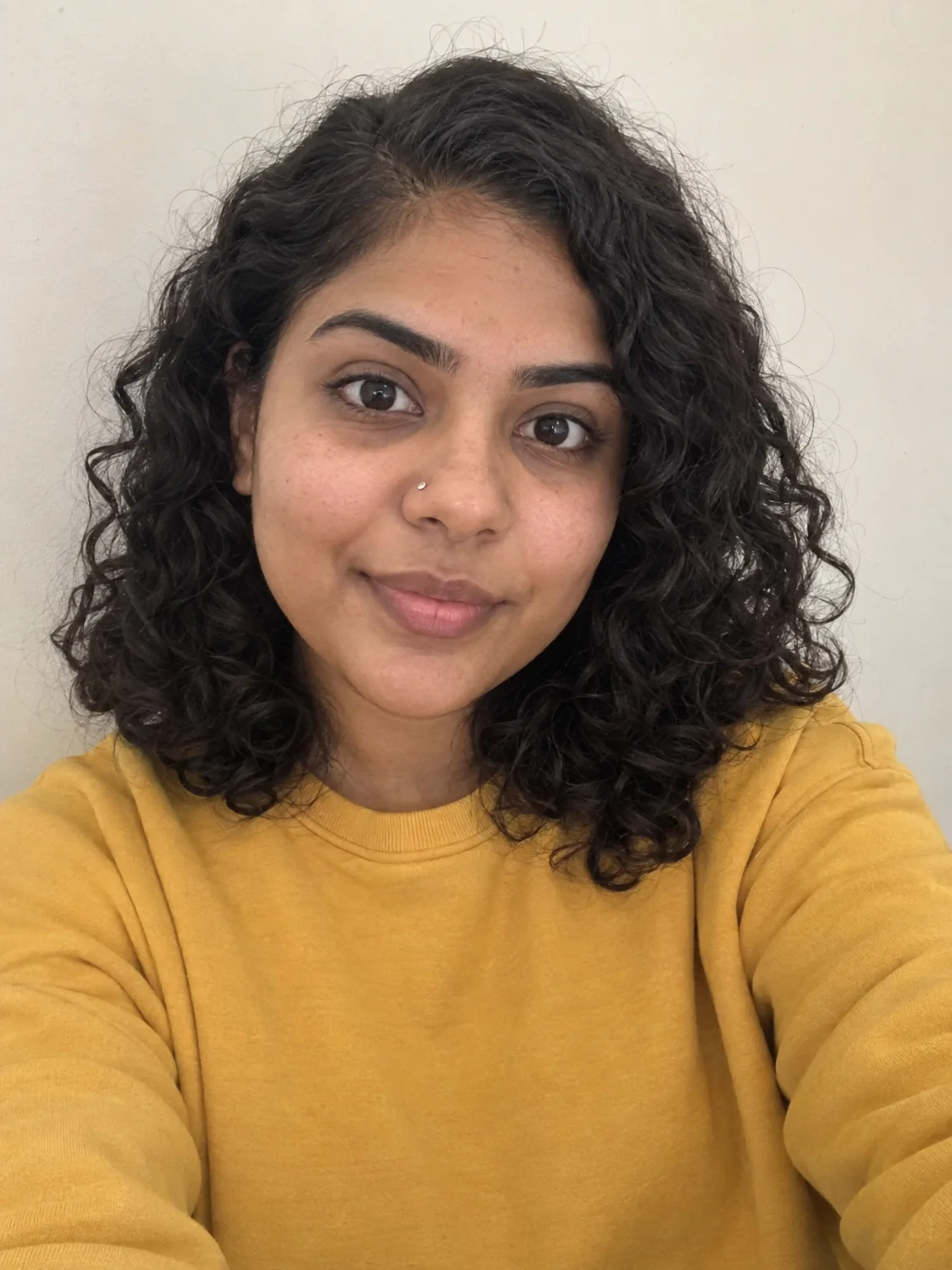
Neutral selfie in, shocked / mind-blown / pointing thumbnail face out