
Background Changer
Green-screen swap without the green screen — describe the new background
4 free credits on signup — no card, no watermark.
- 1Upload a photo with a clear main subject
- 2Describe the new background, including the kind of light
- 3Run, compare with Original, download or chain into PFP or Banner


Standard
4 credits
Pro
12 credits
Max
44 credits
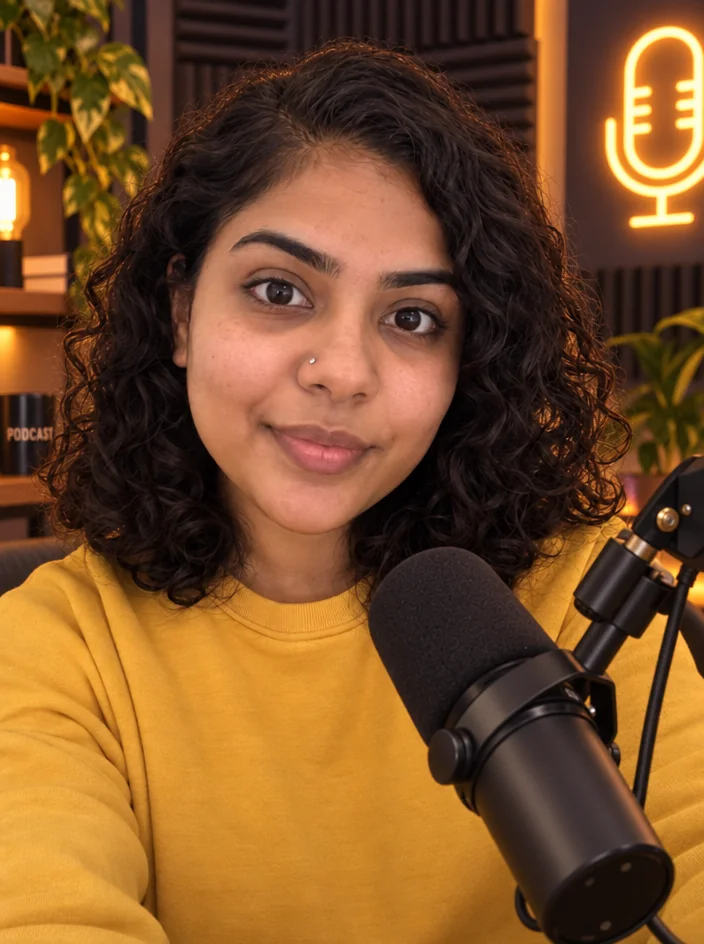
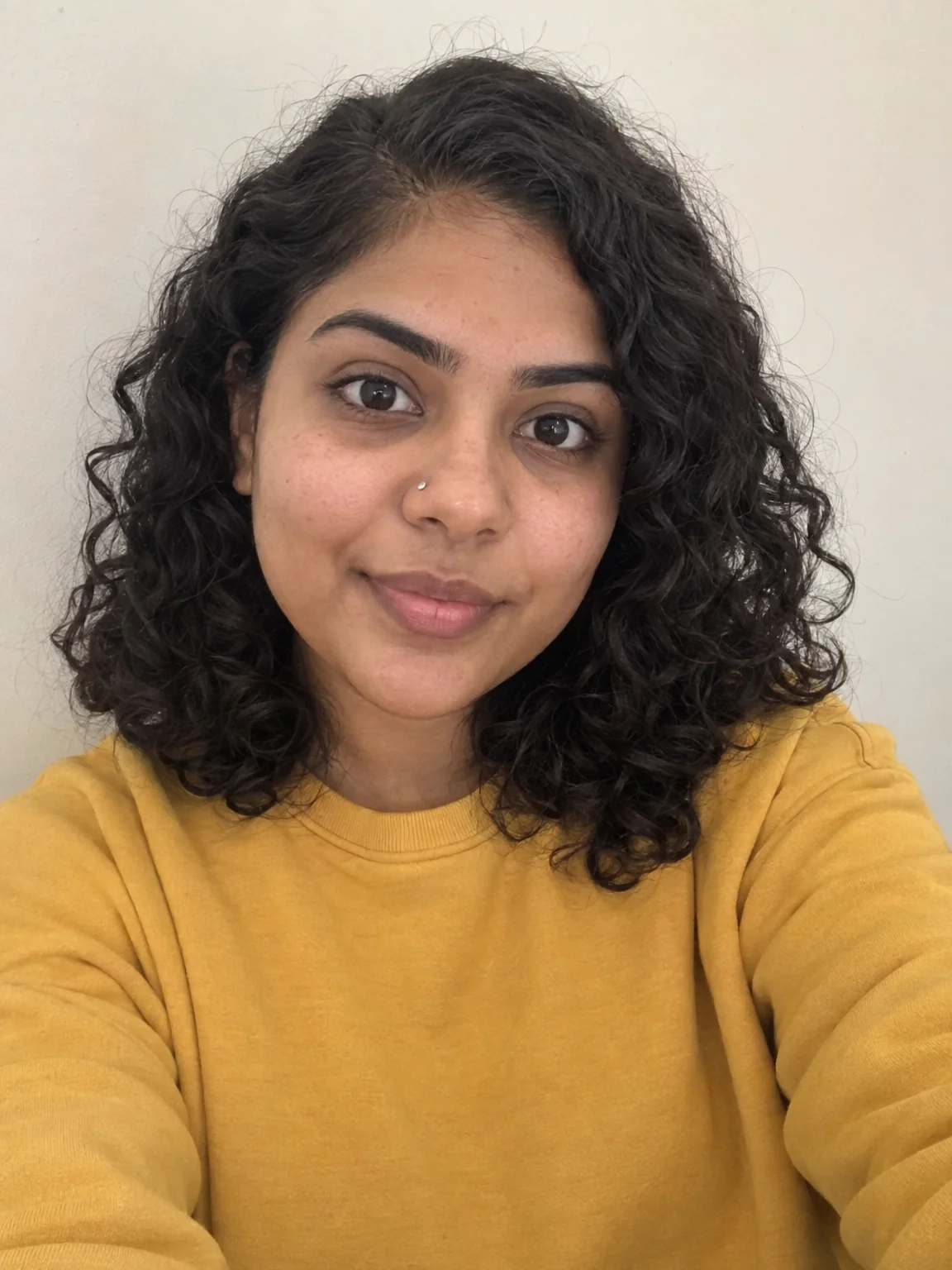
Most creators shoot against a bedroom wall and want to look like they shot in a studio. Background Changer treats the wall as a green screen it never was: describe the new setting — a neon-lit gaming room, a bright podcast studio, a rooftop at golden hour — and the tool keeps the main subject intact with clean edges and blends them into the new background with matching lighting and shadows. The framing and aspect ratio of the photo are preserved.
The description is a scene, not a keyword: 'a minimalist white studio with soft shadows' will land more precisely than 'studio'. Mention the light if you can — 'warm lamps', 'cool window light' — because the tool matches the subject's lighting to the scene you describe, and giving it a direction helps. Hair and semi-transparent edges are handled by the model rather than a hard mask, which is why the results look composited rather than cut and pasted.
This is the fastest way to make one selfie serve several channels: the same photo in a gaming room for Twitch, a podcast desk for Spotify and a clean studio for LinkedIn. Send each result to Profile Picture Maker or Banner Maker to turn the scene into the asset. For a plain transparent cutout instead of a new scene, Background Remover is the tool; for a blurred version of the room you already have, Background Blur. A run is 4 credits at Standard.
What you control
- Your photo
- New background
Every tool comes with
- The right ratio for the platform, already set
- Standard, Pro and Max tiers per run
- Edit with words, reframe, upscale or animate the result
- Everything saved to your creations rail
Questions
Does it work with messy backgrounds?
Yes. The tool separates the subject from whatever is behind it — a bedroom, a car, a crowd — and replaces the whole scene.
Can I keep part of the original room?
Describe what to keep in the sentence: 'keep the desk and monitor, change the wall to exposed brick'. For fine control use Edit With Words.
Will the lighting on me match the new scene?
The tool relights the subject to fit the scene it renders. Describing the light ('golden hour', 'soft window light') makes the match closer.
How is this different from Background Remover?
Background Remover gives a transparent PNG with no background. Background Changer paints a new scene and blends you into it.
Can I try Background Changer without paying?
Yes — every new account starts with 4 free credits, enough for a Standard run of most tools. Plans start at $15 for 1,000 credits a month and packs at $4.99 for 250.

 In
InBackground Remover
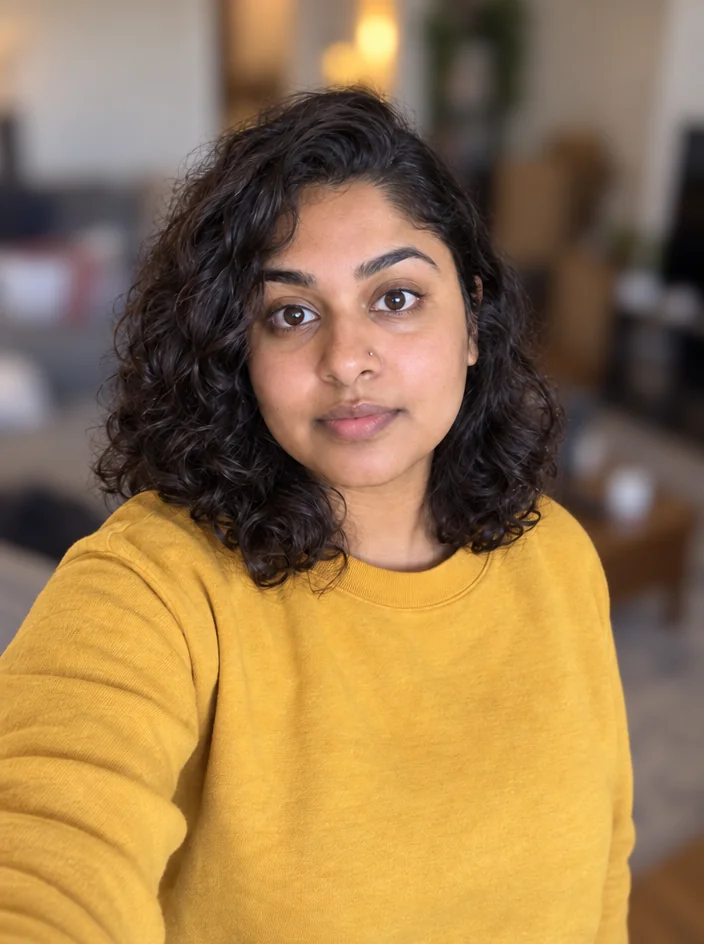
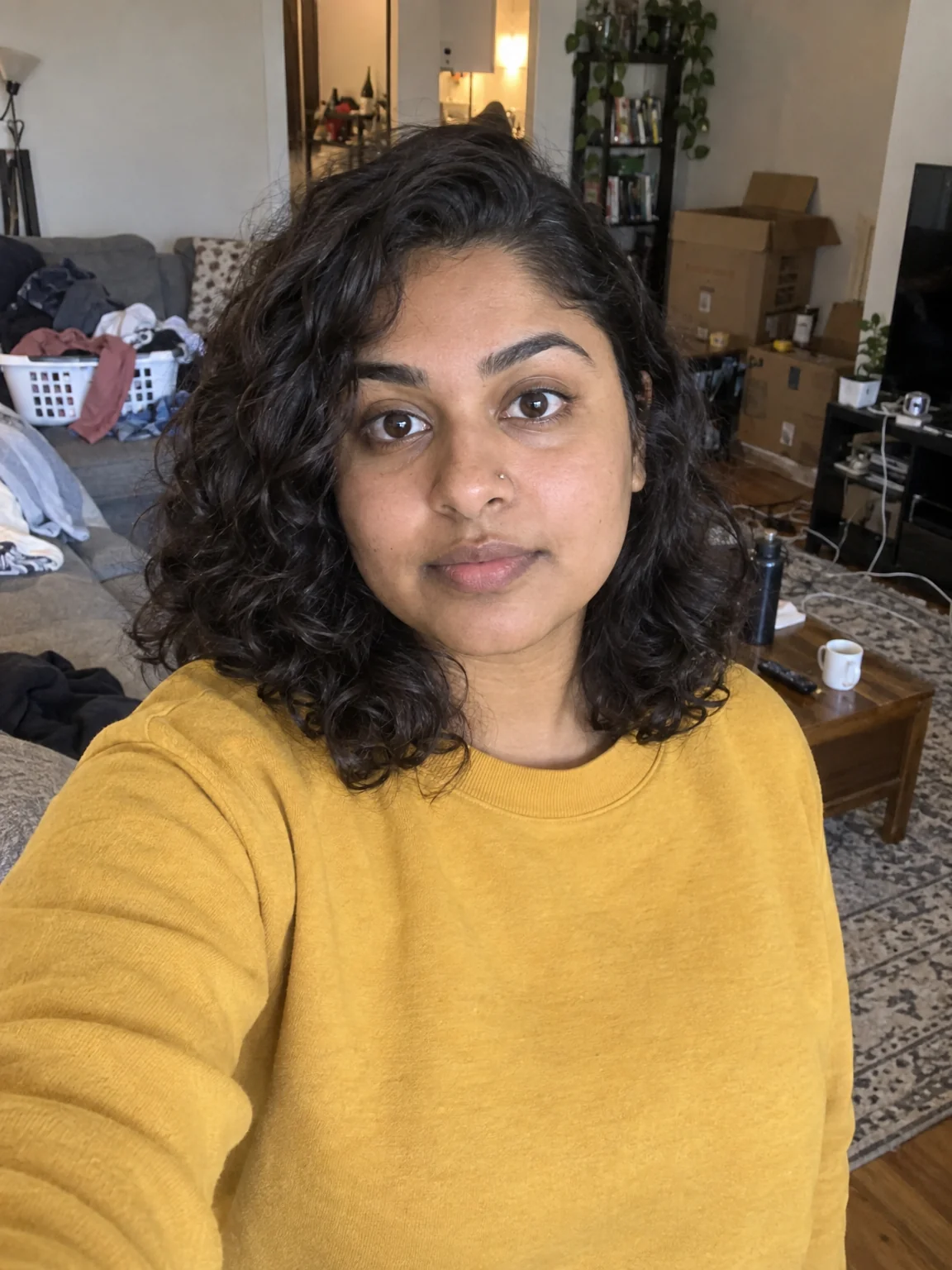
Transparent PNG cutouts for overlays, stickers and thumbnail layers
 In
InBackground Blur
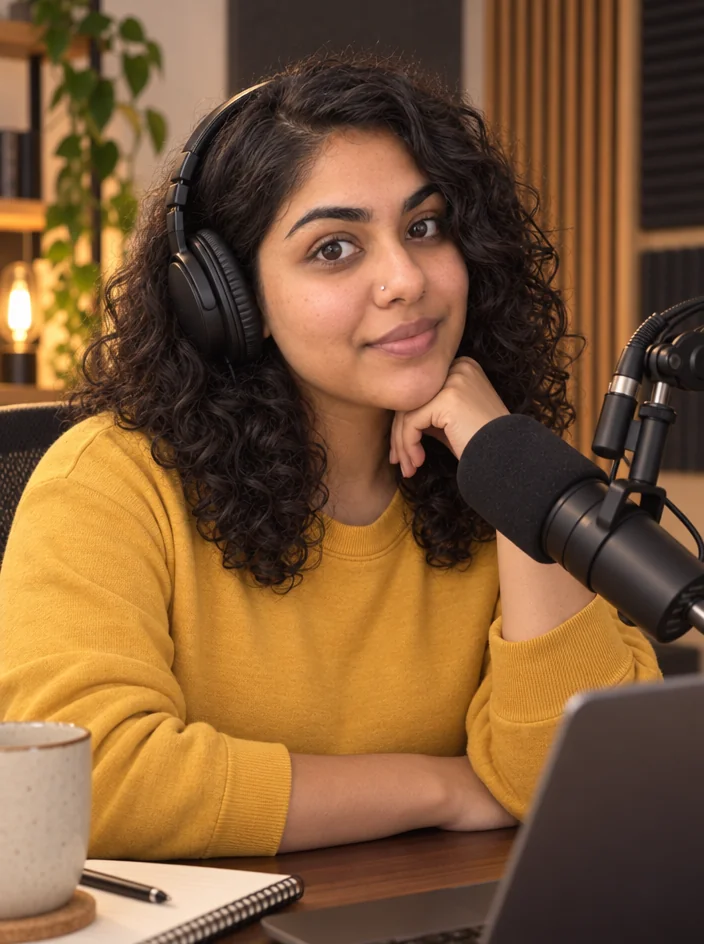
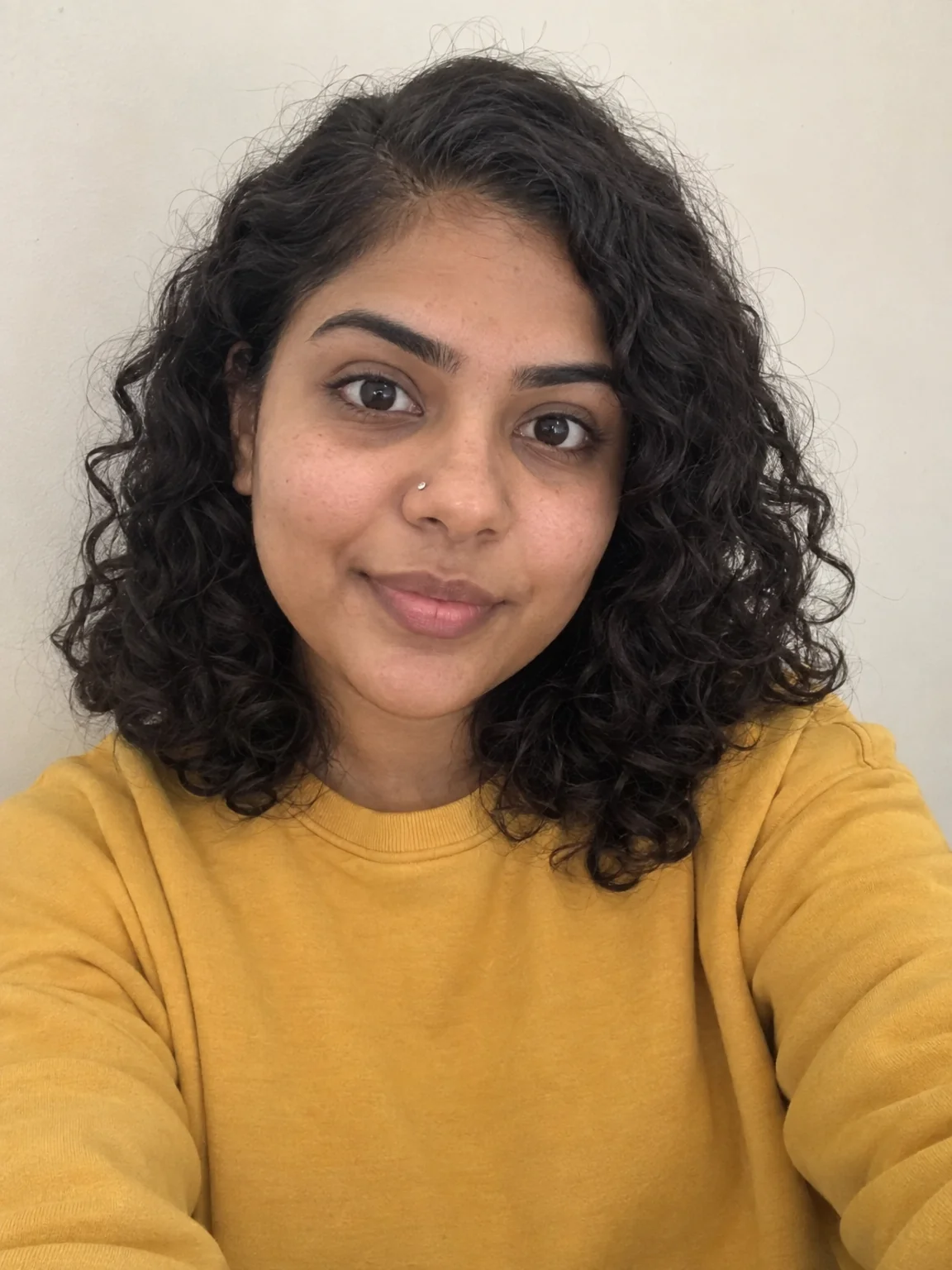
Portrait-mode depth for any photo — sharp subject, fully blurred room
 In
InCreator Brand Photos
Creator brand photos from 1–4 selfies: studio, podcast desk, gym, kitchen, stage
 In
InEdit With Words
Describe the change in plain words — the render updates, everything else stays