
Object Remover
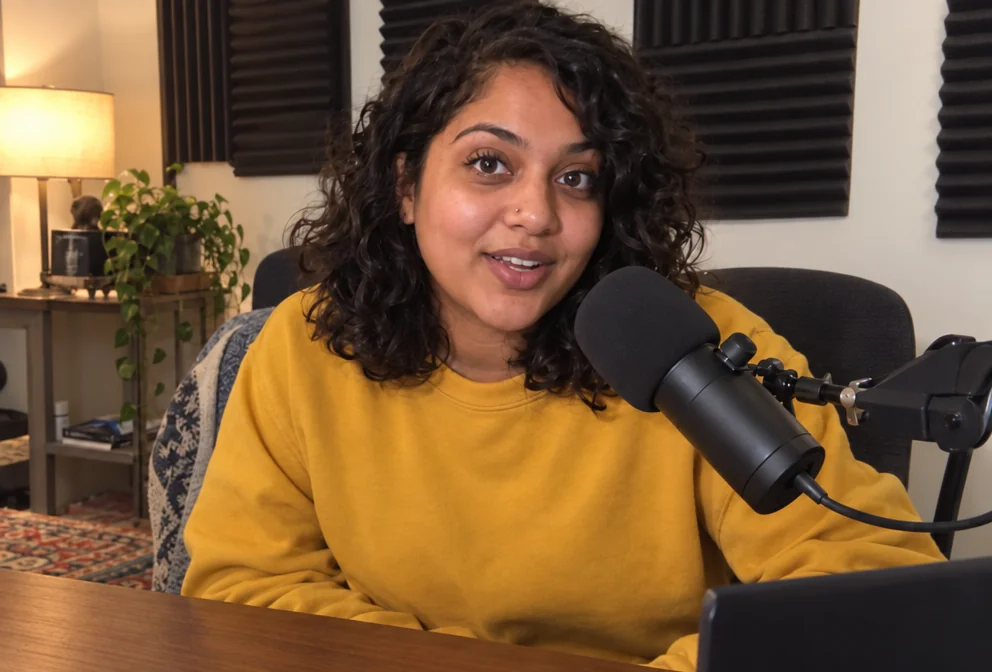
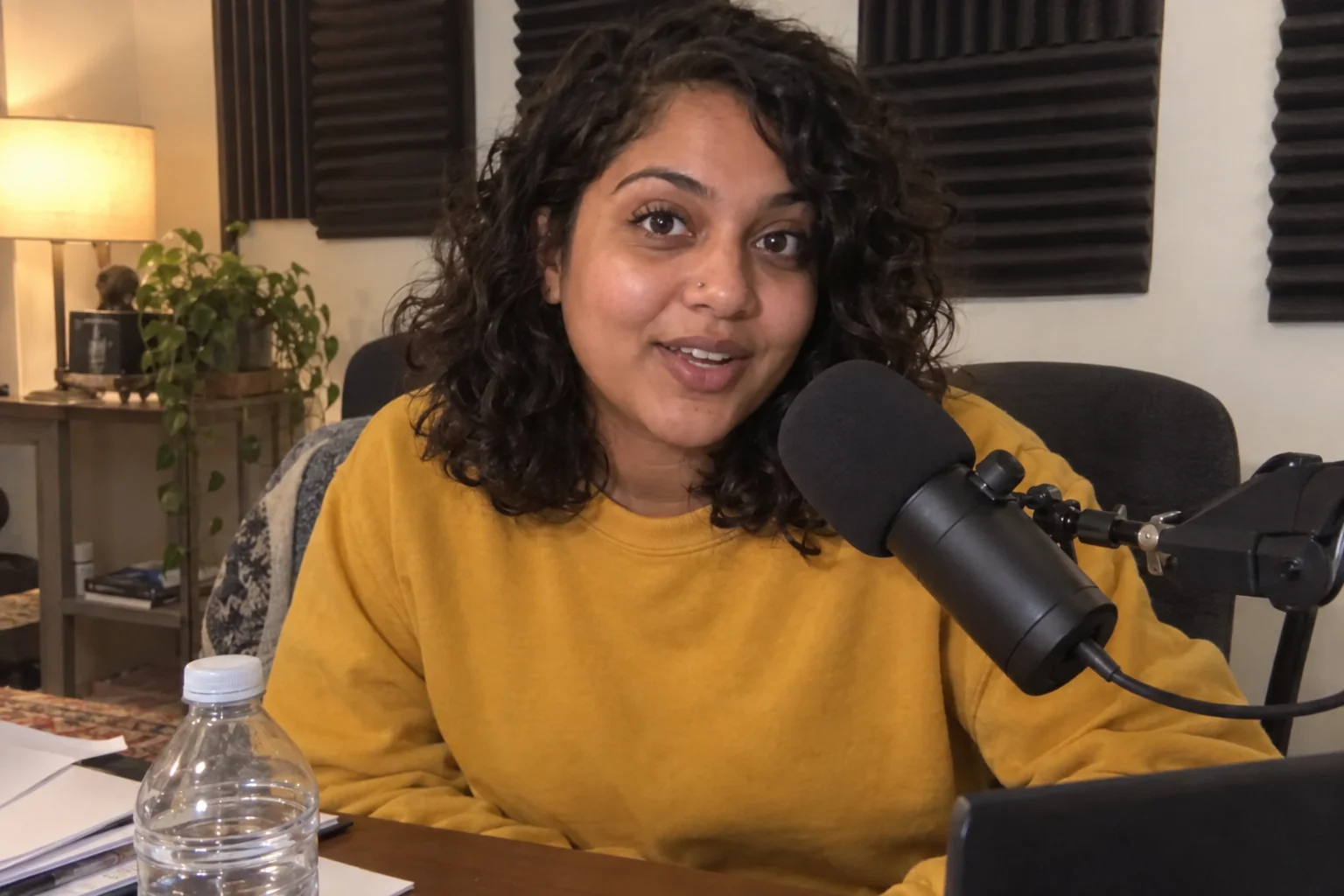
Remove the water bottle, the cable, the stranger — filled in naturally
4 free credits on signup — no card, no watermark.
- 1Upload the photo
- 2Name what to remove, with a location if there could be two
- 3Run, check the fill against Original, download or chain
Standard
4 credits
Pro
12 credits
Max
44 credits
The photo is good except for one thing: the water bottle, the cable across the wall, the stranger walking behind you, the sticker on the laptop that you cannot show. Object Remover takes that thing out. Name it — 'the water bottle on the desk', 'the cables on the wall' — and the tool removes it and fills the area naturally to match the surrounding content, at the photo's own aspect ratio, with everything else left exactly as it was.
Be specific enough that there is only one candidate. 'The bottle' is ambiguous if there are two; 'the blue bottle on the left' is not. Location words help: 'in the top-left corner', 'behind my shoulder'. Large removals — a whole person, a big piece of furniture — work, but the fill is more convincing when the background behind the object is simple, like a wall or a floor, rather than a detailed shelf.
It is the cleanup step before every other tool. Remove the clutter, then send the photo to Profile Picture Maker, Background Blur or Creator Brand Photos; the downstream renders inherit a cleaner reference. It also tidies renders that came back with an extra element — a stray prop from Add Object, a second arrow from a thumbnail — without re-running the whole design. Each run is 4 credits at Standard.
What you control
- Your photo
- What to remove
Every tool comes with
- The right ratio for the platform, already set
- Standard, Pro and Max tiers per run
- Edit with words, reframe, upscale or animate the result
- Everything saved to your creations rail
Questions
Can I remove several things at once?
List them in one sentence ('the bottle and the cable') for small items; for large objects, one per run gives a cleaner fill.
Can it remove a watermark or text?
It can remove text and marks on your own images. Do not use it on images you do not have the rights to.
Will the fill look real?
On simple backgrounds it is seamless. On busy backgrounds, check the filled area on the canvas and run Edit With Words for touch-ups.
Can it remove a person?
Yes — 'the person in the background' is a common request. The tool rebuilds the scene behind them.
Can I try Object Remover without paying?
Yes — every new account starts with 4 free credits, enough for a Standard run of most tools. Plans start at $15 for 1,000 credits a month and packs at $4.99 for 250.
 In
InAdd Object
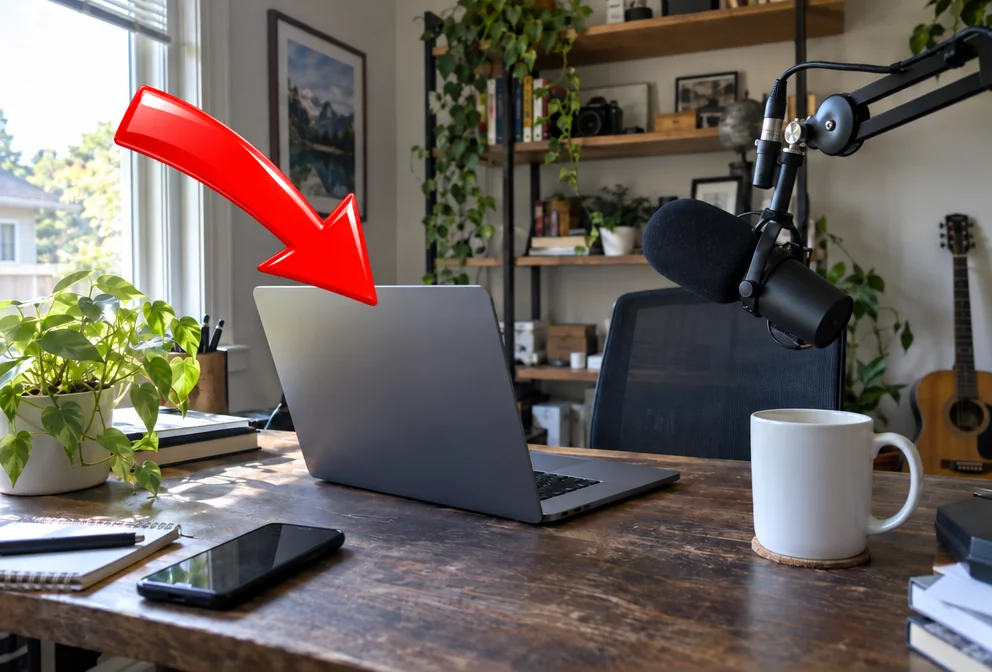
Add an arrow, a prop, a product or a mascot exactly where you say
 In
InEdit With Words
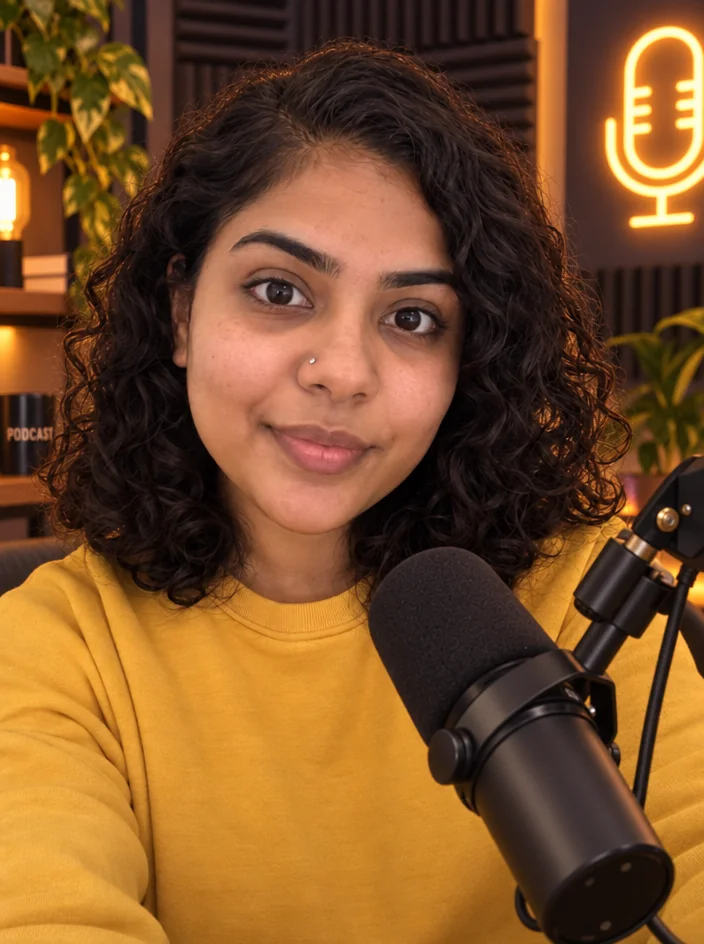
Describe the change in plain words — the render updates, everything else stays

 In
InBackground Changer
Green-screen swap without the green screen — describe the new background

 In
InFace Retouch
Natural retouch: blemishes gone, texture kept, eyes sharp, flyaways tamed