
Face Retouch
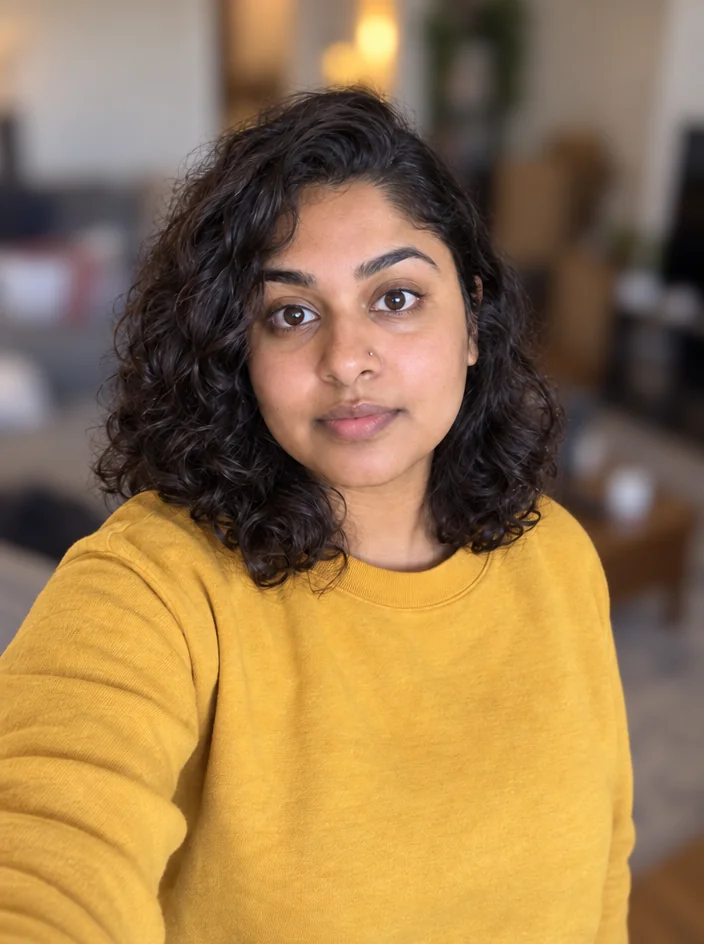
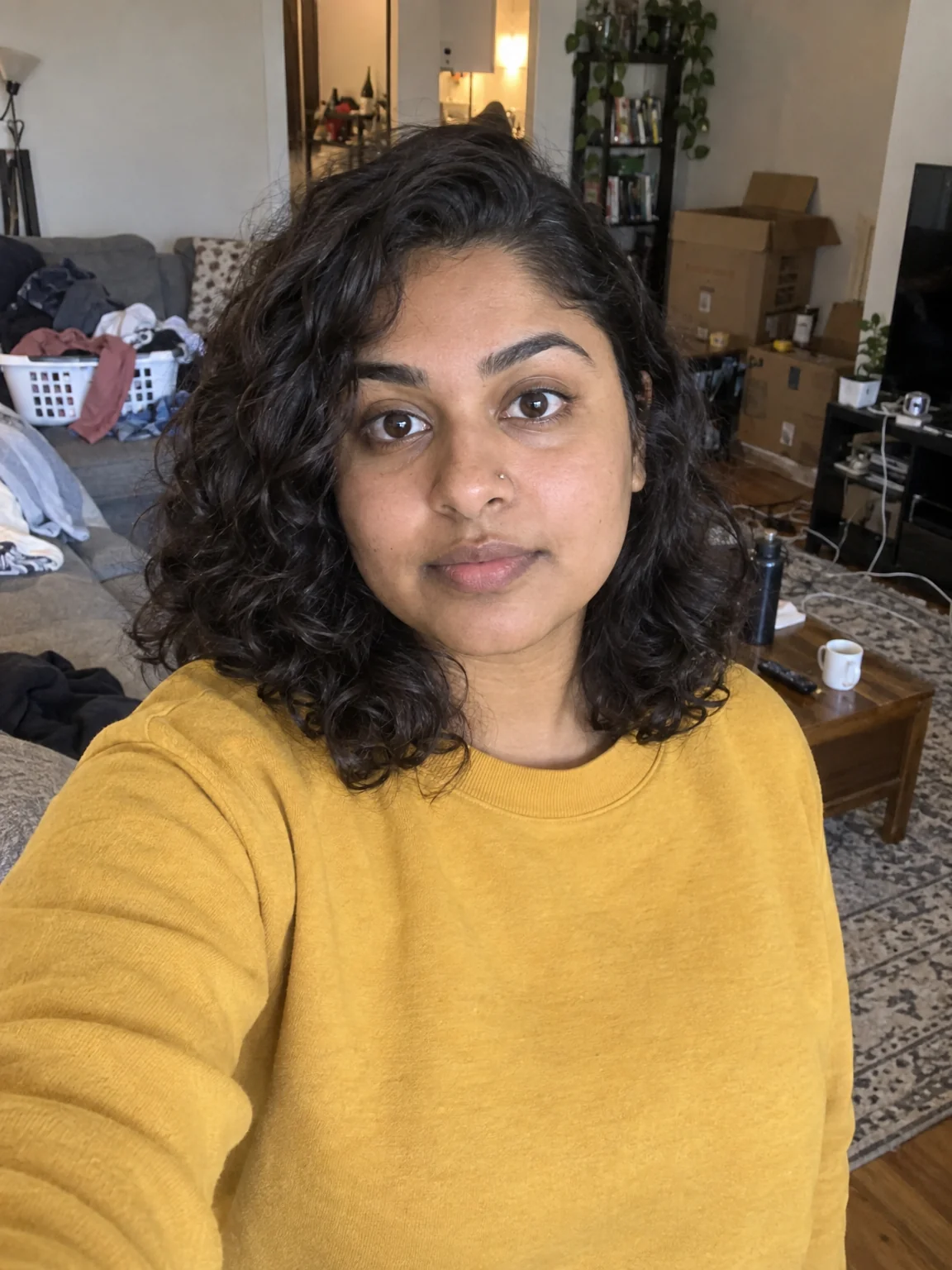
Natural retouch: blemishes gone, texture kept, eyes sharp, flyaways tamed
4 free credits on signup — no card, no watermark.
- 1Upload a photo where the face is reasonably sharp
- 2Run — there are no settings
- 3Toggle Original on the canvas to check the edit, then download or chain


Standard
4 credits
Pro
12 credits
Max
44 credits
A talking-head channel puts your face on screen more than any model's, and the PFP, the thumbnail and the sponsor deck all start from a phone photo taken in bad light. Face Retouch is the fix that does not overdo it. It smooths skin while preserving texture and pores, removes temporary blemishes but keeps permanent features like moles and freckles, softens under-eye shadows without erasing them, brightens and sharpens the eyes with catch lights intact, evens out skin tone, reduces flyaway hair, and balances exposure and contrast. The brief inside the tool is to keep the edits invisible.
There are no sliders because the point is restraint. Upload the photo, run, and compare with the Original toggle on the canvas. The output keeps the aspect ratio and everything outside the face — background, clothes, hands — untouched. It handles group photos too, applying the same natural treatment to every face in frame, which is useful for podcast co-host shots and collab announcements.
Retouch is a good first step before the other face tools. A retouched selfie into Profile Picture Maker gives a cleaner Clean professional PFP; into YouTube Thumbnail Maker it gives a sharper cut-out; into Creator Brand Photos it gives the tool a better reference. It is 4 credits at Standard, and Pro is worth it for photos that will be printed or shown large. If you want a stronger, more stylized edit, Edit With Words takes instructions like 'add soft studio lighting'.
What you control
- Your photo
Every tool comes with
- The right ratio for the platform, already set
- Standard, Pro and Max tiers per run
- Edit with words, reframe, upscale or animate the result
- Everything saved to your creations rail
Questions
Will it remove my freckles or moles?
No. Permanent features are kept on purpose; only temporary blemishes such as spots and small marks are removed.
Does it change my face shape?
No. It does not slim, reshape or enlarge anything — lighting, skin, eyes and hair are refined and the geometry stays the same.
Can I control the strength?
There are no sliders. For a stronger or more stylized look, send the result to Edit With Words and describe what you want.
Does it work on several people at once?
Yes. Every face in the photo gets the same natural retouch, which suits co-host and collab photos.
Can I try Face Retouch without paying?
Yes — every new account starts with 4 free credits, enough for a Standard run of most tools. Plans start at $15 for 1,000 credits a month and packs at $4.99 for 250.

 In
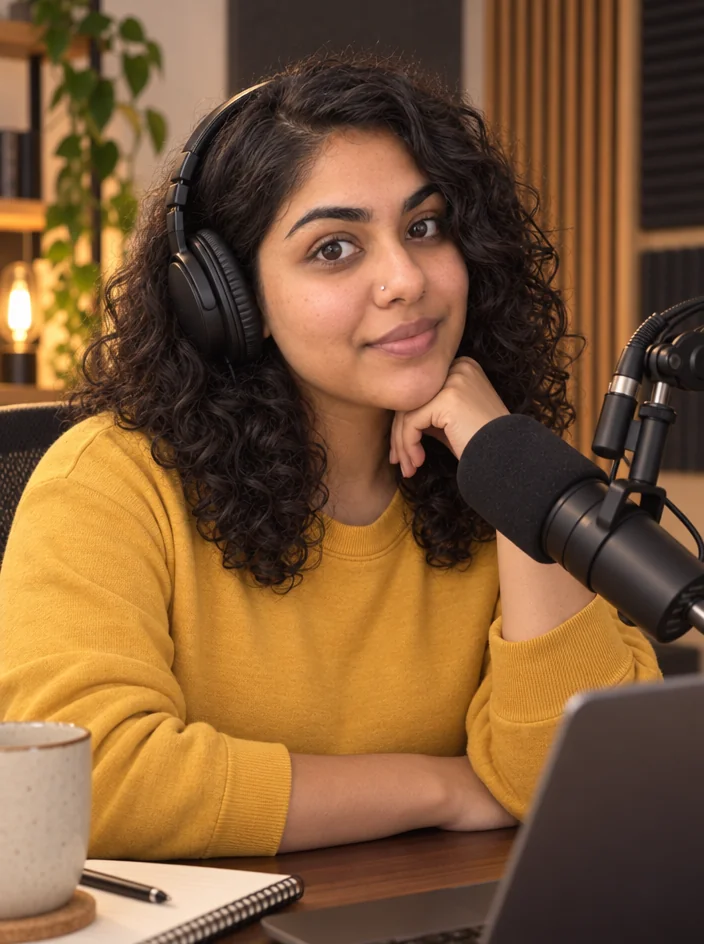
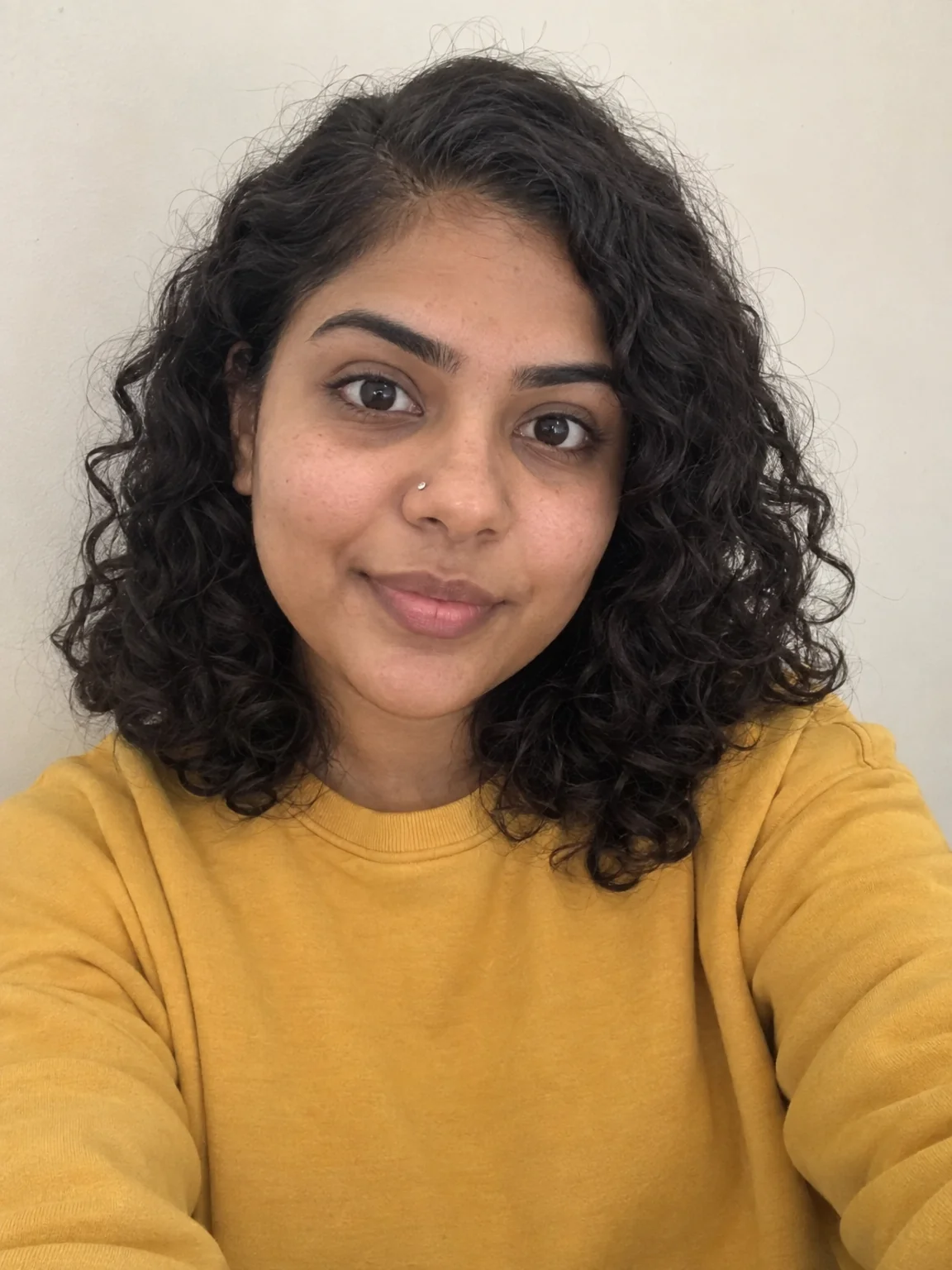
InProfile Picture Maker
A 1:1 PFP from your selfie — clean pro, anime, 3D, neon gamer, pixel, Y2K
 In
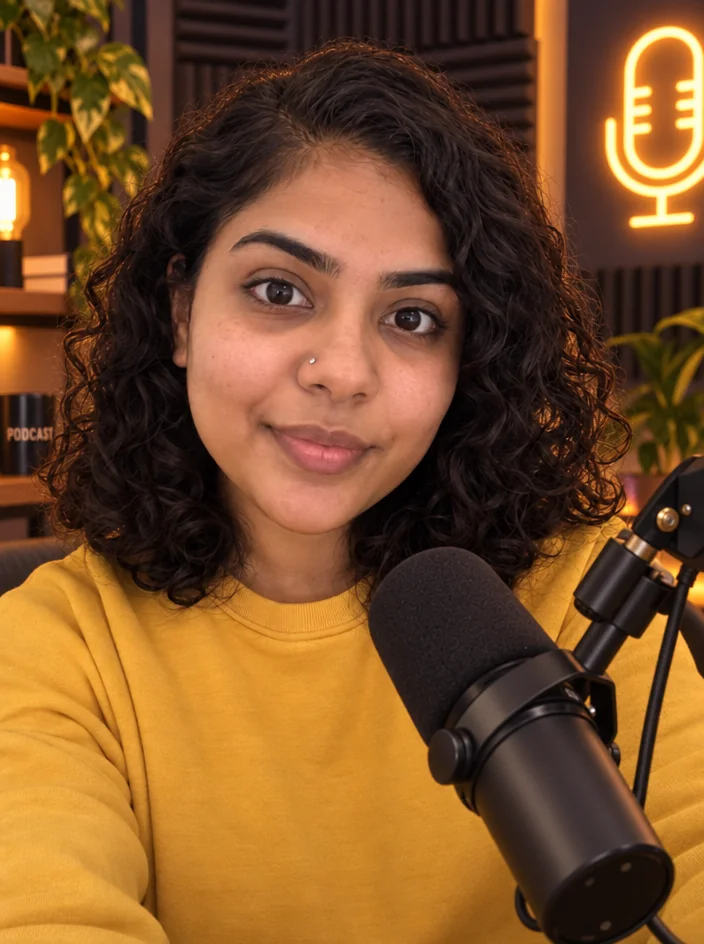
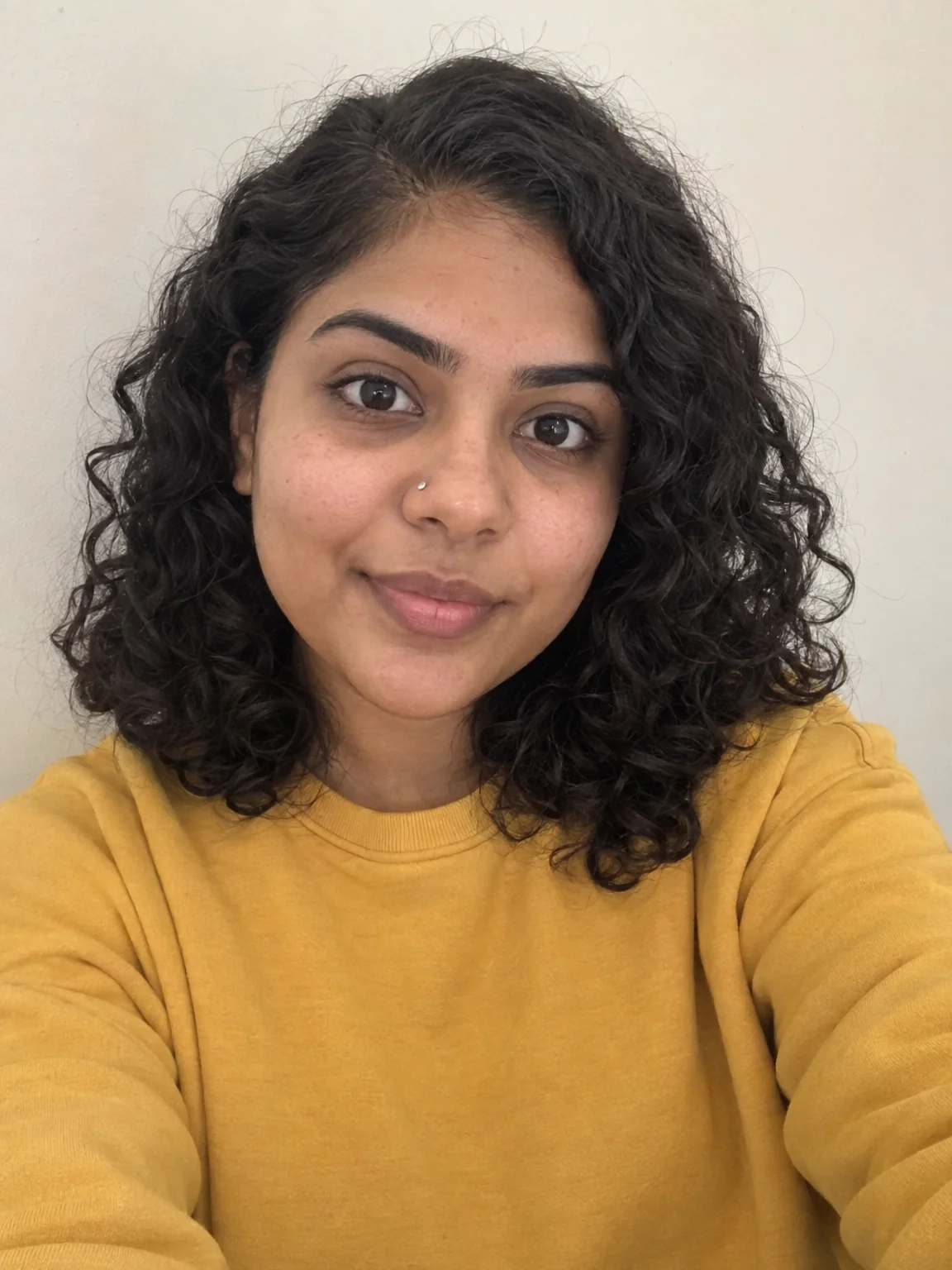
InCreator Brand Photos
Creator brand photos from 1–4 selfies: studio, podcast desk, gym, kitchen, stage
 In
InEdit With Words
Describe the change in plain words — the render updates, everything else stays
 In
InBackground Blur
Portrait-mode depth for any photo — sharp subject, fully blurred room