
Illustrations for Content
Editorial, kids-book, vector and watercolor illustrations at any post ratio
4 free credits on signup — no card, no watermark.
- 1Write one sentence describing the scene
- 2Choose an illustration style and the ratio for the post
- 3Generate, then Reframe or Upscale for other placements

Standard
2 credits
Pro
10 credits
Max
42 credits
Sometimes a photo is the wrong answer. A newsletter header, a carousel about burnout, a podcast episode on money, a kids' story you are reading on YouTube: these want a drawn image with a point of view. Custom Illustrations turns a plain sentence into a finished piece in a recognisable art direction, with the ratio already matched to where it is going. Instead of paying per commission and waiting a week, you get a first draft in seconds and refine from there. Build a recurring visual language for your channel, keep every episode's art in the same style, and make covers that stand apart from the stock-photo look everyone else is using this month.
Describe the illustration in one clear sentence: who, doing what, where, in what light. Then pick an Illustration style. Editorial gives conceptual, magazine-style art. Children's book is warm and rounded. Flat vector is clean and geometric, isometric turns scenes into little angled dioramas, ink is pure linework, watercolor stays soft and bleeding, risograph mimics grainy two-color prints, and mid-century brings the retro textured look. Finally set the Aspect ratio: 1:1 for the grid, 4:5 for feed posts, 9:16 for Stories, 16:9 or 21:9 for headers and video, 2:3 or 3:4 for covers, plus 3:2 and 4:3 for slides and blogs. The scene you asked for is drawn, not padded with random extras.
At Standard a render is 2 credits, so try two or three styles on the same sentence and see which suits the story. Rerun the winner at Pro for 10 credits, or Max for 42 credits for print. Need the same piece for a Story and a header? Reframe extends it instead of making you re-roll. Want a character to carry across episodes? Lock a description you like and reuse it each time. Turn the finished art into a looping clip with Photo to Video, or drop small edits in with Edit With Words. Your 4 free credits at signup cover a first Standard illustration, so test it on next week's post.
What you control
- Describe the illustration
- Illustration styleEditorialChildren's bookFlat vectorIsometricInkWatercolorRisographMid-century
- Aspect ratioSquare (1:1)Landscape (3:2)Portrait (2:3)Widescreen (16:9)Vertical (9:16)Standard (4:3)Tall (3:4)Social portrait (4:5)+1
Every tool comes with
- The right ratio for the platform, already set
- Standard, Pro and Max tiers per run
- Edit with words, reframe, upscale or animate the result
- Everything saved to your creations rail
Questions
How do I keep the same character across a series?
Write a short fixed description for the character, such as 'a red-haired girl in a yellow raincoat', and paste it into every prompt along with the same style. Save the best result in the rail so you can compare consistency.
Which ratio works for a newsletter header?
Most email templates want a wide banner, so 16:9 or 21:9 is the safe choice. For a blog hero, 3:2 is common. If you are not sure, make it at 3:2 and Reframe it wider later.
Does risograph really come out grainy and two-tone?
Yes, the risograph style limits the palette and adds print texture and slight misregistration, the way a real riso print looks. Mention the two colors you want, like 'blue and fluorescent pink', for tighter control.
Can it add a title or caption inside the artwork?
You can ask for a short title in the description, but text is not the strength of an illustration render. For clean, editable words, generate the art here and add the type with Quote Card or Change Text afterward.
Can I try Illustrations for Content without paying?
Yes — every new account starts with 4 free credits, enough for a Standard run of most tools. Plans start at $15 for 1,000 credits a month and packs at $4.99 for 250.
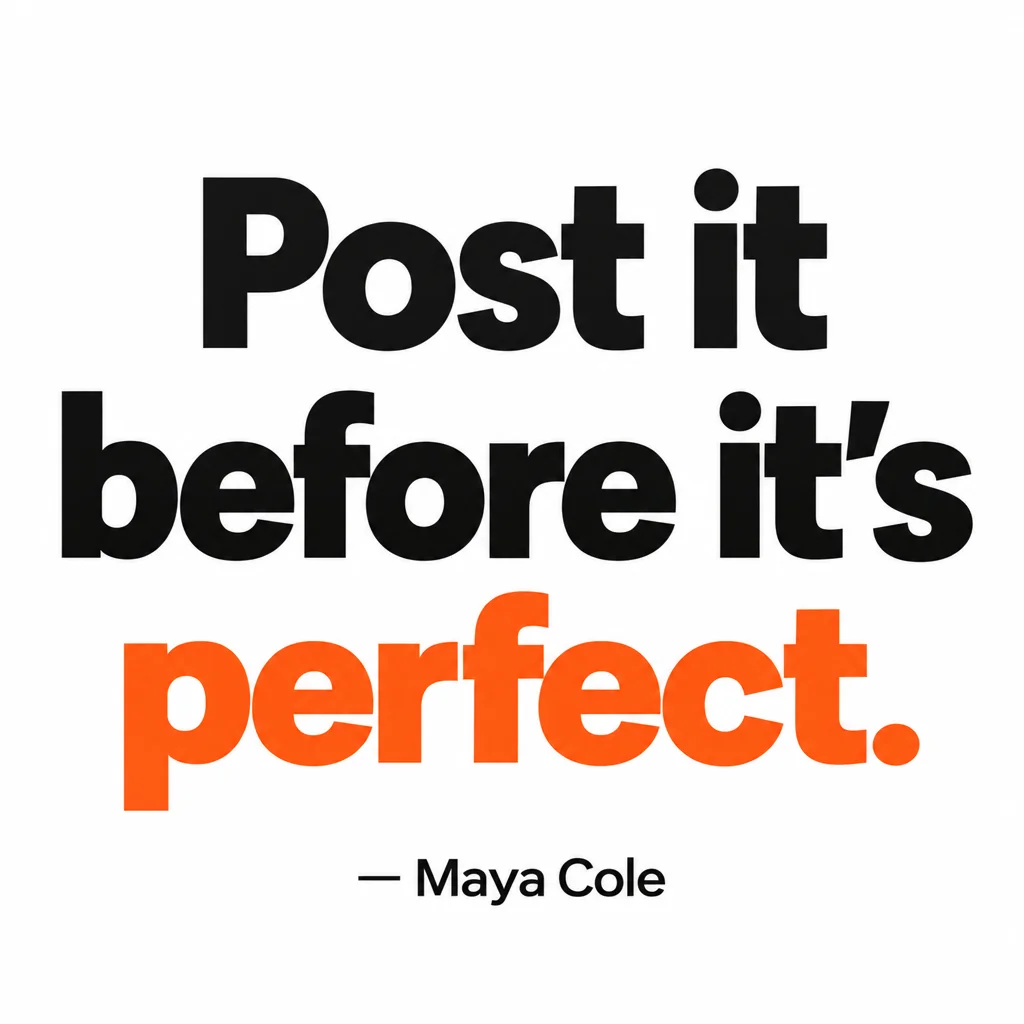
Quote Card Maker
Square quote cards with real typography — minimal, bold, gradient, paper, dark
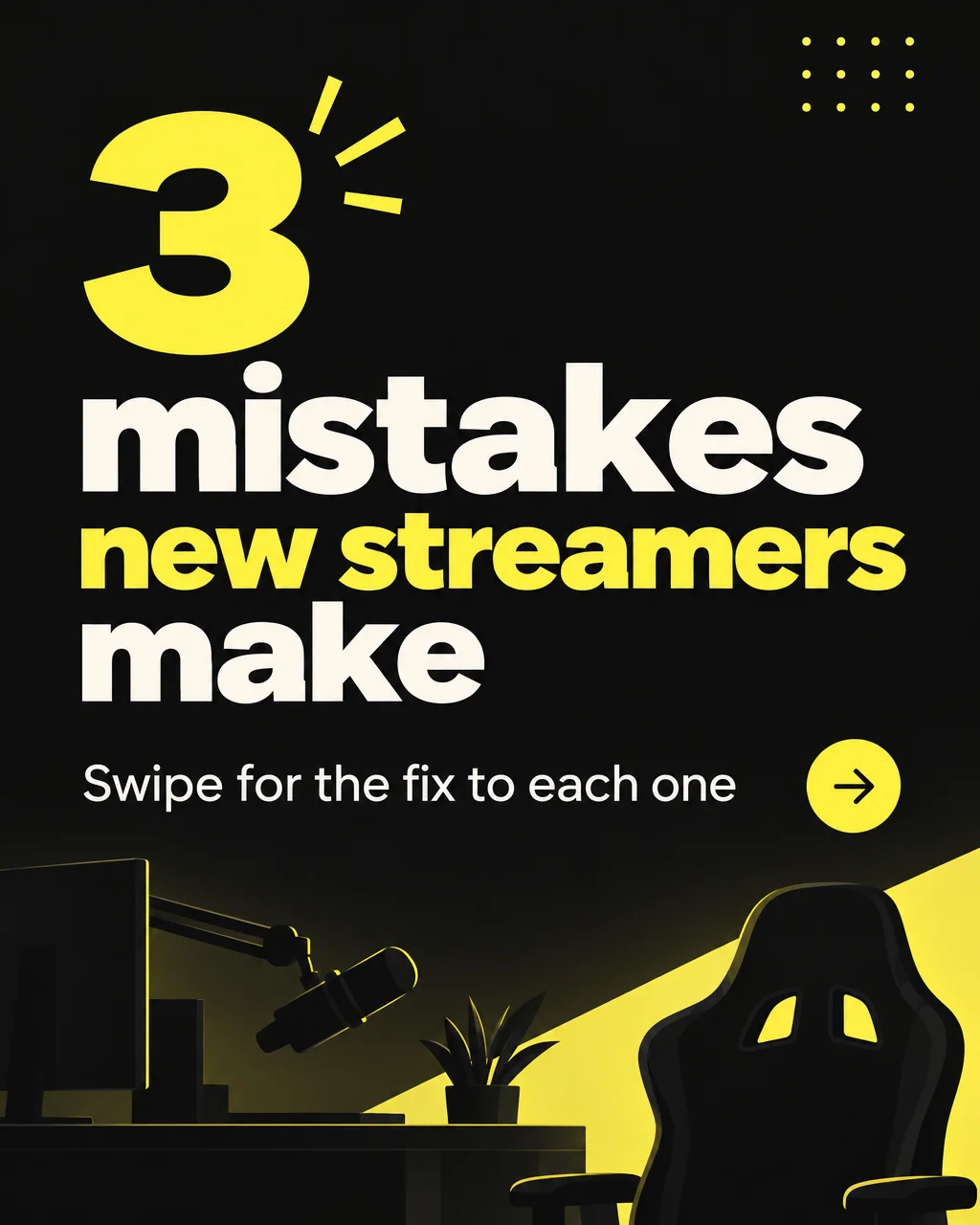
Carousel Slide Maker
4:5 carousel slides in your brand colors — heading, body, consistent grid

 In
InReframe for Platform
16:9 to 9:16 to 1:1 to 3:1 — the subject stays, the scene extends or crops
Photo to Video
Any still from your rail or your phone becomes a moving clip with sound