
Photo to Artwork
Turn a photo into an oil painting, anime frame, comic panel or mosaic
4 free credits on signup — no card, no watermark.
- 1Upload the photo you want to turn into art
- 2Choose an art style from the menu
- 3Generate, then Upscale or Reframe for where it is going


Standard
4 credits
Pro
12 credits
Max
44 credits
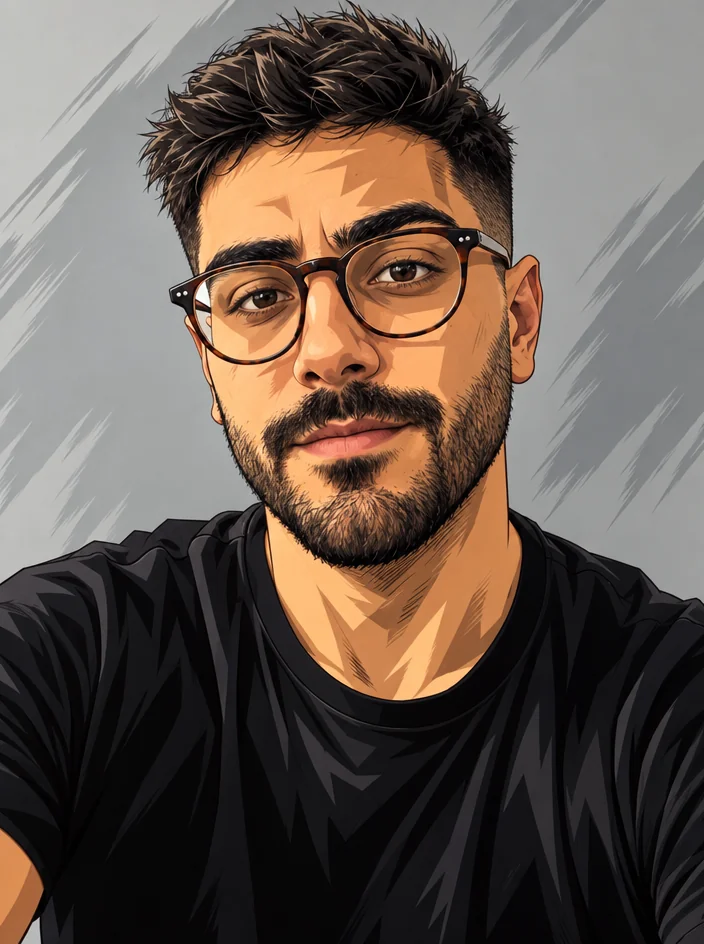
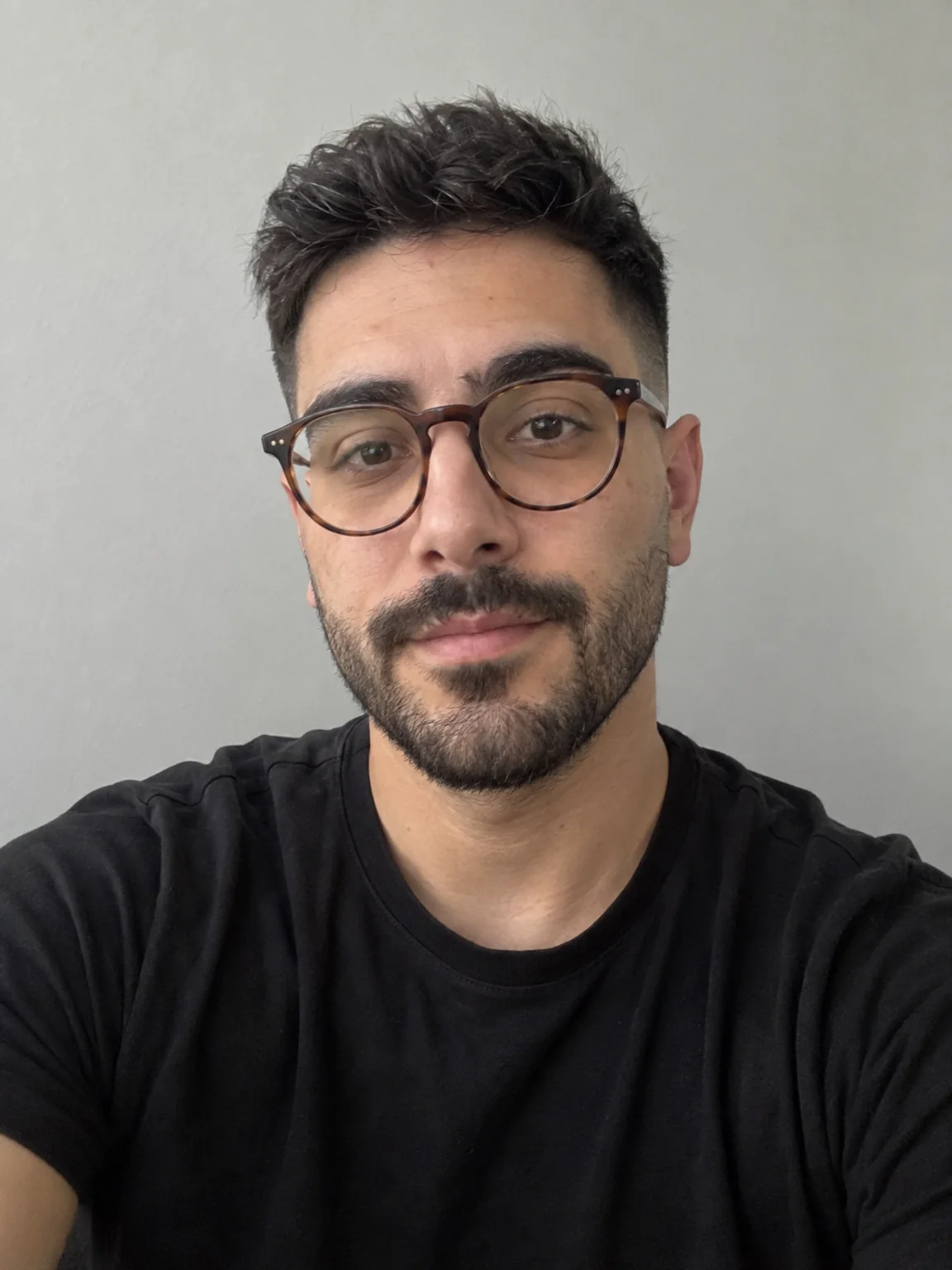
A plain photo can carry a post, but art gets saved and shared. Photo Into Artwork takes any picture from your camera roll (you, your dog, your desk setup, a city street) and renders it as a finished piece in the medium you choose. The people stay who they are, the scene stays where it is, and the whole thing looks made by hand. Creators use it for profile art, wall-print merch, birthday posts, community fan art, channel intros, and the softer, warmer version of a photo that would otherwise sit in a folder. It is also a simple way to give a whole series the same illustrated feel without learning to draw.
The Art style menu offers ten looks: oil, watercolor, anime, comic, pop art, pencil, charcoal, stained glass, mosaic and low poly. Oil and watercolor keep things painterly and gentle; anime and comic push toward clean lines and flat shading; pop art brings bold blocks of color; pencil and charcoal strip it to tone and line; stained glass, mosaic and low poly rebuild the image out of shapes. In every case the composition and the identity of the subject are kept. A face is still that face, a landmark is still that landmark. The tool changes the medium, not the content, so the result reads as a portrait of the same moment.
Try two or three styles at Standard, 4 credits each, and post the one that fits the caption. For merch, prints or a big cover, rerun at Pro (12) or Max (44) so brush texture and line detail hold up when enlarged. Then Upscale for print resolution, Reframe to get a square for the grid and a tall one for stories, and Edit With Words if you want a color tweak or a signature added. Photo to Video can give a painting a slow pan for a short. Pet Portraits and Decade Throwback are good next stops if you want themed versions of the same subject.
What you control
- Your photo
- Art styleOil paintingWatercolorAnimeComicPop artPencil drawingCharcoalStained glass+2
Every tool comes with
- The right ratio for the platform, already set
- Standard, Pro and Max tiers per run
- Edit with words, reframe, upscale or animate the result
- Everything saved to your creations rail
Questions
What should I upload for the best painting?
A photo with clear light and a definite subject. Strong shadows and a bit of color contrast give oil and watercolor something to work with. Very dark or blurry photos come out muddy in every style.
Does it work on group photos?
Yes, and everyone keeps their face. Styles that simplify, like low poly or mosaic, make small faces in a big group harder to read, so for crowds lean on oil, comic or pencil.
Can I print the result?
Run the final at Pro or Max, then send it through Upscale to get the pixel count a poster or canvas needs. Standard is fine for a phone screen but will look soft at 18 inches wide.
Why does anime look different from comic?
Anime aims for soft cel shading, large eyes and clean gradients. Comic goes for heavier ink lines, halftone dots and flatter color. Try both on the same photo; they suit different faces.
Can I try Photo to Artwork without paying?
Yes — every new account starts with 4 free credits, enough for a Standard run of most tools. Plans start at $15 for 1,000 credits a month and packs at $4.99 for 250.

 In
InStyle Match
Repaint a photo in a famous style or match any reference image
 In
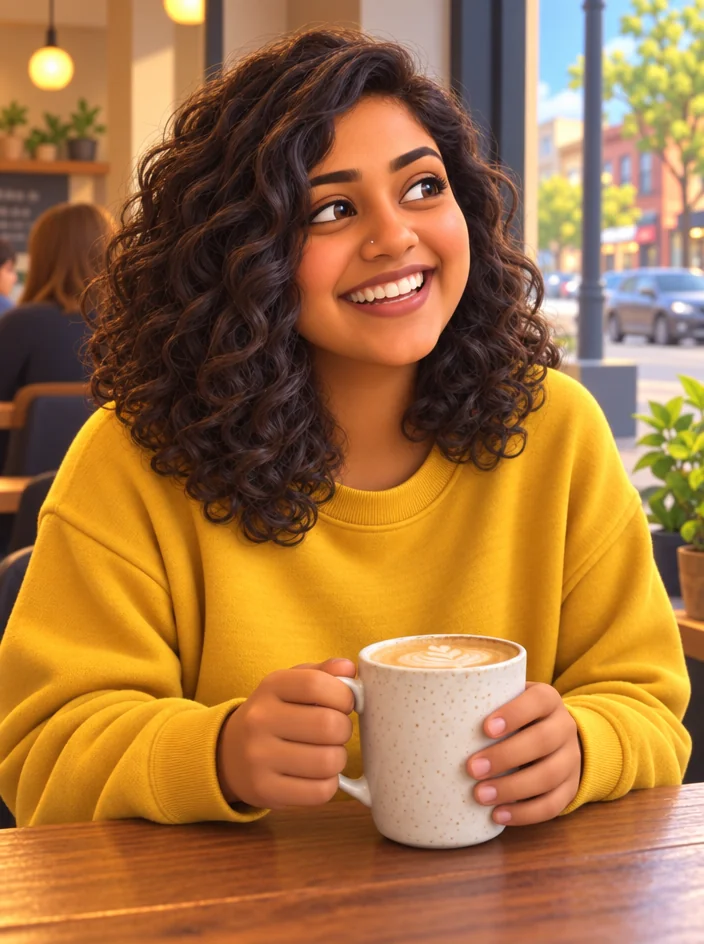
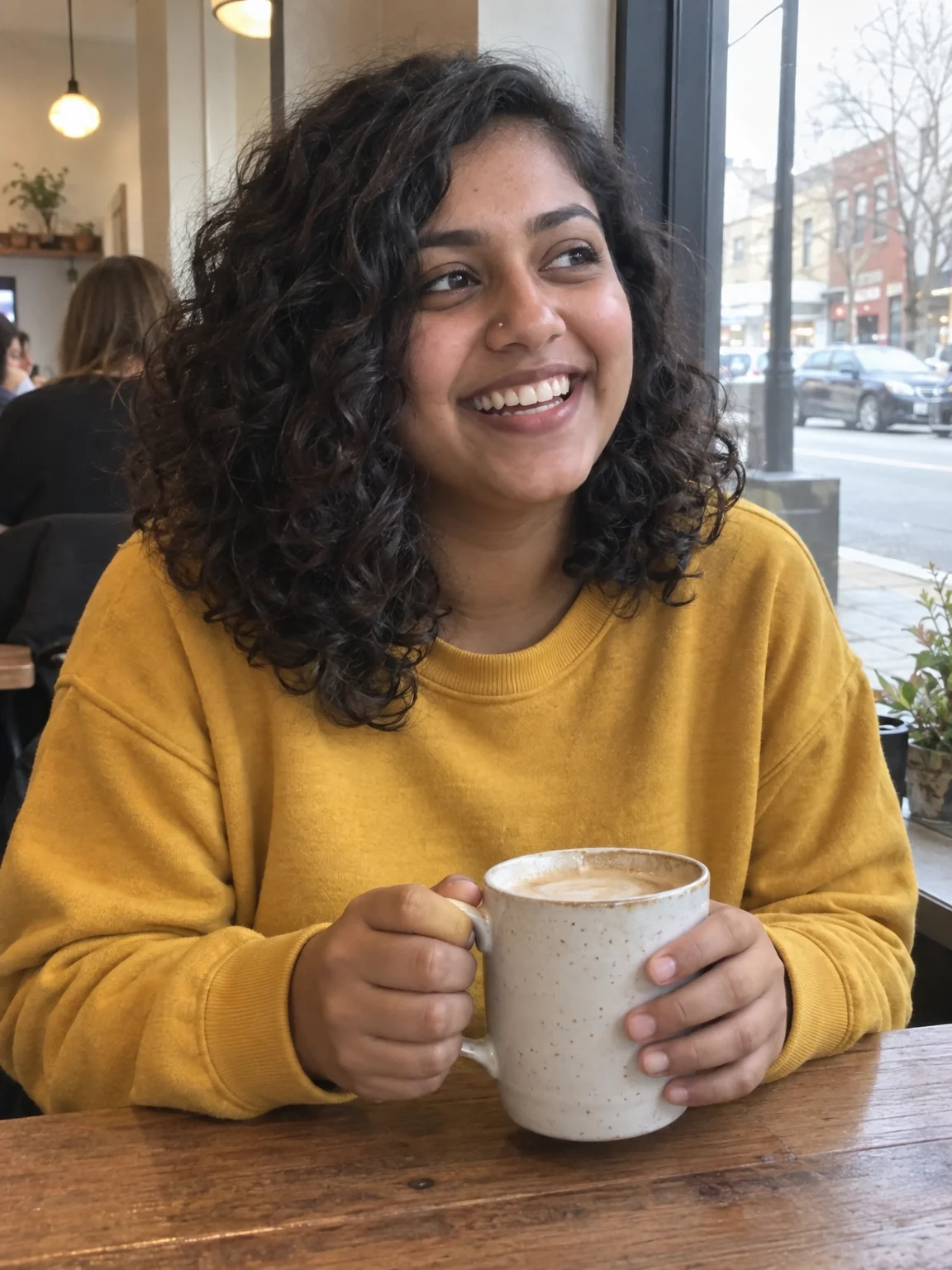
InPhoto to Anime
Redraw any photo as anime — shonen, shojo, slice of life, 90s retro, chibi
 In
InCartoon Maker
Cartoon any photo — classic 2D, 3D animated, comic book, vector, caricature

 In
InImage Upscaler
4K thumbnails and print-size banners — 4, 8, 16 or 32 MP from any render