
Single & Album Art
Square cover art with your artist name and title, styled for the genre
4 free credits on signup — no card, no watermark.
- 1Enter the artist name, title and genre
- 2Generate a few versions at Standard
- 3Rerun the pick at Pro, then Upscale and Reframe for video

Standard
2 credits
Pro
10 credits
Max
42 credits
Every release needs a square. Singles, EPs, beat tapes, remix packs, a podcast season, a lo-fi playlist you host on YouTube: the artwork is the first thing anyone sees on a streaming page or in a Story. Album Artwork builds finished cover art from your artist name, the title and the genre, with the typography and the image designed as one piece. Type Glass Harbor, Low Tide, dream pop, and get a 1:1 cover that looks like it came from a label's design team. Drop it into your distributor, your lyric video, your merch, and your announcement post without touching a design app.
Enter the Artist name and the Album title as they should appear; both are set in type on the cover. Then give the Genre in plain words. Genre steers everything: dream pop leans hazy and pastel, trap goes high-contrast and bold, folk gets warm texture, techno goes stark and geometric, a comedy podcast gets playful color. Be as specific as you like; 'sad indie rock for late drives' works better than 'rock'. The output is a perfect square, so it meets the shape every streaming platform expects. The names stay readable at playlist-thumbnail size, and no extra text, barcodes or parental labels are added unless you ask.
Make a few Standard versions for 2 credits each and compare them at the small size they will appear in a playlist. Rerun the winner at Pro for 10 credits or Max for 42 credits before submitting to distributors, who prefer large, clean files; Upscale gets you there. Fix any letter with Change Text. Reframe extends the square into a 16:9 YouTube thumbnail or a 9:16 canvas for a vertical video, and Photo to Video adds slow motion for a visualizer. Pair it with Music & Soundtracks if you need a track to go with the art. Your first Standard cover is covered by the 4 free credits at signup.
What you control
- Artist name
- Album title
- Genre
- 1:1 output
Every tool comes with
- The right ratio for the platform, already set
- Standard, Pro and Max tiers per run
- Edit with words, reframe, upscale or animate the result
- Everything saved to your creations rail
Questions
Can it work for a podcast cover instead of a music release?
Yes. Put the show name in the artist field, the season or episode in the title field, and describe the show's genre and tone. For a version built around the podcast format, Podcast Cover is also worth a look.
Why do distributors reject small or blurry files?
Streaming platforms need a large, sharp square and check for compression artifacts. Rerun your final at Pro or Max, then Upscale before uploading. That combination clears the usual minimum size checks.
How do I make a matching visual for each single on the album?
Keep the artist name and genre identical and only change the title, so the type and mood stay in the same family. Save the album cover in the rail and compare each single against it before choosing.
Will explicit-content labels or barcodes be added automatically?
No. The cover is delivered clean with just the names and the artwork. Your distributor adds the explicit tag in metadata, and a barcode only matters for physical pressings, which your manufacturer handles.
Can I try Single & Album Art without paying?
Yes — every new account starts with 4 free credits, enough for a Standard run of most tools. Plans start at $15 for 1,000 credits a month and packs at $4.99 for 250.
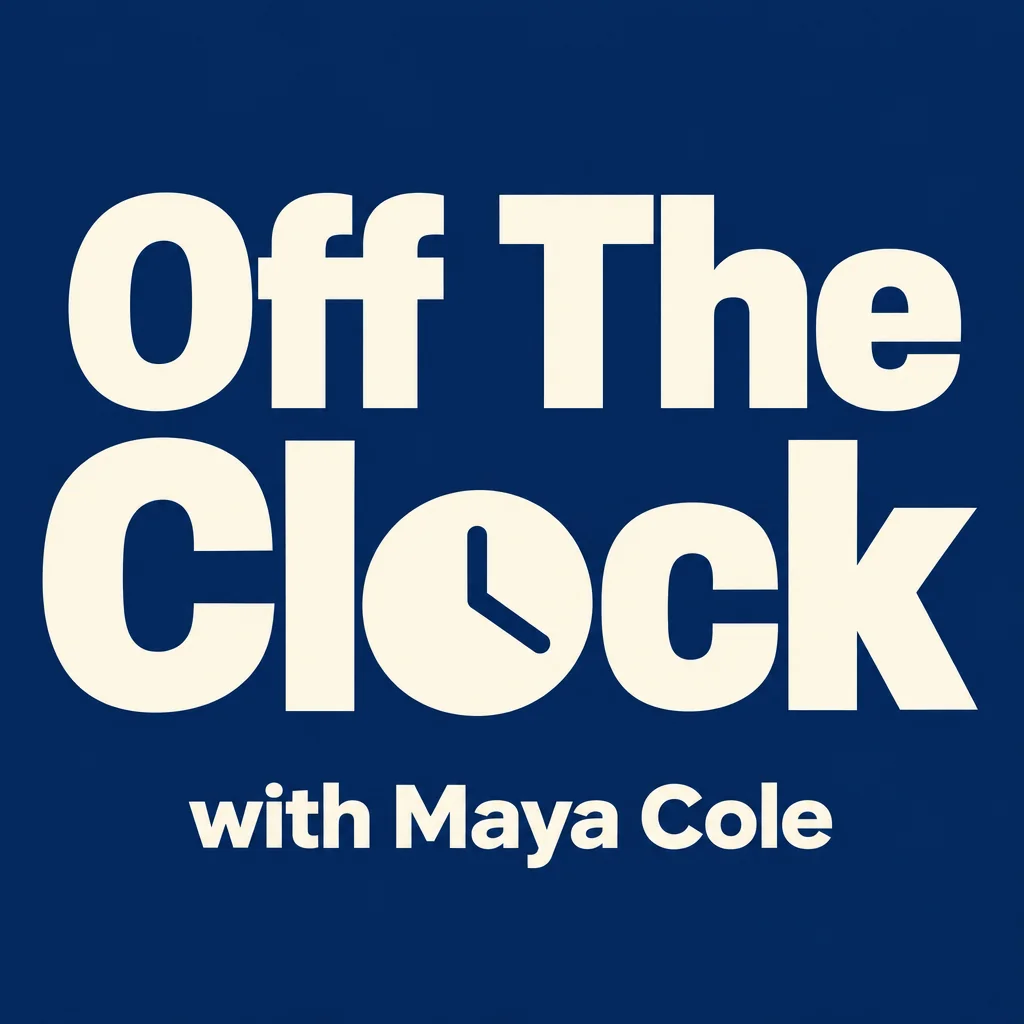
Podcast Cover Maker
Square podcast cover art that reads at 200 px in every app directory
Music & Soundtracks
Music & Soundtracks
A 30-second bed for 2 credits or a full song with your lyrics for 16

 In
InReframe for Platform
16:9 to 9:16 to 1:1 to 3:1 — the subject stays, the scene extends or crops
 In
InText Replacer
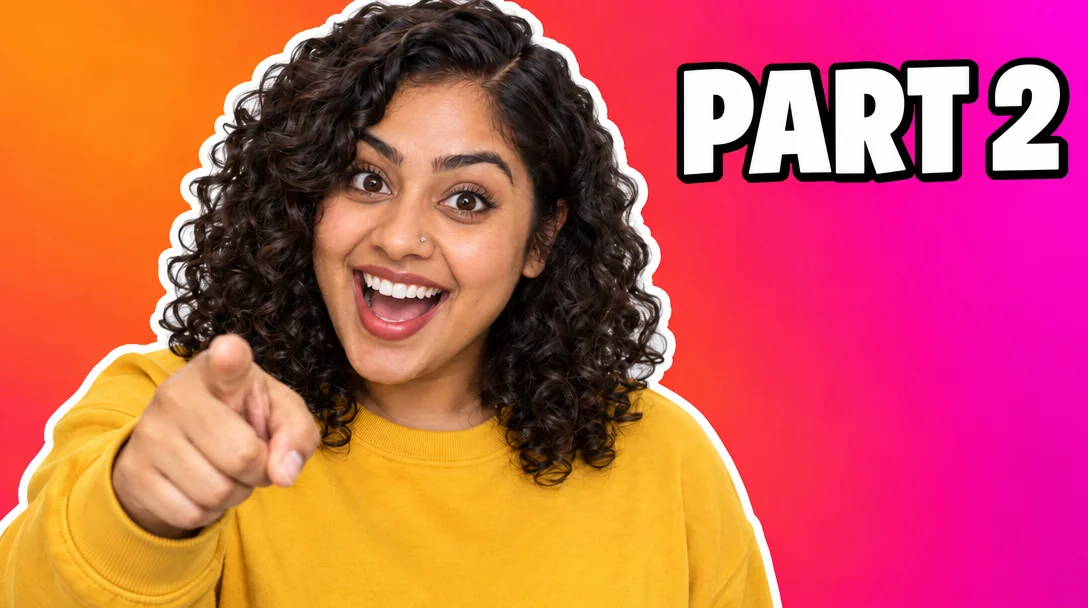
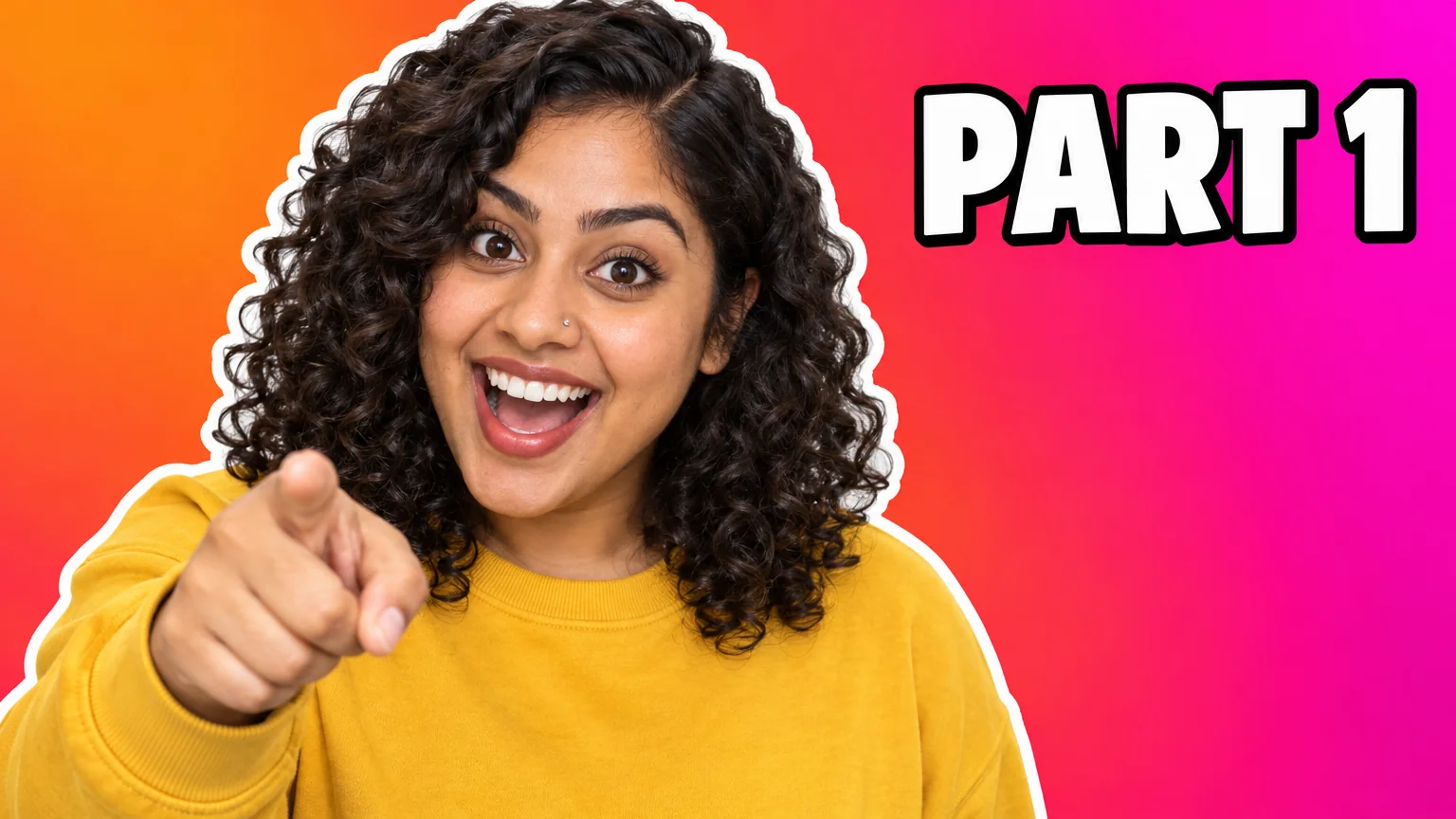
Swap PART 1 for PART 2 — same font, same size, same background