
Add Object
Add an arrow, a prop, a product or a mascot exactly where you say
4 free credits on signup — no card, no watermark.
- 1Upload the photo
- 2Say what to add and where it should go, in plain words
- 3Run, compare with Original, download or edit again

Standard
4 credits
Pro
12 credits
Max
44 credits
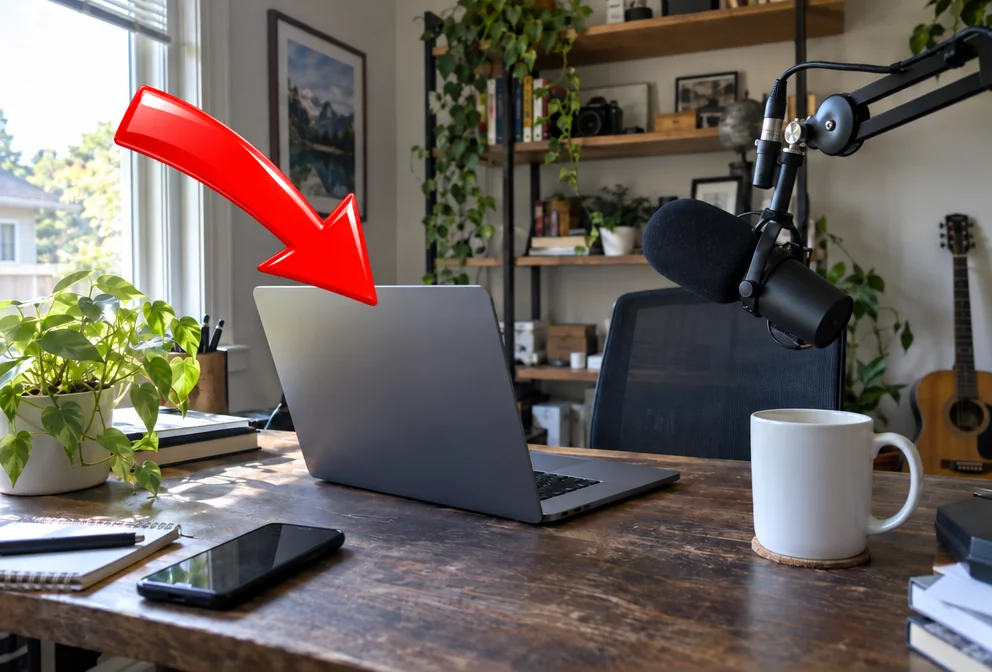
Thumbnails are built from props: the arrow, the red circle, the stack of cash, the trophy, the mystery box. Add Object puts those props into a photo you already have. You name the object and the location — 'a red arrow' and 'pointing at the laptop', 'a gold trophy' and 'on the shelf behind me' — and the tool adds it with matching perspective and light while keeping everything else in the image the same. The aspect ratio is preserved.
Two fields make it precise. The first is what to add, described as a thing: 'a floating question mark', 'a small cartoon cat', 'a neon sign that says LIVE'. The second is where, described relative to what is in the photo: 'on the desk to my left', 'above my head', 'in the top-right corner'. Objects that have to carry text should be kept to a word or two; for larger text treatments Text Behind Object and YouTube Thumbnail Maker are the better tools.
It also fixes the thing you forgot to shoot: the product that was meant to be on the table, the mug for the coffee sponsor, the controller for the gaming channel. Add it, then send the result to Reframe for the other platform sizes. Its mirror image is Object Remover, which takes things out with the same one-sentence control. A run is 4 credits at Standard; Pro gives cleaner edges on small objects.
What you control
- Your photo
- What to add
- Where
Every tool comes with
- The right ratio for the platform, already set
- Standard, Pro and Max tiers per run
- Edit with words, reframe, upscale or animate the result
- Everything saved to your creations rail
Questions
Can I add more than one thing?
One object per run is most reliable. Run again on the result for the second object.
Can the object be a real product I own?
Describe it in words and the tool draws a matching object. For your actual product, place it in the photo when you shoot and use Add Object for the props around it.
Will it match the lighting?
Yes — added objects take on the direction and warmth of the light in the photo, and cast a plausible shadow.
Can I add text?
Short words on a sign or badge work. For big text, use Text Behind Object or YouTube Thumbnail Maker.
Can I try Add Object without paying?
Yes — every new account starts with 4 free credits, enough for a Standard run of most tools. Plans start at $15 for 1,000 credits a month and packs at $4.99 for 250.
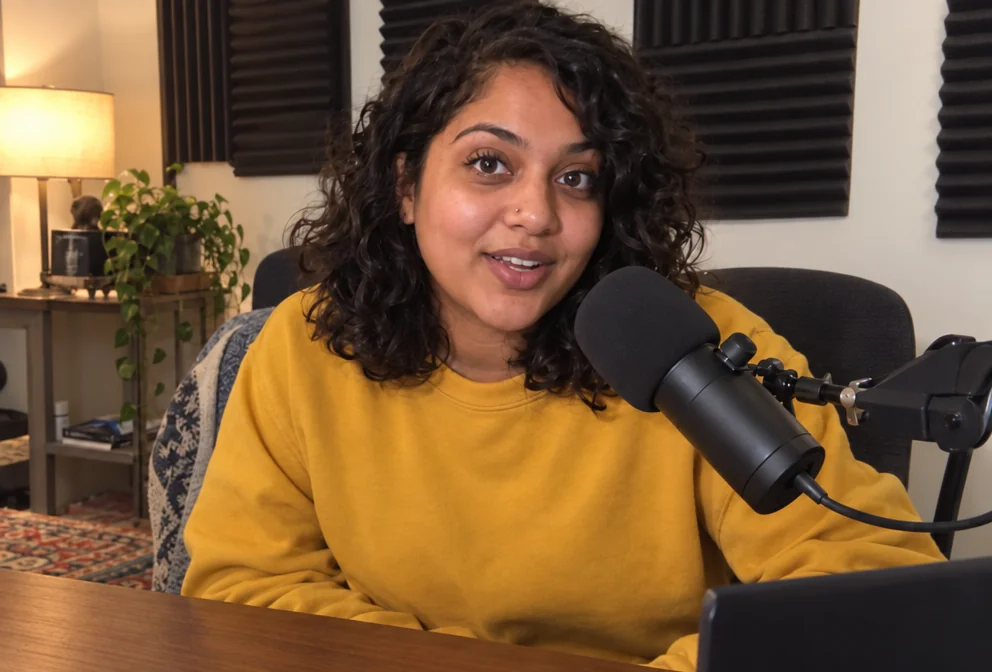
 In
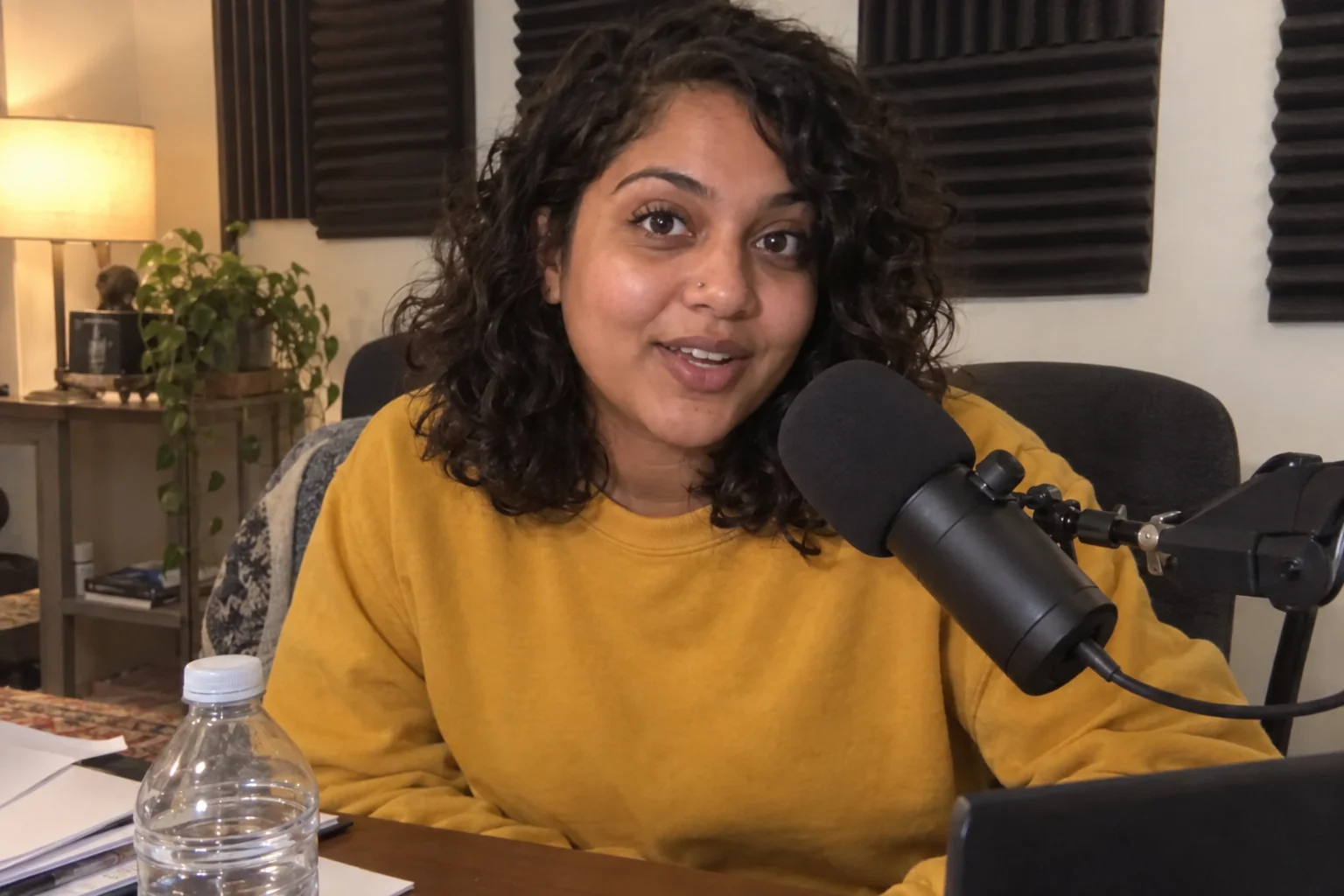
InObject Remover
Remove the water bottle, the cable, the stranger — filled in naturally
 In
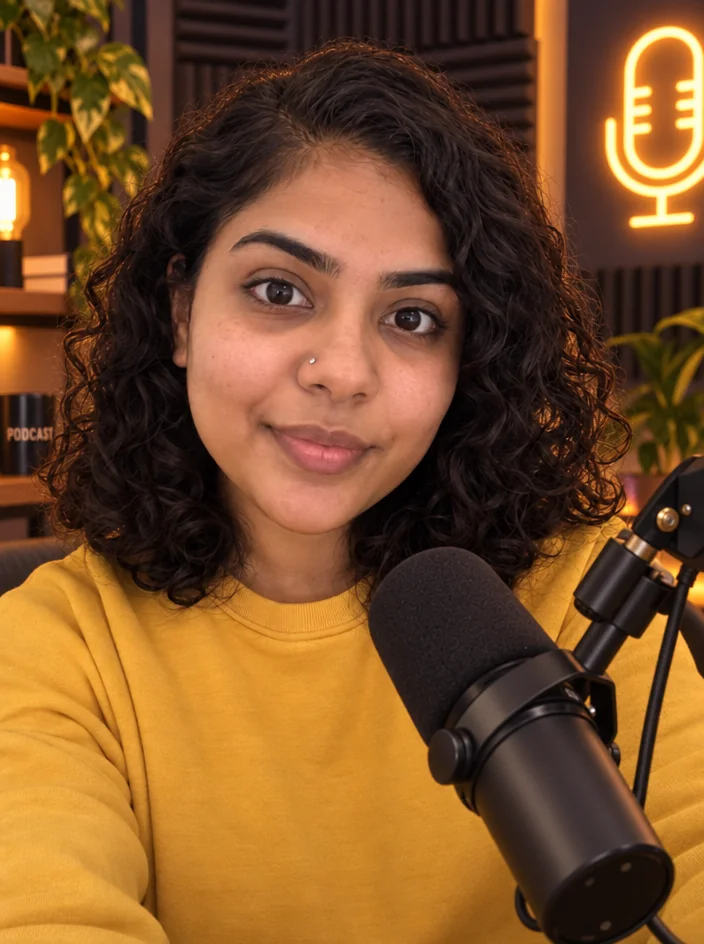
InEdit With Words
Describe the change in plain words — the render updates, everything else stays

 In
InText Behind Object
The text-behind-subject effect — SUBSCRIBE behind you, in one run

 In
InYouTube Thumbnail Maker
Click-worthy 16:9 thumbnails with your face and your title, spelled right