
Event Poster Maker
Print-ready posters with your headline for shows, drops, meetups and launches
4 free credits on signup — no card, no watermark.
- 1Type the headline and a sentence about the event
- 2Pick a poster style and a size
- 3Generate, fix details with Change Text, then Upscale for print

Standard
2 credits
Pro
10 credits
Max
42 credits
A show, a drop, a live stream, a pop-up, a community meetup. Every one of them needs a poster, and the poster usually gets made at midnight the night before. Event & Drop Posters takes your headline and a sentence about what is happening and returns a finished layout with type, imagery and color already working together. It looks designed because the composition and the words are built at the same time, not stacked afterward. Print it for the venue, pin it in the Discord, post it to the grid, and cut a Story version from it. Every event on your calendar gets art that matches its energy instead of a template everyone has seen.
The Headline text is the big line: SUMMER JAZZ NIGHTS, MERCH DROP 002, whatever needs to be read from across the room. Then answer What is the poster about in a sentence, including place, time of day and mood if you have them. Choose a Poster style: modern is clean and current, Swiss typographic is grid-driven and type-first, vintage feels like an aged print, minimal leaves lots of air, retro-futurist goes chrome and neon, grunge is torn and textured, art deco brings gold geometry, and bold graphic is loud shapes and heavy type. Set Size to 2:3 for a classic portrait print, 3:2 for a landscape banner, or 1:1 for the feed.
Generate at Standard for 2 credits and check that the headline reads at arm's length; a poster that needs squinting is not a poster. Try two styles before you commit. Rerun the keeper at Pro for 10 credits, or Max for 42 credits when it is going to a print shop, then Upscale for large formats. Dates, prices or a second line can be added or corrected with Change Text, and small art changes go through Edit With Words. Reframe turns the portrait into a Story or a wide banner for your channel header. The rail keeps every draft, and your 4 free credits at signup cover the first Standard poster.
What you control
- Headline text
- What is the poster about?
- Poster styleModernSwiss typographicVintageMinimalRetro-futuristGrungeArt DecoBold graphic
- SizePortrait (2:3)Landscape (3:2)Square (1:1)
Every tool comes with
- The right ratio for the platform, already set
- Standard, Pro and Max tiers per run
- Edit with words, reframe, upscale or animate the result
- Everything saved to your creations rail
Questions
What should I type for the theme if the event is online?
Describe the feeling and the setting you want people to imagine, for example 'a 12-hour charity stream, late-night arcade energy, purple and orange'. The tool builds imagery from that, so mood words matter more than logistics.
Will the date and venue be spelled correctly?
Keep the headline short and the details in the theme sentence; short headlines render cleanly. If any small text comes out wrong, open the poster in Change Text and retype it rather than regenerating the whole design.
Is there a size big enough for a printed A2 poster?
Generate at 2:3 and run it through Upscale before sending to print. The Pro or Max tier gives a cleaner base for enlargement. Ask the print shop for their preferred pixel dimensions and match them there.
How do I get a Story version of the same poster?
Open the finished poster in Reframe and choose 9:16. It extends the background and keeps the headline intact, so you do not have to re-roll a design your audience has already seen.
Can I try Event Poster Maker without paying?
Yes — every new account starts with 4 free credits, enough for a Standard run of most tools. Plans start at $15 for 1,000 credits a month and packs at $4.99 for 250.
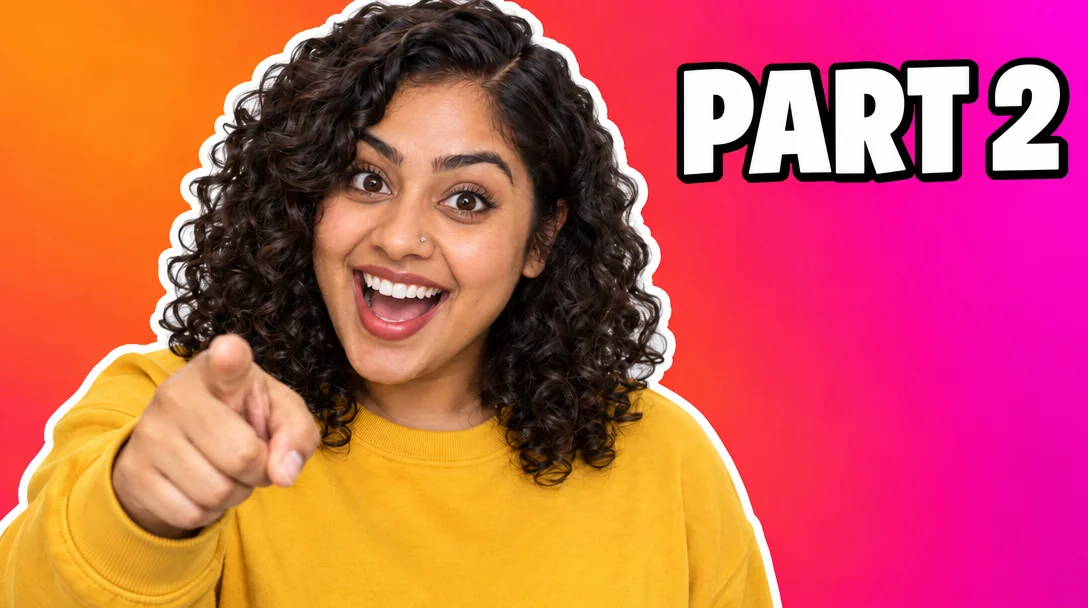
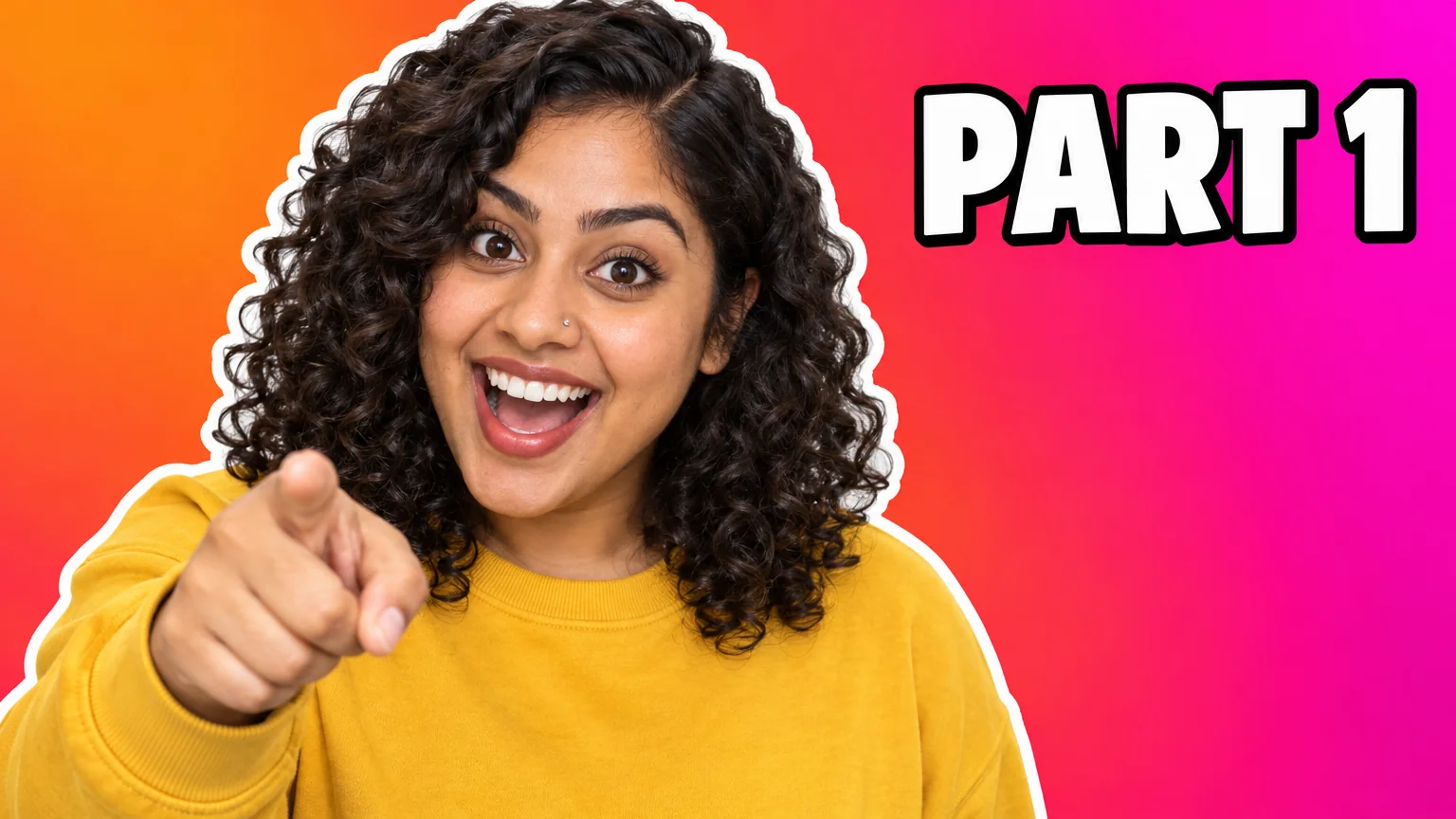 In
InText Replacer
Swap PART 1 for PART 2 — same font, same size, same background

 In
InReframe for Platform
16:9 to 9:16 to 1:1 to 3:1 — the subject stays, the scene extends or crops

 In
InImage Upscaler
4K thumbnails and print-size banners — 4, 8, 16 or 32 MP from any render
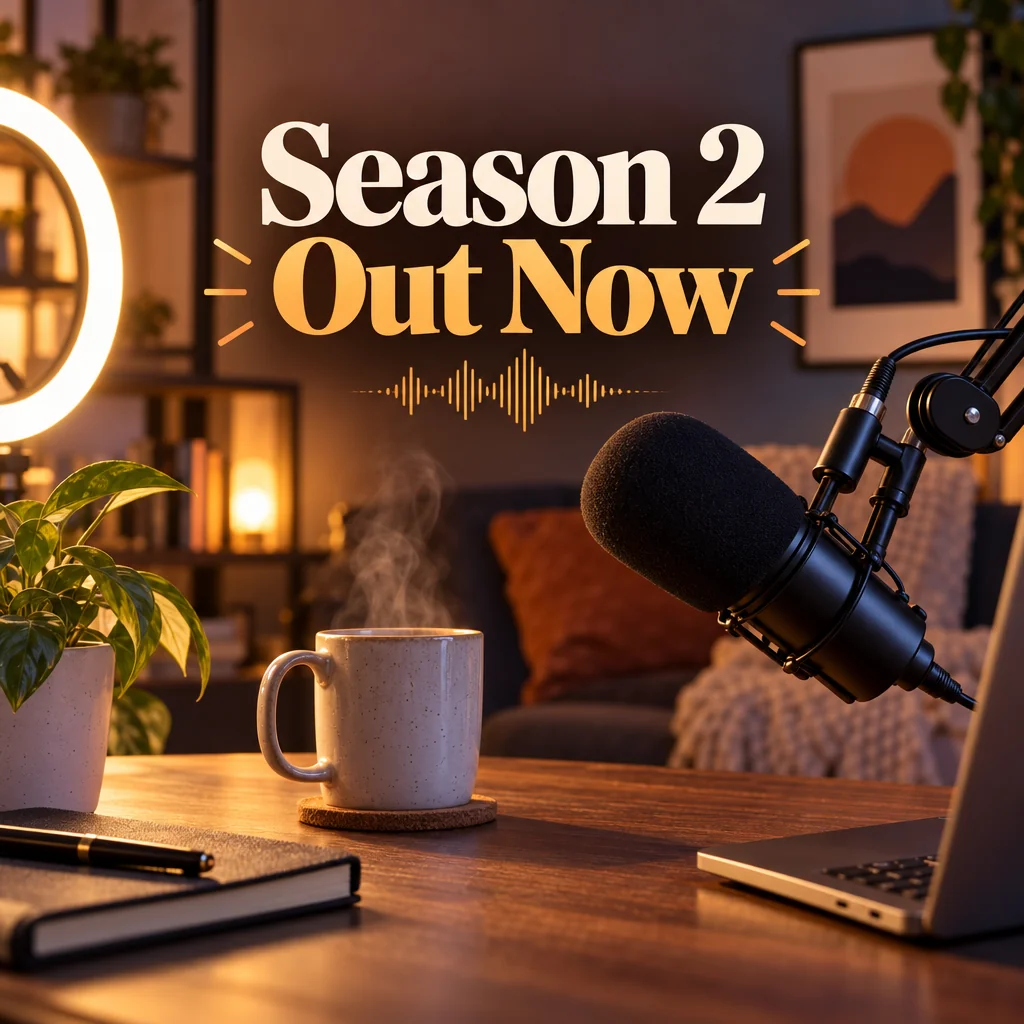
Social Media Post Generator
Feed posts, stories, pins, LinkedIn and X images from one description