
Image Generator
Any image from a description, at any of 14 sizes — backgrounds, B-roll, props
4 free credits on signup — no card, no watermark.
- 1Describe the image: subject, setting, light, mood
- 2Pick the size that matches where it will be used
- 3Run, then chain into edits, Animate or Upscale
Standard
2 credits
Pro
10 credits
Max
42 credits
Not every graphic is a thumbnail or a banner. Sometimes a channel needs a stream background, a B-roll still for a voiceover, a prop for an overlay, a mood image for a community post. Image Generator is the general tool for those: describe the image in as much detail as you like, choose one of fourteen sizes from 1:1 to 3:1, and it renders. There is no template and no forced layout — the description is the whole brief.
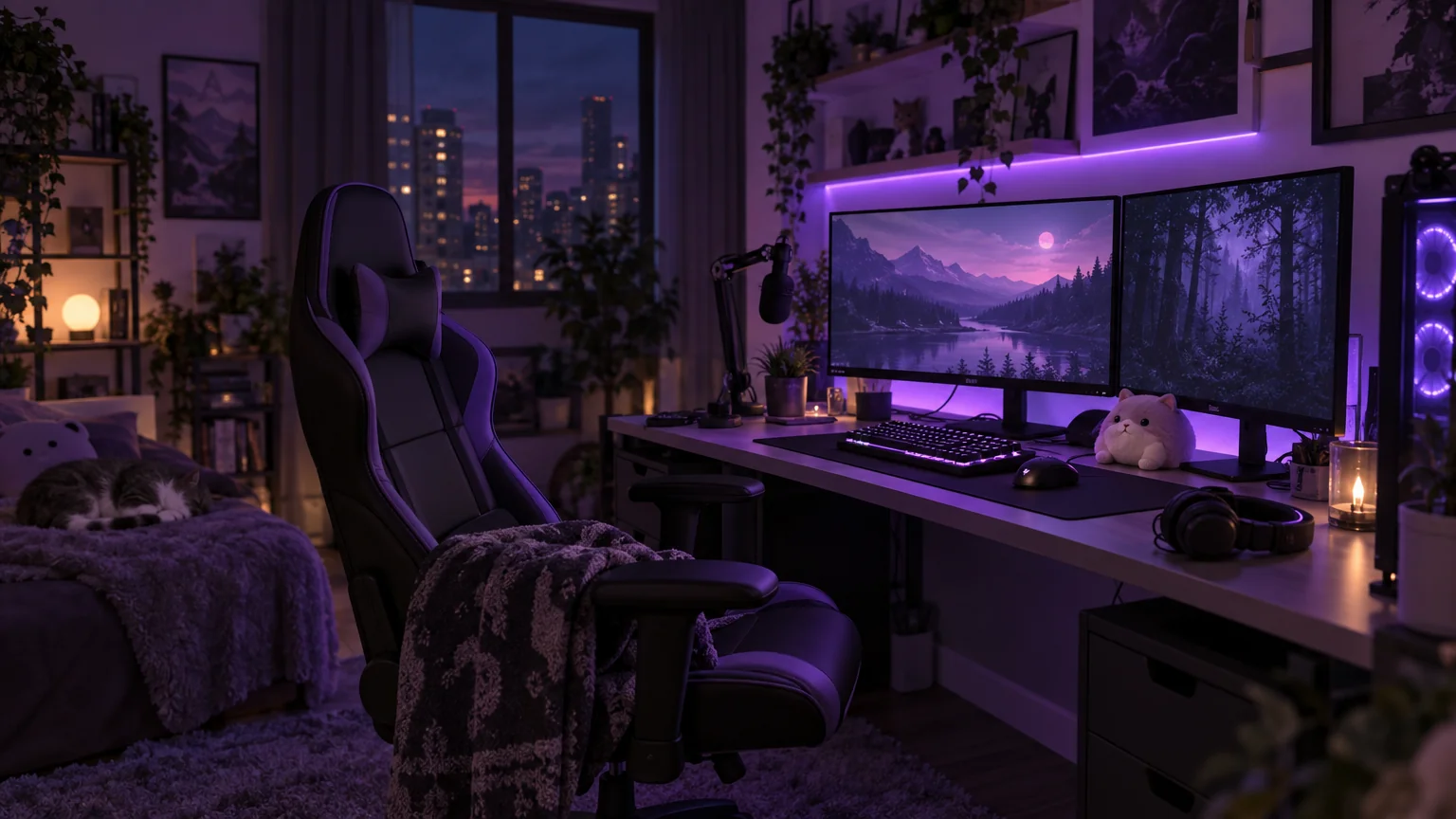
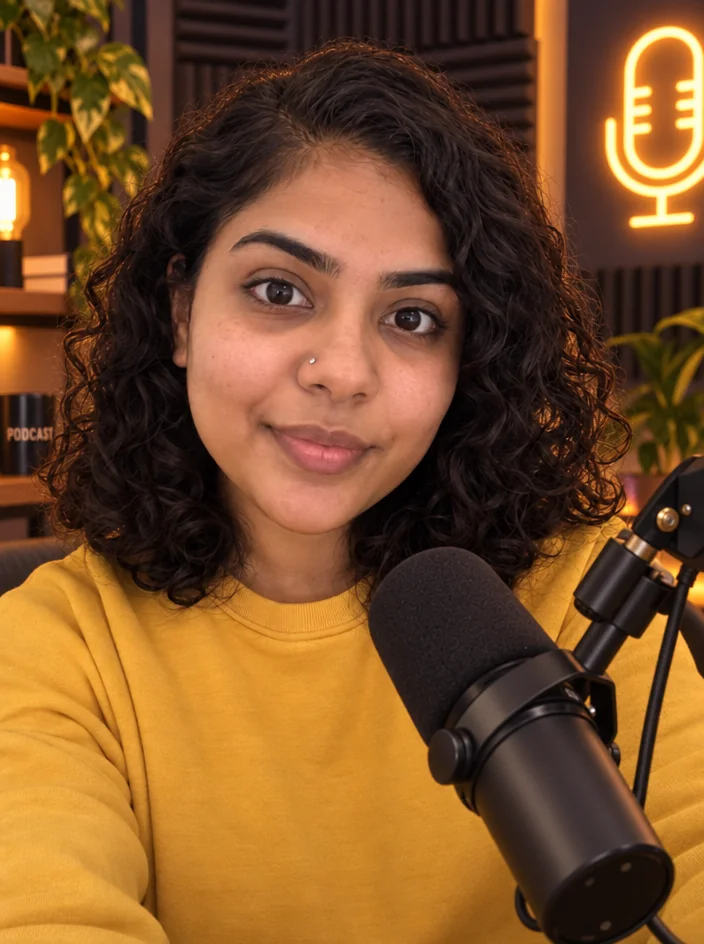
Good prompts describe a scene the way you would describe it to a photographer: subject, setting, light, mood, and what should be empty. 'A cozy streaming room with purple LED lights, empty chair, night' tells the tool what to draw and where to leave room for you. Mention the platform use if it changes the composition: 'space on the left for text' or 'centered subject for a square crop'. Text in the image is possible but the dedicated tools spell titles more reliably.
Because it starts from text, a Standard run is 2 credits — the cheapest render in the Studio — which makes it the right tool for exploring. Generate a background, then send it to Add Object for a prop, to Text Behind Object for a word, or to YouTube Thumbnail Maker as the reference for a topic-led thumbnail. Animate turns a generated still into a looping stream background or a five-second B-roll clip.
What you control
- Describe the image
- SizeSquare 1:1Vertical 9:16 (Shorts / Reels / TikTok)Landscape 16:9 (YouTube)Portrait 4:5 (Instagram)Portrait 3:4Landscape 4:3Tall 2:3 (Pinterest)Wide 3:2+6
Every tool comes with
- The right ratio for the platform, already set
- Standard, Pro and Max tiers per run
- Edit with words, reframe, upscale or animate the result
- Everything saved to your creations rail
Questions
Can I put my face in it?
This tool renders from text only. For images of you, use Creator Brand Photos or Background Changer with your photo.
How detailed should the description be?
A sentence or two with subject, setting and light is the sweet spot. Add 'leave space on the right' if you plan to add text.
Which size should I choose for a stream background?
16:9 for a full-screen scene, or 21:9 for an ultrawide overlay. Use 9:16 for a phone wallpaper or story background.
Can I make a looping background video?
Generate the still, then Animate it with a subtle motion prompt like 'slow drifting light' for a 4–12 second loop.
Can I try Image Generator without paying?
Yes — every new account starts with 4 free credits, enough for a Standard run of most tools. Plans start at $15 for 1,000 credits a month and packs at $4.99 for 250.
Social Media Post Generator
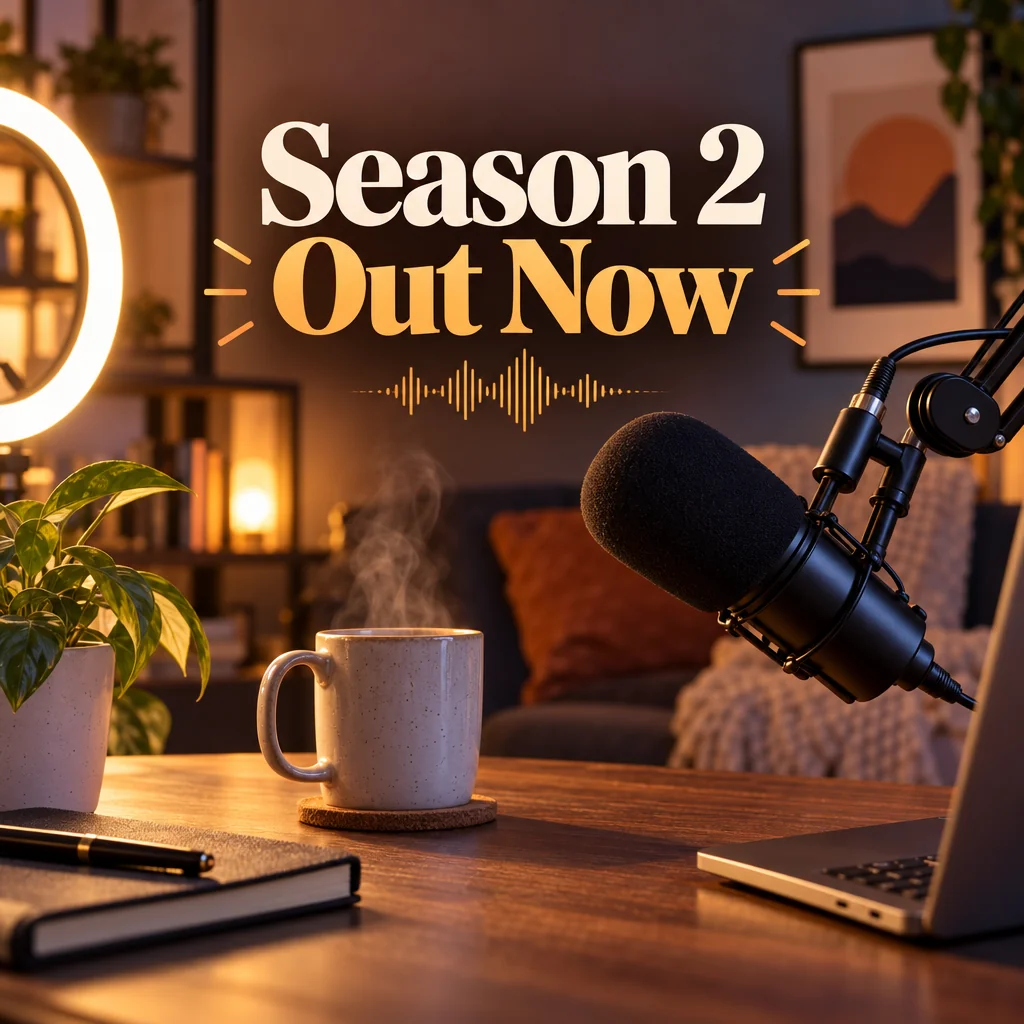
Feed posts, stories, pins, LinkedIn and X images from one description
 In
InAdd Object
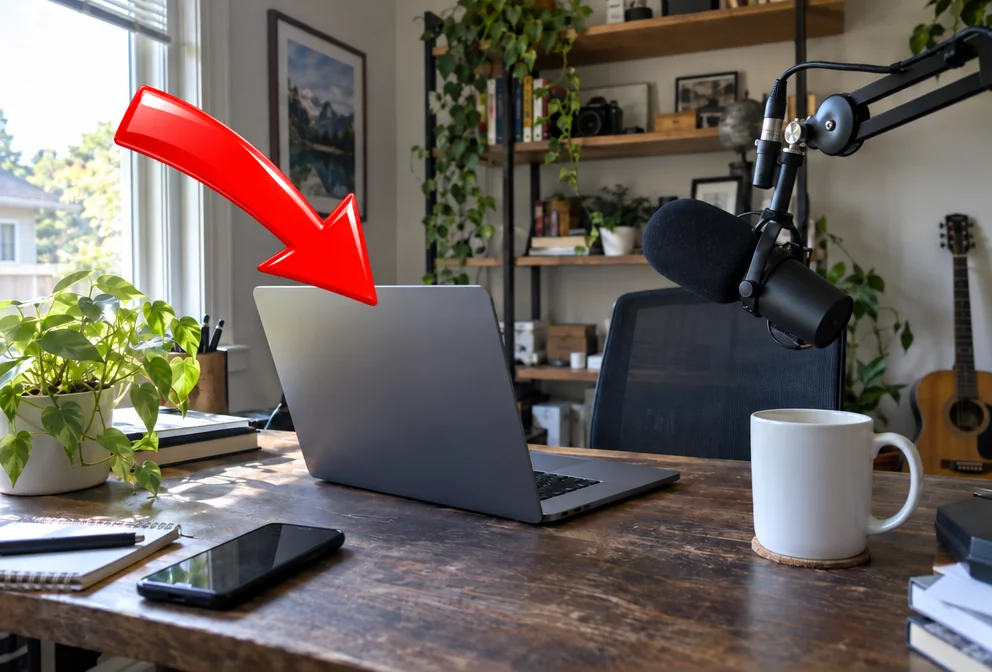
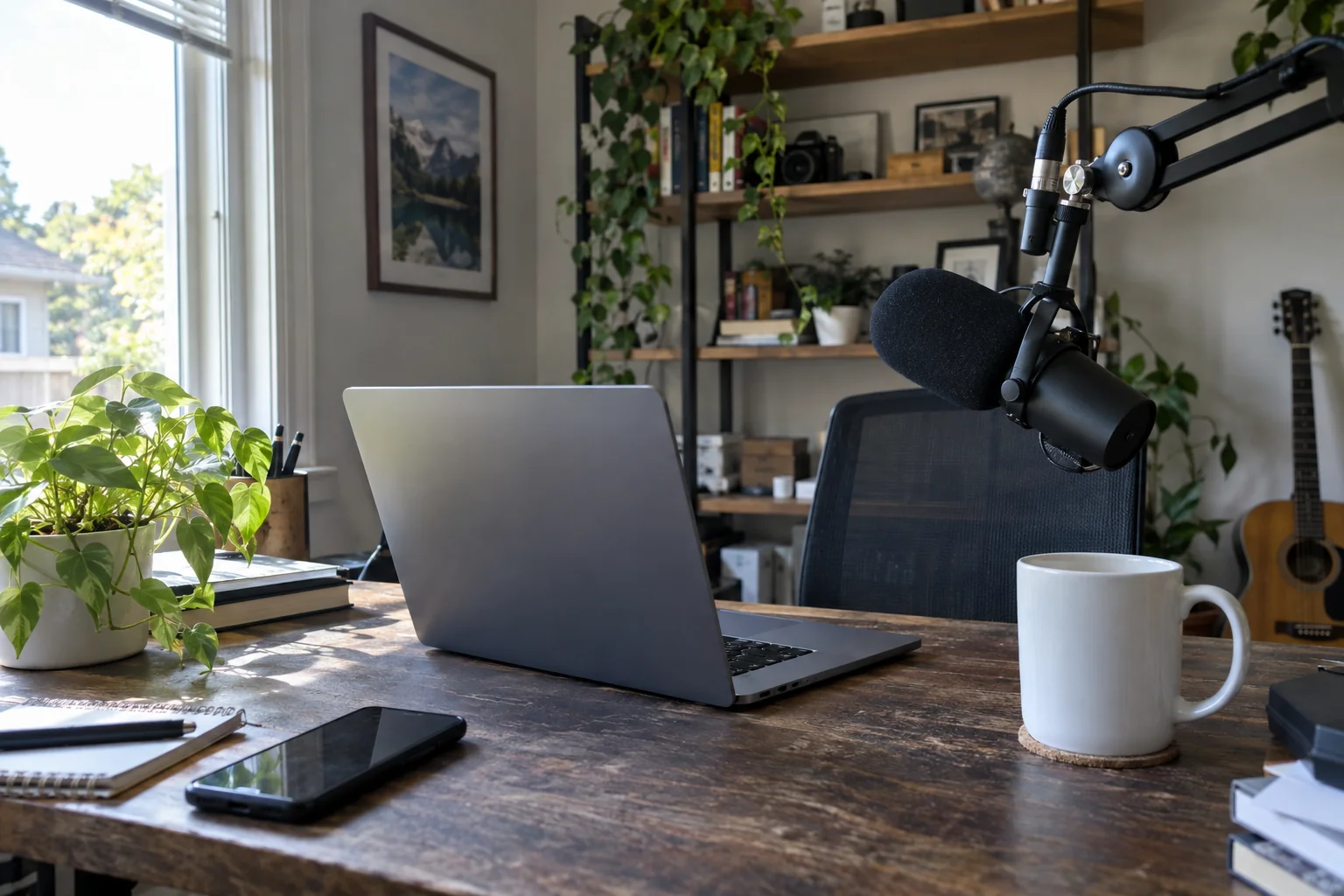
Add an arrow, a prop, a product or a mascot exactly where you say

 In
InText Behind Object
The text-behind-subject effect — SUBSCRIBE behind you, in one run
 In
InEdit With Words
Describe the change in plain words — the render updates, everything else stays