
Remix a Photo
Re-imagine a photo or artwork from one sentence, keeping the layout you had
4 free credits on signup — no card, no watermark.
- 1Upload the image you want to transform
- 2Describe the change in one sentence
- 3Generate, then Upscale or Reframe the version you keep


Standard
4 credits
Pro
12 credits
Max
44 credits
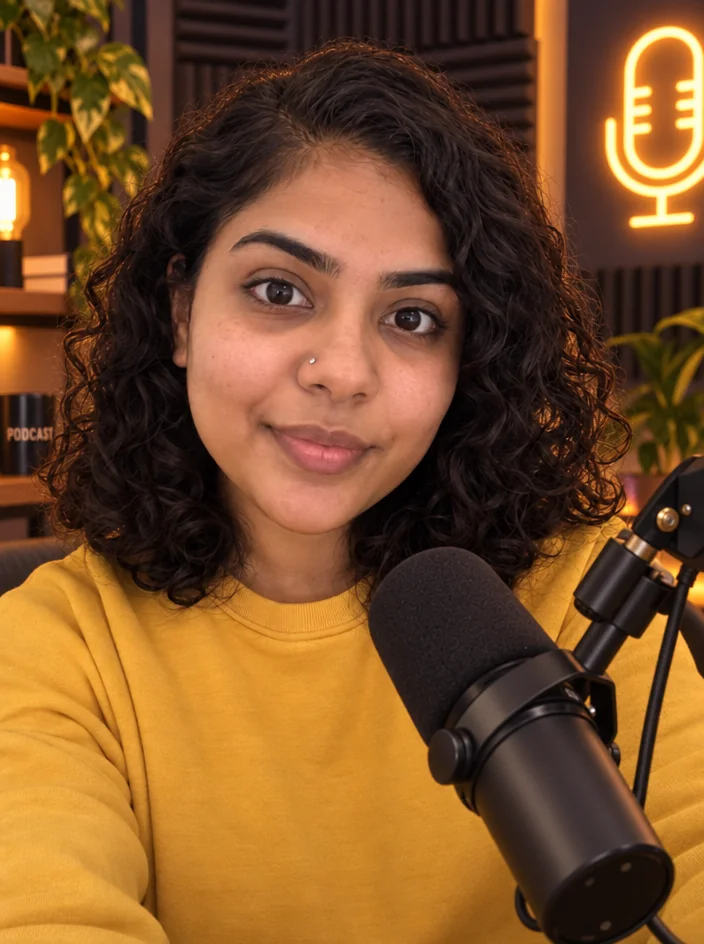
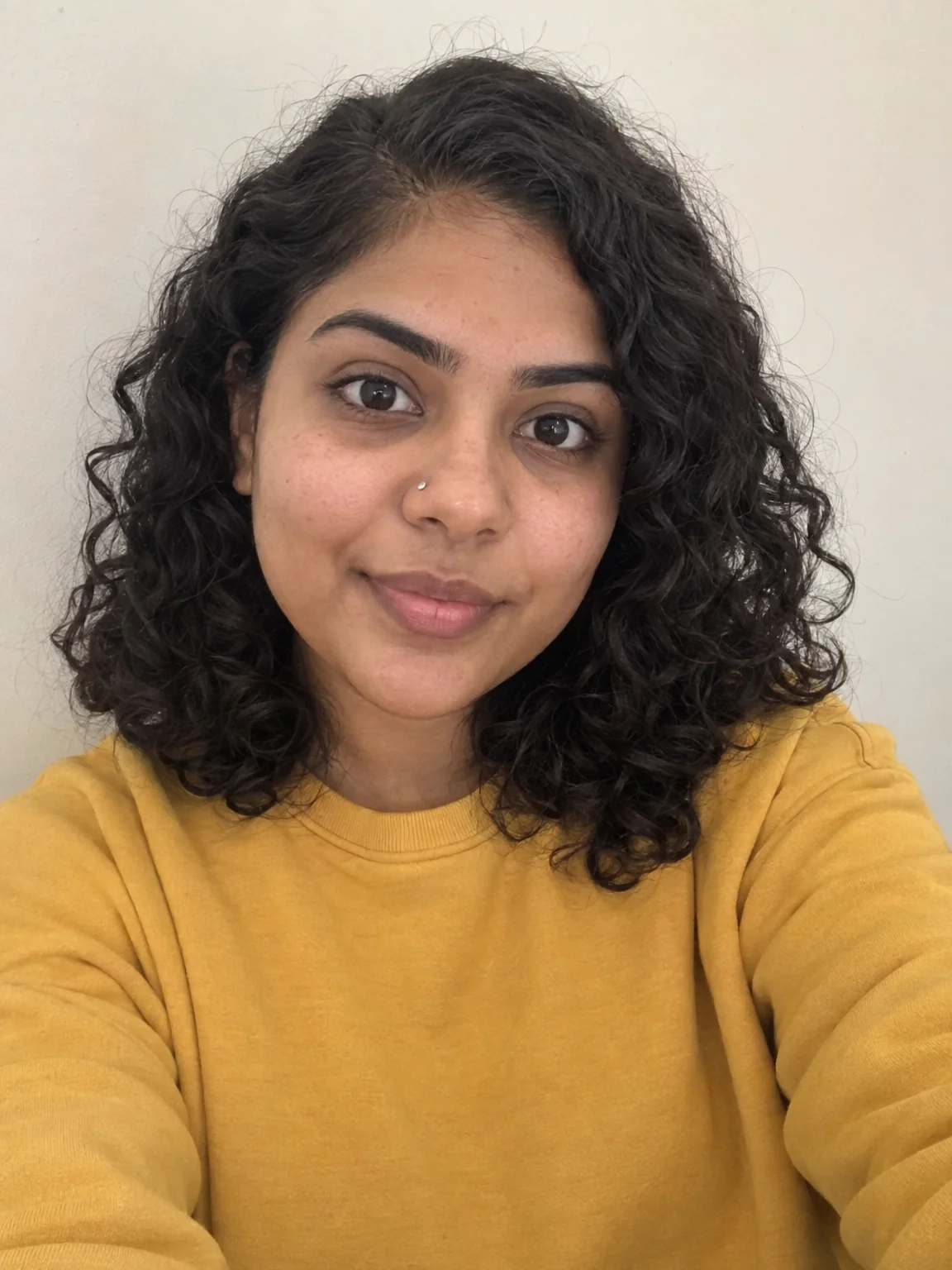
You have an image that is almost right. The thumbnail shot works but it is summer and the video is about winter. The illustration is good but the client wants it as a painting. The product photo would land harder with a moodier sky. Remix Any Image takes whatever you upload, a photo, a render, a drawing, an old post, and reshapes it according to one sentence, while keeping the layout and subject placement you already like. Instead of reshooting or re-drawing, you describe the change and get a new version in seconds. It is the quickest way to turn one good image into a season's worth of posts.
Upload the image and answer How should it change. That single field steers everything: make it a snowy winter evening, turn it into a watercolor painting, give it a cyberpunk neon look, same scene at golden hour. The tool keeps your composition, the positions of people and objects, and the overall framing, then re-renders surface, light, color and medium to match the sentence. The output keeps the original aspect ratio, so a 4:5 post stays a 4:5 post. Bigger requests transform more; gentle requests, such as 'slightly warmer and softer', stay close to the source. Be specific about what should not change if something matters, like a logo or a face.
A one-photo run costs 4 credits at Standard, 12 at Pro and 44 at Max. Try a few directions at Standard, then finish the keeper at Pro. Chain it: remix at Standard, Upscale the winner, then Reframe it into every ratio you post. For precise edits, like swapping one object or fixing text, Edit With Words or Change Text are more surgical. For an artist's-style overhaul, Photo to Art is tuned for that. Use Photo to Video to bring the new version to life as a clip. Your 4 free credits at signup cover a first Standard remix, so try it on last month's best-performing post.
What you control
- Your image
- How should it change?
Every tool comes with
- The right ratio for the platform, already set
- Standard, Pro and Max tiers per run
- Edit with words, reframe, upscale or animate the result
- Everything saved to your creations rail
Questions
Will it change the people or products in my photo?
It keeps their positions and general shapes, but a strong style request can alter faces, textures or a label. If those need to stay exact, say so in the sentence, or use Edit With Words for a targeted change.
What happens if I ask for a small tweak versus a big one?
Small requests like 'a little warmer' stay very close to the original. Big requests like 'make it an oil painting at night' rebuild most of the surface while keeping the layout. Scale the wording to the result you want.
How is this different from Photo to Art or Edit With Words?
Remix Any Image transforms the whole picture from one sentence. Photo to Art is focused on artistic media. Edit With Words is for precise, local changes like removing a cup or recoloring a jacket while leaving everything else untouched.
Does the output stay the same size as my upload?
The aspect ratio matches your source, so nothing gets cropped. Resolution can be increased afterward with Upscale, and if you need other ratios for different platforms, run the result through Reframe.
Can I try Remix a Photo without paying?
Yes — every new account starts with 4 free credits, enough for a Standard run of most tools. Plans start at $15 for 1,000 credits a month and packs at $4.99 for 250.
 In
InEdit With Words
Describe the change in plain words — the render updates, everything else stays

 In
InPhoto to Artwork
Turn a photo into an oil painting, anime frame, comic panel or mosaic

 In
InStyle Match
Repaint a photo in a famous style or match any reference image

 In
InReframe for Platform
16:9 to 9:16 to 1:1 to 3:1 — the subject stays, the scene extends or crops