
Add Someone to a Photo
Drop a person from one photo into another, matched to the light and scale
4 free credits on signup — no card, no watermark.
- 1Upload the scene photo with space for one more
- 2Upload a clear photo of the person to add
- 3Run it, then adjust position in Edit With Words if needed


Standard
4 credits
Pro
14 credits
Max
46 credits
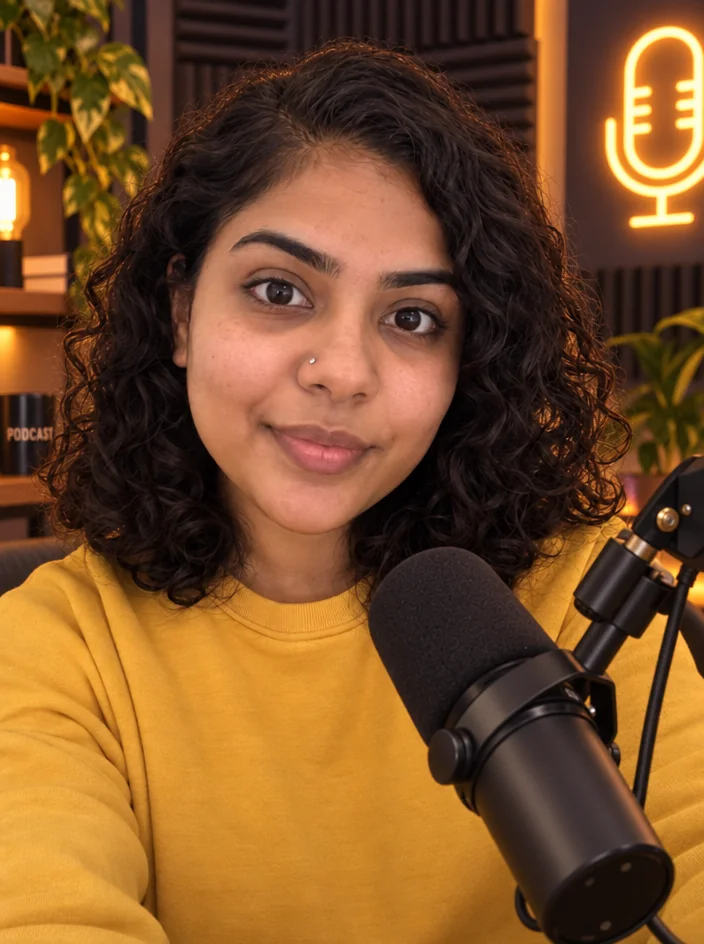
Your collab partner could not make the meetup. The group photo for the podcast launch is missing one host. Your friend wants to be in the trip recap even though they only joined for a day. Add Someone to Photo takes a main photo and a second photo of the person you want in it, and puts them into the scene at a believable size, with matching light and a shadow on the ground. The people already in the frame do not move. The result is a shot that works for a collab announcement or a guest episode cover without anyone having to be in the same city.
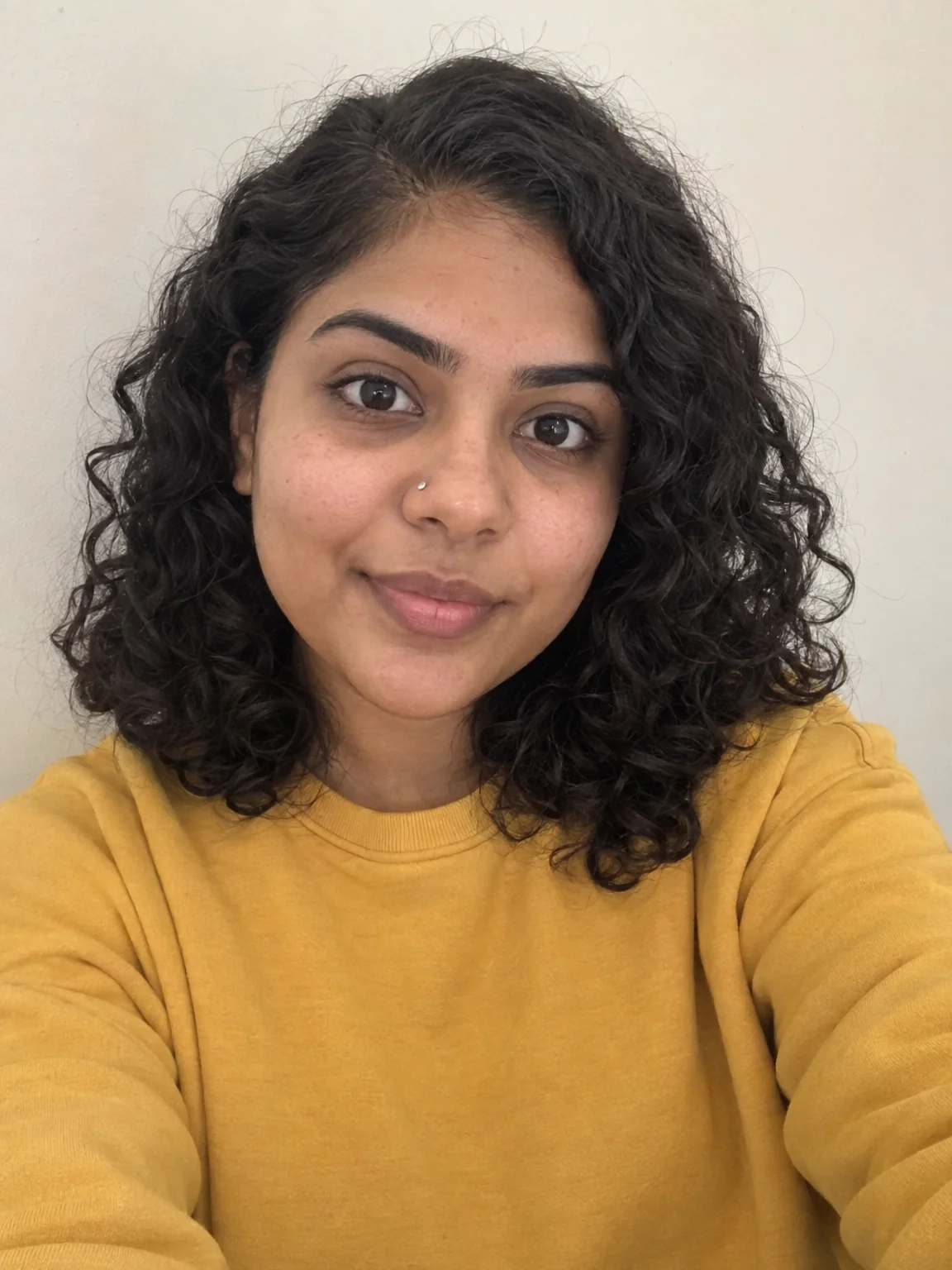
Two uploads, no text fields. The first is the scene, the second is the person, ideally a clear photo with their whole body or at least the same crop you want in the final. The tool reads where people are standing, finds an open spot that makes sense, scales the new person to the others and adjusts color and direction of light so they belong. Their face, hair and outfit stay true to the reference photo. Everyone already in the main image keeps their pose and expression, and the background is not regenerated. If you want them in a specific spot, choose a main photo with obvious space there.
Standard is good for checking placement and scale. Rerun at Pro when the post is going out, since edges, hair and the contact shadow come out cleaner. Two-photo runs cost 4 credits at Standard, 14 at Pro and 46 at Max, and 4 free credits on signup cover a Standard attempt. If the added person needs moving or a small pose tweak, open the result in Edit With Words and say what should change. Reframe gives you the 9:16 and 4:5 versions for stories and the grid. For a full group where nobody was in the same place, look at Group Photo instead, which builds the shot from everyone's photos at once.
What you control
- The photo to add them to · Photo of the person to add
Every tool comes with
- The right ratio for the platform, already set
- Standard, Pro and Max tiers per run
- Edit with words, reframe, upscale or animate the result
- Everything saved to your creations rail
Questions
Which photo of the person works best?
A sharp, front-facing photo in even light with their full body or the same crop as the main image. Avoid heavy filters and sunglasses if the final shot should show their face clearly.
Will it change the people already in my photo?
No. Everyone already in the frame keeps their position, pose and expression. The tool only adds the new person and adjusts light and shadow around them.
How many people can I add in one run?
One person per run. To add more, take the result and run it again with the next person. Each pass keeps everything from the previous one.
What happens if the two photos have very different lighting?
The added person is relit to match the scene, so an indoor portrait can be placed into a sunset photo. Extreme mismatches like a flash photo into candlelight can look slightly off, so rerun at Pro or pick a closer reference.
Can I try Add Someone to a Photo without paying?
Yes — every new account starts with 4 free credits, enough for a Standard run of most tools. Plans start at $15 for 1,000 credits a month and packs at $4.99 for 250.

 In
InRemove a Person
Describe who to remove and they vanish, background rebuilt behind them

 In
InCollab Group Photo
One group photo of 2–4 people who were never in the same room
 In
InEdit With Words
Describe the change in plain words — the render updates, everything else stays

 In
InReframe for Platform
16:9 to 9:16 to 1:1 to 3:1 — the subject stays, the scene extends or crops