
Ebook Cover Maker
Front covers with your title and name, styled to the genre, at ebook ratio
4 free credits on signup — no card, no watermark.
- 1Enter the title, your name and the genre
- 2Add a mood in a few words if you want one
- 3Generate, check the type, then Upscale for print

Standard
2 credits
Pro
10 credits
Max
42 credits
You wrote the thing. Maybe it is a novel, maybe a 40-page guide you give away for newsletter signups, maybe a recipe book for your community or the workbook behind your course. Now it needs a cover that looks like it belongs next to real books, because readers judge in half a second. Author Book Covers builds a complete front cover from the title, your name, the genre and a mood, with the type and the art designed together. It comes out at 2:3, the standard ebook and paperback front proportion, so it drops straight into a store listing, a landing page, a Kindle upload or an audiobook thumbnail with minimal fuss.
Fill in the Book title and the Author name exactly as you want them printed. Give the Genre in plain words, such as historical fiction, cozy mystery, self-help or a creator business guide; genre drives everything from font choice to color and imagery, so be specific. The Mood field is optional but powerful: windswept and melancholic, bright and punchy, dark and tense. The tool lays out the title large, the author name smaller, and composes artwork that fits the genre's shelf conventions, so a thriller looks like a thriller and a children's book looks warm. Nothing else is added: no fake blurbs, no publisher logos, no review quotes.
Make three or four Standard covers for 2 credits each with different moods and pick the strongest at thumbnail size, because that is how most readers first see it. Rerun the winner at Pro for 10 credits or Max for 42 credits for print. If a letter renders oddly, fix it with Change Text rather than regenerating. Reframe extends the art into a full wrap or a 16:9 header for your website, and Upscale prepares it for paperback printing. Post the reveal with Social Post and turn it into a short teaser with Photo to Video. Your 4 free credits at signup cover a first Standard cover.
What you control
- Book title
- Author name
- Genre
- Mood
- 2:3 output
Every tool comes with
- The right ratio for the platform, already set
- Standard, Pro and Max tiers per run
- Edit with words, reframe, upscale or animate the result
- Everything saved to your creations rail
Questions
Does it print the title and author exactly as I typed them?
It lays out the exact words you enter. Unusual spellings or very long titles can occasionally shift, so check the render closely and use Change Text to correct a letter rather than rerunning the whole cover.
How do I get the back cover and spine for a paperback?
Generate the front here, then open it in Reframe and extend it to the full wrap width your printer specifies. Add back-cover text with Change Text or your layout tool. Ask the printer for the exact dimensions first.
What if my genre is unusual, like a memoir about streaming?
Write it out just like that. The genre field accepts any phrase, and a specific description such as 'memoir about a decade of streaming' pulls better imagery than a vague label like 'nonfiction'.
Is 2:3 the right size for Kindle and audiobook stores?
2:3 fits most ebook store requirements and paperback fronts. Audiobook platforms want a square, so make the cover here, then Reframe it to 1:1, or build a square version with Album Artwork.
Can I try Ebook Cover Maker without paying?
Yes — every new account starts with 4 free credits, enough for a Standard run of most tools. Plans start at $15 for 1,000 credits a month and packs at $4.99 for 250.
 In
InText Replacer
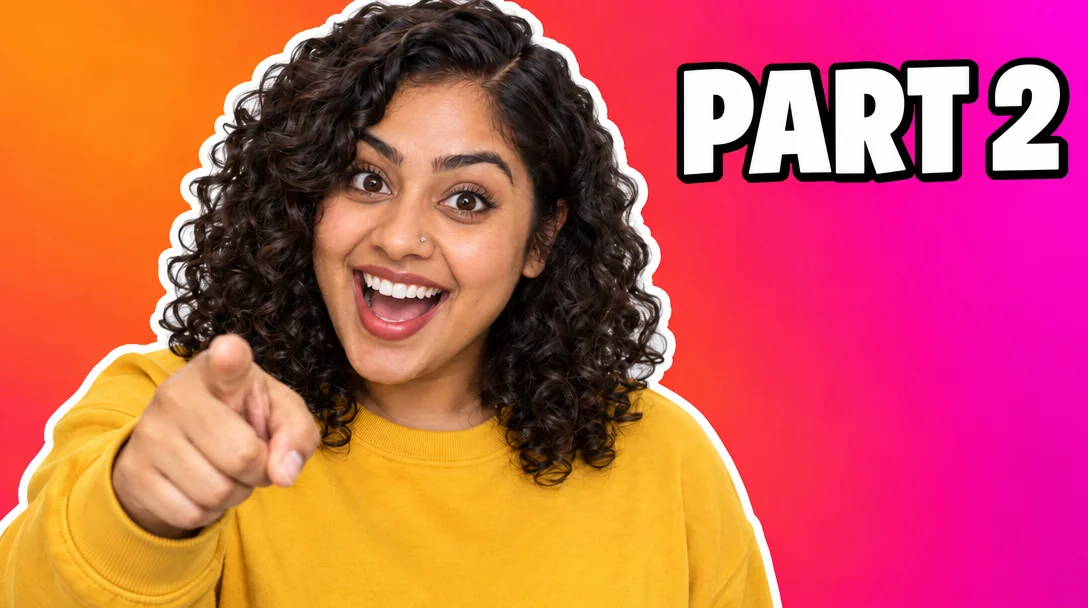
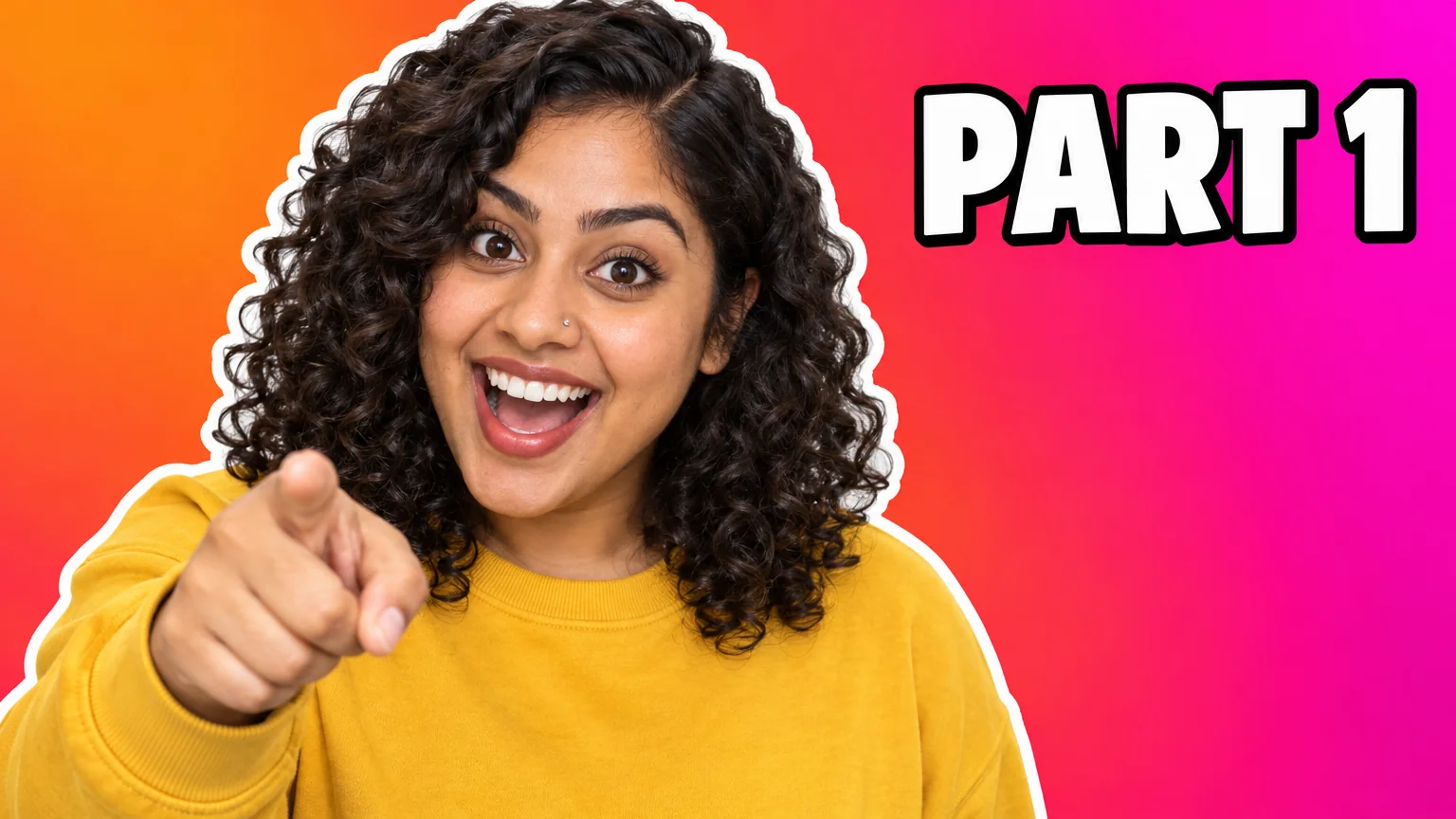
Swap PART 1 for PART 2 — same font, same size, same background

 In
InReframe for Platform
16:9 to 9:16 to 1:1 to 3:1 — the subject stays, the scene extends or crops

 In
InImage Upscaler
4K thumbnails and print-size banners — 4, 8, 16 or 32 MP from any render

Single & Album Art
Square cover art with your artist name and title, styled for the genre