
Fan Wallpaper Maker
Lock-screen and desktop wallpapers sized for the device, from one line
4 free credits on signup — no card, no watermark.
- 1Describe the scene, mood and colors you want
- 2Pick the device shape: phone, desktop, tablet, ultrawide or square
- 3Generate, then Upscale and share the download

Standard
2 credits
Pro
10 credits
Max
42 credits
Your community keeps asking for a wallpaper. Maybe it is the scene from your latest video, the mood of your channel, or just something nice to hand out on a Sunday. Fan Wallpapers turns one line of text into a finished, full-bleed background sized for the screen it will live on. No stock hunting, no cropping a thumbnail until it looks wrong. You describe the mood, pick the device, and get an image that fills the display edge to edge. Post it as a member perk, a Discord drop, a reward for hitting a sub goal, or the freebie behind your link in bio. It becomes a small piece of your brand living on someone's lock screen every single day.
Start with the Describe the wallpaper field. Be specific about subject, light and palette: misty pine forest at sunrise gives you something very different from neon skyline in rain. Then choose the Device. Phone renders a tall 9:16 that fits lock screens and home screens. Desktop gives you 16:9 for laptops and monitors, tablet gives 4:3, ultrawide stretches to 21:9 for gaming setups, and square 1:1 works for profile grids and tiled backgrounds. The tool composes for that shape from the start, so the focal point sits where the clock and app icons will not cover it. Text is left off on purpose; a wallpaper should stay clean so the phone's own widgets read over it.
Run a few ideas at Standard first, where a text-only render costs 2 credits, and pick the direction that feels like your channel. Then rerun the winner at Pro for 10 credits, or Max for 42 when it is going on a big monitor. Need the same design for every device? Send it through Reframe to get the other ratios without describing it again. Upscale before you bundle the download pack. If you want your logo tucked into a corner, push it through Edit With Words. Everything you make lands in the Your creations rail, so a fresh monthly wallpaper set takes minutes, not an afternoon. Your 4 free signup credits cover the first Standard run.
What you control
- Describe the wallpaper
- DevicePhone (9:16)Desktop (16:9)Tablet (4:3)Ultrawide (21:9)Square
Every tool comes with
- The right ratio for the platform, already set
- Standard, Pro and Max tiers per run
- Edit with words, reframe, upscale or animate the result
- Everything saved to your creations rail
Questions
Which device shape should I pick for a wallpaper pack?
Start with phone (9:16), since most fans set wallpapers on their lock screen. Desktop (16:9) is the second most requested. Make one, then run it through Reframe to cover the rest without rewriting the prompt.
Does it keep the important part of the image away from the clock?
Yes. The composition is built for the ratio you choose, so the focal point sits in the middle band on phone renders and the top stays calmer. You can still nudge it with wording like 'subject low in frame'.
Can I put my channel name or logo on it?
The base render is text-free so it stays clean on a home screen. If you want a small wordmark or logo, open the result in Edit With Words and describe where it should go, or use Text Behind Object for a layered look.
How many credits does one wallpaper cost?
A Standard run is 2 credits, Pro is 10 and Max is 42. Most creators explore at Standard and only rerun the keeper at Pro before Upscaling it for large screens.
Can I try Fan Wallpaper Maker without paying?
Yes — every new account starts with 4 free credits, enough for a Standard run of most tools. Plans start at $15 for 1,000 credits a month and packs at $4.99 for 250.

 In
InReframe for Platform
16:9 to 9:16 to 1:1 to 3:1 — the subject stays, the scene extends or crops

 In
InImage Upscaler
4K thumbnails and print-size banners — 4, 8, 16 or 32 MP from any render

 In
InChannel Banner Maker
Channel banners at the right ratio for YouTube, Twitch, X, LinkedIn and Discord
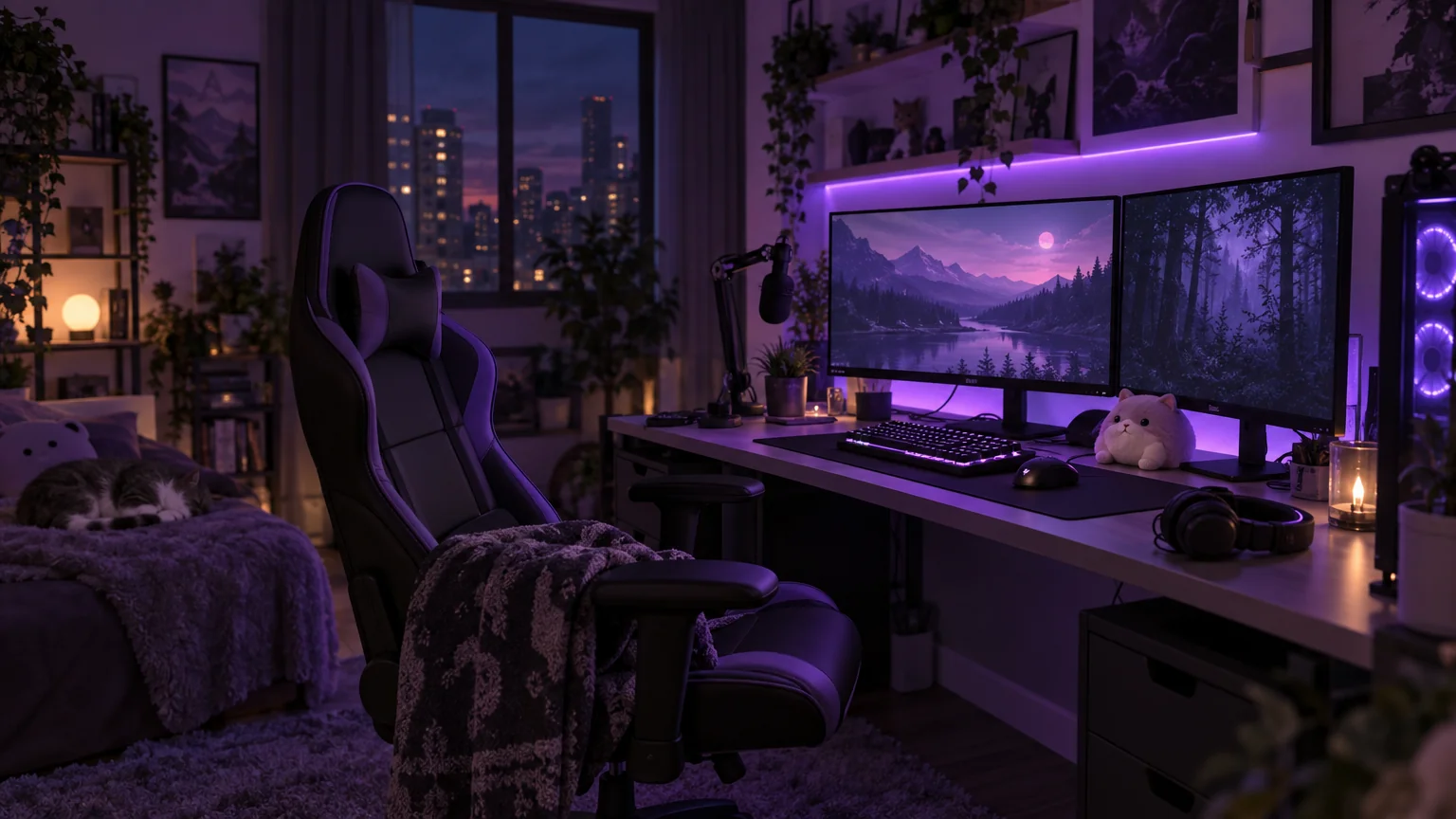
Image Generator
Any image from a description, at any of 14 sizes — backgrounds, B-roll, props